

How to start a Jam on Spotify and invite friends
A Jam is a shared queue everyone can add to. The host needs Premium, but friends can join for free.

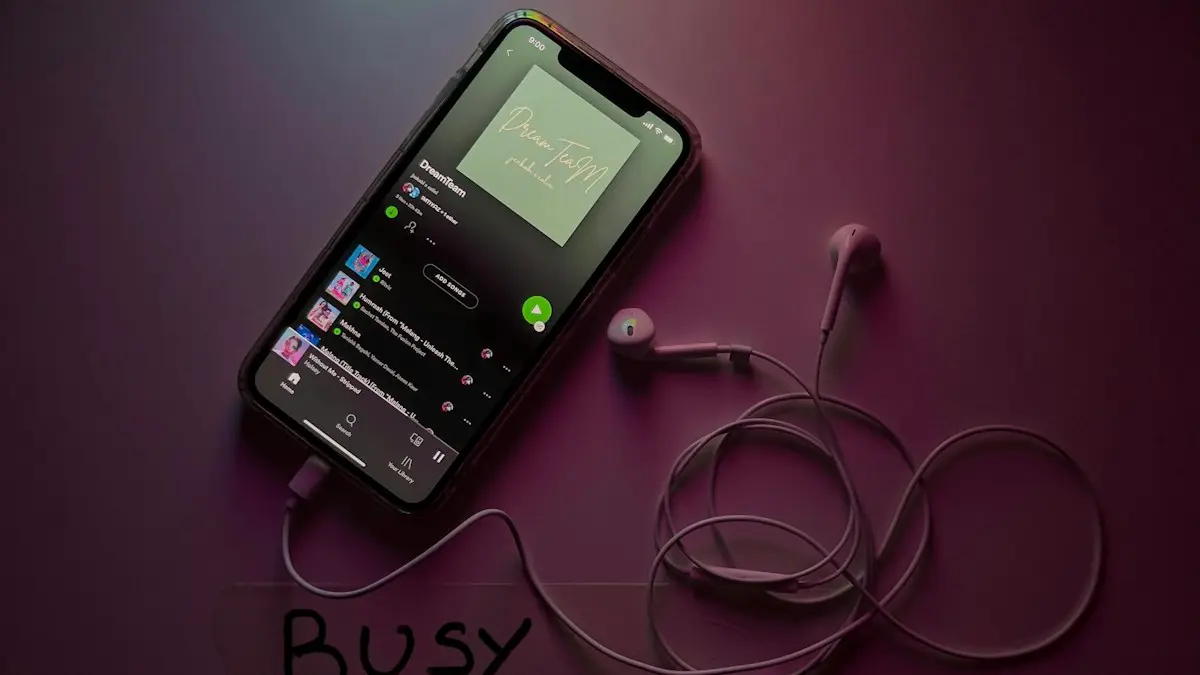
Photo by Thibault Penin on Unsplash
The fix
Start a Jam
- 1
Open a song or playlist.
- 2
Tap the three dots, then Start a Jam.
- 3
Tap Invite and share the link, or show the QR code.
The fix
Join a Jam
- 1
Tap the invite link, or scan the QR code with your camera.
- 2
Tap Join and add songs to the queue.
What is Spotify Jam?
Jam is Spotify's shared listening feature. One person hosts, and everyone who joins can add songs to the same queue, like a shared playlist that builds as you go. Spotify also mixes in suggestions based on everyone's taste. It replaced the older Group Session feature. A Jam works in two ways: everyone listens on one speaker in the same room, or each person listens on their own phone from different places.
Who can host and who can join
- Host: needs Spotify Premium. Only the host's account plays the music.
- Guests in the same room: Free and Premium users can join and add songs.
- Guests in other places: Premium is needed to listen along on your own device in a remote Jam.
- Size: up to 32 people.
How to start a Jam on Spotify from your phone
- Open Spotify on iPhone or Android and play any song, album or playlist.
- Tap the song at the bottom to open the Now Playing screen.
- Tap the three dots at the top right and choose Start a Jam. On some versions you can also tap the devices icon at the bottom left and choose Start a Jam there.
- Tap Invite to send a link by text, WhatsApp or any app. Friends nearby can scan the QR code on your screen.
- The queue now shows a Jam banner with everyone's profile pictures.
You can also start one from a playlist page: tap the three dots on the playlist and look for Start a Jam.
Start a Jam on a speaker or TV
If you are playing on a Spotify Connect speaker, smart TV or game console, tap the devices icon, connect to the speaker, then choose Start a Jam. Guests add songs from their own phones, and music plays through the speaker. Some speakers let people near them join when they open Spotify on the same Wi-Fi network.
Jam on a computer
In the Spotify desktop app, right click a playlist or open the queue and look for Start a Jam, or use the Connect to a device menu. Jam on desktop has been more limited than on mobile, and the options change with app updates. If you do not see it, start the Jam from your phone and play it to the computer through Spotify Connect.
Ways to join
- Link: tap the invite link. It opens Spotify and asks you to join.
- QR code: point your phone camera at the host's screen and tap the link that appears.
- Nearby: with Bluetooth on, Spotify may show a Join prompt when you are close to someone hosting, if they allow it.
- Tap phones: some phones can join by holding them near the host's phone.
- Car: passengers can join a Jam started from Android Auto by scanning a QR code on the car screen.
Host controls
Open the queue and tap the Jam settings. The host can:
- Turn off Let guests control playback so only the host can skip, pause or reorder.
- Remove a guest by tapping their name.
- Turn Show who added songs on or off.
- End the Jam for everyone by tapping End.
Guests can leave at any time from the same screen. When the host ends the Jam, everyone drops back to their own listening.
Does a Jam affect your recommendations?
Songs played in a Jam can count toward the host's listening history and taste profile. If a party mix fills your Discover Weekly with songs you do not like, there is not a single switch to exclude Jams. Some people host from a playlist marked Exclude from your taste profile, which is in the playlist's three dots menu.
Why don't you see Start a Jam?
- You are on Spotify Free. Hosting needs Premium.
- Your app is out of date. Update Spotify from the App Store or Google Play.
- You are in a Kids account or a managed Family account with explicit content or features limited.
- You are playing a podcast or audiobook. Jam works with music.
- Your country does not have the feature yet.
Jam not working?
If the invite link does not open Spotify, copy it into a browser on the phone, or update the guest's app. If guests can join but songs do not play, the host should check their connection. Music pausing for everyone is often the host's phone putting Spotify to sleep; see why Spotify keeps pausing. If nothing in Spotify works, start with Spotify not working.
Jam vs Blend vs collaborative playlists
- Jam: live, in the moment. Ends when the host ends it.
- Blend: a playlist Spotify builds automatically from two or more people's taste, updated daily.
- Collaborative playlist: a normal playlist that friends can add to at any time. Good for a road trip or wedding list planned ahead.
For a party tonight, Jam is the best fit. For a playlist you keep, use a collaborative playlist.
Remote Jams: listening from different places
You do not have to be in the same room. Send the invite link to friends anywhere. Each person who joins hears the music on their own phone, in sync, and can add to the queue. Everyone listening remotely needs Premium. This works well for long distance couples, study sessions over a video call, or a group chat sharing new music. The audio is not perfectly synced to the millisecond, so a small delay between phones is normal.
Spotify Jam in the car
With Android Auto, the driver's phone hosts, and the car screen can show a QR code. Passengers scan it and add songs from their own phones, so the driver does not have to touch the screen. Support in Apple CarPlay has been more limited; if you do not see the option there, start the Jam on your phone before you drive and share the link with passengers. Never set up a Jam while driving.
Tips for a better party Jam
- Start from a playlist that sets the mood, so the queue has a base while guests add songs.
- Turn off guest control of playback if people keep skipping each other's songs.
- Plug the host phone into a charger. Hosting for hours uses battery, especially with the screen on.
- Download the base playlist in case the Wi-Fi is weak at the venue.
- If explicit songs are a concern, check the host account's explicit content setting under Settings and privacy › Content and display.
Is Spotify Jam safe to share?
Guests see your profile name and picture, and the songs in the queue. They do not get access to your account, password, playlists or payment details. Anyone with the link can join while the Jam is active, so share it only in chats you trust, and end the Jam when the party is over. Removing a guest from the Jam screen stops them adding more songs right away.
Does Jam use a lot of data?
The host streams music like normal. Each remote listener streams on their own device too, using the same data as regular Spotify listening, roughly 40 to 150 MB per hour depending on audio quality. In the same room on one speaker, only the speaker or host phone streams.
Leaving a Jam as a guest
Open the queue or the Now Playing screen, tap the Jam banner and choose Leave. Your phone goes back to your own music. Songs you added stay in the host's queue until they play or the host removes them. If you joined by mistake from a nearby prompt, leaving right away is enough, and the host will not see anything else from your account.
Frequently asked questions
Why don’t I see Start a Jam?
You need Spotify Premium and the latest app. Update Spotify and check you are not in a Kids or Family child account.
Can we Jam from different places?
Yes. Share the invite link and friends can join a remote Jam from anywhere.
Do you need Premium for Spotify Jam?
The host needs Spotify Premium. Guests can join and add songs with a free or Premium account, but free users can only join a Jam in person on some devices, not remotely.
How many people can join a Spotify Jam?
Spotify allows up to 32 people in one Jam, including the host.
People also ask
Why does Spotify pause when someone else plays?
Most plans allow only one device to play at a time. If someone uses your account elsewhere, your music stops. Sign out everywhere and change your password.
Read the full guide: Spotify keeps pausingWhy does Spotify say I am offline?
Offline mode may be on, or Spotify cannot use mobile data. Turn off Offline mode in Settings › Playback and allow mobile data for Spotify.
Read the full guide: Spotify not workingRelated guides

Spotify keeps pausing
Spotify keeps pausing by itself? Check if someone else is using your account, stop battery saving from killing it, fix Bluetooth and try 5 more fixes.
Spotify not working
Spotify not working, crashing or not playing? Check for an outage, turn off Offline mode, clear Spotify’s cache and try 6 more fixes for iPhone and Android.
More guides you may need

Unarchive a WhatsApp chat
Find your archived chats in WhatsApp and move them back to the main list on iPhone, Android or WhatsApp Web. Plus why archived chats come back on their own.
WhatsApp account restricted
WhatsApp says your account is restricted? See how long it lasts, request a review if it is a mistake, and stop the habits that trigger restrictions and bans.