FeaturediPhone
iPhone Duo apps not optimized
iPhone Duo apps not optimized? See why some apps sit in a small centered window, what you can and can't fix, and how to check and update your apps.
7 min read
Show me the fix

Practical iPhone guides written for real situations: something stopped working, a setting moved, or you need to know where a feature lives in the current version of iOS.
100 guides
iPhone Duo apps not optimized? See why some apps sit in a small centered window, what you can and can't fix, and how to check and update your apps.
Erase All Content and Settings not working? Fix Find My and Apple Account blocks, eSIM prompts and stuck erases, or erase from a computer or iOS Recovery.
Forgot notes password on iPhone? Reset it in Settings, learn why old locked notes stay locked, and see the few ways to get back in or avoid this next time.

iPhone Duo screen cracking reports are growing. See what Apple said on October 26, what owners report, repair costs, and what to do if your screen fails.
How to get Siri AI on iPhone: update to iOS 27, tap Try Siri AI (Beta) in Settings and join the waitlist. See supported iPhones, languages and regions.
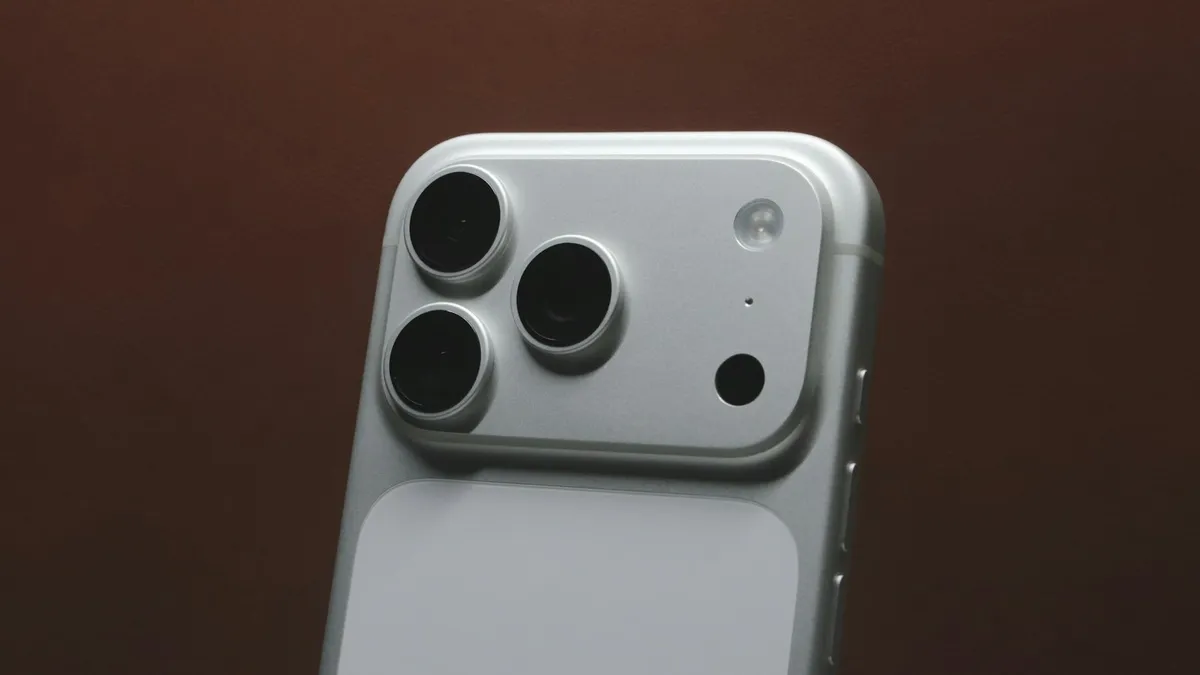
iPhone 18 Pro aperture explained: how the variable aperture works, where to change it in Camera and when to use f/1.48, f/1.8 and f/4. Official steps.
iPhone Duo price and release date from Apple's own pages: $1,999 start, October 23 availability, storage, colors, eSIM-only and trade-in credit explained.
iOS 27.0.1 is a bug-fix update. See the three fixes Apple lists, which iPhones they help, how to install it and whether you should update now.
iPhone back tap not working or not detected? Check the action, your model, the case and how you tap, then update and reset. 8 fixes for double and triple tap.
iPhone battery percentage not showing in the status bar? Turn on Battery Percentage, check your model, use Control Center or a widget. 7 ways to see the number.
iPhone camera keeps resetting settings every time you open it? Turn on Preserve Settings so your mode, filter and Live Photo choice stay put. 6 fixes.
iPhone flashlight turns on by itself in your pocket or when you wake the screen? Why it happens and 7 ways to stop it, from Tap to Wake to the Action button.
iPhone not vibrating for calls, texts or alerts? Check System Haptics, the Haptics setting, Vibration in Accessibility, Focus and Silent mode. 8 fixes.
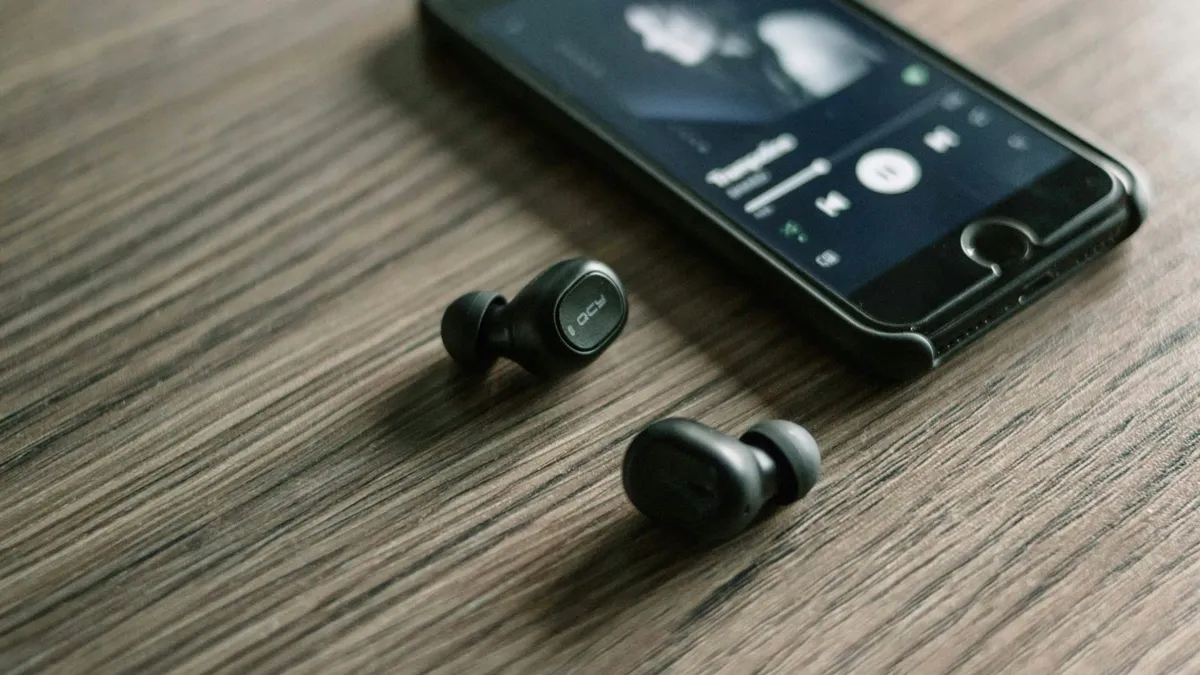
iPhone stuck in headphone mode with no sound from the speaker? Check Bluetooth, the audio output, the charging port and Silent mode. 8 fixes that work.
Your iPhone has been used more than usual since upgrading iOS and it may affect battery life? Here is what the message means, how long it lasts and 8 tips.
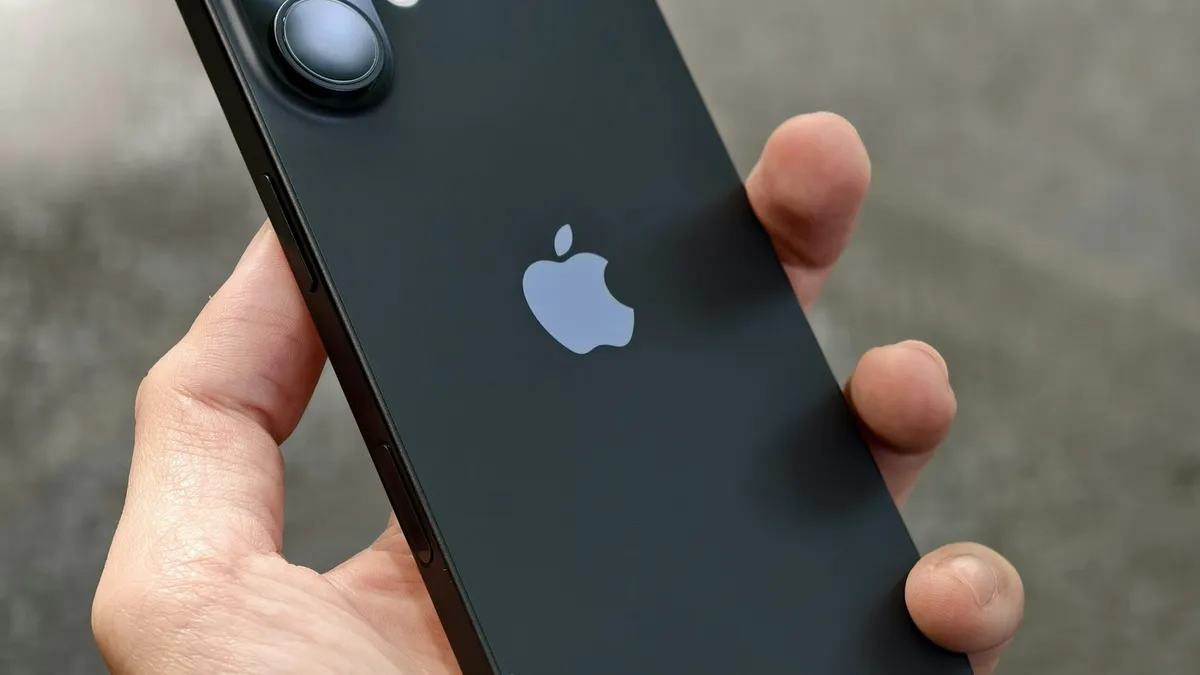
iPhone Quick Start not working or no prompt on your old phone? Check Bluetooth, Wi-Fi and iOS, restart both phones, or set up another way. 8 fixes.
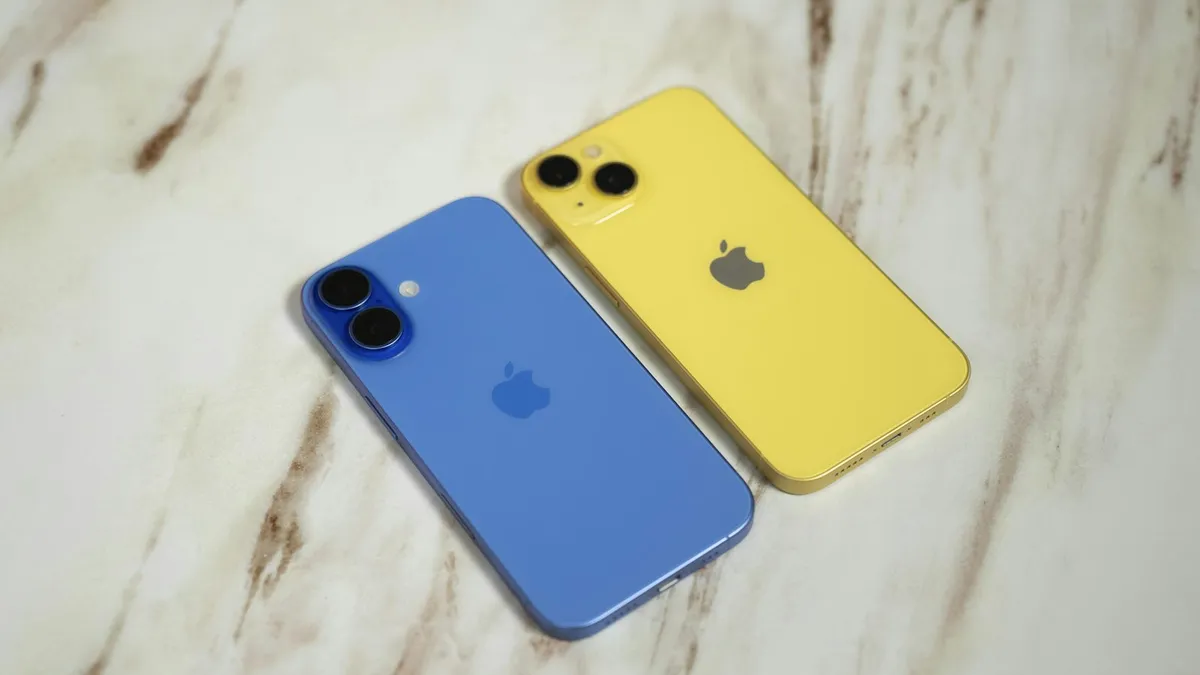
iPhone stuck on Waiting for Other iPhone during setup? Restart both phones, check Wi-Fi and Bluetooth, update, or switch to iCloud. 8 fixes that work.
No AirPrint printers found on your iPhone? Check the Wi-Fi network, printer support and settings. 9 fixes to get your printer to show up and print again.
Learn how to see blocked numbers on iPhone, Samsung and Pixel, where the list lives on iOS 26 and older versions, and how to unblock a number by mistake.

FaceTime paused your call with a sensitive content warning? Learn what triggers it, how it works on your iPhone, and where to turn it off in Settings.
iPhone says coverage expired in Settings? Learn what it means, how to check the real dates, when you can still renew AppleCare and what to do if it is wrong.

eSIM stuck on Activating on your iPhone? Wait a few minutes, toggle Airplane Mode, restart, update carrier settings and check the line, then call your carrier.
Mail on your iPhone shows 1 unsent message and will not clear? Open the Outbox, send or delete the stuck email, then check the server settings and account.
Getting no backups available when you restore an iPhone? Check your Apple Account, Wi-Fi, iOS version and iCloud backup list to find the backup that is missing.
iPhone storage stuck on calculating or not loading? Wait it out, restart, free some space and update iOS, or check storage from a computer when Settings fails.
iPhone stuck on reconnecting while setting up a new iPhone? Keep both phones close, check Wi-Fi and Bluetooth, restart, then use a cable or backup.
Seeing notifications silenced under a text on iPhone? It means a Focus is on. Learn who sees it, how to stop sharing it, and how to let a message through.
Photos stuck restoring from iCloud on your iPhone? Learn how long it takes, then fix it with Wi-Fi, power, Low Power Mode, cellular and iCloud Photos settings.
Safari showing the wrong city or state on your iPhone? Find out why sites guess your location from your IP address and how to fix it with a few settings checks.
Messages says syncing with iCloud paused on your iPhone? Check power, Wi-Fi, iCloud storage and the Messages in iCloud switch, then restart to resume syncing.
iPhone keeps asking to transfer phone number or it will not finish? Check iOS 18.4, Bluetooth, your Apple Account and your carrier. 7 fixes for a new iPhone.
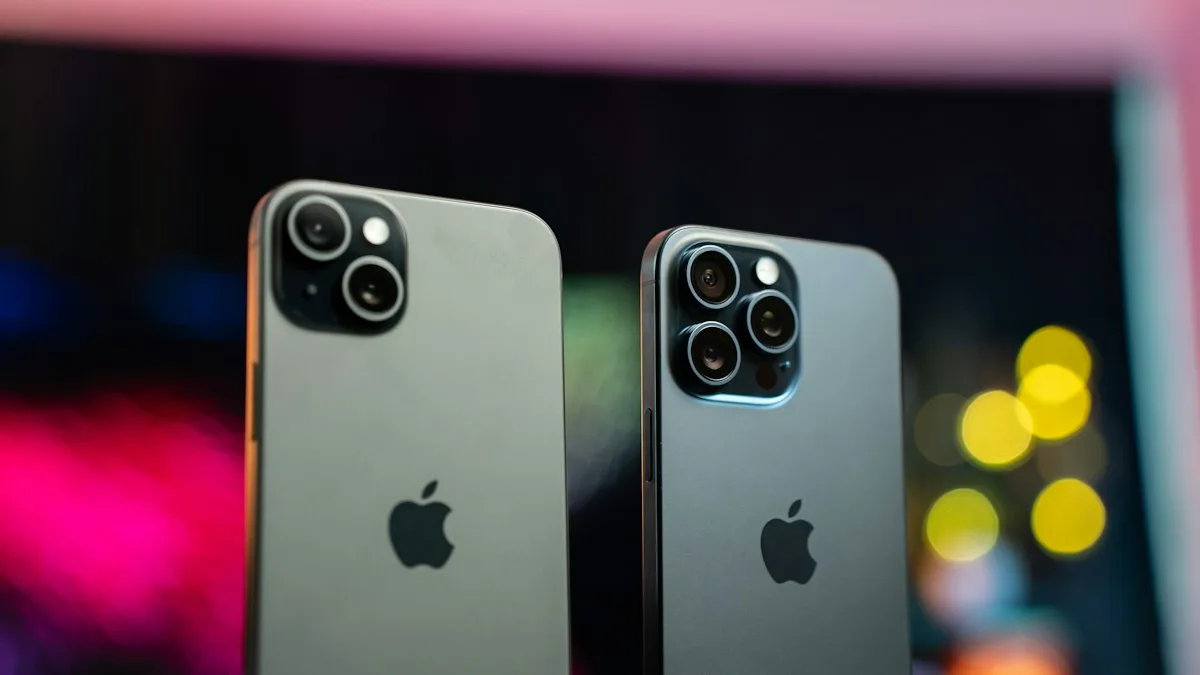
iPhone unable to complete data transfer in setup? Restart both phones, update, switch to a cable or iCloud, and fix an Apple logo stall. 7 fixes.

iPhone keeps asking to change passcode or says to update it within 60 minutes? Find the profile or work email causing it, meet the rule and stop the prompt.
iPhone red dot on Phone app that will not go away? Check voicemail, Deleted Messages and Recents, refresh your carrier count and turn off the badge.
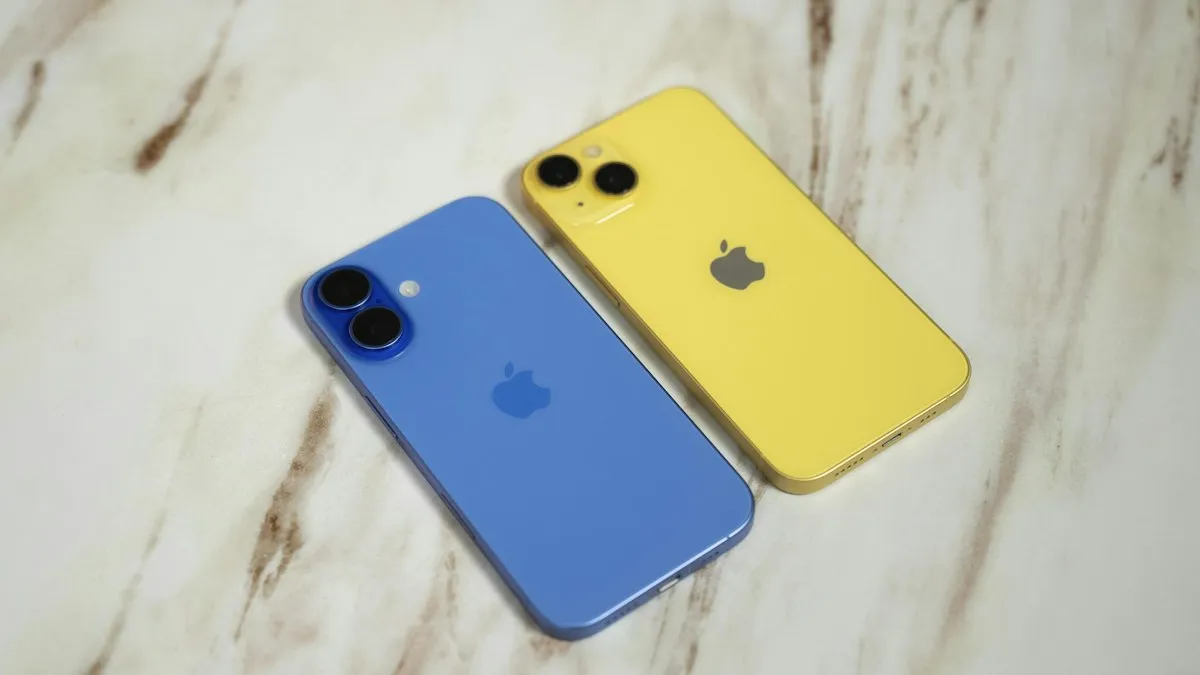
iPhone stuck on preparing to transfer during setup? Learn how long to wait, what to check on both phones and how to use iCloud or a computer instead.
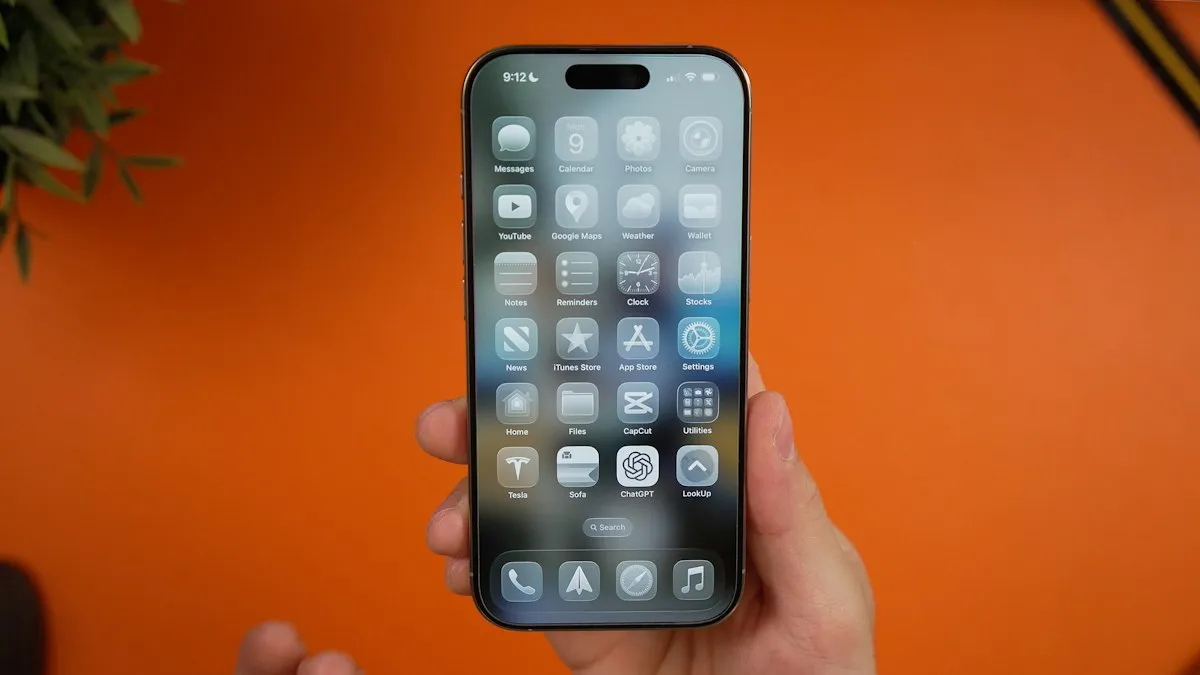
iPhone stuck on update requested and not downloading? Check Wi-Fi and storage, delete the update, reset network or update from a computer. 7 fixes.
iPhone contacts missing or disappeared? Check your Lists, iCloud and Gmail sync, then restore contacts from iCloud.com or a backup. 7 ways to get them back.
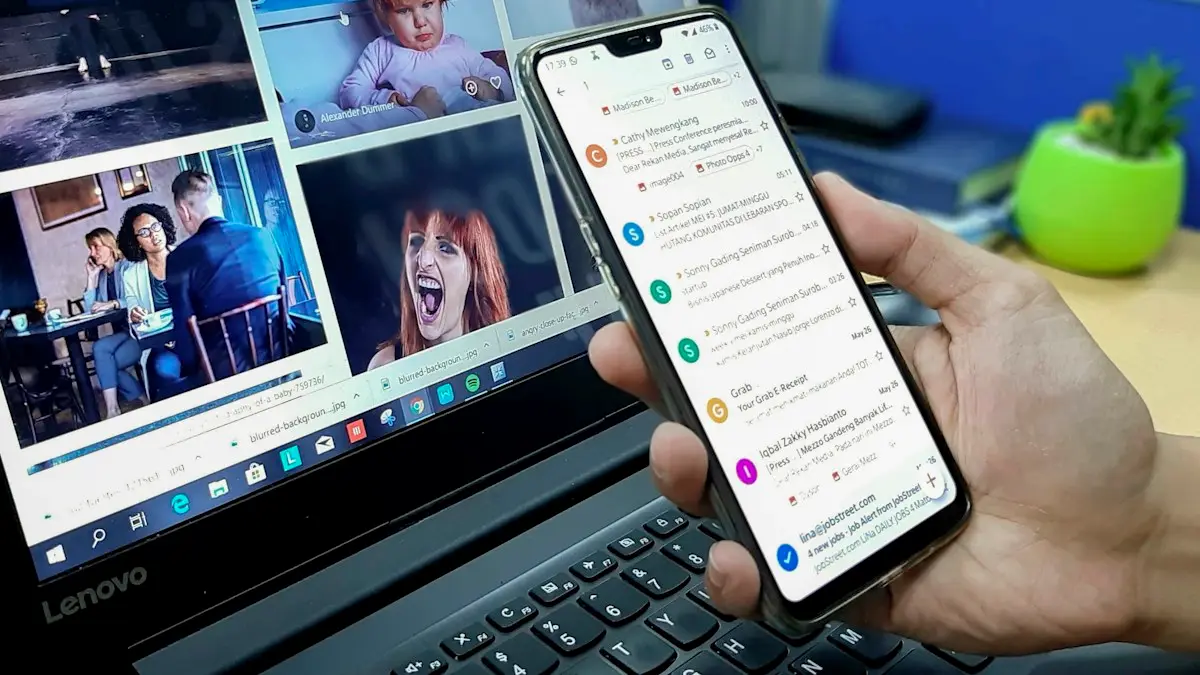
iPhone Mail not updating or not syncing new emails? Check Fetch settings, Background App Refresh, Low Power Mode and storage, then re-add the account. 8 fixes.
iPhone stuck on a battery or charging screen? Charge it for an hour, check the cable and port, force restart, and learn when the battery needs replacing.

iPhone Bluetooth not pairing with your Windows or Mac laptop, or the code never shows? Keep Bluetooth settings open, forget the device on both sides, restart.

iPhone steps stuck at zero or not counting? Turn on Fitness Tracking, check Health data sources, carry the phone right and try more fixes, Watch or not.

Water in your iPhone speaker? Learn if the Water Eject shortcut and speaker cleaner apps work, how to use them safely, and what to do if sound stays muffled.

iPhone screen turned white? Tell a software glitch from a hardware fault, force restart by model, use recovery mode to update, and know when to repair.
iPhone camera unknown part message after an update or repair? Learn what Unknown, Genuine and Used mean, how to check, and when it is worth fixing.
iPhone eSIM shows Unknown or no phone number? Often it is cosmetic. Check that calls and texts work, then set My Number or ask your carrier to fix it.
iPhone keeps asking to trust this computer every time you plug in? Learn the three real causes and Apple's six-step fix to make the alert stop for good.

iPhone auto brightness not working or the screen keeps changing? Check the Accessibility switch, light sensor, Low Power Mode and heat, then try 3 more fixes.
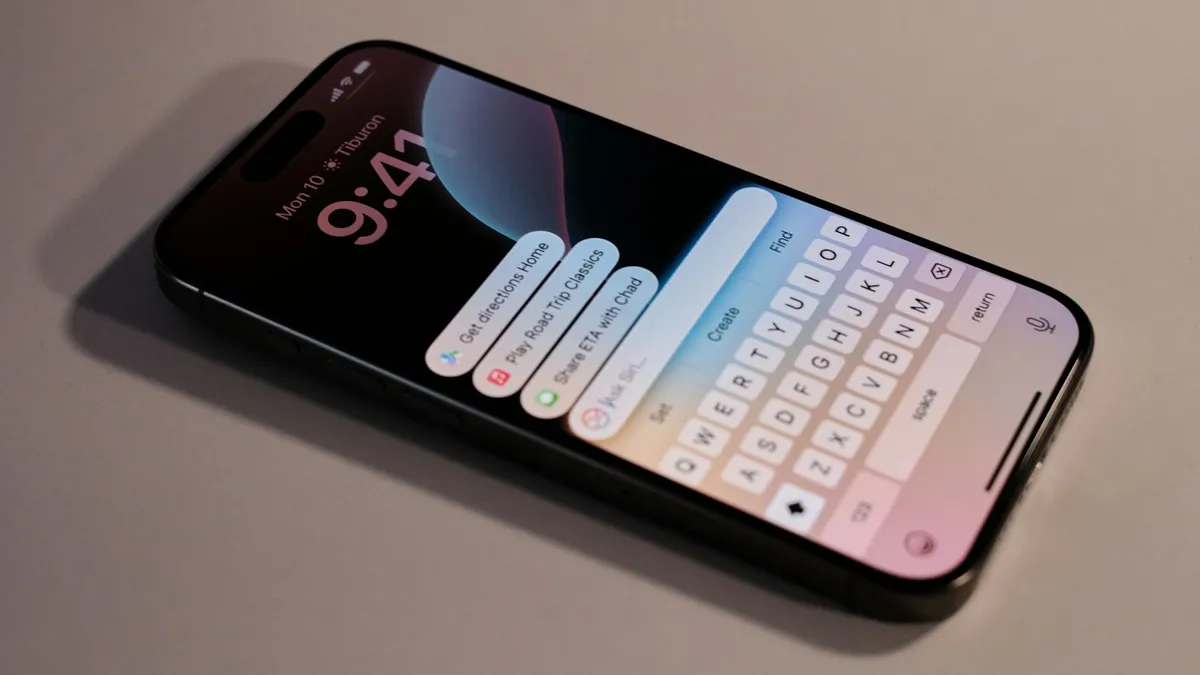
iPhone keyboard not showing up in Messages, Safari or another app? Disconnect Bluetooth, remove extra keyboards, reset the dictionary and try 5 more fixes.
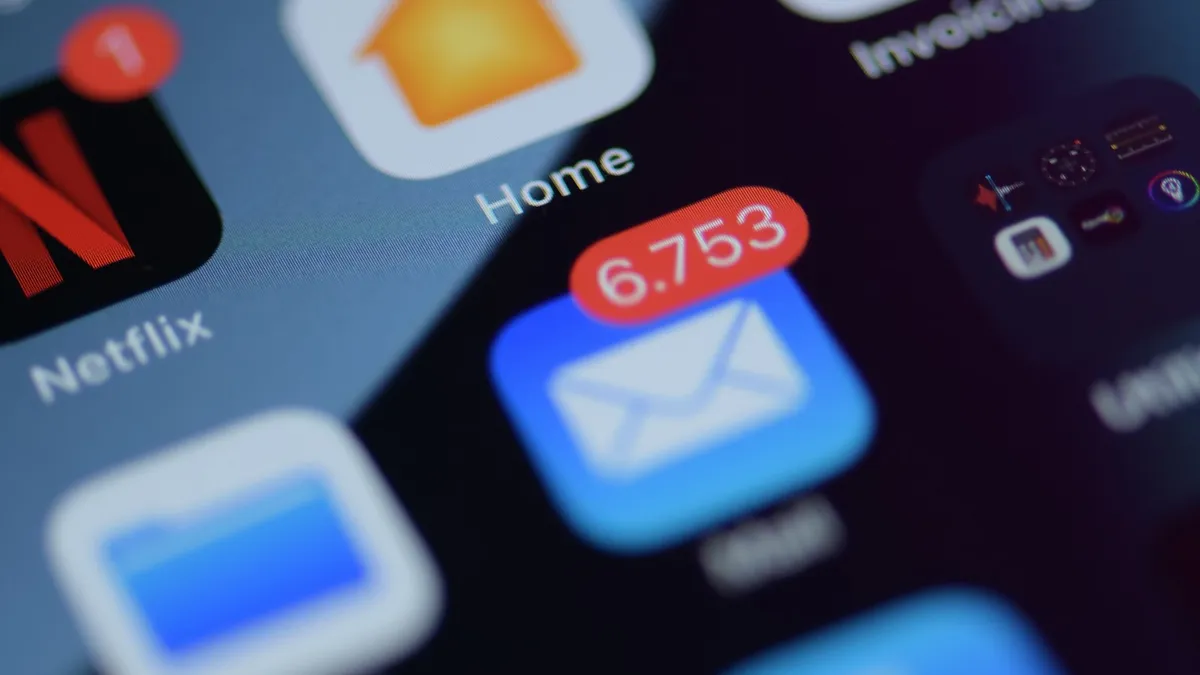
iPhone notifications not showing on lock screen? Check the app's Lock Screen switch, Display As, Focus and Scheduled Summary, then try 4 more fixes.
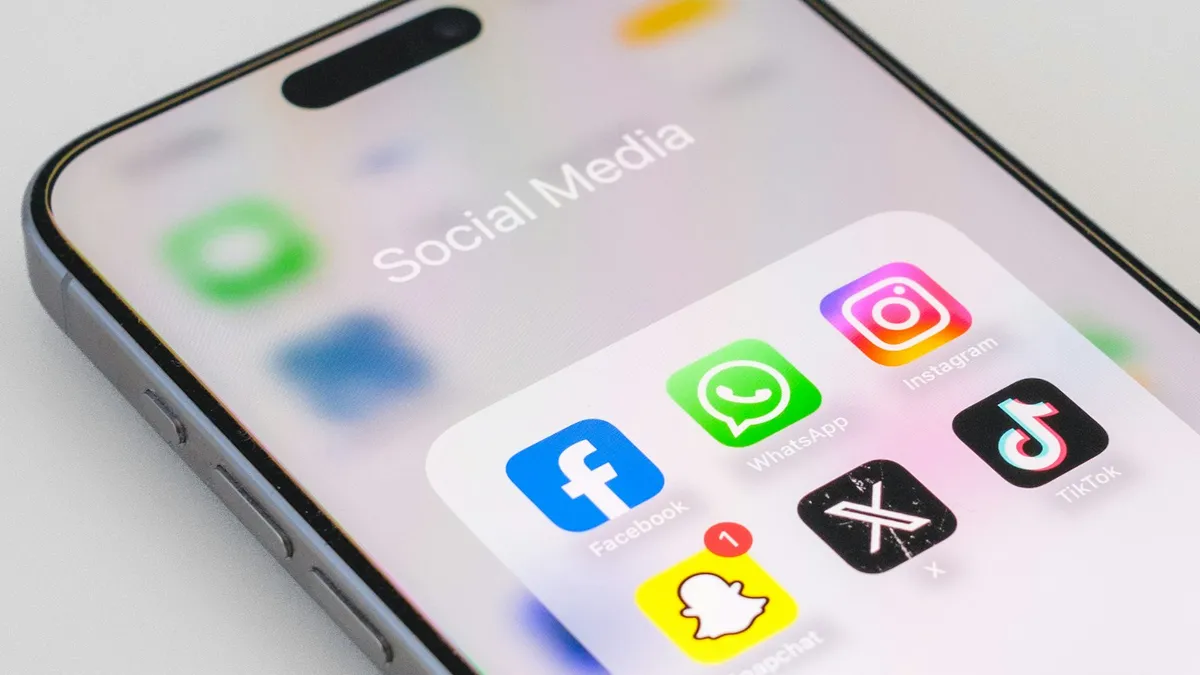
Ringer gets quieter by itself? Turn off Attention Aware Features, fix Change with Buttons and check Bluetooth to keep your iPhone ringer at the level you set.
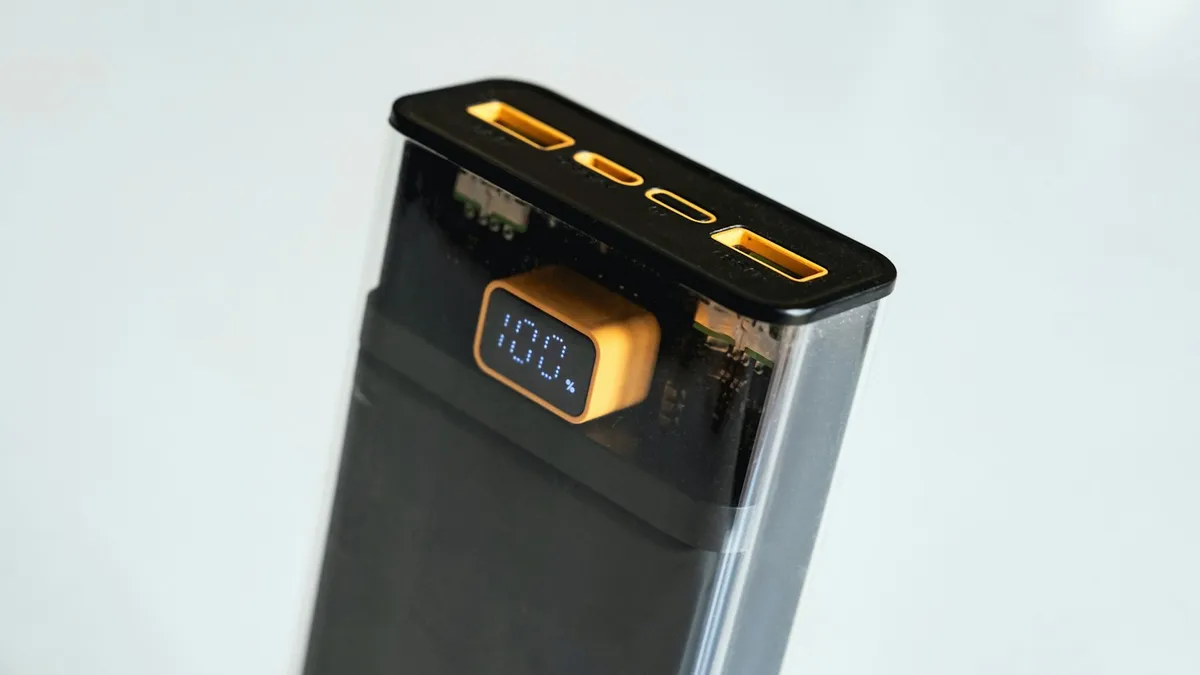
iPhone says accessory not supported or may not be supported? Fix a bad cable, clean the port, update iOS and learn what to do when nothing is plugged in.
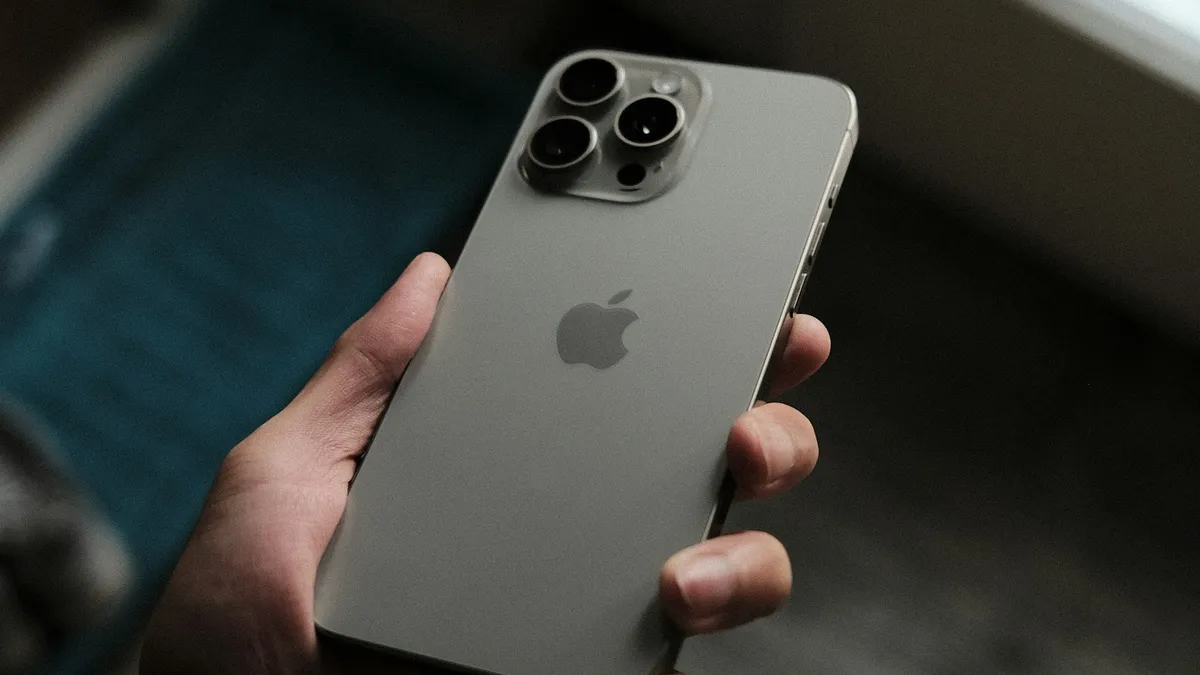
iPhone screen won't rotate with the lock off? Check Control Center, the app, Display Zoom and the Measure app Level test, then restart or reset it.
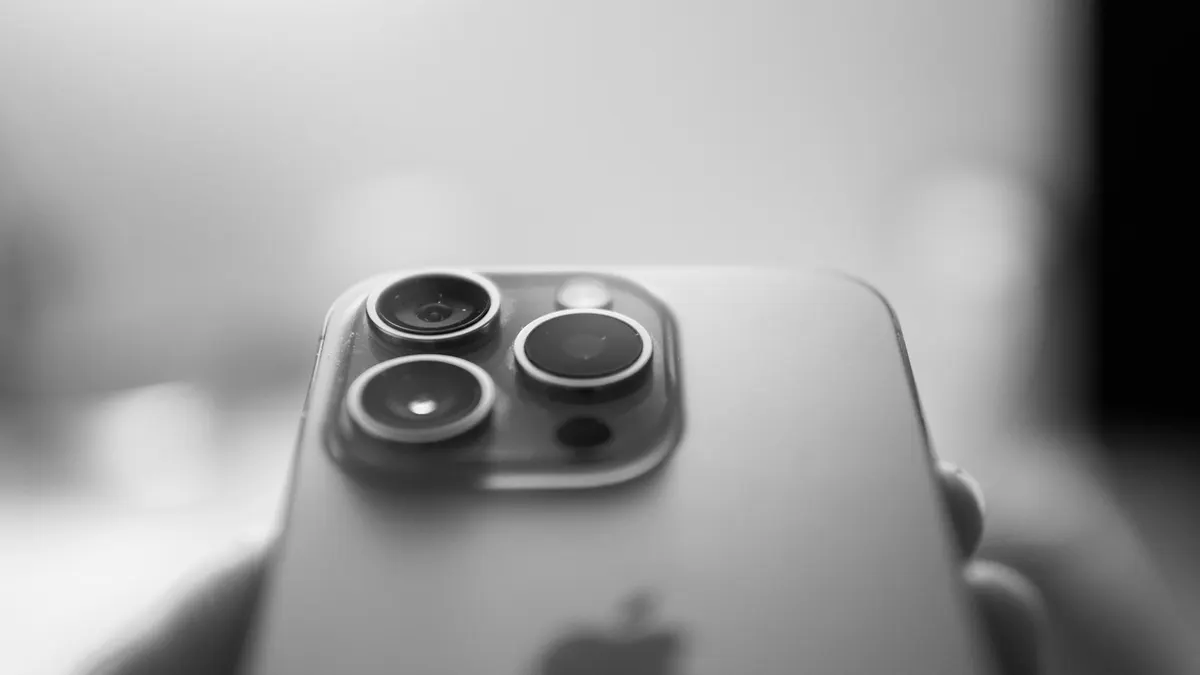
Fix a blurry iPhone camera. Clean the lens, remove film, check close focus, zoom and low light, rule out vibration damage and learn when a repair is needed.

Fix an iPhone flashlight that will not turn on, is greyed out, missing from Control Center or too dim. Step by step, and how to tell a bug from a failed LED.

Fix an iPhone screen that flickers, flashes or shows lines. Check brightness and display settings, restart, update, restore and learn when it is a repair.
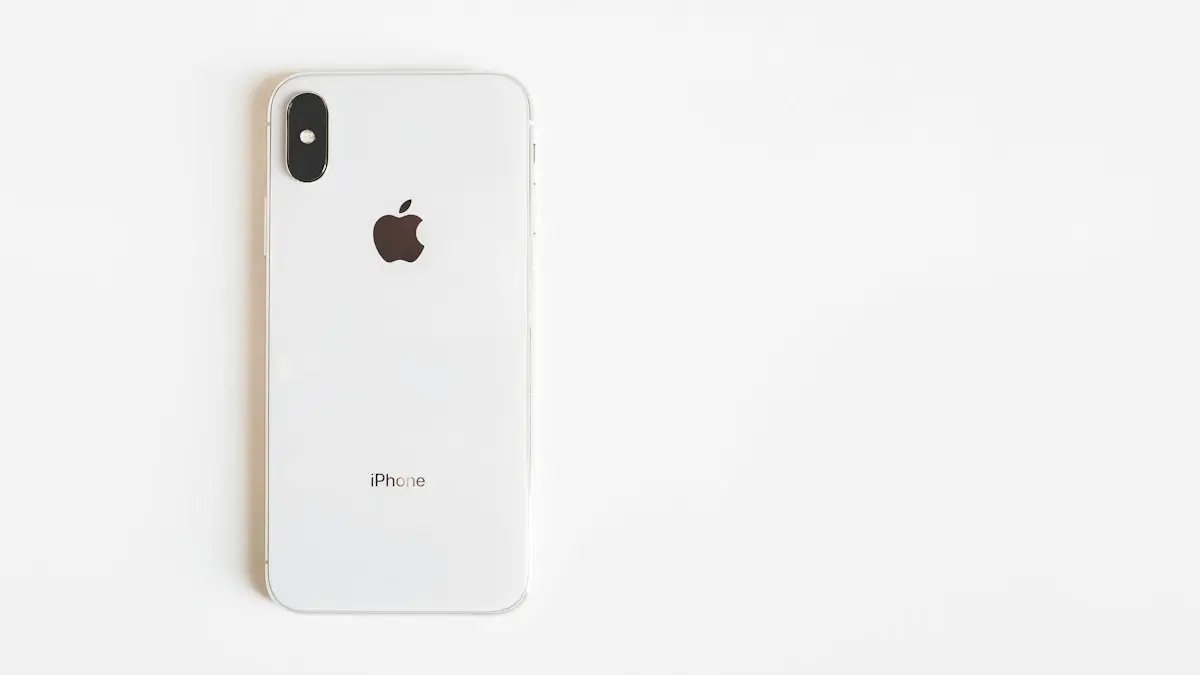
iPhone no service or searching? Try 10 fixes in order: Airplane Mode, restart, carrier update, SIM check, network reset and more, plus outage checks.
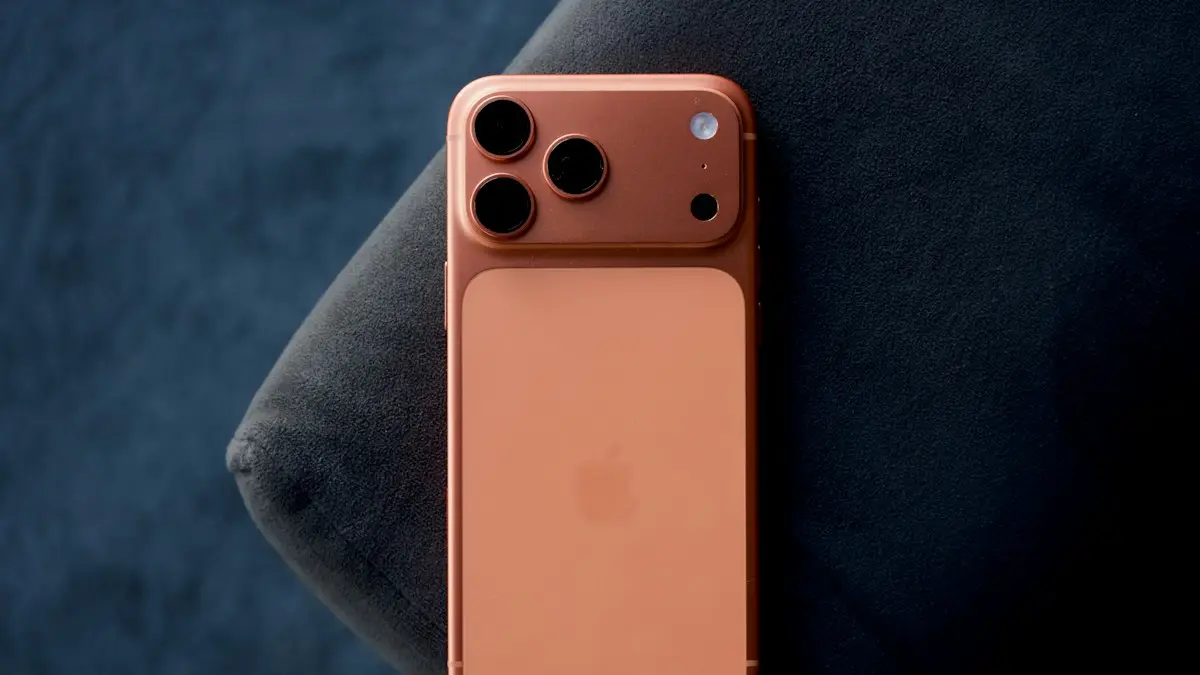
What is Other storage on iPhone, now called System Data, and why it gets huge. Learn what it holds and 8 ways to shrink it, from restarting to a backup restore.
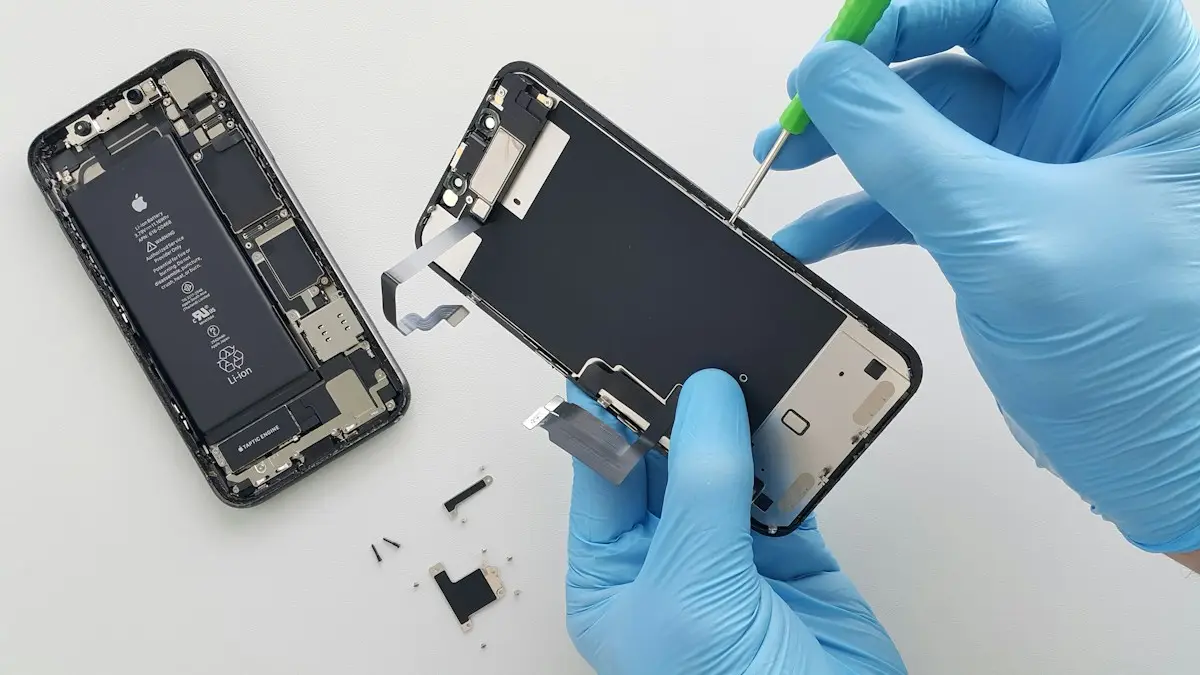
What an iPhone screen replacement costs and why prices vary. Compare Apple, Best Buy, AppleCare+ and repair shops, and decide whether to fix or replace.
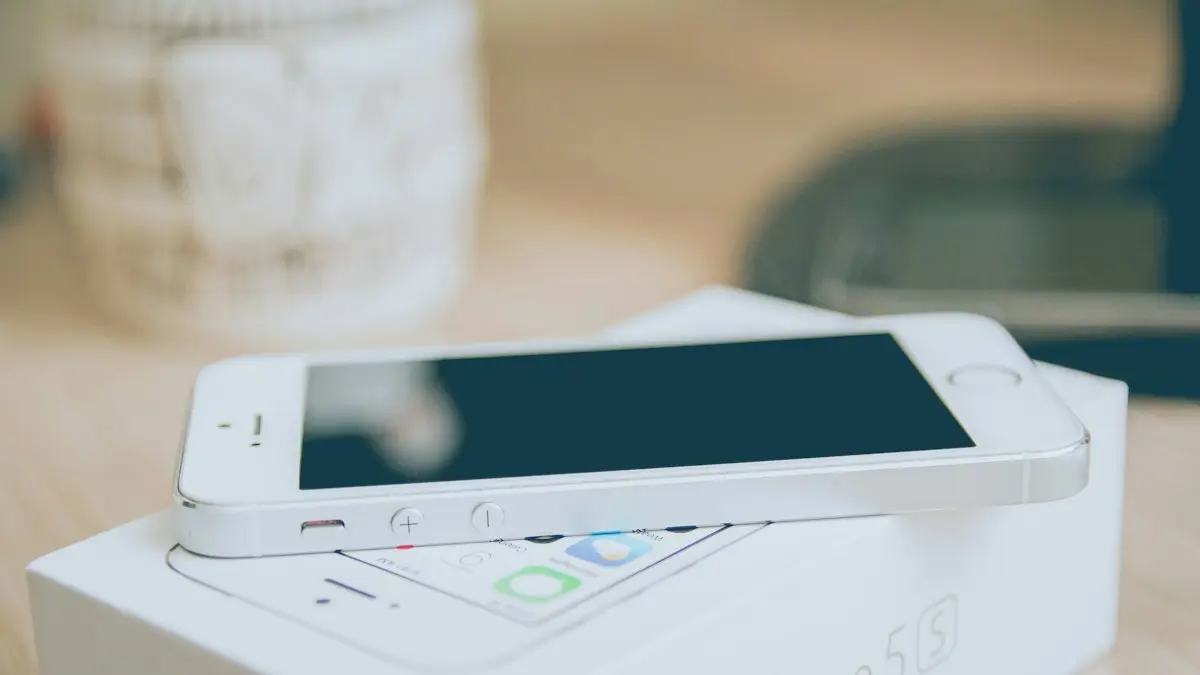
How to set up a new iPhone from the first screen to the last: Quick Start, restore from backup, eSIM, Face ID and the settings to check on day one.
How to use a VPN on iPhone in minutes: install an app, allow the VPN setting, turn it on and off, and learn when a VPN helps and when it does not.
Check your cellular data usage on iPhone in Settings › Cellular, see which apps use the most, reset it on your billing date, and cut data use without Wi-Fi.
Stop spam texts on iPhone with iOS 26 spam filtering, Screen Unknown Senders, blocking, reporting and forwarding to 7726. Plus how to spot scam texts.
iPhone 18 Pro or Pro Max freezing and restarting after Face ID fails? Here is what triggers the bug, a safe workaround, and the iOS 27.0.1 update that fixes it.
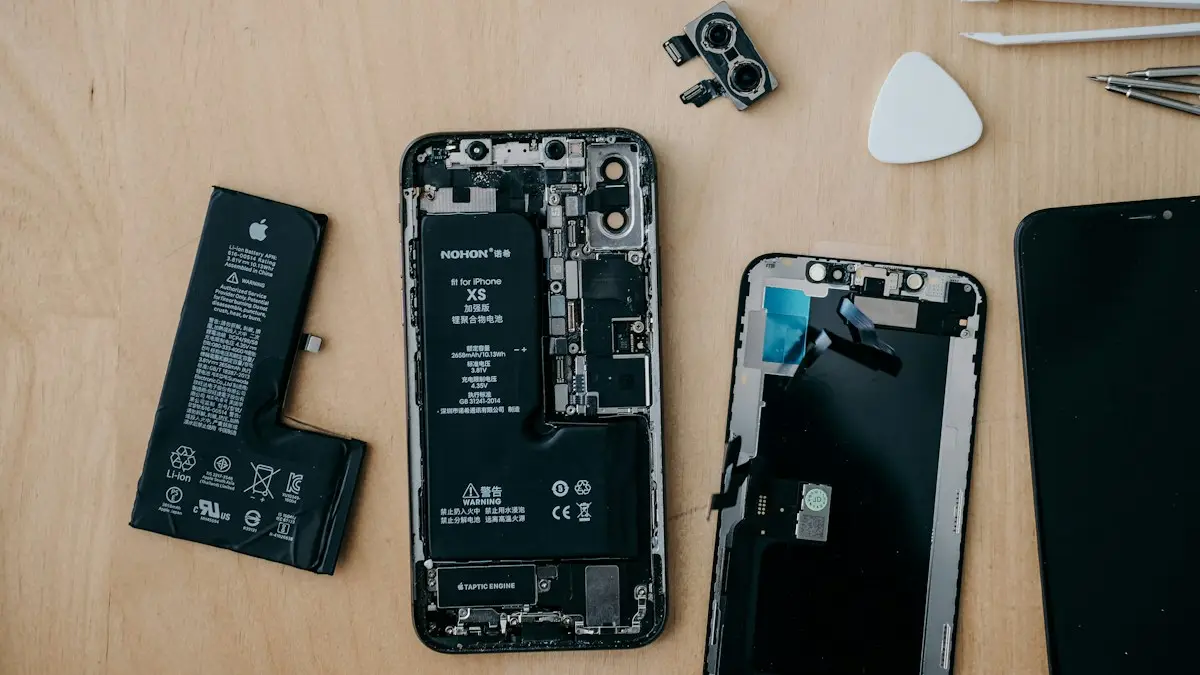
Is it worth replacing your iPhone battery? See 2026 Apple prices by model, when AppleCare+ makes it free, and when a new phone is the better choice.
iPhone liquid detected alert even when it is dry? Learn why it happens, how long to wait, when Emergency Override is safe and 7 fixes to charge again.
How to tell if an iPhone is refurbished, new or repaired: read the model number letter, check parts history, battery cycles and warranty in a few minutes.
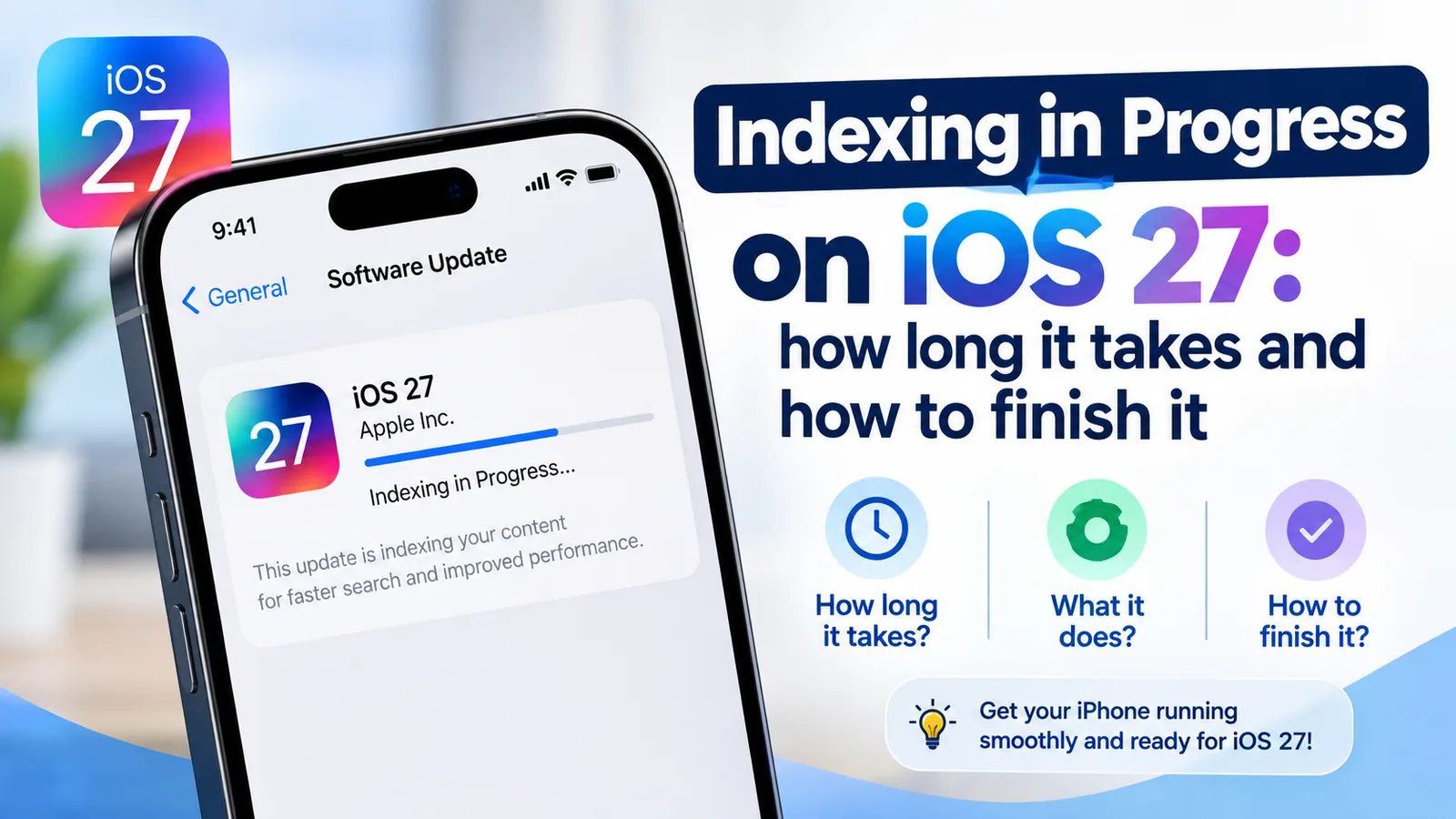
Indexing in Progress on iOS 27 means your iPhone is rebuilding search. Most finish in hours to days. See how long yours takes and how to speed it up.
iPhone alarm not going off, too quiet or only vibrating? Check the 10 settings that silence alarms, including the iOS 27 alarm volume, and stop oversleeping.
iPhone contacts showing numbers instead of names in calls and Messages? Find the cause fast, turn contact sync back on and get every name back safely.
Face ID keeps saying move iPhone lower or higher? Clean the camera area, remove the screen protector, restart and reset Face ID, then know when it is hardware.
iPhone screen goes black during calls and will not wake? Clean the sensor, remove the screen protector, update iOS and reset settings. Plus how to hang up.
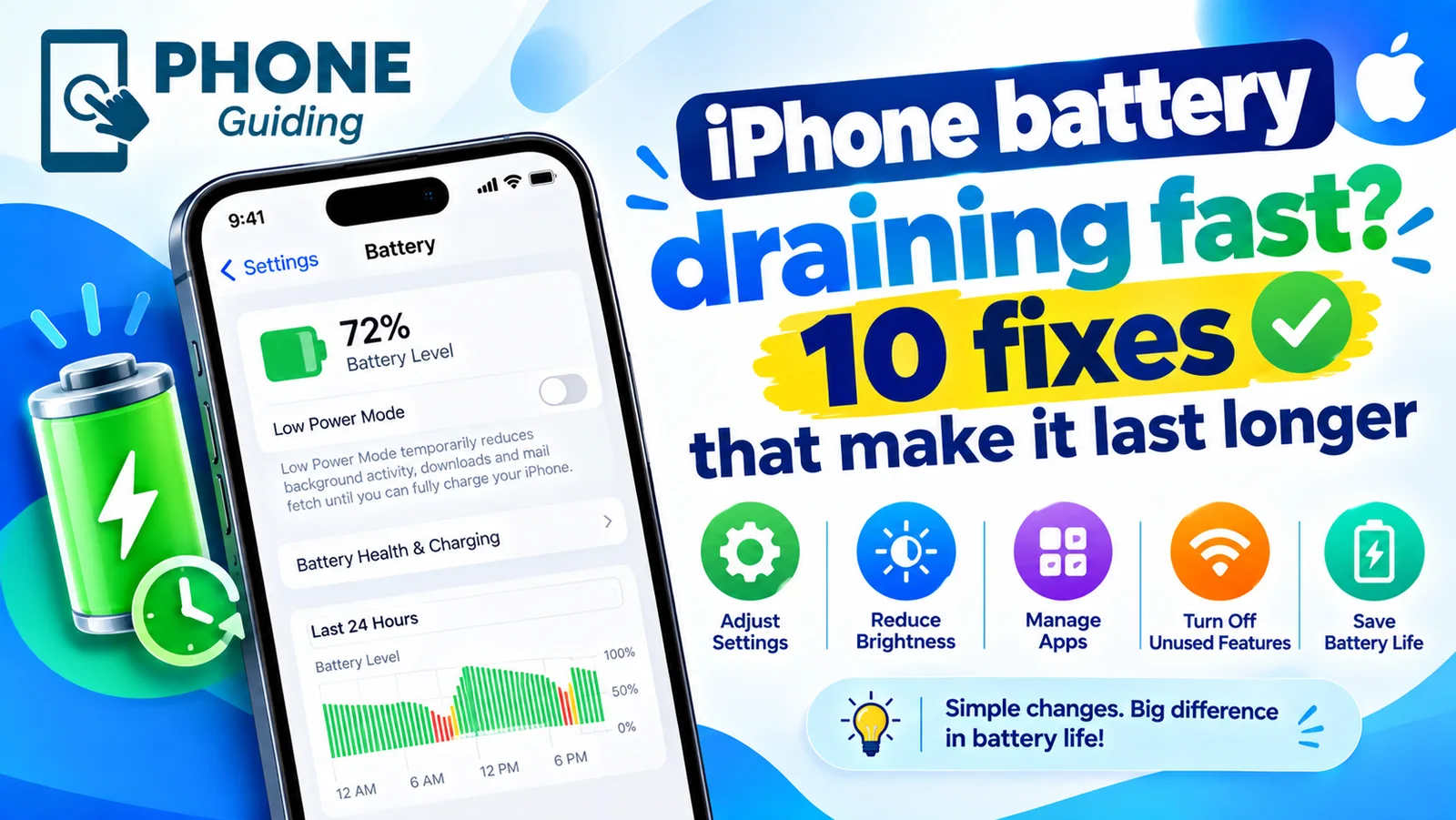
iPhone battery draining fast? Find the app to blame in Battery settings, then try 10 fixes, from Adaptive Power to Background App Refresh and battery health.
iPhone Bluetooth not working or not finding devices? Put the accessory in pairing mode, forget and re-pair it, and try 7 more fixes before resetting anything.
iPhone keeps dropping calls or saying Call Failed? Switch 5G to LTE, turn on Wi-Fi Calling, update carrier settings, reset the network and try 5 more fixes.
iPhone hotspot not working, not showing up or disconnecting? Turn on Maximize Compatibility, keep the hotspot screen open, turn off Low Data Mode and more.
iPhone won't connect to Wi-Fi, or connects with no internet? Forget the network, renew the lease, restart the router and try 7 more fixes to get back online.
Calls going straight to voicemail on your iPhone? Check Focus, Silence Unknown Callers, blocked numbers, call forwarding and 6 more fixes, in the right order.
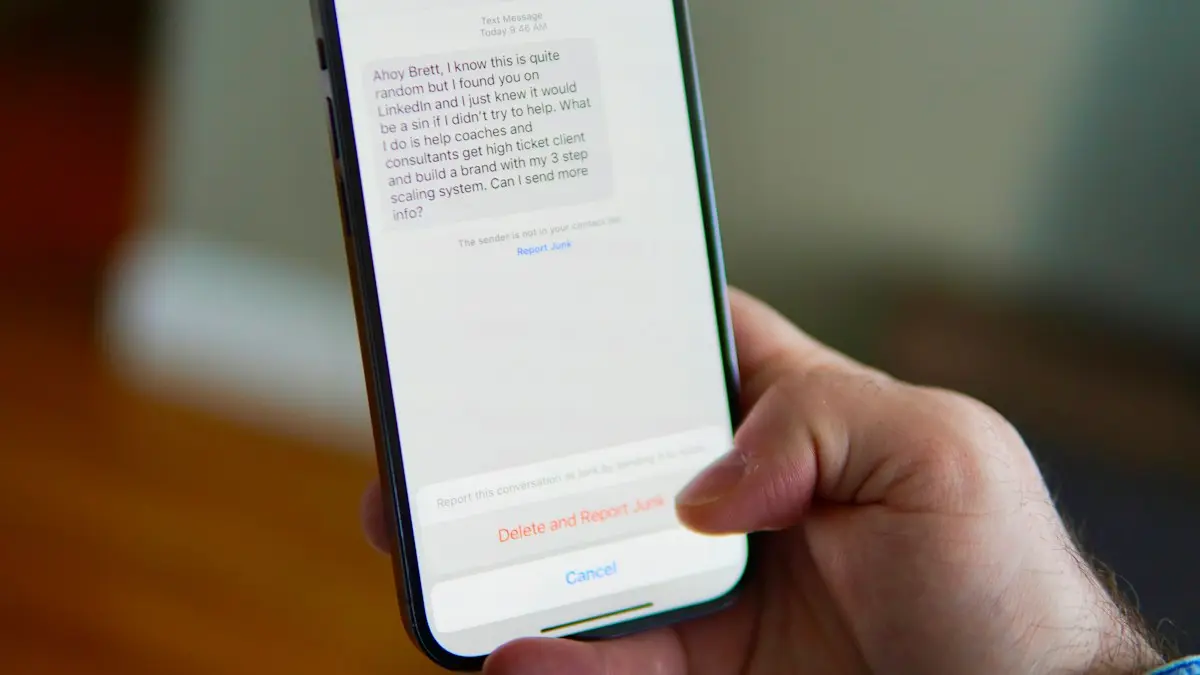
iPhone not receiving texts, or missing messages from Android users? Check filters, blocked numbers, MMS and RCS settings, and try 7 more fixes that work.
iPhone slow, hot, draining battery or crashing after an iOS update? See what is normal for 48 hours, then try these 8 fixes for apps, Wi-Fi and a frozen screen.
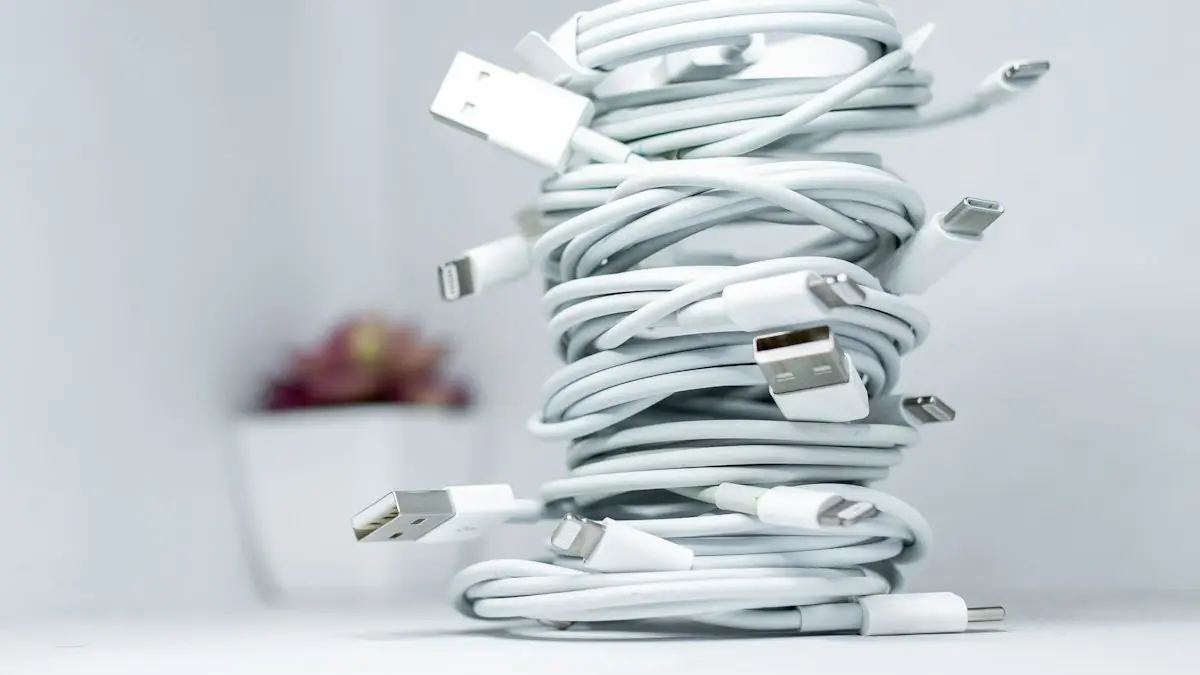
iPhone says Slow Charger? It means your adapter or cable delivers less power than your iPhone can use. Here is what counts as slow and which charger fixes it.
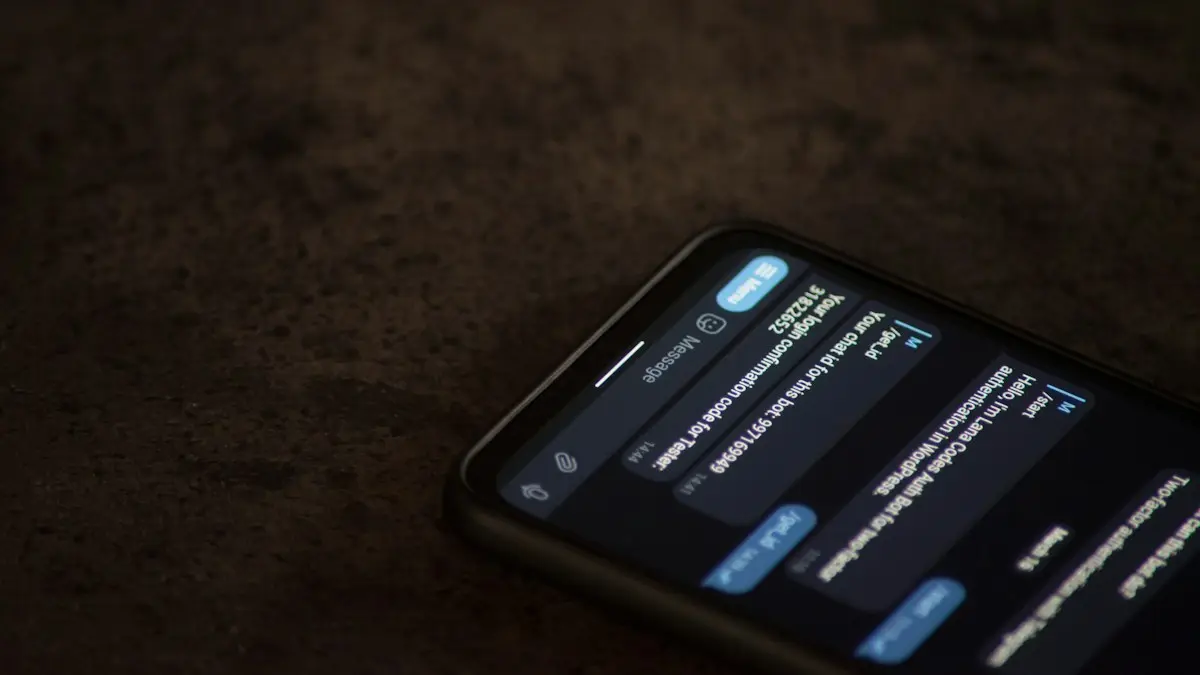
iPhone text messages not sending or showing a red exclamation mark? Tap Try Again, turn on Send as Text Message and RCS, check signal and try 5 more fixes.
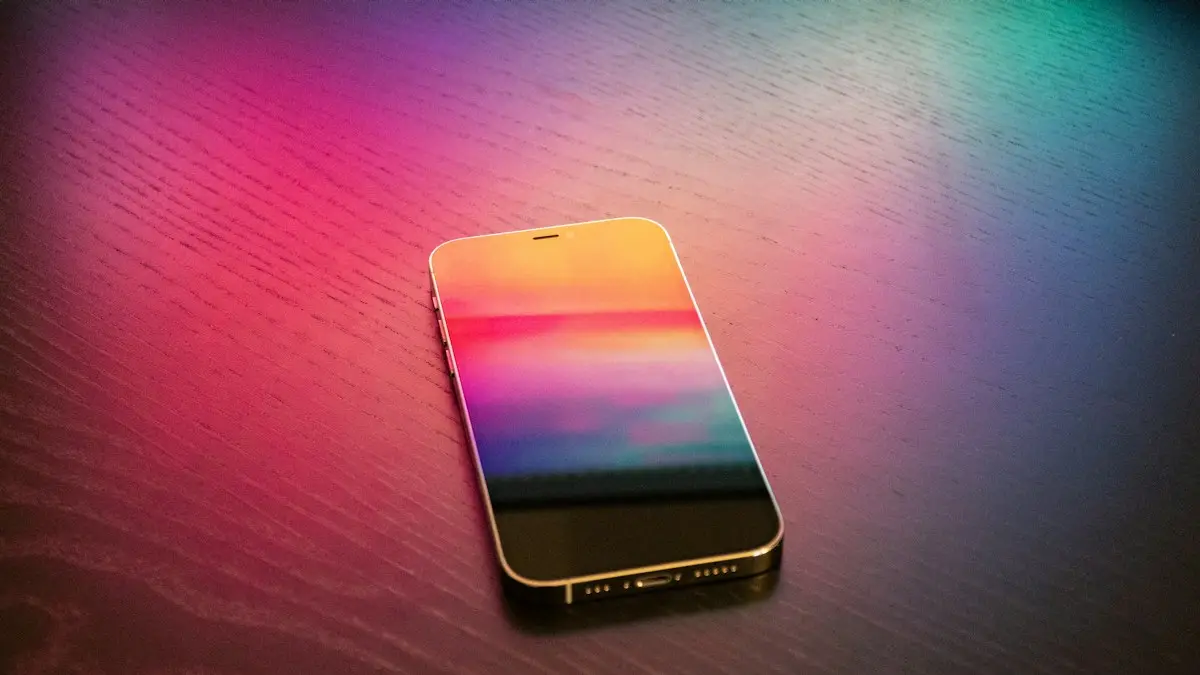
iPhone touch screen not working or not responding? Force restart with the buttons, remove the screen protector, dry the screen and try 5 more fixes by symptom.
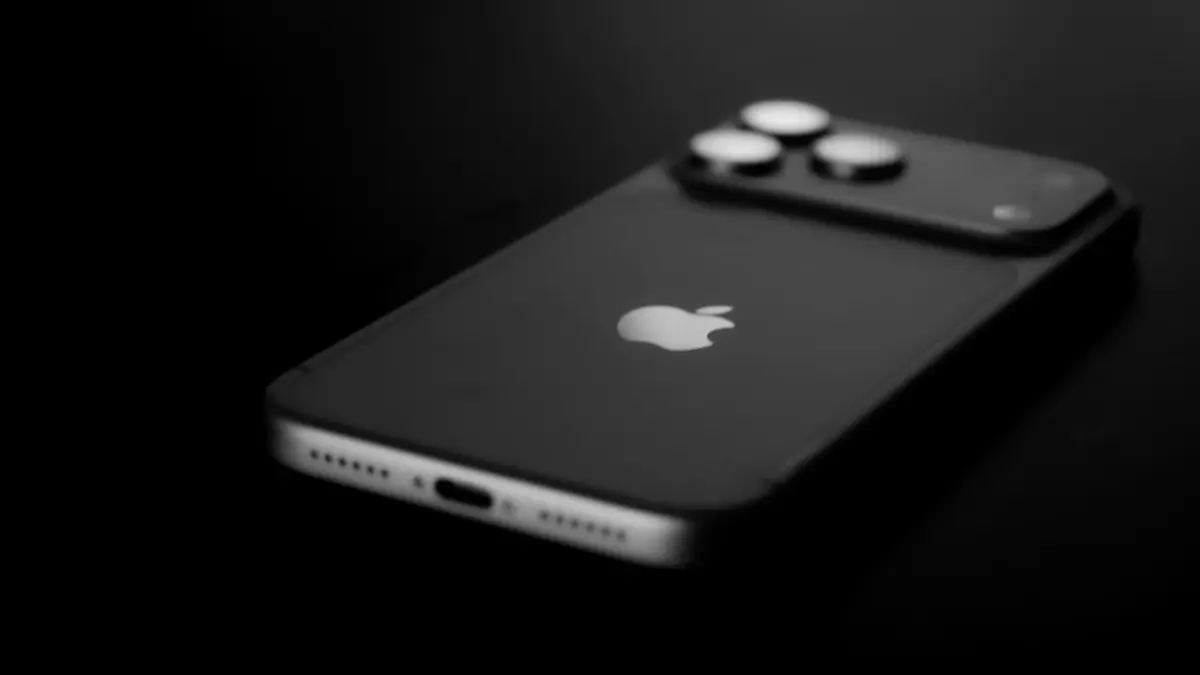
iPhone Unavailable or Security Lockout after wrong passcodes? Wait out the timer, try your old passcode, or erase it from the lock screen and restore a backup.
iPhone voicemail not working or Visual Voicemail unavailable? Check cellular data, call forwarding and a full mailbox, update carrier settings and more.
iPhone Wi-Fi keeps disconnecting or going in and out? Turn off Private Wi-Fi Address, forget weak networks, restart the router and try 6 more fixes.
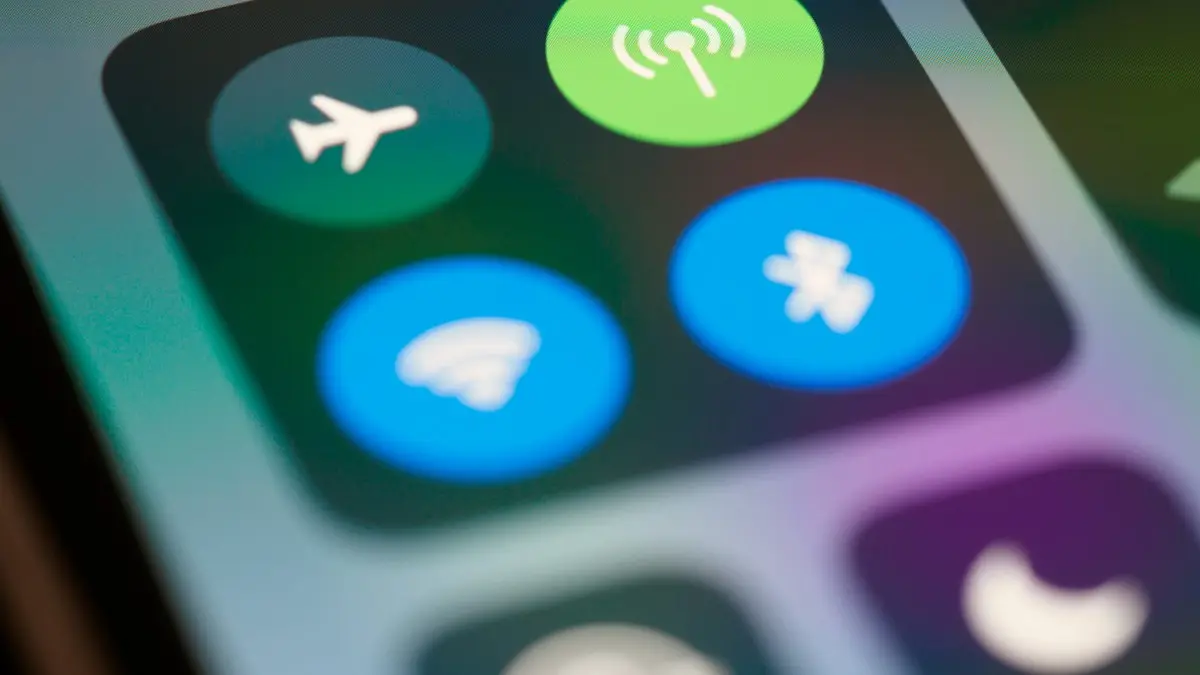
iPhone Wi-Fi won’t turn on, greyed out or stuck off? Check Airplane Mode and Screen Time, reset network settings, update iOS and know when the chip is at fault.
The orange dot on iPhone means an app is using your microphone; green means the camera. See which app it is, stop access and know when to worry.
Why is your iPhone getting hot? Learn when warmth is normal, what causes overheating, and how to cool it down safely, including when to worry about the battery.
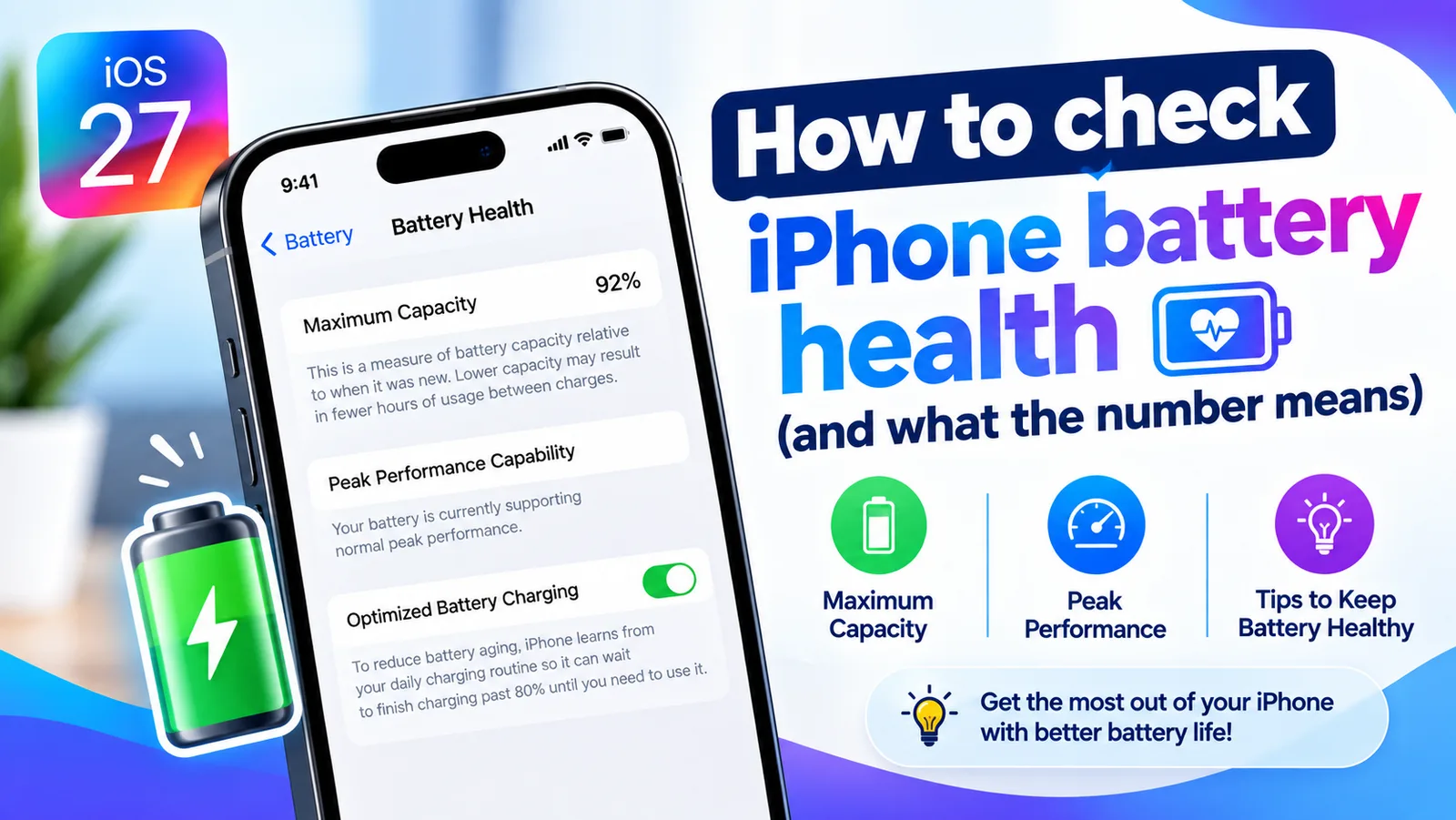
Find your iPhone's Maximum Capacity in Settings, understand what the percentage tells you, and learn when a battery replacement is actually worth it.
Face ID not working or saying “Face ID is not available”? Learn what the message means and try 10 fixes, from cleaning the camera to resetting Face ID.
iPhone storage full? Here is how to find what is using the space and clear several gigabytes without losing a single photo or message you care about.
iPhone keeps restarting on its own or stuck in a restart loop? Find the cause with the panic log, then work through 9 fixes, from quick checks to repair.
iPhone not ringing when someone calls? Check Silent mode, Focus, Bluetooth, unknown caller settings and 6 more causes to get your ringtone back fast.
iPhone stuck on the Apple logo or in a boot loop? Try a force restart, then use recovery mode and choose Update to reinstall iOS without erasing your data.
iPhone stuck on Verifying Update or Preparing Update? Learn how long to wait, then try 6 safe fixes that keep your data. Do not press Restore before reading.
iPhone won't turn off? On newer models you hold the side and volume buttons, not just the side button. Here are 5 ways to shut it down, even when frozen.
iPhone won't turn on or stuck on a black screen? Charge it, force restart it the right way, and use recovery mode with these 7 fixes before paying for repair.
Siri keeps turning on by itself or popping up? Find the trigger, from Type to Siri and the side button to your headphones, and stop it with these 7 fixes.
Siri not working or not responding to “Hey Siri”? Check Siri settings, the microphone, Screen Time and your connection with these 10 fixes for iPhone.
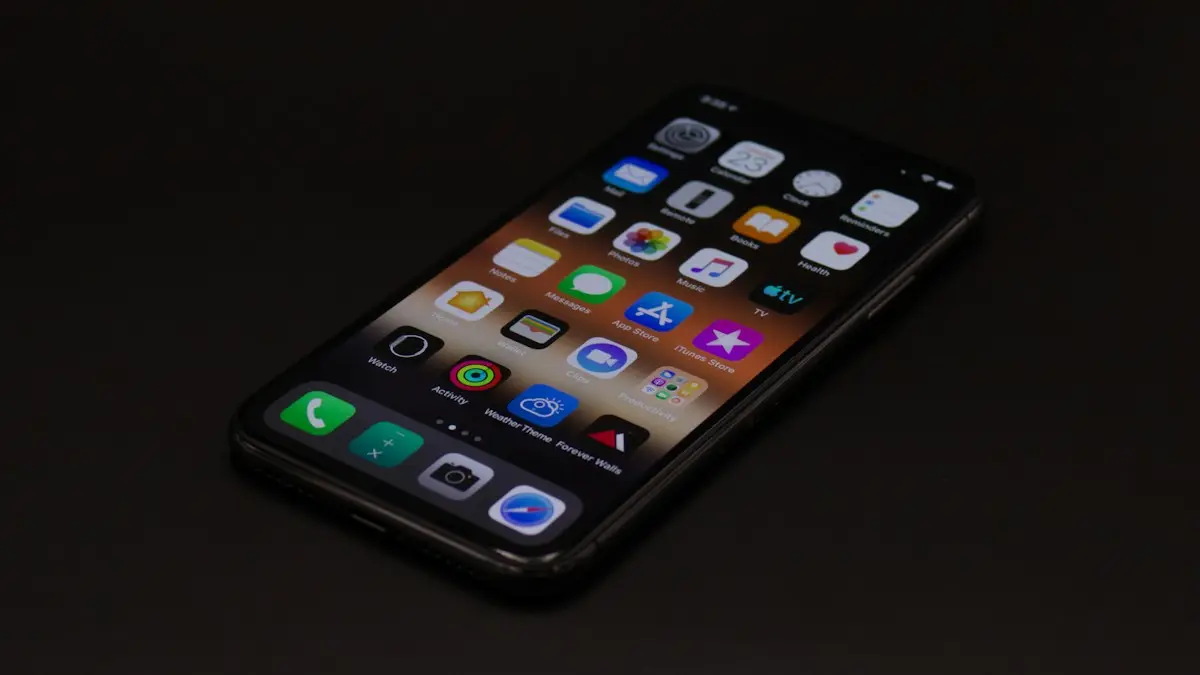
Is your iPhone slow? Find out why, then speed it up with 10 fixes, from freeing storage and updating iOS to checking battery health and turning off extras.
Showing 12 of 99