FeaturedAndroid
Motion Assist on Android
Motion assist on Android 17 shows moving bubbles to help reduce motion sickness in a car. Find the setting, add the Quick Settings tile and customize it.
6 min read
Show me the fix

Android changes between manufacturers, so these guides say where a setting lives on stock Android and note the common differences on Samsung and Pixel devices.
64 guides
Motion assist on Android 17 shows moving bubbles to help reduce motion sickness in a car. Find the setting, add the Quick Settings tile and customize it.

Scam Detection on Pixel warns you about scam calls, texts and chat notifications. See the phones and countries listed, how to turn each part on, and limits.
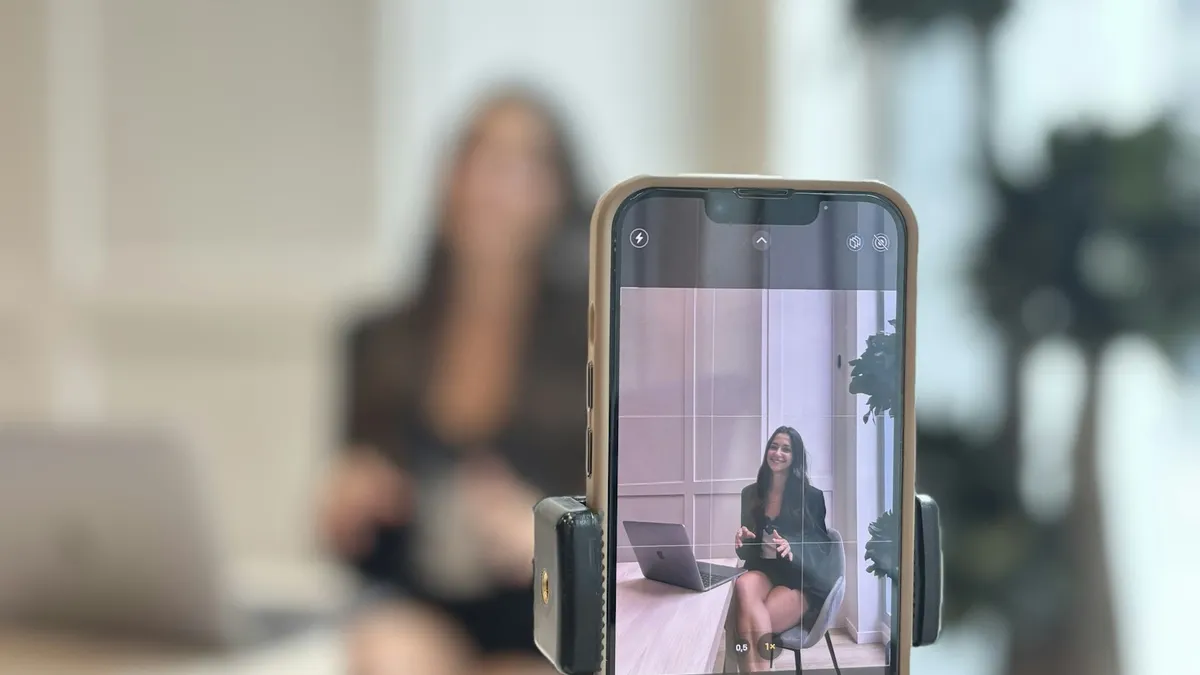
Pixel Screen Reactions record your screen and selfie camera together on Android 17. See the steps, the entire screen rule, its limits and why it may be missing.

Samsung My FanCam uses Galaxy AI to follow one person in a video and crop around them. See the steps, which phones Samsung lists, the limits and why it fails.
Learn how to use Bubbles on a Pixel with Android 17: touch and hold an app icon, tap Bubble, switch between up to 5 floating apps and close them.
Samsung Call Brief shows useful details on your call screen with One UI 9. See which Galaxy phones Samsung lists, how to turn it on and why it may be missing.

Android 17 bubbles let you float almost any app over what you are doing. Learn how to start a bubble, move and close it, and fix a missing Bubble option.
Android 17 update not showing on your Pixel or Samsung? See 8 reasons, from staged rollouts to beta enrollment, and how to check for the update the right way.
Pixel call volume too low or the caller sounds quiet and unclear? Check signal, Bluetooth, Wi-Fi, the case and the speaker with Google's own steps. 8 fixes.
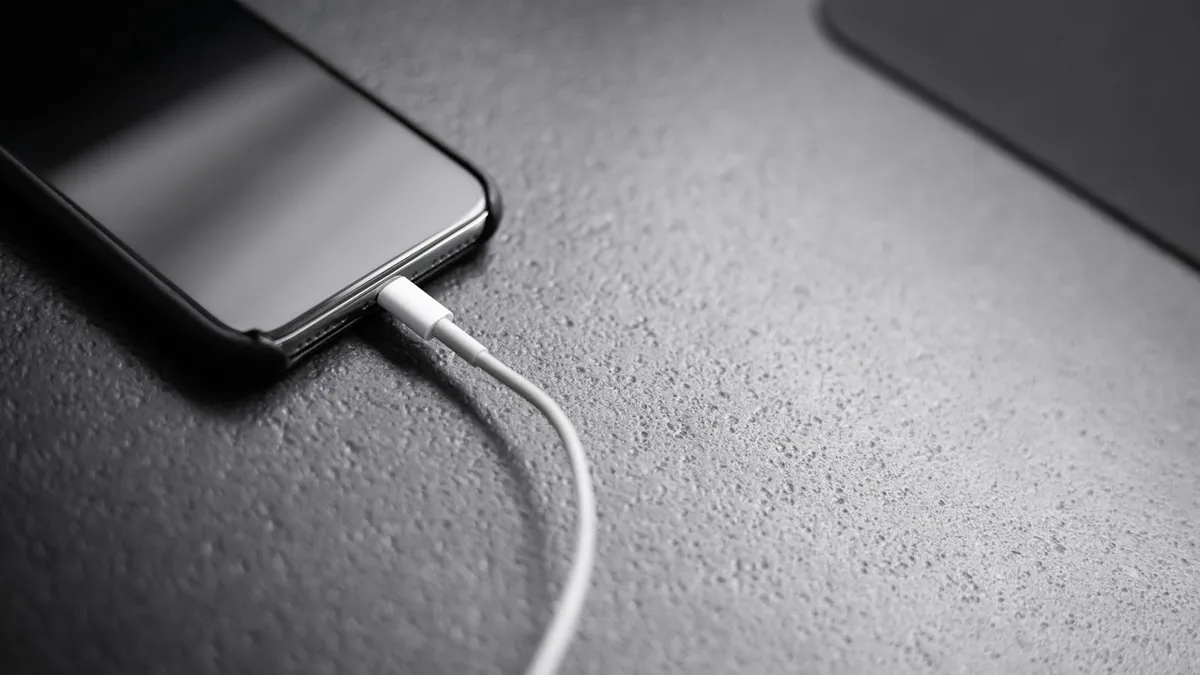
Pixel says Liquid or debris in USB port or Unplug charger? Unplug, dry the port, wait for OK to use USB port and clear the cache. 6 fixes from Google.
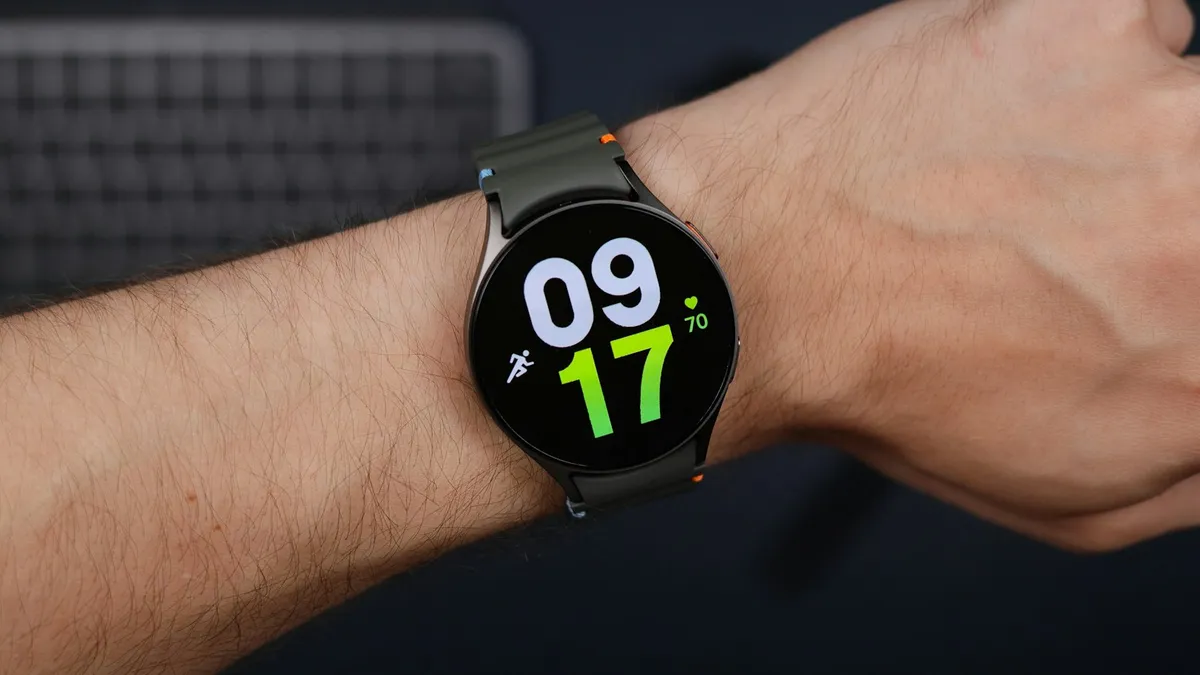
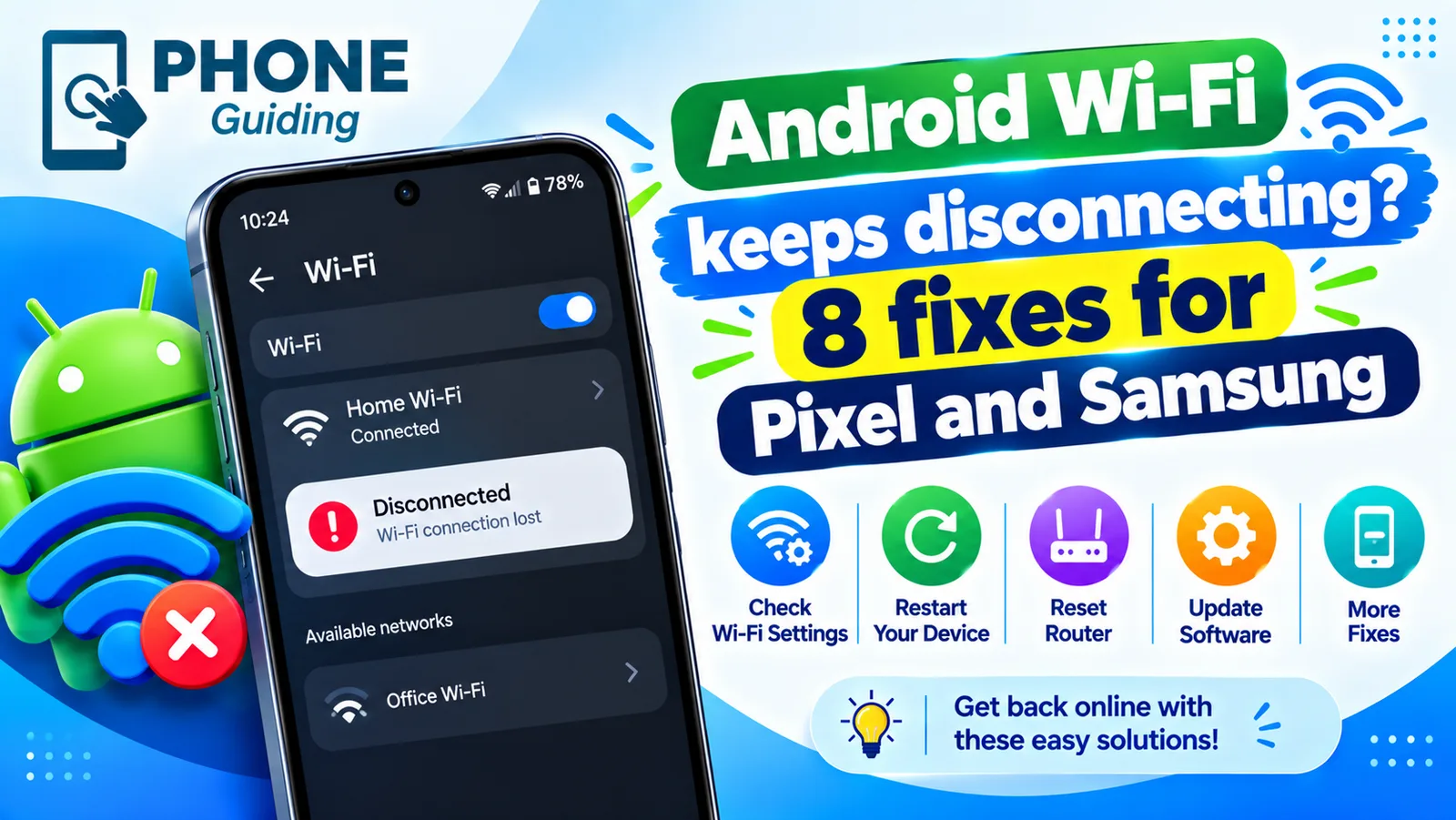
Galaxy Watch not getting notifications from your phone? Check Phone notifications on watch, app switches, Do Not Disturb and battery limits. 9 fixes.

Learn how to record a call on Android with the Phone app on Pixel, Samsung and other phones, where recordings are saved, and the consent laws to know first.
Google Messages waiting to connect or stuck on setting up chat features? Check data, your number and the RCS switch, then clear the app data. 7 fixes that work.
Showing 12 of 63