FeaturedTroubleshooting
Emergency calls only
Phone says emergency calls only? It means your carrier is not accepting your line. Try these 8 fixes for iPhone and Android before you call your carrier.
7 min read
Show me the fix

Diagnostic guides that start with the most likely cause and work down, so you spend the least time possible on the fixes that rarely help.
16 guides
Phone says emergency calls only? It means your carrier is not accepting your line. Try these 8 fixes for iPhone and Android before you call your carrier.
Hearing all circuits are busy on a cell phone call? Learn what it means, how to tell if it is your carrier or theirs, and how to get your call through.
Straight Talk says your IMEI is invalid or the phone can’t be activated? Check the number, the compatibility tool, the carrier lock and the blocked status.
Verizon not sending verification code texts for logins and apps? Check blocked short codes, spam filtering, your plan blocks and port delays, then call Verizon.
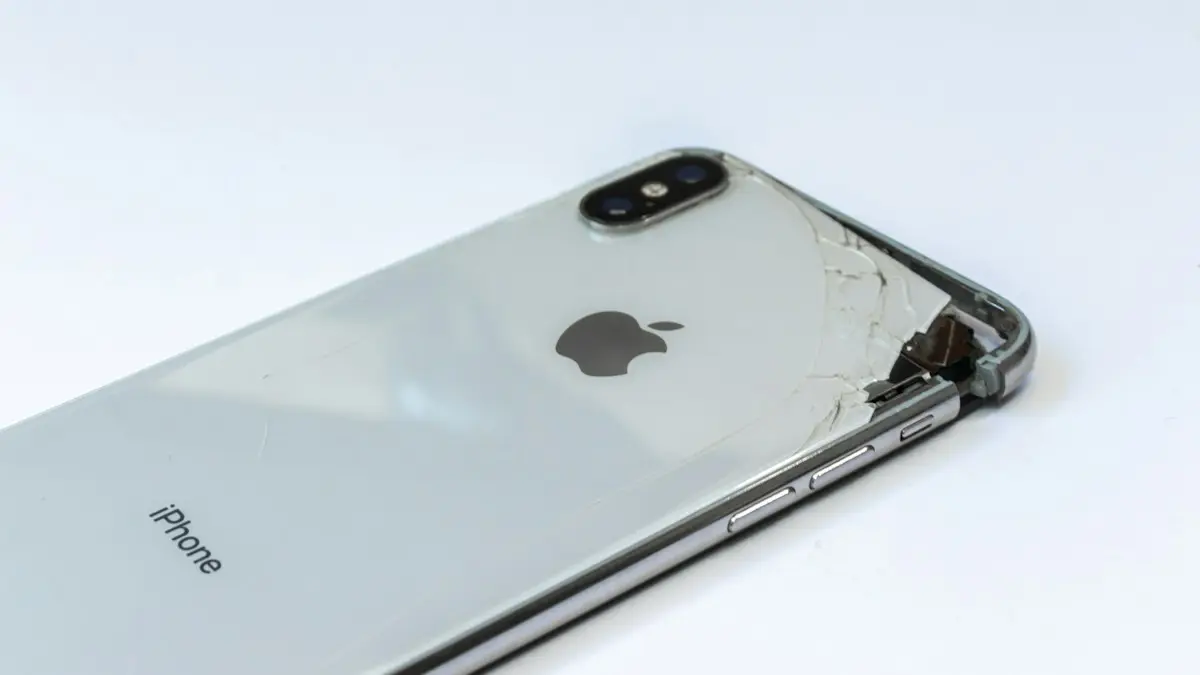
Can you use a phone with a cracked screen? Yes, briefly, but cracks spread and let in water. Learn the risks, how to protect it now and when to repair.
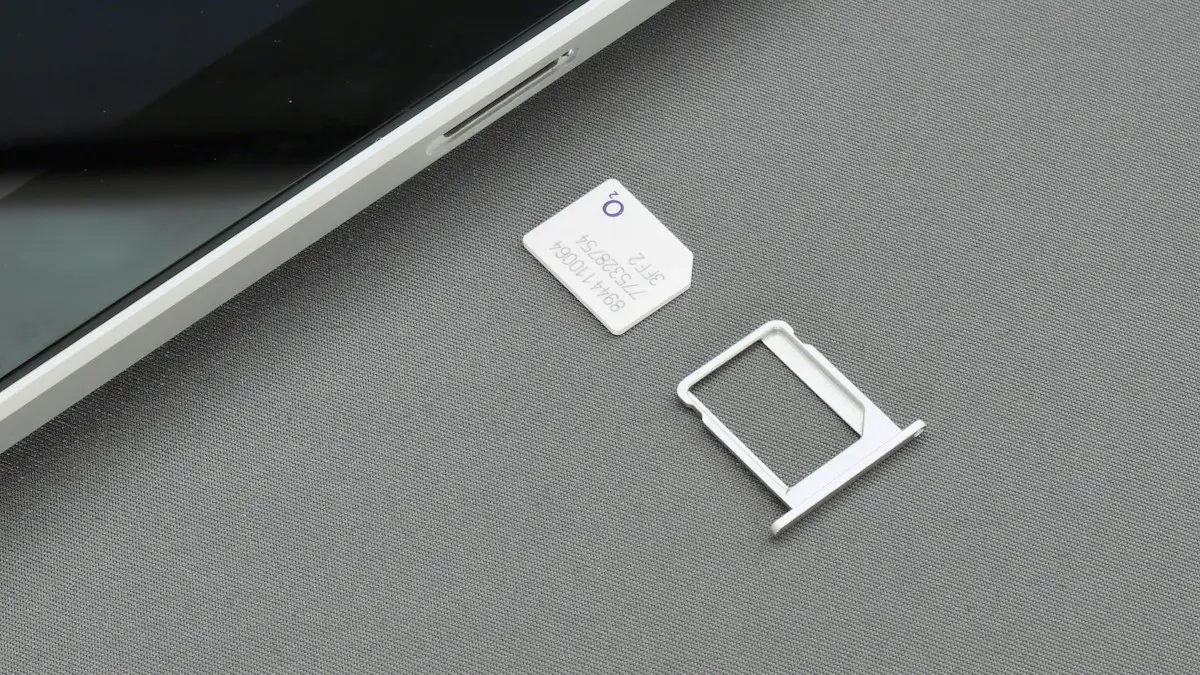
SIM card locked and asking for a PUK code? Learn what SIM PIN and PUK mean, how to get your PUK from your carrier and how to fix a blocked SIM.
Phone Bluetooth won’t connect to your car? Forget and re-pair it on both sides, clear old devices from the car, check audio settings and try 6 more fixes.
Phone camera showing a black screen or not opening? Close the app, switch lenses, check permissions and storage, restart and try 4 more fixes.
Phone charging slowly? Use a stronger wall charger and good cable, clean the port, keep it cool and check settings that cap charging on iPhone and Android.

People can’t hear you on calls? Test your phone microphone with a voice memo, disconnect Bluetooth, check permissions, clean the mic holes and try 5 more fixes.
Your phone says SOS or SOS only when it loses your carrier but can still call 911. Learn why it happens and try 8 fixes for iPhone and Android to get service.
Phone speaker not working? Check volume, Silent mode, Bluetooth and Do Not Disturb, clean the speaker safely and try 4 more fixes on iPhone or Android.
Phone got wet? Turn it off, dry the outside, shake water from the ports and let it air dry for a day. Why rice makes it worse and when to get a repair.
Showing 12 of 15