

Spotify not working? 9 fixes for crashes and songs that won’t play
When Spotify will not play or keeps closing, it is usually an outage, Offline mode, or a cache that needs clearing.
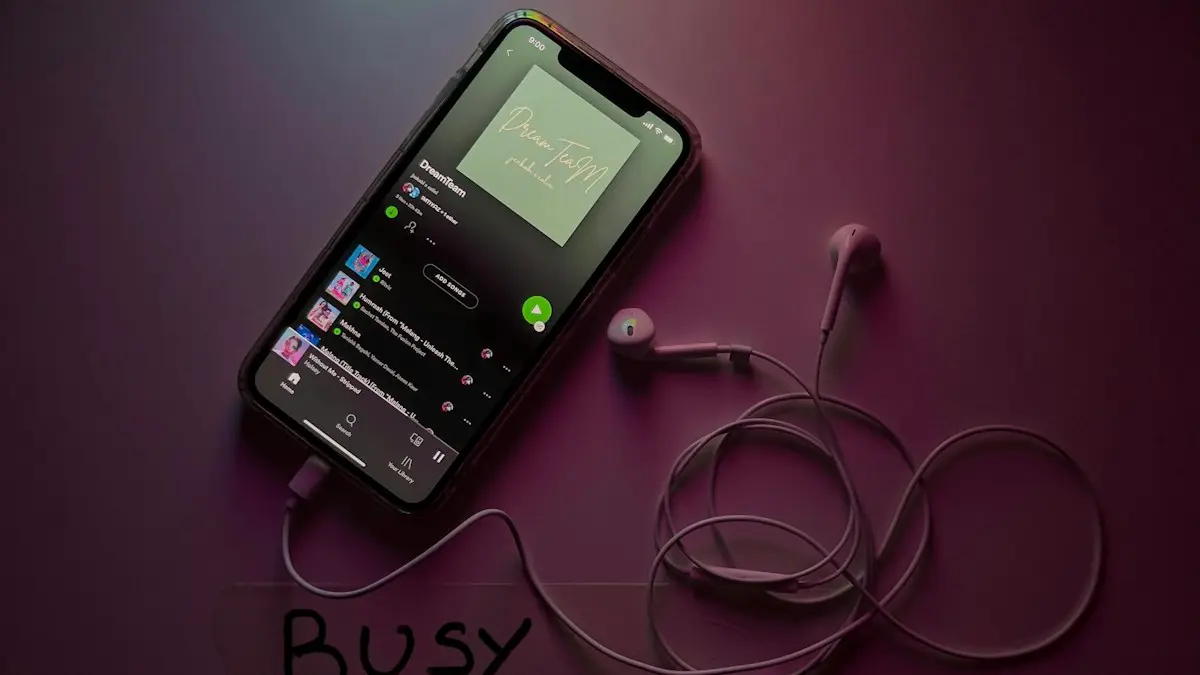
Photo by Imtiyaz Ali on Unsplash
The fix
9 fixes, in order
- 1
Check for an outage.
- 2
Close and reopen Spotify.
- 3
Restart your phone.
- 4
Update Spotify.
- 5
Turn off Offline mode.
Spotify Settings › Playback.
- 6
Allow mobile data for Spotify.
- 7
Free up storage for downloads.
- 8
Clear Spotify’s cache.
Settings › Storage › Clear cache.
- 9
Reinstall Spotify.
Why is Spotify not working?
Spotify streams songs from its servers and stores downloads on your phone. When it fails, the cause is almost always one of five things: Spotify itself is down, the app cannot reach the internet, its saved data is damaged, your phone is low on storage, or something about your account or payment changed. The fixes below follow that order, cheapest first.
Match the problem to the fix
- App will not open or crashes: update, restart the phone, then reinstall.
- Songs will not play or skip: check connection, Offline mode and storage.
- Says you are offline: Offline mode, mobile data permission or a VPN.
- Downloads vanished: low storage, a reinstall, or 30 days without going online.
- Keeps pausing: see Spotify pausing by itself.
- Problem only in the car: Bluetooth or CarPlay, covered below.
Check if Spotify is down
Search for "Spotify down" or open Downdetector. You can also check the @SpotifyStatus account on X. If thousands of people report problems, wait. Outages usually last from a few minutes to a couple of hours, and nothing you change on your phone will help.
Fix the connection
Open a website on the same network. If it is slow, restart your router or switch between Wi-Fi and cellular. Then check that Spotify may use mobile data. On iPhone go to Settings › Cellular and make sure Spotify is on. On Android go to Settings › Apps › Spotify › Mobile data and turn on Background data. Turn off any VPN and test again, since some VPN servers are blocked or slow.
Turn off Offline mode
Offline mode plays only downloaded songs. If it is on, nothing else will load. In Spotify, tap your profile picture › Settings and privacy › Playback (or Settings › Playback on some versions) and turn off Offline mode. Premium users must also go online once every 30 days or downloads stop playing.
Free storage and clear the cache
Spotify needs free space to stream and store downloads. When the phone is nearly full, songs stop, skip or vanish. Aim for at least 1 GB free. Then clear Spotify's cache: Settings › Storage › Clear cache. This does not delete downloads. On Android you can also go to Settings › Apps › Spotify › Storage › Clear cache. See how to free up iPhone storage or Android storage full for what to remove first.
Battery saver and background limits
Battery saving modes can stop Spotify when the screen turns off. On iPhone, turn off Low Power Mode to test and turn on Background App Refresh for Spotify. On Samsung, open Settings › Battery › Background usage limits and remove Spotify from Sleeping apps and Deep sleeping apps. On Pixel, open Settings › Apps › Spotify › App battery usage and choose Unrestricted.
Problems in the car or with headphones
If Spotify works on the phone speaker but not in the car, unpair the car in Bluetooth settings, restart both, and pair again. For CarPlay or Android Auto, unplug, restart the phone and try a different cable. Our guides to CarPlay not working and Bluetooth not connecting to your car cover the rest.
Account and payment problems
If Premium features suddenly stop, check the email Spotify sent about your payment. A failed card payment moves you to the free plan, which brings ads and shuffle only on phones. Log in at spotify.com › Account to see your plan. If you share a Family or Duo plan, the main member may have removed you, or Spotify may ask you to confirm your home address. If you pay through Apple or Google, the subscription is in their settings, not on Spotify's site.
Reinstall Spotify the right way
- Note that downloads will be removed. Playlists and liked songs stay in your account.
- Delete Spotify. On iPhone, press and hold the icon › Remove App › Delete App.
- Restart the phone.
- Install Spotify again, log in and download your music again on Wi-Fi.
Still not working?
Log out of all devices from spotify.com › Account › Sign out everywhere, then log in again. Update your phone's software. If Spotify fails only on one phone, the phone may need a reset; if it fails everywhere, contact Spotify Support with your device and app version. If several apps have the same problem, look at your phone first: speed up a slow iPhone or speed up an Android phone.
Spotify not working on iPhone
On iPhone, also check Settings › Screen Time › Content & Privacy Restrictions. A limit on music with explicit content or on app use can stop Spotify. Make sure Settings › General › Background App Refresh is on for Spotify, and that the iPhone is updated in Settings › General › Software Update. If Spotify freezes on the splash screen, offload it in Settings › General › iPhone Storage › Spotify › Offload App, then reinstall it. Offloading keeps the app's data and is gentler than deleting.
Spotify not working on Android
On Android, open Settings › Apps › Spotify and tap Force stop, then open Spotify again. If it still fails, tap Storage › Clear cache. Clear storage (or Clear data) also works, but it logs you out and removes downloads. Check that Spotify has permission to show notifications and to run in the background, otherwise playback may stop when you lock the screen. Samsung's Device care can also put Spotify to sleep, so check Battery settings as above.
Spotify works on Wi-Fi but not cellular
This almost always means Spotify is blocked from mobile data or Data Saver is set too low. In Spotify, open Settings › Data Saver (or Audio quality) and make sure streaming on cellular is allowed. Also check whether you used up your high-speed data; at reduced speeds, music may load slowly. You can check data usage on iPhone to see which apps use the most.
Spotify not working on smart speakers or TVs
Spotify Connect needs the phone and the speaker on the same Wi-Fi network. If a speaker does not appear in the device list, restart it and the phone, and make sure both run the latest software. Turn off the phone's VPN. For TVs, update the Spotify app on the TV and sign in again with the code shown on the screen.
Spotify keeps logging you out
If Spotify signs you out again and again, someone else may be using your account, or Sign out everywhere was used. Change your password at spotify.com and check the email linked to your account. Turn on two-factor protection for that email, since it controls your Spotify login.
When to contact Spotify
If you tried every step above on a second network and a reinstall did not help, reach Spotify Support through the Help page or the Spotify Community. Include your phone model, system version, app version and what you see. Support can check your account for payment holds, region locks and other problems you cannot see from the app.
Most of the time, one of the first five fixes on this page solves the problem within a few minutes, so work through them in order before trying the bigger steps like reinstalling.
Check your subscription
If Premium features stop working, your payment may have failed and the account dropped to Free. Sign in at spotify.com and open Account to check your plan and payment method. If you subscribed through the App Store or Google Play, check the subscription there.
Most Spotify problems clear quickly.
Frequently asked questions
Why does Spotify say I am offline?
Offline mode may be on, or Spotify cannot use mobile data. Turn off Offline mode in Settings › Playback and allow mobile data for Spotify.
Will reinstalling Spotify delete my playlists?
No. Playlists are saved to your account. Only downloaded songs need downloading again.
Why does Spotify say I am offline when I have internet?
Offline mode may be on, or the app is blocked from using mobile data or by a VPN. Turn off Offline mode in Settings › Playback and check the app's data permission.
Will reinstalling Spotify delete my playlists?
No. Playlists and liked songs are saved to your account. You only lose downloaded songs, which you can download again.
People also ask
Why does YouTube say “Something went wrong”?
Usually a connection or app glitch. Tap Retry, restart the app, and if it keeps happening, clear the app cache on Android or reinstall the app on iPhone.
Read the full guide: YouTube not workingWhy does Spotify pause when someone else plays?
Most plans allow only one device to play at a time. If someone uses your account elsewhere, your music stops. Sign out everywhere and change your password.
Read the full guide: Spotify keeps pausingWill clearing Play Store data delete my apps?
No. It only resets the Play Store’s own settings. Your installed apps and purchases stay.
Read the full guide: Google Play Store not workingWhy don’t I see Start a Jam?
You need Spotify Premium and the latest app. Update Spotify and check you are not in a Kids or Family child account.
Read the full guide: Start a Spotify JamRelated guides
YouTube not working
YouTube not working or videos won't play? Check for an outage, then clear the cache, update the app, lower the quality and try 5 more fixes on phone or PC.

Spotify keeps pausing
Spotify keeps pausing by itself? Check if someone else is using your account, stop battery saving from killing it, fix Bluetooth and try 5 more fixes.
Google Play Store not working
Google Play Store not working, keeps stopping or will not open? Force stop it, clear the cache, update Google Play services and try 6 more fixes on Android.
Start a Spotify Jam
Start a Jam on Spotify from any song or playlist, invite friends by link or QR code, and let them add songs. The host needs Premium, guests can use Free.
More guides you may need
YouTube keeps pausing
YouTube keeps pausing by itself? Turn off Remind me to take a break, fix headphones that disconnect, check data saver and try 5 more fixes on your phone.
Android Auto not connecting
Android Auto not connecting to your car or keeps disconnecting? Swap the cable, check USB mode, forget the car and fix battery settings with these 10 fixes.