

Android not receiving texts from iPhone? How to fix it
If you moved from iPhone, Apple may still be sending your texts as iMessages. Removing your number from iMessage fixes it.
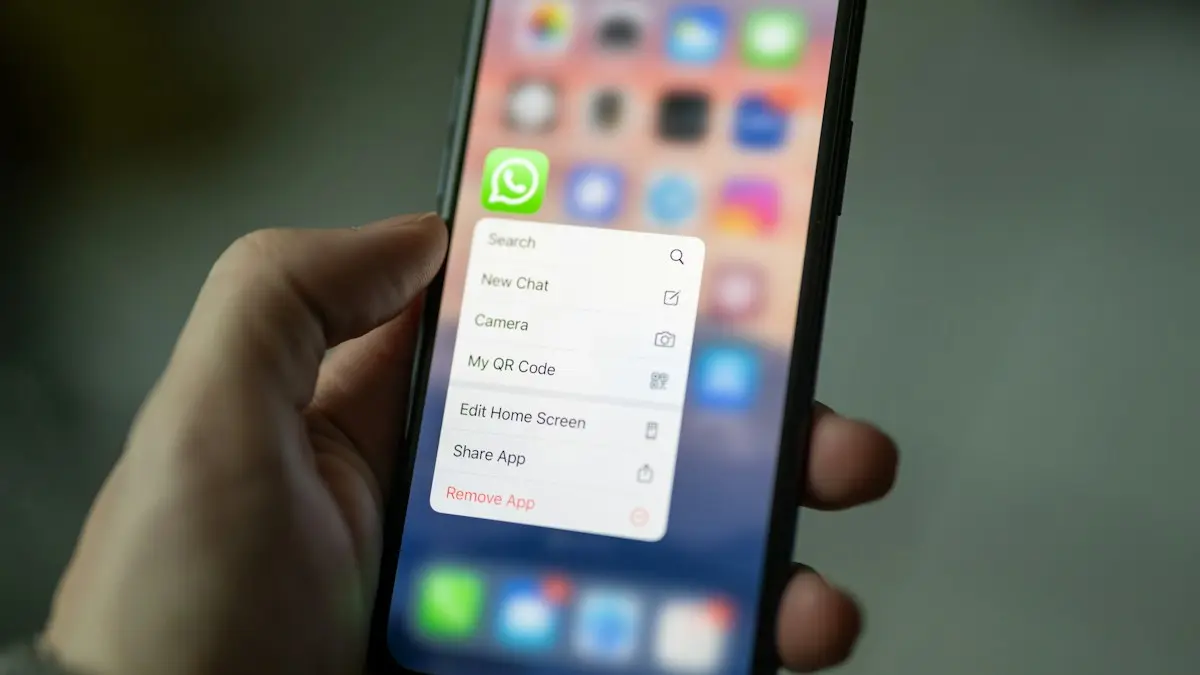
Photo by Dimitri Karastelev on Unsplash
The fix
Still have the old iPhone
- 1
Put your SIM back in the iPhone.
- 2
Open Settings › Apps › Messages and turn off iMessage.
- 3
Open Settings › Apps › FaceTime and turn it off.
- 4
Move the SIM back to your Android.
The fix
No iPhone anymore
- 1
Go to selfsolve.apple.com/deregister-imessage in a browser.
- 2
Enter your number and tap Send Code.
- 3
Type the code texted to your Android and submit.
The fix
Then check the Android side
- 1
Make Google Messages the default SMS app.
- 2
Turn on RCS chats in Messages settings.
- 3
Check your blocked numbers and spam folder.
Why do iPhone texts not reach your Android phone?
When someone with an iPhone texts a number, their phone first asks Apple whether that number uses iMessage. If Apple says yes, the message goes out as a blue iMessage over the internet, and never as a text to your Android. When you move your SIM to an Android phone, Apple may still think your number belongs to an iPhone for days or weeks. The sender sees a message that says Delivered or nothing at all, and you see nothing. That is the main reason texts go missing after a switch.
Check the signs that iMessage is the cause
- The problem started soon after you switched from an iPhone.
- Only iPhone users are affected, and Android friends reach you normally.
- The sender sees blue bubbles when texting you, or a Delivered status with no reply.
- Group chats with iPhone users are silent for you.
Deregister iMessage with the old iPhone
If you still have the iPhone, this is the cleanest path. Put your SIM card back in the iPhone and make sure it has a signal. Open Settings › Apps › Messages (or Settings › Messages) and turn off iMessage. Then open FaceTime and turn it off too. If you do not turn off both, your number can stay linked. Wait a few minutes, then move the SIM to your Android and send yourself a test from another phone.
Deregister iMessage without an iPhone
Apple provides a web page for this. Go to selfsolve.apple.com/deregister-imessage in a browser, choose the country and enter your phone number. Apple sends a confirmation code by text to your Android. Type the code in the page and submit. Make sure the phone has a good signal first, because the code comes as a normal text. You may need to wait up to a day, and ask your friends to restart their iPhones, so that they check iMessage again.
RCS and Google Messages on Android
Once your number is free, make Google Messages your default SMS app in Settings › Apps › Choose default apps. Open it, tap your profile picture › Messages settings › RCS chats and turn it on. RCS lets Android and iPhone users send each other richer messages on newer iOS versions, but plain SMS works too. If you use Samsung Messages, check its chat settings. Do not keep more than one app trying to handle texts.
Group chats, blocked numbers and spam filters
Group chats with iPhone users may use iMessage groups that you cannot join, so ask someone to start a new group that includes you. Check your blocked numbers in the Messages app settings, and look in the Spam and blocked folder, since a message from an unknown number can end up there. Also check whether Do not disturb or a data limit is hiding message alerts, which can feel like missing texts even when they arrived.
What the iPhone sender can do
If you cannot wait for Apple to update, the sender can force the message as a text. In Messages on the iPhone, they can turn off iMessage under Settings › Apps › Messages › iMessage, which makes every message go out as SMS, or tap the blue message, choose Send as Text Message when it fails. Deleting the thread and starting a new one can also help. See sending as SMS from iPhone for the steps.
How to confirm the fix worked
Do not wait for a stranger to text you by accident. Ask a friend with an iPhone to send a short message and tell you what color the bubble is on their screen. A green bubble means their phone now treats your number as a normal text contact, and the message should reach you within seconds. A blue bubble means Apple still lists your number on iMessage, so give it more time. If you have two iPhone friends, test with both, since each phone refreshes its own record. It also helps if the sender restarts the iPhone, or toggles Airplane mode, after you deregister.
Dual SIM, eSIM and secondary numbers
If your Android phone uses an eSIM, a second line or a work number, make sure the number people text is the one set for messages. Open Settings › Connections › SIM manager (Samsung) or Settings › Network & internet › SIMs (Pixel) and check which SIM is preferred for SMS. Some phones ask which SIM to use every time, and a wrong choice means replies go out from a different number than the one the iPhone user knows. If you moved your number to a new eSIM recently, also confirm with your carrier that texting is active on that line.
Missing verification codes and why it matters
The biggest risk of this problem is not a missed chat. It is a missed code from your bank, a delivery company or an account you want to sign in to. Most of these codes come from short codes, not from iPhones, so they usually arrive even when iMessage is the problem. If they do not arrive either, the issue is probably your SIM, signal, a blocked sender or a carrier setting, not iMessage. In that case call your carrier, ask them to check that short code messages are allowed, and look at your spam and blocked folders in the Messages app.
Is it worth keeping an iPhone for iMessage?
Some people keep an old iPhone on Wi-Fi so it does not take messages, but that does not help here, since Apple links your number, not your device. The simple answer is to deregister and move on. If you still use iMessage for an Apple Account email address, that part can stay, because it is separate from your phone number. Only the number on your Android phone needs to be released.
Why Apple does not always update fast
Apple's records of which numbers use iMessage are cached on each iPhone, so a friend's phone may keep sending iMessages for a while even after you deregister. This is why the same message can reach you from one friend and not from another. Ask the sender to open the conversation, and if it shows a blue bubble, start a new message to your number. Time, a restart on their side or sending as a text message from the sender's phone usually settles it.
It has been days and it is still failing
- Ask your carrier to confirm that your SIM is active and not set to block texts.
- Check that your Android phone is not in Airplane mode and has a signal.
- Test with a friend who has a different Android phone to see if the problem is only with iPhones.
- If you are keeping an iPhone as well, make sure the same number is not active on both.
If you are in the middle of a switch, read the guide to moving from iPhone to Android to make sure you did not leave other things behind. For the opposite problem, see texts not arriving on iPhone. If you switched carriers at the same time, ask about plans that include Wi-Fi calling, as it also helps with weak indoor coverage.
Frequently asked questions
I never had an iPhone. Why do iPhone texts not arrive?
Check that you have not blocked the number, that Google Messages is your default app, and that RCS chats are on. The iPhone sender can also turn on Send as Text Message.
How long does deregistering take?
Often minutes, but it can take up to a day for every iPhone to notice your number left iMessage.
Can iPhone users text me if I have an Android phone?
Yes. Their phone sends a normal text or an RCS message when your number is not on iMessage. If texts do not arrive, your number is probably still registered with iMessage, or the sender is blocked.
Will deregistering iMessage affect my iPhone?
Only if you still use the number there. If you keep the SIM in the iPhone, turning off iMessage means it also sends normal texts. Deregister only the number you moved to Android.
Sources
Official pages these steps are based on. Menus can differ by software version.
People also ask
Why am I not getting texts from Android phones?
Messages from Android use SMS, MMS or RCS. Make sure MMS Messaging and RCS Messaging are on in Settings › Apps › Messages, and that you have cellular signal. Group texts with Android need MMS.
Read the full guide: iPhone not receiving textsWhy do texts to Android phones fail?
The iPhone may be trying iMessage to a number that left iPhone. Turn on Send as Text Message and RCS Messaging, or ask them to deregister their number from iMessage.
Read the full guide: iPhone texts not sendingWhat does it mean when Google Messages says the recipient is offline?
Your message went out as an RCS chat, which needs data or Wi-Fi on both phones, and the other phone is not reachable right now. It stays queued until they reconnect, unless you resend it as a text.
Read the full guide: Google Messages recipient is offlineWhat does waiting to connect mean in Google Messages?
The app is trying to turn on RCS chat features and has not finished. Until it does, your messages send as regular SMS or MMS.
Read the full guide: Google Messages waiting to connectRelated guides
iPhone not receiving texts
iPhone not receiving texts, or missing messages from Android users? Check filters, blocked numbers, MMS and RCS settings, and try 7 more fixes that work.
iPhone texts not sending
iPhone text messages not sending or showing a red exclamation mark? Tap Try Again, turn on Send as Text Message and RCS, check signal and try 5 more fixes.
Google Messages recipient is offline
Google Messages recipient is offline but they are not? Turn on resend as text, verify your number, check data and RCS, and test with SMS. 6 fixes for Android.
Google Messages waiting to connect
Google Messages waiting to connect or stuck on setting up chat features? Check data, your number and the RCS switch, then clear the app data. 7 fixes that work.
More guides you may need
Motorola stuck on logo
Motorola stuck on the Hello Moto or logo screen? Force restart it, charge it, wipe the cache in recovery and use Motorola’s Software Fix tool before a reset.
Pixel can't cast to Samsung TV
Pixel can't cast to Samsung TV or says no devices found? See why Samsung TVs hide from Cast, fix Wi-Fi and permissions, or use a cable or dongle.