

Message blocking is active on Samsung: why texts fail and how to fix it
This error is almost always a carrier or account block, not a Samsung setting. Check your block lists, then your carrier account, then reset the network settings only if the first two are clear.
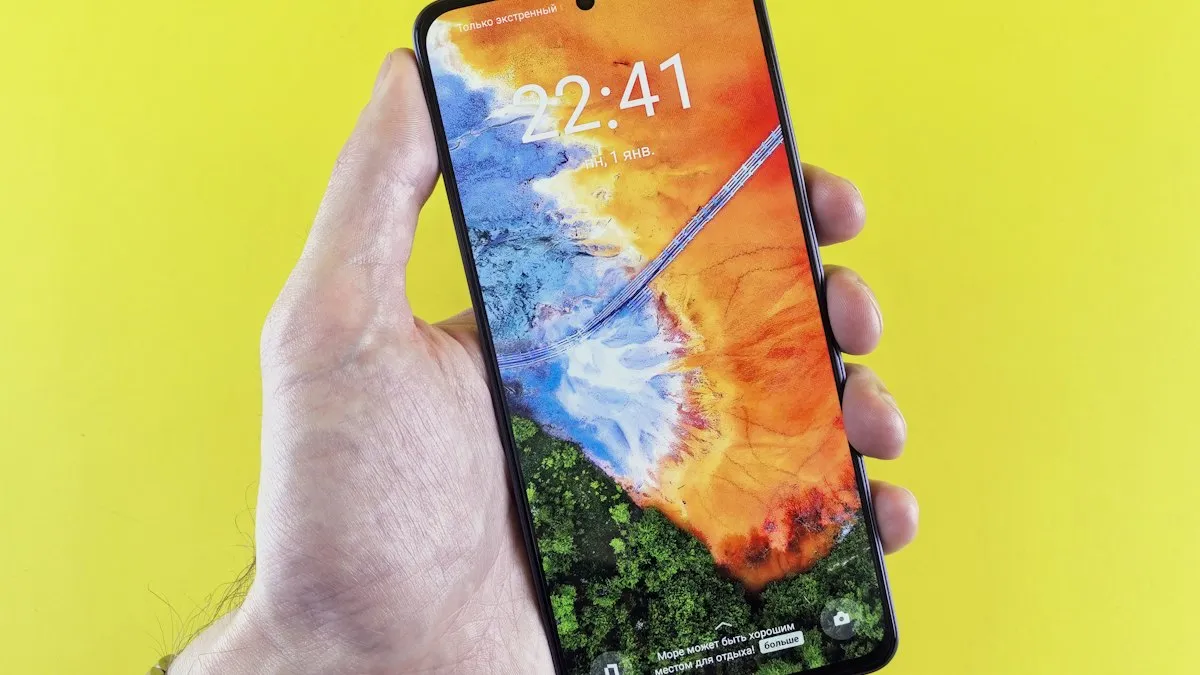
Photo by Andrey Matveev on Unsplash
You type a text on your Samsung Galaxy, tap send, and a red notice says message blocking is active. Sometimes it says Msg blocking is active, or Unable to send, blocking is active. The message does not name the person or the cause, which makes it feel like an accusation. Do not panic and do not assume you were blocked. In most cases the block is on a carrier account, often by accident, and a short call or a quick check in your account fixes it. This guide separates the possible causes and shows how to test them in order.
What does message blocking is active mean?
The wording comes from the network, not from Samsung. Your text left the phone, the carrier tried to deliver it, and a block stopped it. Samsung Community replies describe the message as a carrier bounce-back, not a setting inside Samsung Messages. The block can be on your line, on the recipient’s line, or in a block list on one of the phones. The phone cannot tell you which side it is, which is why testing helps.
Why does my Samsung say message blocking is active?
- A carrier block on your line: an account owner, or you, switched on message blocking or a parental control, and it now stops outgoing or incoming texts.
- A block on the recipient’s line: the person you are texting may have a block on their account, such as a child’s line with messaging limits.
- A blocked contact: the number is in the block list in Samsung Messages or the Phone app.
- Account problems: community replies mention an unpaid bill or an accidental change to a carrier feature.
- Chargeable or premium message blocks: some plans block short codes and paid messages. A text to such a number fails.
- A glitch in Samsung Messages or the network settings: less common, but it happens after a software update or a SIM change.
How do you find out which side has the block?
Run a few quick tests before you call anyone. They take five minutes and tell you where to look.
- Text a second person on a different carrier. If it works, the problem is with the first contact.
- Ask the first contact to text you. If their text arrives, your incoming side works, and your outgoing side may be blocked.
- Try a plain text with no photo. If plain text works and picture messages fail, it is an MMS or data setting, not a block.
- Send the same text from another app, such as Google Messages. If it works, the problem is in Samsung Messages.
- Switch on Airplane Mode for ten seconds, turn it off, and try again.
How do you check the block list on your Samsung?
Remove a blocked number
- 1
Open Samsung Messages and tap the three dots at the top right.
Tap Settings.
- 2
Tap Block numbers and spam, then Block numbers.
The exact name varies by One UI version.
- 3
Find the contact in the list.
If you see the number, tap the minus sign next to it to remove it.
- 4
Also check the Phone app.
Open Phone, tap the three dots, tap Settings, then Block numbers. A number blocked there can still trigger the message.
- 5
Send a test text.
Wait a minute and try again.
If you use Google Messages as your default texting app instead, open it, tap your profile picture, choose Messages settings, and look for Spam protection or blocked numbers. On AT&T phones, Messages shows Spam & blocked under the account icon, and you can tap a number and choose Unblock.
How do you check message blocking with your carrier?
If the block lists are clear, the block is almost certainly with the carrier. Each carrier handles it differently, and every plan has a person who can change it.
- Verizon: sign in to My Verizon and open the Blocks page. Only the Account Owner or an Account Manager can block or unblock messaging. Blocks are set per line. Temporary blocks last up to 90 days. Verizon also lets you block all messaging, or picture and video messages only. If you cannot remove the block online, call *611 from your Verizon phone.
- T-Mobile: T-Mobile has a free service called Message Blocking that stops chargeable incoming and outgoing SMS and MMS messages. The Primary Account Holder can turn it on or off in T-Life or on T-Mobile.com. A community thread describes a customer who turned on the blocking of chargeable texts and picture messages by mistake, and fixed it in T-Life under Manage, the device, then Scam Block.
- AT&T: check Messages › Spam & blocked on the phone, then your AT&T account for parental controls or device features, and contact AT&T if you cannot find a block.
- Prepaid and smaller carriers: look in the carrier app for a messaging or parental control setting, or ask support to check the line.
What if the account is behind on payment?
Community replies mention that carriers blamed an unpaid bill or a changed account feature. A past-due line may have limited service, and messaging can be one of the first things to go. Check the carrier app or website for a notice. If the bill is overdue, pay it or contact the carrier for a plan. If you keep having billing surprises, compare plans and prices. Our guide to switching phone carriers explains how to move without losing your number.
Could a parental control or family plan cause it?
Yes. A child’s line can have messaging limits, such as texts only to approved numbers. If you texted such a line, you may see the blocking message, and the account owner can fix it. The reverse is also true: a Samsung Kids profile or a parental app on your own phone can restrict who you text. Check any family or kids app on the device if you share it.
What are the device-side fixes?
If the carrier says there is no block
- 1
Clear the Samsung Messages cache.
Open Settings › Apps › Messages › Storage and tap Clear cache. Do not tap Clear data, because that can remove saved settings.
- 2
Restart the phone.
Hold the side button and the volume down button, then tap Restart.
- 3
Check the SIM.
Remove and reinsert the SIM card, or turn the eSIM off and on.
- 4
Reset network settings as a last step.
Go to Settings › General management › Reset › Reset mobile network settings. This does not delete photos or messages, but it resets Wi-Fi, Bluetooth and mobile settings.
- 5
Try another messaging app for a day.
If Google Messages works, the Samsung Messages setup may be damaged.
If the phone shows other network problems, such as no service, read about a Samsung not registered on the network. If texts only fail with iPhone users, see Android not receiving texts from iPhone.
When should you worry that you were blocked on purpose?
What about group texts and MMS?
Group texts and picture messages travel as MMS, which uses mobile data in addition to the text network. If a plain text goes through and a group text or photo fails, the cause is more likely an MMS or data setting than a block. Check that mobile data is on, that the access point settings are correct, and that your plan allows picture messages. A carrier block on chargeable messages, like T-Mobile’s Message Blocking, can also stop MMS. Compare a plain text and a photo to the same person before you change anything.
Does it matter that I changed phones or SIM cards?
It can. A new phone, a new SIM, or a switch to eSIM sometimes resets how your line is set up for messaging, and old account features may come with it. If the error started right after a change, tell the carrier about the change when you call. They can refresh your line, check that the messaging service is active, and remove old blocks. Check carrier compatibility first if you moved to a new device, using our guide to checking phone carrier compatibility.
If the message appears only when you text one person, and every other contact works, a personal block is one possibility. The message does not prove it. Another sign is a long period with no replies. If it matters, reach the person by another route, such as a phone call or an app. Remember that people also block numbers by accident or after spam texts. Do not keep sending texts if someone has made it clear they do not want to hear from you.
Frequently asked questions
Does message blocking is active mean someone blocked me?
Not necessarily. Samsung Community replies say it is usually a carrier bounce-back about a block on your account or the recipient’s account. It does not tell you who blocked what.
Why can I text some people but not others?
A block on a specific number, or a block on the other person’s line, only affects that contact. Check your block lists and try another number to compare.
Does T-Mobile Message Blocking stop all texts?
T-Mobile says its free Message Blocking service blocks chargeable messages to and from your phone, including SMS and MMS. Only the primary account holder can change it in T-Life or on T-Mobile.com.
Will resetting my network settings fix it?
Only if the cause is on the phone. If a carrier block is set, a reset will not remove it, so check with the carrier first.
What to try next
People also ask
Is unlocking a Samsung phone free?
Yes, from your carrier, once the phone meets its rules, usually fully paid off and active for a set time. Paid unlock services charge for something carriers do for free.
Read the full guide: Unlock Samsung from carrierShould I cancel my phone service before switching carriers?
No. Keep the old line active and let the new carrier port your number. The old line cancels automatically when the port completes; canceling first can lose your number.
Read the full guide: Cancel phone serviceHow long is a number transfer PIN valid?
It depends on the carrier. Verizon’s PIN is valid for 7 days, and other carriers use similar short windows. Create it right before you switch, and make a new one if it expires.
Read the full guide: Number transfer PINShould I cancel my old carrier before switching?
No. If you cancel first, you can lose your number. Keep the old service active until the new carrier finishes moving your number; that closes the old line automatically.
Read the full guide: Switch phone carriersRelated guides
Unlock Samsung from carrier
Unlock your Samsung Galaxy from Verizon, AT&T or T-Mobile for free: check if it is eligible, request the unlock and use another carrier’s SIM. 2026 rules.

Cancel phone service
How to cancel phone service with Verizon, AT&T or T-Mobile: when not to cancel, what you still owe, one line on a family plan, and how to avoid surprise fees.
Number transfer PIN
Get a number transfer PIN to switch carriers: steps for Verizon, AT&T, T-Mobile and prepaid brands, where to find your account number and fixes if a port fails.
Switch phone carriers
Switch phone carriers without losing your number: check your phone is unlocked, get your account number and transfer PIN, and let the new carrier move the line.
More guides you may need
Samsung Wi-Fi calling not working
Samsung Wi-Fi calling not working or missing? Turn it on, add your emergency address, check your carrier and reset network settings. 7 fixes for Galaxy phones.

Android hotspot not working
Android hotspot not working or connected with no internet? Check your plan, switch to 2.4 GHz, turn off data saver and the timeout, and try 5 more fixes.