

Google Messages says recipient is offline? 6 fixes
When Google Messages says the recipient is offline, your message was sent as an RCS chat and is waiting for the other phone to reconnect. The wait is often a few minutes, but a setting can send it as a text right away. Sometimes the message is wrong and the other person is online.
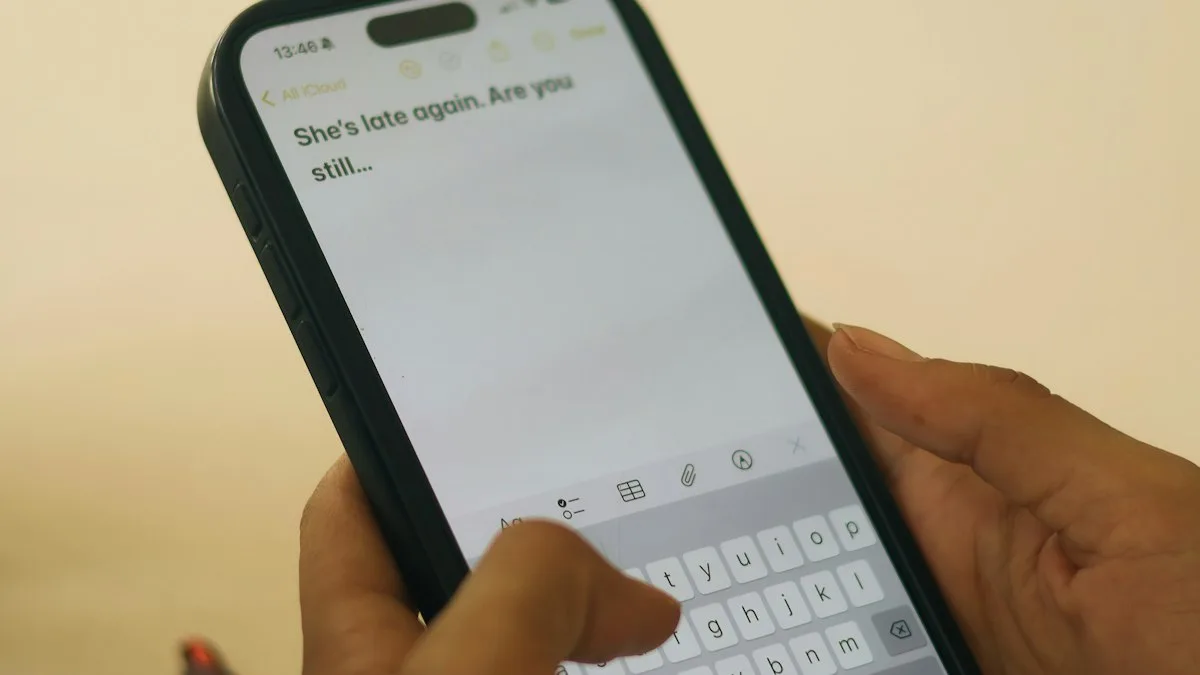
Photo by Chidera Faustina Okeke on Unsplash
You send a text and it just sits there with a note that the other person is offline. They are on their phone right now, and you are looking at them. It feels like a bug, and sometimes it is. More often Google Messages is doing exactly what RCS chats do: waiting for a data connection that one of the two phones does not have at that moment. This guide explains what the message means, how to send the text anyway, and what to check when it keeps happening. Menu names follow recent versions of Google Messages and may differ a little on yours.
What does “recipient is offline” mean in Google Messages?
Google Messages can send a message two ways. A plain text goes over your carrier as SMS or MMS. An RCS chat goes over data or Wi-Fi, and it brings typing indicators, read receipts and bigger files. Google says that if you do not have data, or the recipient is not online, the message can still be sent as SMS or MMS. The offline note appears when the app tried the RCS route and the other phone could not be reached.
Google does not publish a help page for this exact wording, so what follows combines Google’s RCS pages with what people report. Reports on the Samsung and Vodafone forums describe the same pattern: the message waits, the app shows the contact as offline, and the text is only sent as SMS after a delay or not at all. In some of those reports the contact was not actually offline.
- The other phone has no data. Airplane mode, a weak signal, a dead zone or a prepaid plan that ran out of data.
- Their RCS is off or stuck. They turned RCS chats off, switched messaging apps, or the connection to the RCS service dropped.
- Your phone cannot reach the RCS service. Weak data, the wrong SIM used for data, or a number that is not verified.
- The fallback setting is off. The app waits for RCS instead of switching to SMS.
The fix
Fix 1: Turn on automatic resend as text
- 1
Open Google Messages.
Tap your profile photo or initials at the top right.
- 2
Tap Messages settings, then RCS chats.
On some versions this screen is called Chat features.
- 3
Turn on Automatically resend as text (SMS/MMS).
With this on, a message that cannot go over RCS is sent as a normal text instead.
- 4
Send a new message to the same person.
If it goes through as a text, the fix worked. The compose bar usually says Text message instead of RCS message when SMS is used.
This is the fix that works for most people, because it removes the waiting. One thing to know: some users report that the automatic option does not always fire, and the message stays on hold anyway. If that happens to you, go on to the next steps and send the message again by hand.
Fix 2: Send the stuck message as a text by hand
For a message that is already waiting, press and hold it. Depending on your version you will see an option to send it as a text message or to resend it. If you do not see one, copy the text, delete the stuck message, and paste it into a new message. Check the compose bar first. If the compose bar says RCS message, a short wait may fix it. If you need the message delivered now, as with a code or a ride pickup, a plain text is the safe choice. The waiting RCS copy is dropped once the text goes out.
The fix
Fix 3: Check your own data and signal
- 1
Make sure airplane mode is off.
Swipe down from the top of the screen and check the airplane icon.
- 2
Check you have signal or Wi-Fi.
Open a web page. If it will not load, RCS cannot work either.
- 3
Turn Wi-Fi off and back on, or switch to mobile data.
A Wi-Fi network with no real internet makes RCS messages queue.
- 4
Try a text to a different person.
If other people get your messages, the issue is with this one contact. If nothing sends, the problem is on your side.
A phone with two SIMs adds one more check. Google says your call SIM should also be your data SIM. Open Settings › Network & internet › SIMs and make sure the SIM you message from is the one set for mobile data. If the data SIM is the other line, RCS may fail while plain texts work. For a deeper look at the wireless side, see Wi-Fi that keeps disconnecting on Android.
The fix
Fix 4: Verify your number and reset RCS
- 1
Open Messages settings › RCS chats.
Look at the status line at the top.
- 2
Tap Verify your number if you see it.
Follow the prompts. Messages may send a code by text to confirm the line.
- 3
Wait for the status to show Connected.
It can take a minute. If it stays on Setting up or Verifying, turn RCS chats off, wait 30 seconds and turn it on again.
- 4
Send a test message.
Use a contact who has an Android phone with RCS on, so you test the same path.
If the status says RCS is not supported by your carrier, that is a carrier limit and not something your phone can fix. Plain texting still works, and turning on the resend option from Fix 1 means you will not notice. If you are unsure what RCS is, read what RCS messaging is.
Fix 5: Check what the other person’s phone is doing
Sometimes the offline message is right, and the cause is on their end. Ask them to check three things. First, are they in airplane mode or on a weak connection? Second, is battery saver or data saver stopping Messages from running in the background? Third, did they just change phones? If they moved from an iPhone, iMessage can still hold their number, and Google says to turn it off. If they changed to another messaging app, they may need to turn off RCS chats at messages.google.com/disable-chat so your messages are sent as SMS instead of waiting. Once they do, new messages should arrive as plain texts.
If your friend uses an iPhone, the offline note is not what you will see, but delivery gaps still happen. Our guide to an Android phone that is not receiving texts from iPhone covers the other direction.
The fix
Fix 6: Update the app and clear its cache
- 1
Open the Play Store and search for Google Messages.
Tap Update if you see it. Old versions have known RCS problems.
- 2
Open Settings › Apps › Messages › Storage & cache.
The path can read Storage on some phones.
- 3
Tap Clear cache.
Do not tap Clear storage unless you must. It removes data and can force RCS to set up again.
- 4
Restart the phone and send a test.
A restart rebuilds the connection to the RCS service.
Is the message wrong, or is the person really offline?
You can tell with one test. Send the same short message to two or three contacts who use RCS. If all of them show offline, your phone is the problem. If it is only one, the problem is that person’s phone or settings. If you can, send a normal SMS to that one contact from another app or from a different phone. If the SMS arrives, the contact’s number and SIM are fine, and the issue is the RCS link between your phones. In that case, leave Automatically resend as text on and ask the contact to check their own RCS chats setting.
Why this happens more after switching phones or carriers
RCS ties your number to your phone. When a number moves to a new phone, a new SIM or a new carrier, the old link can hang around for a while. Friends’ phones may still think you can be reached over RCS and queue messages for a phone that is not there. If you recently changed phones, check that RCS chats show Connected on the new one, and deactivate iMessage if you came from an iPhone. If you changed carriers, see how to switch phone carriers for the steps that keep your number working.
Samsung phones: two messaging apps
Many Samsung phones include their own Samsung Messages app next to Google Messages. If your friends use Google Messages and you use Samsung Messages, or the other way round, you will see different features and different wording. Open Settings › Apps › Choose default apps › SMS app to see which one is the default, and use only one for sending. If texts will not send at all, see Samsung texts that will not send.
Quick checklist
- Automatically resend as text (SMS/MMS) is on under RCS chats.
- Airplane mode is off and you have data or working Wi-Fi.
- Your number is verified and RCS shows Connected.
- On a dual SIM phone, the call SIM is also the data SIM.
- Google Messages is updated and set as the default texting app.
- You tested with two or three contacts to see whose phone is at fault.
Frequently asked questions
What does it mean when Google Messages says the recipient is offline?
Your message went out as an RCS chat, which needs data or Wi-Fi on both phones, and the other phone is not reachable right now. It stays queued until they reconnect, unless you resend it as a text.
How do I send the message as a text instead?
Open Messages settings › RCS chats and turn on Automatically resend as text (SMS/MMS). For a message that is already stuck, you can usually press and hold it and choose the option to send it as a text.
Why does Google Messages say offline when the person is online?
People report false offline messages when the other phone has weak data, is in battery saver, or has RCS turned off or switched to another app. A test text over SMS tells you whether the problem is on your side.
Will the other person see my message when they come back online?
Yes, an RCS message waits and is delivered when their phone reconnects. If you resend it as a text, they get it as a normal SMS and the waiting RCS copy is dropped.
What to try next
People also ask
What does waiting to connect mean in Google Messages?
The app is trying to turn on RCS chat features and has not finished. Until it does, your messages send as regular SMS or MMS.
Read the full guide: Google Messages waiting to connectWhy do picture messages fail but texts work?
MMS needs mobile data. Turn mobile data on, even on Wi-Fi, and check that the APN is set to your carrier’s default.
Read the full guide: Samsung texts not sendingHow long do deleted texts stay in Trash on Android?
30 days in both Google Messages and Samsung Messages. On Android Go phones, Google Messages keeps them for 7 days. After that they are deleted for good.
Read the full guide: Recover deleted texts on AndroidWhy do texts to Android phones fail?
The iPhone may be trying iMessage to a number that left iPhone. Turn on Send as Text Message and RCS Messaging, or ask them to deregister their number from iMessage.
Read the full guide: iPhone texts not sendingRelated guides
Google Messages waiting to connect
Google Messages waiting to connect or stuck on setting up chat features? Check data, your number and the RCS switch, then clear the app data. 7 fixes that work.
Samsung texts not sending
Samsung text messages not sending or failing? Check signal, turn RCS off and on, clear the Messages cache, check the message center number and try 5 more fixes.
Recover deleted texts on Android
Recover deleted texts on Android from the Trash in Google Messages or Samsung Messages, the Archived and Spam folders, or a Google or Samsung Cloud backup.
iPhone texts not sending
iPhone text messages not sending or showing a red exclamation mark? Tap Try Again, turn on Send as Text Message and RCS, check signal and try 5 more fixes.
More guides you may need
Samsung screen keeps dimming
Samsung screen keeps dimming by itself? Check Adaptive brightness, Extra dim, power saving, screen timeout and heat. 7 fixes for Galaxy phones, step by step.
Samsung Wallet too young
Samsung Wallet says you are too young or must be 21? Check the birth date on your Samsung account first. Here is what is confirmed, and your options.