

Green vs blue messages on iPhone: what the colors mean
Blue means iMessage between Apple devices. Green means a regular text, usually because the other person is on Android.
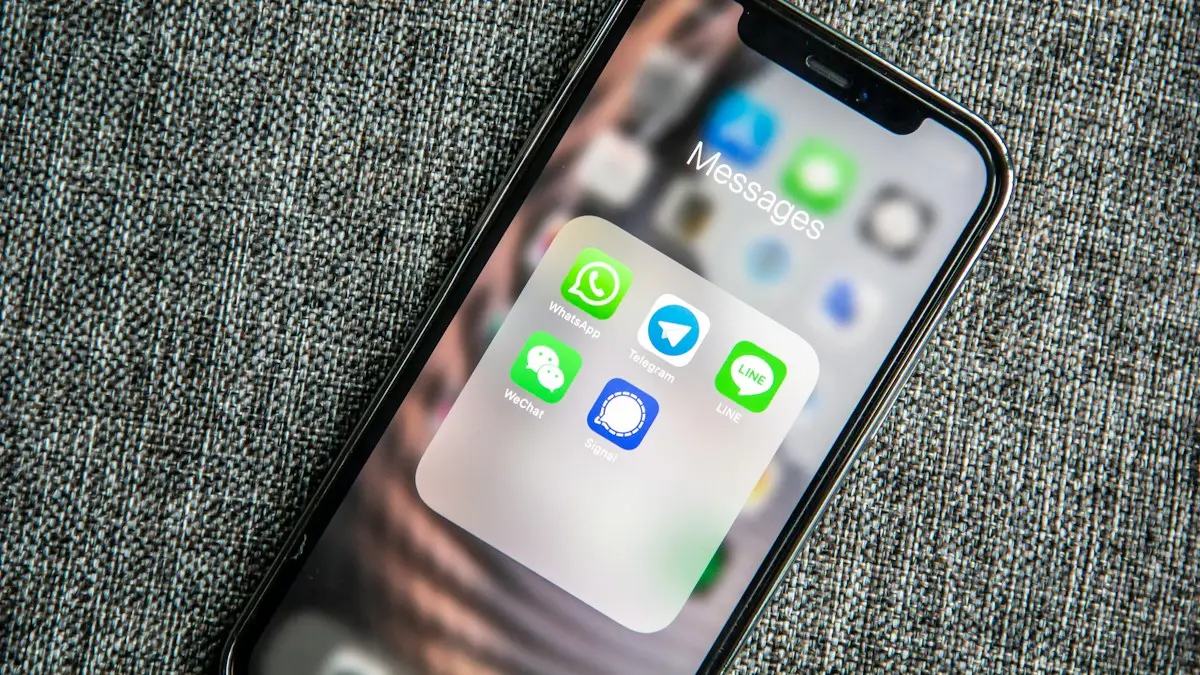
Photo by Adem AY on Unsplash
The three kinds of text
- iMessage (blue): Apple to Apple, over Wi-Fi or data, encrypted.
- RCS (green): modern texting with Android, with typing dots and full quality photos.
- SMS and MMS (green): basic texts over the cell network, no encryption.
The fix
Get blue bubbles back
- 1
Make sure both of you have Wi-Fi or data.
- 2
Turn on iMessage in Settings › Apps › Messages.
- 3
Delete the chat and start a new one with their number.
How iPhone decides blue or green
When you type a message, your iPhone checks with Apple whether the number or email is registered to iMessage. If it is, and you have an internet connection, the message goes as iMessage and the bubble is blue. If not, the iPhone falls back to RCS or SMS through your carrier and the bubble is green. The check happens per contact, so one chat can be blue while another is green.
Green vs blue messages on iPhone: what changed with RCS
Before iOS 18, a green bubble meant plain SMS or MMS: no typing dots, no read receipts and blurry photos. Since iOS 18, iPhones support RCS with Android phones on supported US carriers including Verizon, AT&T and T-Mobile. RCS is still green, but it adds typing indicators, read receipts, high quality photos and videos, reactions, and works over Wi-Fi. The text field shows Text Message • RCS when RCS is in use. Turn it on in Settings › Apps › Messages › RCS Messaging. Learn more in what RCS messaging is.
Read the label in the text box
- iMessage: blue bubbles, Apple to Apple.
- Text Message • RCS: green bubbles with modern features, usually to Android.
- Text Message • SMS: green bubbles, basic texting over the cell network.
Why one iPhone contact suddenly turned green
- You or they have no Wi-Fi or cellular data at that moment.
- They turned iMessage off, or signed out of their Apple Account.
- They switched to an Android phone.
- Their phone is off or dead, and your iPhone gave up waiting and sent it as a text, if Send as Text Message is on.
- You saved their number wrong, or they changed numbers.
- Apple's iMessage service is having an outage. Check apple.com/support/systemstatus.
Fix green bubbles to another iPhone, step by step
- Check you have internet by opening a web page.
- Go to Settings › Apps › Messages and check iMessage is on. Turn it off and back on to re-register.
- Tap Send & Receive and make sure your phone number has a check mark.
- Ask the other person to check the same settings on their iPhone.
- Delete the old chat and start a new one using their phone number.
- Restart both iPhones.
If iMessage itself says Waiting for activation or will not turn on, follow our guide on fixing iMessage.
Group chats
A group chat is blue only if every member uses iMessage. Add one Android user and the whole group becomes green. With RCS on both sides, these groups now support names, adding and removing people, and better media. Without RCS, they fall back to MMS group messages, which are slower and can split into separate threads.
Are green messages less secure?
iMessage is end to end encrypted, so only you and the recipient can read it. Plain SMS and MMS are not encrypted and pass through your carrier in readable form. RCS between iPhone and Android uses the RCS Universal Profile; end to end encryption for cross platform RCS was announced by the GSM Association and is rolling out, so check your iOS version and carrier for current support. For private information, use iMessage, or an encrypted app like Signal or WhatsApp when one side has Android.
Photo and video quality
Photos and videos over SMS and MMS are heavily compressed, which is why videos from Android friends used to look blurry. RCS improves this a lot. For full quality, share an iCloud link or a Google Photos link instead of sending the file in a text.
Do green messages cost money?
iMessage and RCS use data or Wi-Fi. SMS and MMS use your carrier's texting. Almost every US plan includes unlimited texts, so there is no extra cost at home. Abroad, SMS may be charged per message unless you have an international plan, while iMessage over Wi-Fi is free. If you want to stop iPhone from falling back to SMS, turn off Send as Text Message in Messages settings.
Switching from iPhone to Android
Before you move, turn off iMessage in Settings on the old iPhone. If you already switched, deregister your number at Apple's selfsolve.apple.com/deregister-imessage page. Otherwise, iPhone users keep sending you iMessages that never arrive. Our guide to sending texts instead of iMessage also helps when one contact keeps failing.
Why people care about bubble color
In the US, where most teenagers and young adults use iPhones, green bubbles became a social signal, and some people feel left out of group chats because of it. With RCS, the practical gap has narrowed a lot: typing dots, reactions and good photos now work between iPhone and Android. The color itself is only a label for how the message was sent.
What the bubble colors mean for features
- Typing indicator: iMessage and RCS yes, SMS no.
- Read receipts: iMessage and RCS yes, if the other person allows them. SMS no.
- Edit and unsend: iMessage only. Editing a green message does not change it on the other phone.
- Reactions (Tapbacks): full support in iMessage, supported in RCS. Over SMS, they arrive as text like "Liked an image".
- Works over Wi-Fi only: iMessage and RCS yes. SMS needs a cellular signal, or Wi-Fi Calling on supported carriers.
- Effects, stickers, games: iMessage only.
Why your iPhone sends green to Android even with RCS on
RCS needs both sides ready. The Android user must have RCS chats turned on in Google Messages, and both carriers must support it. If either is missing, your iPhone falls back to SMS. RCS also needs data or Wi-Fi, so with weak signal it may drop to SMS for a message or two. If RCS never activates, check for a carrier settings update in Settings › General › About and update iOS.
Can you force blue bubbles?
No. Blue bubbles only happen between Apple devices with iMessage on. Apps or websites that claim to give Android users iMessage either stopped working or require your Apple Account login on someone else's server, which is risky. If you want a shared experience with friends on both platforms, use RCS, WhatsApp, Signal or Messenger.
Turn off Send as SMS to keep chats blue
With Send as Text Message off, your iPhone keeps trying iMessage instead of falling back to green. Messages wait until the other iPhone is reachable. That keeps encryption, but a time sensitive message may arrive late. You can still send one message as a text by pressing and holding it and choosing Send as Text Message.
Blue messages on iPad and Mac
iPad and Mac only send blue iMessages on their own. To send and receive green texts on them, turn on Text Message Forwarding on your iPhone in Settings › Apps › Messages, and choose the devices. Your iPhone must be on and connected for those texts to go through.
Quick summary
Blue means iMessage between Apple devices: encrypted, full featured and sent over the internet. Green means your iPhone used your carrier instead, either RCS with modern features or basic SMS. A contact who used to be blue turning green almost always comes down to data, iMessage settings or a switch to Android, not a block. Check both phones' iMessage settings and connection first, and most chats turn blue again within minutes. If one person stays green for weeks, ask them directly whether they changed phones.
Either way, your messages still arrive. The color tells you how they traveled, not whether they matter.
Frequently asked questions
Why did an iPhone contact turn green?
One of you has no data, iMessage is off, or they switched to Android. It can also happen when iMessage is briefly down.
Are green messages less secure?
SMS is not encrypted. RCS between iPhone and Android can be encrypted on recent versions, and iMessage always is.
Why are my messages green to another iPhone?
Your iPhone could not reach the other person through iMessage, so it sent an SMS or RCS text instead. Either side may have no data, iMessage turned off, or a number not linked to iMessage.
Does green mean I am blocked?
Not usually. When you are blocked, messages typically stay blue but never show Delivered. Green usually means iMessage was not available.
What to try next
Sources
Official pages these steps are based on. Menus can differ by software version.
People also ask
Why do texts to Android phones fail?
The iPhone may be trying iMessage to a number that left iPhone. Turn on Send as Text Message and RCS Messaging, or ask them to deregister their number from iMessage.
Read the full guide: iPhone texts not sendingCan I change a text message to an iMessage?
You cannot convert a green message that already went out. Make sure iMessage is on in Settings › Apps › Messages, then send a new message. It goes blue if the other person also uses iMessage.
Read the full guide: Change iMessage to text messageDoes RCS use data?
Yes, it uses Wi-Fi or mobile data like a chat app. Without data, the phone falls back to SMS.
Read the full guide: What is RCS messagingDoes the orange dot mean I am being hacked?
Usually not. It appears whenever any app uses the microphone, including calls, Siri and voice messages. Only worry if Control Center shows an app you do not expect.
Read the full guide: Orange dot on iPhoneRelated guides
iPhone texts not sending
iPhone text messages not sending or showing a red exclamation mark? Tap Try Again, turn on Send as Text Message and RCS, check signal and try 5 more fixes.
Change iMessage to text message
Switch iMessage to text message on iPhone, or get green texts to send as blue iMessages again. Steps for one message, automatic fallback and on or off.
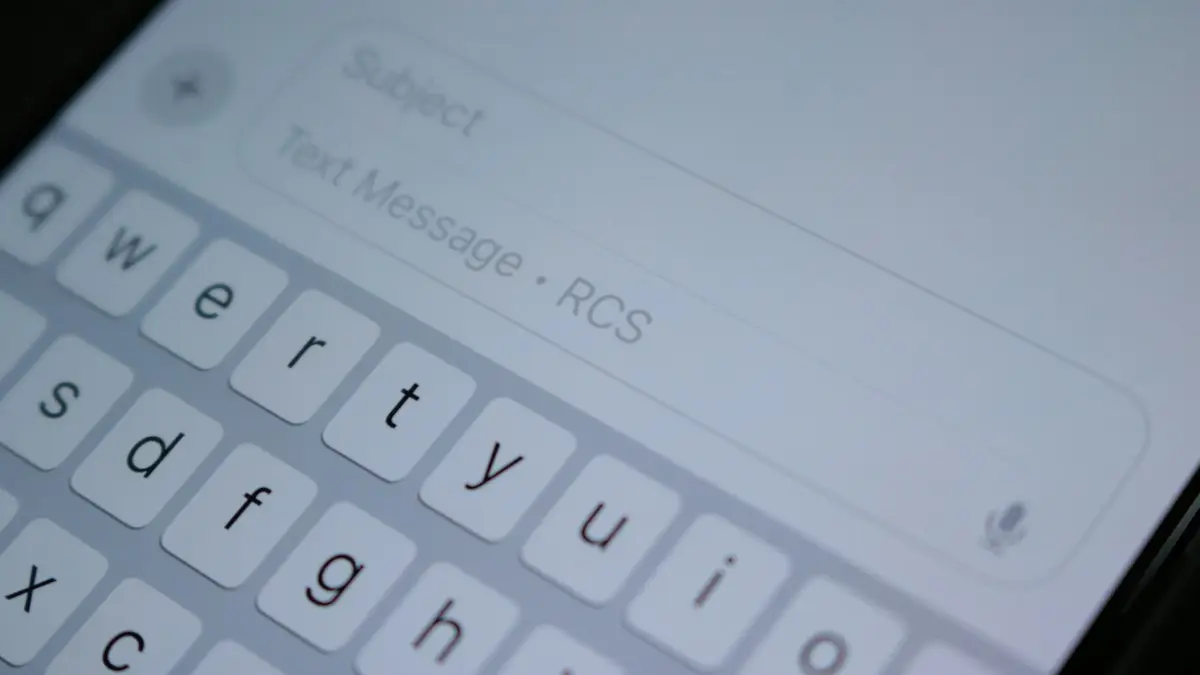
What is RCS messaging
RCS is the modern replacement for SMS, with typing indicators, read receipts and full quality photos between iPhone and Android, and how to turn it on.
Orange dot on iPhone
The orange dot on iPhone means an app is using your microphone; green means the camera. See which app it is, stop access and know when to worry.
More guides you may need
Best iPhone for seniors
Choosing an iPhone for a parent or grandparent? Check screen size, Face ID or Touch ID, software support, battery and safety features, then set it up simply.
eSIM on a locked iPhone
A carrier locked iPhone only takes an eSIM from its own carrier. See how to check the lock in Settings, why a travel eSIM will not activate, and how to unlock.