

iPhone not tracking steps? 6 fixes for the Health and Fitness apps
An iPhone counts steps with its own motion sensors, but only if Fitness Tracking is allowed in Privacy settings.

Photo by Ibrahima Toure on Unsplash
The iPhone counts steps on its own with a motion sensor and a small processor that tracks movement. It does not need an Apple Watch. When the number sits at zero, or says No Data, a setting is almost always the reason. Work through these fixes in order.
The fix
Fix 1: Turn on Fitness Tracking
- 1
Open Settings › Privacy & Security › Motion & Fitness.
- 2
Turn on Fitness Tracking.
Without this, the iPhone cannot record steps, even if the Health app is open.
- 3
Open the Health app and check Steps.
Walk for a minute and look at Browse › Activity › Steps. New data can take a short time to appear.
Fix 2: Allow Health to read your steps
If Steps shows No Data, open the Health app and check Browse › Activity › Steps. Make sure the iPhone is listed under Data Sources & Access and that its switch is on. In the Health app, also check your profile: height and weight help the app estimate distance.
Fix 3: Check the data source order if you also use an Apple Watch
When you wear an Apple Watch, the Health app can use it as the main source and ignore the iPhone for the times you wore it. If your steps look too low, open Health › Browse › Activity › Steps › Data Sources & Access and look at the order. Make sure the source you use most is first. Our guide to an Apple Watch that will not pair helps if the Watch is not syncing.
Fix 4: Carry the iPhone where it can feel you walk
- Keep the iPhone in a pocket or on your body. In a bag, or in your hand while you push a stroller, it can miss steps.
- Steps count when you walk or run. Cycling and driving do not add steps.
- Shaking the phone does not count, and counts can differ a little between days.
Fix 5: Restart and update
Restart the iPhone, then check Settings › General › Software Update. A bug after an update can stop steps from showing. If the problem started after an update, see problems after an iOS update.
Fix 6: Add Steps to your Health summary
Sometimes steps are recorded, but you do not see them on the Summary screen. Open Health › Browse › Activity › Steps and tap the star to add it to Favorites. Then it shows at the top of Summary.
Still zero after all of this?
If steps stay at zero, the motion sensor may be damaged, for example after a drop. Try another step counting app to compare. If it also shows nothing, contact Apple Support. Before you do, make sure your iPhone is backed up. See how to back up an iPhone.
How the iPhone counts your steps
The iPhone has a motion sensor and a chip that measures movement all day. It estimates steps and distance from how you walk, and it writes them to the Health app. This only works if the phone moves with you, so a phone left on a desk, in a bag that swings, or in a stroller will under-count. It also needs permission for Motion & Fitness. A few hundred steps missing is normal, and the count is an estimate, not a precise measurement.
Check the Motion & Fitness switches
Open Settings › Privacy & Security › Motion & Fitness and turn on Fitness Tracking. Then open Health › Browse › Activity › Steps, and in Data Sources & Access check that your iPhone is listed and allowed. If the Health app says No Data instead of zero, the permission is the likeliest cause. In Location Services › System Services, the option Motion Calibration & Distance also helps accuracy on the iPhone.
Steps stopped after an update, new phone or restore
After an update or a move to a new iPhone, permissions can reset and the count can start again at zero. Reopen Fitness Tracking, check the data sources and give it a day. If you use iCloud for Health, your older history comes back on the new phone after it syncs. If you want to reset permissions, go to Settings › General › Transfer or Reset iPhone › Reset › Reset Location & Privacy, then allow Health and Fitness again when asked. This does not erase your data.
Third party apps and mismatched numbers
Apps that read steps from Health, such as Google Fit or fitness trackers, only show what Health holds. If an app shows a different number, check Health › Sharing › Apps and make sure the app is allowed to read steps. If you wear an Apple Watch, the Health app can merge Watch and iPhone steps without double counting, and the Watch usually wins when both are on you. Move the data source order as explained in Fix 3 if the wrong one is on top.
Frequently asked questions
Can an iPhone track steps without an Apple Watch?
Yes. The iPhone uses its built in motion sensors and shows your steps in the Health app. You need to carry it with you and allow Fitness Tracking.
Why does my iPhone show zero steps?
Fitness Tracking is usually off. Open Settings › Privacy & Security › Motion & Fitness and turn on Fitness Tracking, then restart the Health app.
Why is the Health app steps number different from my Apple Watch?
The Health app combines data from your iPhone and your Watch and picks a source. Check the order in Health › Browse › Activity › Steps › Data Sources & Access.
How accurate is the iPhone step counter?
It is good enough for daily totals, but it depends on where you carry the phone. In a bag or while pushing a stroller it can miss steps.
What to try next
People also ask
Can someone track my phone without me knowing?
It is possible through shared location, a tracking app installed on your phone, or a tracker hidden in your belongings. It usually needs access to your phone or accounts, so a strong passcode and account security matter.
Read the full guide: Is your phone being tracked?Is 74% battery health OK on an iPhone?
It works, but it is worn. Apple considers a battery below 80% of its original capacity worn out. At 70% to 79% you will notice shorter days and may see sudden shutdowns in the cold or at low charge. A replacement fixes it.
Read the full guide: Check iPhone battery healthHow long does it take to set up a new iPhone?
The setup screens take about 10 to 15 minutes. Restoring your apps and photos from a backup can take an hour or more, depending on your Wi-Fi and how much you have.
Read the full guide: Set up a new iPhoneDoes Samsung show battery health as a percentage?
Some newer Galaxy phones show a battery health or capacity figure in Settings. Many show only a status such as Good, so the exact number depends on your model and One UI version.
Read the full guide: Samsung battery healthRelated guides
Is your phone being tracked?
How to check if your phone is being tracked: review location sharing, apps and profiles, run Safety Check and learn what to do safely if you find something.
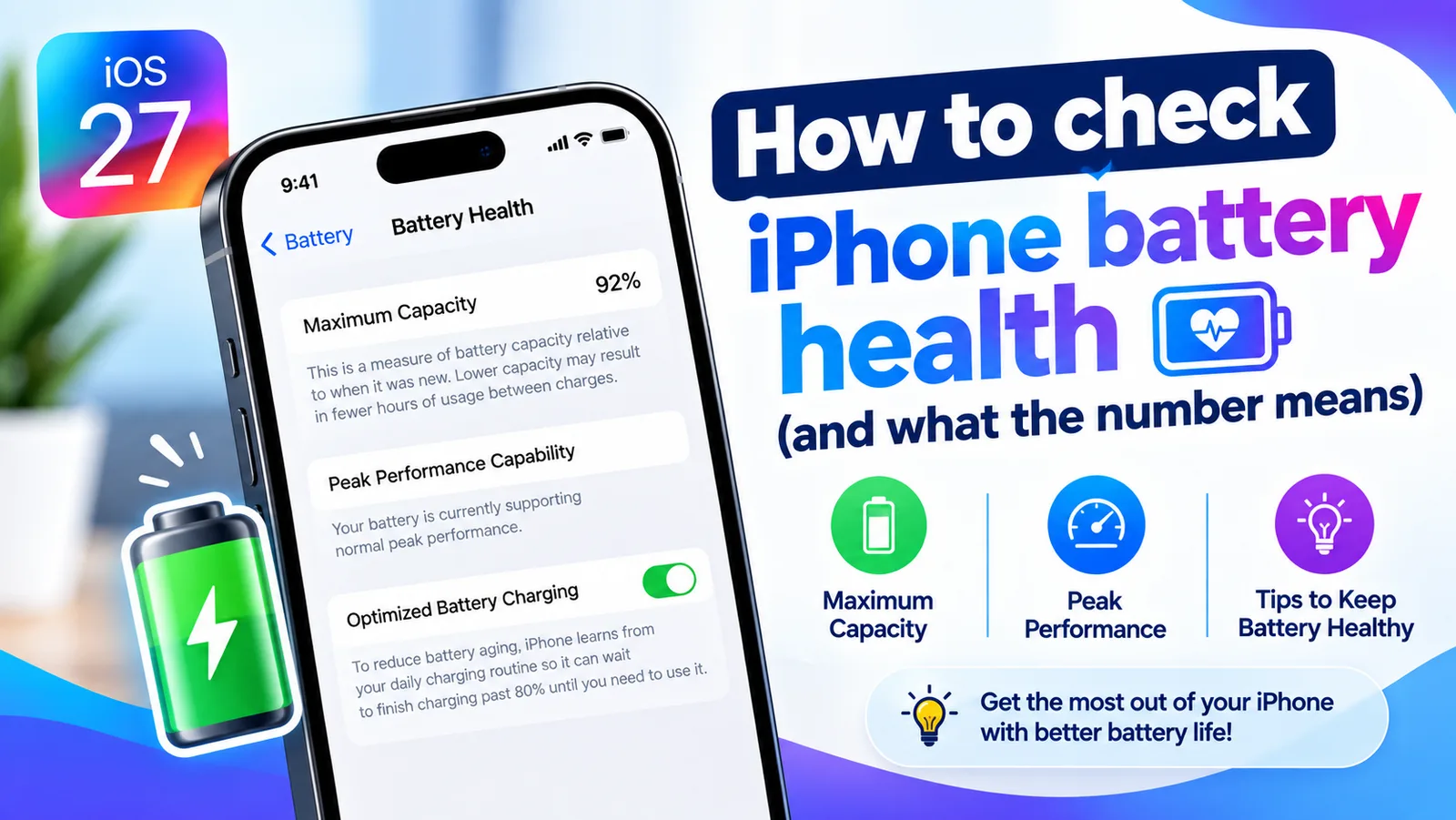
Check iPhone battery health
Find your iPhone's Maximum Capacity in Settings, understand what the percentage tells you, and learn when a battery replacement is actually worth it.
Set up a new iPhone
How to set up a new iPhone from the first screen to the last: Quick Start, restore from backup, eSIM, Face ID and the settings to check on day one.

Samsung battery health
How to check battery health on Samsung with Settings, the Samsung Members app or a dial code. Learn what the results mean and when to replace the battery.
More guides you may need
iPhone won't turn off
iPhone won't turn off? On newer models you hold the side and volume buttons, not just the side button. Here are 5 ways to shut it down, even when frozen.
No AirPrint printers found
No AirPrint printers found on your iPhone? Check the Wi-Fi network, printer support and settings. 9 fixes to get your printer to show up and print again.