

How to check if your phone is being tracked: signs, checks and safe next steps
Most tracking on a phone is by apps you installed. Real stalking is rarer, but there are signs and checks. Do them with safety in mind.
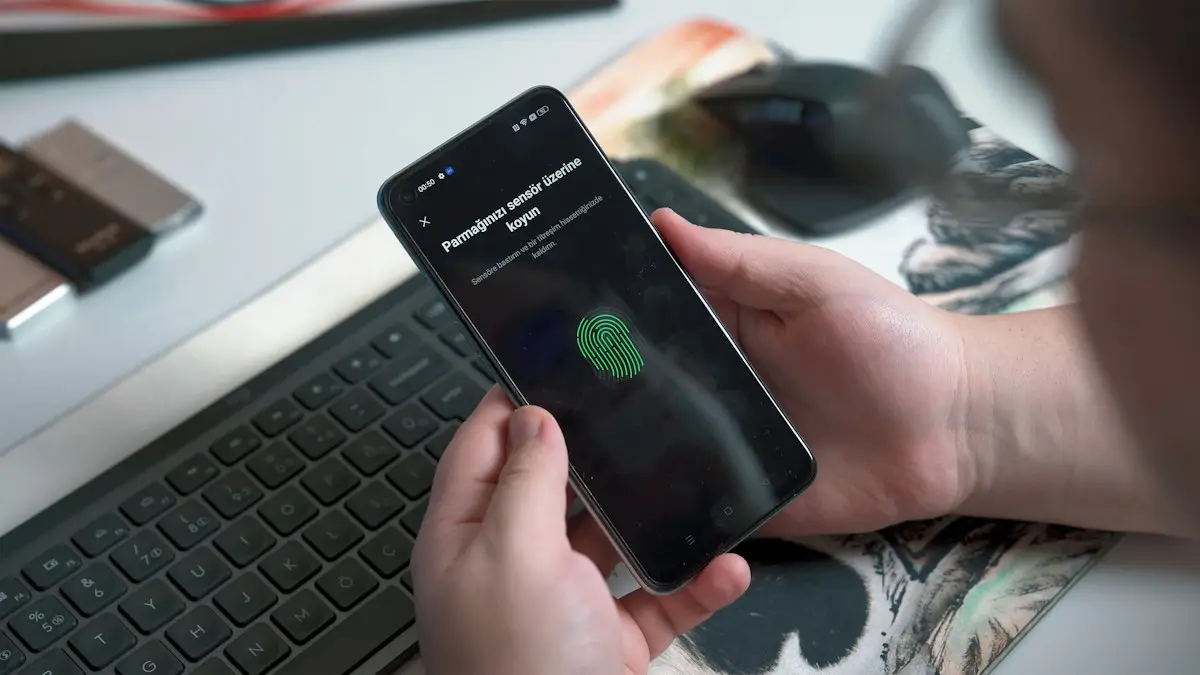
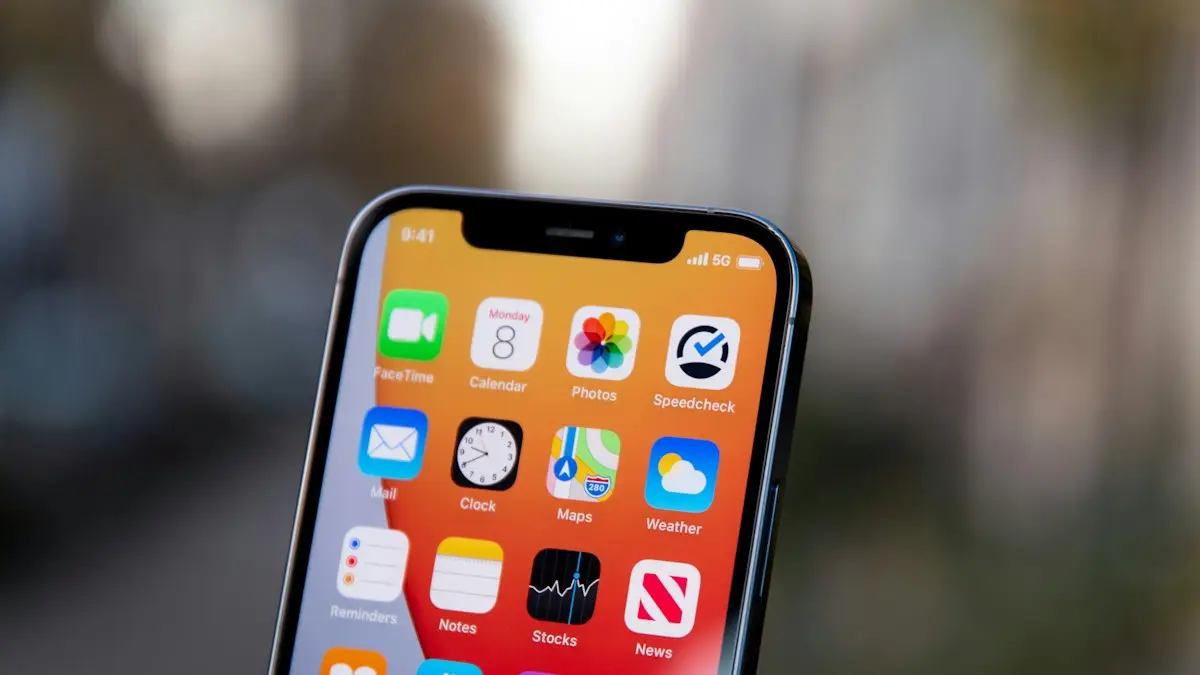
Photo by Onur Binay on Unsplash
Most of the tracking on a phone is ordinary: maps, weather and advertising apps that use your location with your permission. Real stalking is much less common, but when it happens it is serious, and it usually involves someone who has had access to your phone, your accounts or your belongings. This guide gives you a calm checklist to find out what is on your phone and who can see your location. It also covers what to do safely, because removing tracking can alert a person who is watching.
What are the signs that your phone is being tracked?
- Someone knows where you have been, without you telling them.
- Battery drains faster than usual, or the phone is warm when you are not using it.
- Mobile data use is higher than normal.
- You see apps you do not remember installing, or apps with vague names.
- Settings changed, such as location sharing turned on or a profile added.
- Someone else had your passcode or knew your Apple Account or Google password.
None of these prove tracking, because a weak battery, a bad app or a busy background task causes the same signs. They are reasons to check, not proof.
Check 1: Who can see your location?
The fix
iPhone
- 1
Open Settings › Privacy & Security › Safety Check.
Safety Check, on iOS 16 and later, shows who you share location, photos and other data with and lets you stop it quickly. It has an Emergency Reset option and a Manage Sharing & Access option.
- 2
Open the Find My app and tap People.
See who can see your location, and tap a person to stop sharing.
- 3
Open Settings › Privacy & Security › Location Services › Share My Location.
The fix
Android
- 1
Open Settings › Security & privacy and look for Safety Center or Safety check.
Menu names depend on the phone and Android version.
- 2
Open Google Maps, tap your profile picture and choose Location sharing.
See who is sharing with you and stop sharing with anyone you do not want.
- 3
Check Find Hub (formerly Find My Device) and your Google Account's device list for devices you do not know.
For how sharing works and how to stop it on an iPhone, see how to share location on iPhone.
Check 2: Which apps have permissions you did not expect?
- 1
Review location access.
On iPhone, go to Settings › Privacy & Security › Location Services. On Android, go to Settings › Location › App permissions. Set apps to While Using or Never.
- 2
Look at the full list of apps.
On iPhone, swipe through the App Library. On Android, open Settings › Apps and look at all apps, including hidden or system-like names.
- 3
Delete anything you do not recognize or need.
If you think someone is watching you, see the safety note above before you do this.
- 4
Check Screen Time or Digital Wellbeing for apps you did not use.
It can show apps running that you do not remember opening.
Check 3: Are there profiles or admin apps you do not recognize?
- iPhone profiles: open Settings › General › VPN & Device Management. Unknown configuration profiles can control the phone. If it is a work phone, a profile may be normal.
- Android device admin apps: open Settings › Security & privacy › More security settings › Device admin apps. Unknown admin apps are a warning sign.
- Unknown accessibility or notification access: check Settings › Accessibility and notification access for apps you did not set up.
- Signed-in devices: in your Apple Account or Google Account, review the list of devices and sign out any you do not know.
Check 4: Has anyone signed in to your accounts?
Many tracking cases involve a shared account, not hidden software. Someone who knows your Apple Account or Google password can see your location through Find My or Google Maps. Change your passwords from a safe device, turn on two-factor authentication and check which devices are signed in. See how to set up two-factor authentication. Also check the recovery email and phone number on each account, since someone may have added their own.
Check 5: Is there a tracker in your belongings?
A small Bluetooth tracker, such as an AirTag or a Tile, can be hidden in a bag or car. iPhones show an alert when an unknown AirTag travels with you, and recent Android versions can alert you to unknown trackers and let you scan for them manually. If you get an alert, the tracker can play a sound so you can find it. Check your bag, coat pockets, car seats and under the car. See how AirTags and Tile trackers work. Do not ignore a repeated alert.
Is it just ordinary app tracking?
Often, yes. Maps, weather, shopping and social apps use your location, and advertisers collect it too. To reduce this, set location to While Using or Never for apps that do not need it, turn off Precise Location for apps that only need a rough one and use the privacy controls on your phone. On iPhone, Settings › Privacy & Security › Tracking lets you stop apps asking to track you across other apps. On Android, you can delete your advertising ID in Settings › Privacy.
What should you do if you find something?
- 1
Take a screenshot or photo as a record.
Note the app name, the time and what you found.
- 2
Think about safety before you remove anything.
If the person could react badly, talk to a hotline or a trusted person first.
- 3
Remove the app or profile, and change your passwords.
Use a different, safe device to change them.
- 4
Run a security check.
See how to check an iPhone for a virus or how to scan an Android phone for malware.
- 5
As a last step, back up what you need and reset the phone.
Set it up as new, and do not restore from a backup that might contain the app.
Use Safety Check on iPhone
iPhone has a built in tool for this. Go to Settings › Privacy & Security › Safety Check. Manage Sharing & Access shows every person and app you share location, photos and other data with, and lets you stop sharing one by one. Emergency Reset stops all sharing at once, signs you out of other devices and helps you change your Apple Account password. Use it if you are in danger and need to cut off access quickly.
Android safety tools
On Android, open Settings › Security & privacy (names differ by brand). Check the Location section for apps with access, and Device admin apps for anything you did not install. Google Play Protect in the Play Store menu scans for known harmful apps, including many stalkerware apps. Also check Google's Find Hub and Google Maps location sharing for people you no longer want to share with.
Stalkerware is more common on Android
Spy apps need someone to install them with the phone in hand. They are easier to install on Android, where apps can come from outside the Play Store. On iPhone, monitoring usually happens through a shared Apple Account or iCloud backup instead of an app. Changing your passwords and turning on two factor authentication blocks that route.
Think before removing something
If someone who could hurt you is tracking your phone, removing the tracker may alert them. Make a safety plan first. In the US, the National Domestic Violence Hotline (1-800-799-7233, or text START to 88788) can help you plan safely, including how to handle your devices.
Frequently asked questions
Can someone track my phone without me knowing?
It is possible through shared location, a tracking app installed on your phone, or a tracker hidden in your belongings. It usually needs access to your phone or accounts, so a strong passcode and account security matter.
What are signs that my phone is being tracked?
Unusual battery drain, heat, high data use, apps you do not recognize, strange settings and a person who knows where you have been. None of these prove tracking on their own.
Does a factory reset remove tracking software?
Usually, if you set the phone up as new and do not restore a backup that contains the app. But a reset can also alert whoever is watching, so think about safety first.
Is my location being tracked by apps?
Many apps use location for maps, weather and ads. Check which apps have access in Privacy & Security on iPhone or in Privacy settings on Android, and limit them to While Using or deny them.
What to try next
People also ask
What should I do if I get a scam text?
Do not click links or reply. Report the message by forwarding it to 7726 (SPAM), report it to the FTC at reportfraud.ftc.gov, then delete and block the number.
Read the full guide: Spot scam textsCan an iPhone track steps without an Apple Watch?
Yes. The iPhone uses its built in motion sensors and shows your steps in the Health app. You need to carry it with you and allow Fitness Tracking.
Read the full guide: iPhone not tracking stepsHow do I know if I have been SIM swapped?
The usual sign is a phone that suddenly loses service while Wi-Fi still works. You may also get texts about a SIM change or alerts about password resets you did not request.
Read the full guide: SIM swap scamDoes one gray tick always mean blocked?
No. It also shows when their phone is off, has no internet or they deleted WhatsApp.
Read the full guide: Blocked on WhatsApp?Related guides
Spot scam texts
How to tell if a text is a scam: 8 warning signs, common scam types, what to do if you clicked a link and how to report scam texts on iPhone and Android.

iPhone not tracking steps
iPhone steps stuck at zero or not counting? Turn on Fitness Tracking, check Health data sources, carry the phone right and try more fixes, Watch or not.
SIM swap scam
A SIM swap scam lets a criminal take over your phone number and reset your accounts. Learn the warning signs, what to do first and how to lock down your number.
Blocked on WhatsApp?
Think you are blocked on WhatsApp? Look for one gray tick, no last seen or profile photo, calls that never connect, and a failed group add. What each one means.
More guides you may need
iPhone Safari settings
Change iPhone Safari settings in one place: default browser, search bar position, SafeSearch, autofill address, DNS and IP address, for iOS 18 and iOS 26.
Move iCloud backup to Google Drive
You cannot move a full iPhone backup from iCloud to Google Drive, but you can move photos, files, contacts and calendar. See each method and what to expect.