

How to print text messages from iPhone (free and for court)
The Messages app has no print button, so you screenshot the chat or export it with a computer app. Here is how to do both cleanly.
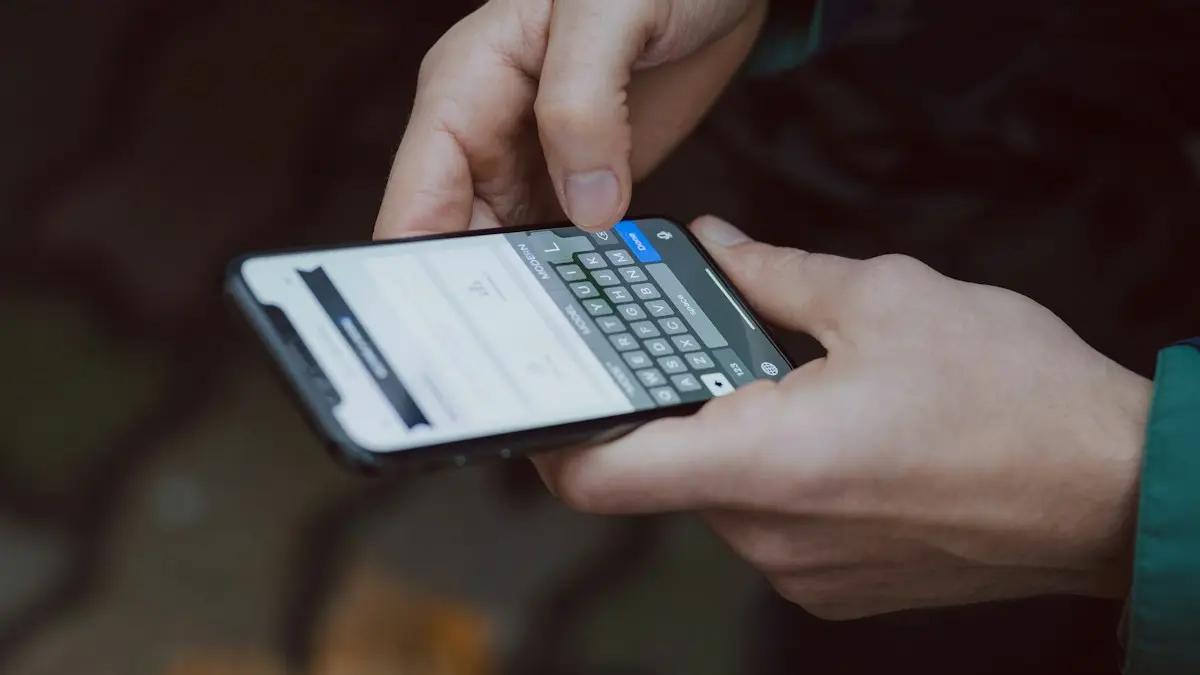
Photo by Ice Family on Unsplash
The fix
Free: screenshots and AirPrint
- 1
Open the conversation in Messages.
- 2
Swipe left and hold to show times, then take a screenshot.
Press the side button and Volume Up together.
- 3
Scroll and repeat until you have the whole chat.
- 4
In Photos, tap Select and pick the screenshots.
- 5
Tap Share, then Print, and choose your printer.
The fix
Save as a PDF instead
- 1
Follow the steps above until the Print screen.
- 2
Tap Share at the top of the print preview and choose Save to Files.
The fix
Whole conversations with a computer
- 1
Back up the iPhone to your computer or install an export app.
- 2
Choose the conversation and export it as PDF.
- 3
Print the PDF. It includes the contact, dates and times.
What should you do before you print text messages?
- Open the conversation and scroll to the start so you know how long it is.
- Turn off Do Not Disturb and notifications so no pop-up appears in a screenshot.
- Show the contact name or number at the top of each screenshot.
- Charge your phone and check that there is enough storage for many screenshots.
- Decide the format: a paper copy, a PDF to email, or a file for a lawyer.
How do I show dates and times on each message?
Messages shows the date once for each group of messages, not for each one. To show the time for each message, swipe left on the conversation and hold. A time appears on the right for every message. Take your screenshot while holding. For court, a clear date and time on every message matters more than looks. If the thread spans many days, scroll slowly so the date headers appear at least once in each screenshot.
Can you print texts directly from an iPhone with AirPrint?
Select the screenshots in Photos, tap Share and choose Print. Pick an AirPrint printer on your Wi-Fi, set the number of copies and tap Print. If you do not see a printer, check that the iPhone and printer are on the same network and that the printer supports AirPrint. If not, save the pages as a PDF and print from a computer. For paper size or scaling help, read changing print size when printing from iPhone.
How do I combine screenshots into one PDF?
A single PDF is easier to email and keeps the order. In Photos, select the screenshots, tap Share, then Print, and on the preview pinch outward on a page to get a PDF. Tap Share again and Save to Files. You can also use our free photos to PDF converter in your browser, which keeps the files on your device and lets you reorder pages before you save. Check the PDF before you send it.
How do I print text messages for court?
Courts may ask how the messages were captured and whether they are complete. Screenshots can work, but they show only what is on screen and can be questioned. An export from a computer app that reads the whole conversation, with dates, times and phone numbers, is often easier to present. Keep the original messages on your phone and do not delete anything. Take screenshots of the contact's name and number as well. Rules differ by state and by case, so ask a lawyer or the court clerk what format they accept before you print.
- Back up your iPhone before you start, so nothing is lost. See how to back up an iPhone.
- Do not edit, crop or annotate screenshots meant for evidence.
- Keep a list of when and how you captured them.
- If messages are deleted, see recovering deleted texts on iPhone before you print.
Is there an app that exports texts to a computer?
Apps such as iMazing or Decipher TextMessage read your iPhone backup and export conversations as PDF or spreadsheet files with dates and times. Most are paid, with free trials that limit what you can export. Use a well-reviewed app from the maker's own website, and avoid tools that ask for your Apple Account password. Back up your iPhone to your computer first, then choose the conversation and the date range. Check the PDF carefully, since emoji, photos and long messages sometimes appear differently.
Print a single message or a short chat
For a few messages, touch and hold a message, tap Copy, paste it into Notes or Mail and print from there. You can also forward it with the forward option to an email address and print the email. This keeps text readable but removes the look of the original, so it is fine for personal use and not for evidence.
Why won't my texts print?
- The printer does not appear: restart the printer, join the same Wi-Fi network and update iOS.
- Screenshots print too small: use Share › Print and pinch to zoom or adjust the paper size.
- Photos in the chat look blurry: save the original photo from the message and print it separately.
- Group chats look confusing: add the names of all members to a note on the first page.
Keep a safe copy of important messages
If texts matter, such as an agreement, a receipt or a threat, back them up now. Take a full iPhone backup, save PDF copies in iCloud Drive or on a computer, and keep them in a folder with the date. Turn on Messages in iCloud in Settings › [your name] › iCloud › Show All › Messages, so your messages sync across your Apple devices. If your messages disappear after a software change, see recovering deleted texts on iPhone.
Is it safe to print private messages?
Printed texts often show names, numbers and private details. Do not print them at a shared office printer unless you stay and collect them. Cover or remove details that are not needed if you share a copy with someone who does not need all of it, but keep the original untouched in case someone asks for the complete record.
Make the pages easy to read
A stack of screenshots can be hard to follow. Number the pages, write the date range on the first page and put your name on the top if you will give them to someone. If the chat has links or photos, add a note about what they are, because printed links cannot be clicked. In a long thread with different dates, a short list on the front page saying who is in the chat and the first and last dates is useful for a lawyer, a judge or an insurer.
Print from an iPad or Mac
If you use Messages on a Mac, you can select text, copy it and paste it into a document, or choose File › Print to print a conversation window. The result is not complete for long threads. You can also open the screenshots on a Mac and print them, which gives you more control over page size and layout. iPad users follow the same steps as iPhone users.
How do I print text messages from an Android phone?
Android users have different options, and the steps depend on the Messages app. Screenshots and a print service plugin work on most phones. See how to print text messages from Android for the steps.
Frequently needed extras
- Attach photos and voice messages by saving them from the chat first. Touch and hold the item and tap Save.
- Put long group chats in several screenshots and include the top of the chat with the names.
- Give each file a clear name such as Messages-Name-Date, so you can find it later.
- Keep both the PDF and the original screenshots in a safe place.
If you need a certified copy for a legal case, ask your lawyer. Some cases need a forensic export, which a professional performs, and a printout alone may not be enough.
Check every page before you hand it over. Make sure no page is cut off, the dates are readable and the order is right, because a missing page can raise questions later.
Frequently asked questions
How do I show the time on every message?
In a conversation, swipe left and hold. The time of each message appears on the right. Take the screenshot while holding.
Are screenshots accepted in court?
Often, if they show the contact and dates clearly, but rules vary. Ask your lawyer what format they need before you print.
Can I print texts from iPhone without a computer?
Yes. Take screenshots, select them in Photos, tap Share and then Print to an AirPrint printer. You can also save them as a PDF.
Is there a way to print an entire text thread at once?
Not in Messages itself. A computer app that reads your iPhone backup can export a whole conversation as a PDF.
People also ask
How do I show dates on the printout?
Tap a message to show its time, or scroll so the date headers are in view. Export apps include the date on every message.
Read the full guide: Print texts from AndroidCan I forward a text to an email address?
Yes. When forwarding, type the email address in the To field instead of a phone number. It is sent as an iMessage or MMS to email.
Read the full guide: Forward a text messageWhy do texts to Android phones fail?
The iPhone may be trying iMessage to a number that left iPhone. Turn on Send as Text Message and RCS Messaging, or ask them to deregister their number from iMessage.
Read the full guide: iPhone texts not sendingHow long do deleted texts stay in Trash on Android?
30 days in both Google Messages and Samsung Messages. On Android Go phones, Google Messages keeps them for 7 days. After that they are deleted for good.
Read the full guide: Recover deleted texts on AndroidRelated guides
Print texts from Android
Print text messages from your Android phone for free with scrolling screenshots, Google Messages for web, or an export app that keeps names and dates for court.
Forward a text message
Forward a text message on iPhone, Samsung or Pixel in a few taps, forward several messages or photos at once, and send a text to an email address.
iPhone texts not sending
iPhone text messages not sending or showing a red exclamation mark? Tap Try Again, turn on Send as Text Message and RCS, check signal and try 5 more fixes.
Recover deleted texts on Android
Recover deleted texts on Android from the Trash in Google Messages or Samsung Messages, the Archived and Spam folders, or a Google or Samsung Cloud backup.
More guides you may need
Change your Android keyboard
Change your default keyboard on Android, switch Samsung Keyboard to Gboard or back, and change the keyboard size, theme and language in a few taps.
Change km to miles on iPhone
How to change km to miles on iPhone: set Measurement System for Apple Maps and Distance units in Google Maps. Also change temperature units.