

How to schedule a text on iPhone with Send Later
Since iOS 18, Messages can hold an iMessage and send it at the time you pick. It takes a few taps.
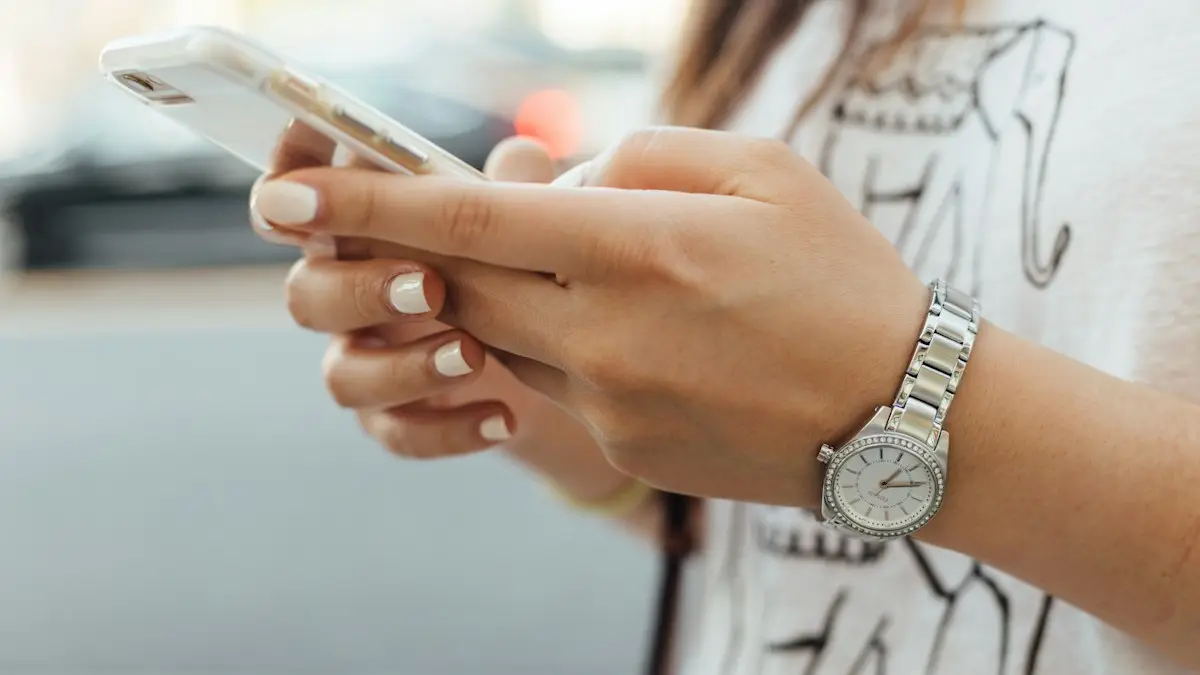
Photo by Paul Hanaoka on Unsplash
Scheduling a text is handy for birthday wishes at midnight, reminders to a colleague the next morning, or messages to someone in another time zone at a sensible hour. The iPhone can do this natively with Send Later in Messages, and the Shortcuts app covers the cases Send Later cannot, such as regular SMS texts and repeating messages. Here is how to use both, and what to do when the option is missing.
How to schedule a text on iPhone with Send Later
The fix
Schedule an iMessage
- 1
Open the conversation in Messages.
- 2
Tap the plus button, then Send Later.
- 3
Tap the time bar and choose the date and time.
- 4
Type the message and tap the send arrow.
The scheduled message sits in the conversation with a dashed outline and the send time above it. You can schedule several messages in the same conversation, at different times, and in group iMessages too. The time you pick is in your iPhone’s time zone, so if you are texting someone abroad, work out their local time first.
The fix
Edit or cancel it
- 1
Tap Edit above the scheduled message.
- 2
Choose Send Message now, Edit Time or Delete Message.
Scheduling a message to a group
Send Later works in group iMessage conversations the same way as in a one-to-one chat, as long as everyone in the group uses iMessage. If even one person has an Android phone, the conversation is not iMessage and the option will not appear. To send the same scheduled note to several people separately, schedule it in each person’s conversation, or use a Shortcuts automation with several recipients, which sends it as a group text.
Traveling or texting across time zones
When you schedule a message, you pick the time in your iPhone’s current time zone. If you want a message to reach a friend in London at 9 AM their time while you are in New York, schedule it for 4 AM on your iPhone. A quick search for the time difference before you schedule avoids waking someone up in the middle of the night. If you are about to travel, schedule important messages after you land and your iPhone has switched to the local time zone.
Change the text of a scheduled message
The Edit menu lets you send the message now, change the time or delete it, but not rewrite the words. To fix a typo or change what it says, delete the scheduled message and schedule a new one. It takes a few seconds, and the other person never sees the deleted version or knows it existed.
Schedule from a Mac or iPad
Send Later also works in Messages on iPad with iPadOS 18 or later and on a Mac with macOS Sequoia or later. On a Mac, click the plus button next to the text field, choose Send Later and set the time. Scheduled messages sync across all your devices through your Apple Account, so you can schedule on the Mac and edit or delete it from your iPhone. Writing longer messages on a real keyboard is often easier and faster.
Scheduling emails too
The Mail app has a similar feature. Write an email, then touch and hold the send arrow and choose a suggested time or Send Later to pick your own. Gmail and Outlook on iPhone offer scheduled send as well, from the menu next to the send button. It is useful for work emails you write in the evening but want to land in the morning.
Prefer a reminder instead?
Sometimes it is better to send the text yourself, for example when the right words depend on how the day goes. Ask Siri to “remind me to text Mom at 6 PM”, or create a reminder in the Reminders app with a date and time. When the reminder appears, tap it, open Messages and send. It works for any contact, iMessage or SMS, and for any date, even months ahead.
Send Later missing?
- Old iOS: Send Later arrived in iOS 18. Update in Settings › General › Software Update.
- Green bubble conversation: it only works with iMessage. If the other person uses Android, or iMessage is off, the option does not appear. See why some messages are green.
- Hidden in the menu: after tapping the plus button, scroll the list or tap More. You can drag Send Later higher in the list.
- iMessage is off: check Settings › Apps › Messages and turn on iMessage.
Scheduled message not sent?
If the time passes and the message still shows as scheduled or fails, the most common reasons are that the recipient stopped using iMessage, for example after switching to Android, or that iMessage on your iPhone was signed out. Open the message, check for a red exclamation mark, and tap it to try again as a normal message. Check that you are signed in to iMessage with your Apple Account, and see what to do when iMessage is not delivered.
Schedule a regular SMS text with Shortcuts
Shortcuts automations can send a text to anyone, including Android phones, at a set time. Unlike Send Later, the iPhone must be on for the automation to run.
- 1
Open Shortcuts and tap Automation at the bottom.
- 2
Tap the plus button, then Time of Day.
- 3
Set the time, then choose Daily, Weekly or Monthly.
Monthly lets you pick a day of the month, which covers dates beyond 14 days ahead.
- 4
Choose Run Immediately so it does not ask for confirmation, then tap Next.
- 5
Tap New Blank Automation and add the Send Message action.
- 6
Type the message, choose the recipient and tap Done.
Shortcuts automation did not send?
- Check the automation is turned on in the Automation tab.
- Make sure Run Immediately is selected. If it is set to Run After Confirmation, you have to tap a notification before it sends.
- The iPhone must be on and have signal or Wi-Fi at the scheduled time.
- Open Shortcuts and check the recipient is still correct, especially if you edited the contact since.
- Turn on Notify When Run while testing, so you can see when it fires.
Send Later, Shortcuts or a reminder?
- Send Later: the easiest for a one-off iMessage up to 14 days ahead. Sends even if your iPhone is off.
- Shortcuts: works with any number, including Android, and can repeat daily, weekly or monthly. Needs your iPhone on.
- Reminder: any date, any contact, and you stay in control of the exact words at the time.
In practice, most people use Send Later for everyday messages to other iPhone users and keep Shortcuts for the occasional regular message to an Android phone.
Good uses for scheduled texts
- Birthday or anniversary wishes that arrive right at midnight or first thing in the morning.
- Messages to friends and family in other time zones at a polite hour.
- Work reminders that you write at night but want delivered during office hours.
- Weekly reminders to a family member, such as taking out the trash or a standing call.
Keep sensitive or urgent information out of scheduled messages, and double-check the recipient before you save, since you will not be watching when it is sent. A scheduled message about plans can also go out of date if things change, so glance at your scheduled messages the day before they send.
Scheduling texts on Android
If you also use an Android phone, Google Messages and Samsung Messages both have built-in scheduling. Press and hold the send button in Google Messages, or tap the plus button and choose Schedule message in Samsung Messages, then pick the date and time. Those scheduled texts work with any recipient, including iPhones.
Frequently asked questions
Can I schedule a text to an Android phone?
Send Later works with iMessage only. For a green bubble text, use a Shortcuts personal automation that sends a message at a set time.
Does my iPhone need to be on?
No. Scheduled iMessages are sent from Apple’s servers, so the iPhone can be off or offline.
Can I schedule a text more than 14 days ahead?
Not with Send Later. Use a Shortcuts automation set to the right month and day, or add a calendar event with an alert to remind you to send it yourself.
Will the other person know the text was scheduled?
No. It arrives like any other iMessage at the time you chose. Only you see the dashed outline and the scheduled time before it is sent.
What to try next
People also ask
Why do my voice messages disappear?
Audio messages expire after 2 minutes by default. Go to Settings › Apps › Messages › Audio Messages › Expire and choose Never.
Read the full guide: Send a voice message on iPhoneHow long can I recover deleted messages?
Apple keeps deleted messages in Recently Deleted for 30 to 40 days on iOS 16 and later. After that, they are removed from the iPhone and from Messages in iCloud.
Read the full guide: Recover deleted texts on iPhoneWhy do texts to Android phones fail?
The iPhone may be trying iMessage to a number that left iPhone. Turn on Send as Text Message and RCS Messaging, or ask them to deregister their number from iMessage.
Read the full guide: iPhone texts not sendingCan I change a text message to an iMessage?
You cannot convert a green message that already went out. Make sure iMessage is on in Settings › Apps › Messages, then send a new message. It goes blue if the other person also uses iMessage.
Read the full guide: Change iMessage to text messageRelated guides
Send a voice message on iPhone
Send a voice message on iPhone from the plus menu in Messages, review it before sending, and stop audio messages from disappearing after 2 minutes.
Recover deleted texts on iPhone
Recover deleted text messages on iPhone from the Recently Deleted folder in Messages, another Apple device or a backup. What works, and what does not.
iPhone texts not sending
iPhone text messages not sending or showing a red exclamation mark? Tap Try Again, turn on Send as Text Message and RCS, check signal and try 5 more fixes.
Change iMessage to text message
Switch iMessage to text message on iPhone, or get green texts to send as blue iMessages again. Steps for one message, automatic fallback and on or off.
More guides you may need
Change album cover
Change any album cover in the iPhone Photos app with Make Key Photo, plus which albums cannot be changed and what to do if the cover will not update.
Archive to Trash in Mail
Make iPhone Mail delete emails instead of archiving them for Gmail and other accounts, with one account setting. Plus the same fix in the Gmail app.