

Facebook not sending code? 8 fixes to get your login code
Codes often get stuck at the carrier, which blocks short code texts. Email or an authenticator app is the way around it.
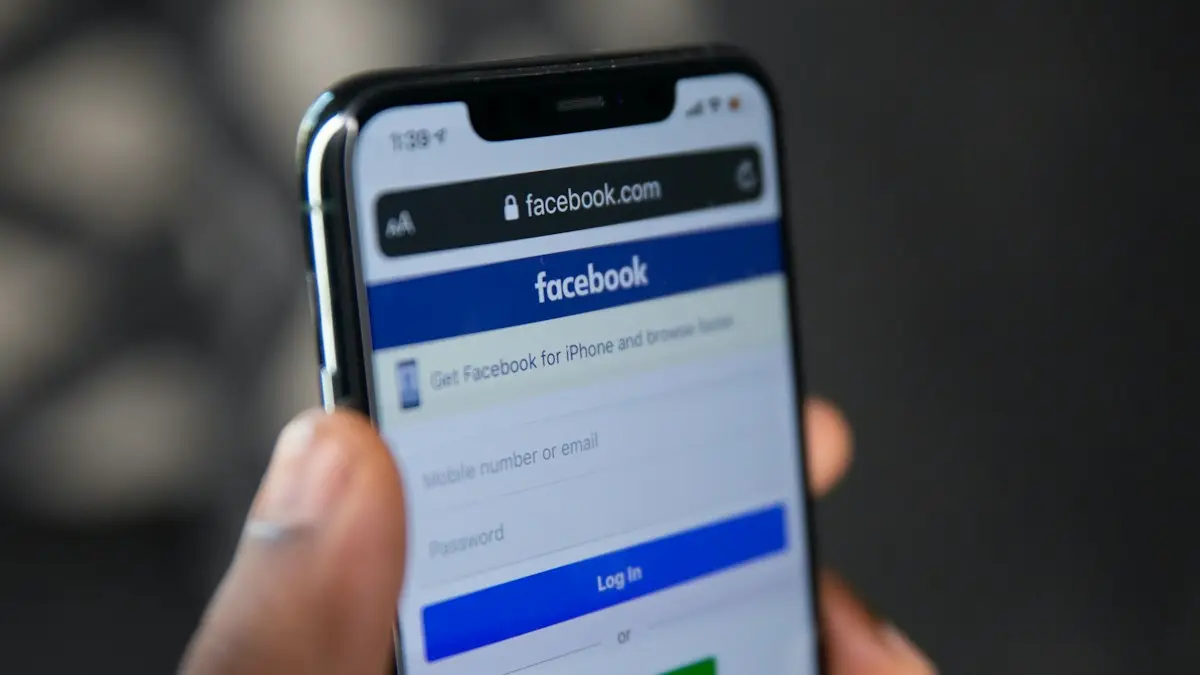
Photo by Alexander Shatov on Unsplash
The fix
8 fixes, in order
- 1
Check the number on the code screen is correct.
- 2
Wait a few minutes before requesting again.
- 3
Restart the phone and check signal.
- 4
Look in spam, junk or filtered messages.
- 5
Tap Try another way and choose email.
- 6
Use your authenticator app or a saved recovery code.
- 7
Ask your carrier to allow short codes.
Facebook texts often come from 32665. Prepaid and ported numbers block them more often.
- 8
Start account recovery at facebook.com/login/identify.
Why Facebook is not sending a code
Facebook sends login, password reset and two factor codes by text message from a short code, a five or six digit number instead of a normal phone number. Several things can stop those texts:
- The phone number on your account is old, has a typo, or belongs to a line you no longer use.
- Your carrier or plan blocks short code messages. This is common on prepaid lines, family lines with content blocks, and numbers recently moved from another carrier.
- You requested several codes quickly. Facebook pauses texts for a while to stop abuse.
- Your phone filters texts from unknown senders into a separate folder.
- The number is a VoIP number, such as Google Voice, that does not receive short codes reliably.
- A temporary delay on Facebook's side, which usually clears within an hour.
Check the number and wait before retrying
On the code screen, Facebook shows the last digits of the number it is texting. If those are not your current number, stop requesting codes to it. Tap Try another way instead. If the number is right, wait five full minutes. Each new request cancels the last code, and too many requests trigger a cool down that can last hours. One request, then patience, works better than ten.
Find codes hidden in filtered messages
On iPhone, open Messages and tap Filters at the top left. Check Unknown Senders and Junk. If Settings › Apps › Messages › Filter Unknown Senders is on, codes land there instead of the main list. On Samsung Messages, tap the three dots and check Spam and blocked. On Google Messages, tap your profile picture and choose Spam & blocked. Also make sure you have not blocked the short code.
Get the code by email instead
Tap Try another way on the code screen. If you have an email on the account, Facebook offers to send the code there. Look in Inbox, Spam, Promotions and Updates. Real emails come from addresses ending in facebookmail.com or meta.com. If you no longer have access to that email either, skip to account recovery below.
Use an authenticator app or recovery code
If you set up two factor authentication with an app like Google Authenticator, Microsoft Authenticator or Duo, open it and use the six digit code under Facebook. It does not need signal or texts. If you saved the recovery codes Facebook gave you during setup, each one works once. People often store these in a password manager, a notes app or a printout, so check there.
Already logged in on another phone, tablet or computer? Facebook can send a login approval to that device. Look for a notification asking whether it is you, and tap This was me.
US carrier short code blocks
If no short code texts arrive at all, including from your bank or other apps, the block is on your line. Call your carrier and ask them to allow short code or premium messages:
- Verizon: call 611 and ask to remove any block on short codes. Check Verizon Smart Family or content blocks if you are on a family plan.
- AT&T: call 611. Ask them to check Purchase Blocker and short code settings on the line.
- T-Mobile: call 611 or check content and family controls in your account. Ask them to check whether short codes are blocked.
Prepaid brands that use these networks, such as Cricket, Metro or Visible, can have their own short code rules. Their support can check the same thing. You can also text START to Facebook's short code if you once replied STOP to it.
Google Voice and other VoIP numbers
Many internet phone numbers, such as Google Voice or TextNow, do not receive short code texts or receive them only sometimes. If your Facebook account is tied to one, switch the code method to email or an authenticator app as soon as you are logged in. Add a regular carrier number as a backup in Accounts Center › Personal details › Contact info.
Account recovery when no code works
- Go to facebook.com/login/identify on a device you have used before. A familiar device and Wi-Fi network improves your chances.
- Search for your account by email, phone number or name.
- If none of the options work, tap No longer have access to these? or a similar link.
- Follow the steps. Facebook may ask for a new email you can reach, a video selfie, or an ID upload.
- Watch that email for updates. Reviews can take a few days.
Watch out for code scams
If you get a Facebook code you did not request, someone may be trying to get into your account using your number. Do not share it with anyone, even a friend who messages asking for it. A common scam asks you to forward a code that was sent by mistake. Facebook never asks you to send a code to another person. Change your password if codes keep arriving, and check where you are logged in under Accounts Center › Password and security › Where you're logged in.
Prevent this next time
- Keep both a current phone number and email on the account.
- Set up an authenticator app as your main two factor method.
- Save recovery codes somewhere safe outside your phone.
- Stay logged in on at least one trusted device you keep at home.
If you keep getting kicked out and asked for codes, see why Facebook keeps logging you out. The same code problem on Instagram has its own fixes in Instagram not sending a code.
Restart the phone and check signal
Text messages need a cellular signal, not just Wi-Fi. If you see one bar or SOS in the status bar, codes will be slow or never arrive. Move near a window or outside, turn Airplane Mode on for 10 seconds and off again, or restart the phone. If your carrier supports Wi-Fi Calling, texts can also arrive over Wi-Fi, so turn it on in your phone settings when you are somewhere with poor coverage.
Changed your phone number?
If you got a new number and never updated Facebook, codes still go to the old one. You cannot change the number without logging in. Use email, an authenticator app or a logged in device to get in, then update the number. If none of those work, the recovery flow above is the only path. Phone numbers are recycled by carriers, so remove old numbers from your account as soon as you can, before someone else gets the number.
Codes from WhatsApp instead of text
In some cases Facebook offers to send the code through WhatsApp on the same number. If WhatsApp is installed and working on your phone, choose that option under Try another way. It uses data, not SMS, so it skips carrier short code blocks completely.
Still stuck after a day?
Stop requesting codes for 24 hours. Repeated attempts can keep the limit in place. Then try once from a device and Wi-Fi network you have used for Facebook before. If recovery says it cannot verify you, there is no phone line or email support for personal accounts in most cases, so be wary of anyone online offering to recover your account for money. Meta Verified subscribers can get account support chat, which some people use for exactly this problem.
Frequently asked questions
How long should I wait for the code?
Give it a few minutes. Asking again and again can delay codes or trigger a temporary block, so wait before tapping Resend.
I no longer have that phone number. What now?
Tap Try another way and choose email or a recovery code. If none work, go to facebook.com/login/identify and follow the account recovery steps.
Why is Facebook not sending a code to my phone?
Your number may be old or wrong on the account, your carrier may block short code texts, or you requested too many codes in a row. Wait, then try email or an authenticator app instead.
Can I log in to Facebook without a code?
Yes, if you have a device that is already logged in, a saved recovery code, or an authenticator app set up. Otherwise use the account recovery flow and confirm your identity.
People also ask
Instagram has my old number. What can I do?
Choose to get the code by email instead. If you cannot reach that either, use instagram.com/hacked to start recovery.
Read the full guide: Instagram not sending codeWhy am I not getting verification codes on Verizon?
Codes come from short code numbers. They can be hidden by a block list, a spam filter, an account level message block, or a delay after a recent number port.
Read the full guide: Verizon verification codeWhat does Session Expired mean on Facebook?
Your login was ended, so you need to sign in again. It happens after a password change, after long inactivity, when cookies are cleared, or when Facebook detects unusual activity.
Read the full guide: Facebook keeps logging me outCan I get my Facebook account back after deleting it?
Yes, if you log in within 30 days. After that, it is permanently deleted and cannot be recovered.
Read the full guide: Delete your Facebook accountRelated guides
Instagram not sending code
Instagram not sending your login or security code? Wait before asking again, switch to email, check blocked numbers and spam, and use backup codes to get in.
Verizon verification code
Verizon not sending verification code texts for logins and apps? Check blocked short codes, spam filtering, your plan blocks and port delays, then call Verizon.
Facebook keeps logging me out
Facebook keeps logging you out or saying Session Expired? Check your account is safe, then fix the app or browser with 8 steps that stop the logouts.

Delete your Facebook account
Delete your Facebook account permanently from Accounts Center, download your photos first, and learn how deactivating differs and what happens after 30 days.
More guides you may need
Change your name on Facebook
Change your name on Facebook in Accounts Center on your phone or computer. Learn the 60-day rule, Facebook’s name policy and how to add a nickname instead.
Delete Snapchat account
Delete your Snapchat account at accounts.snapchat.com or from the app settings. Save your Memories first, cancel Snapchat+, and know the 30 day window.