

Verizon not sending verification code: why texts don’t arrive and how to fix it
Verification codes come from short code numbers, and many things can stop them: a block on your phone, a spam filter, an account block, or a recent number port. Here is how to find which one, from the quickest check to a call to Verizon.
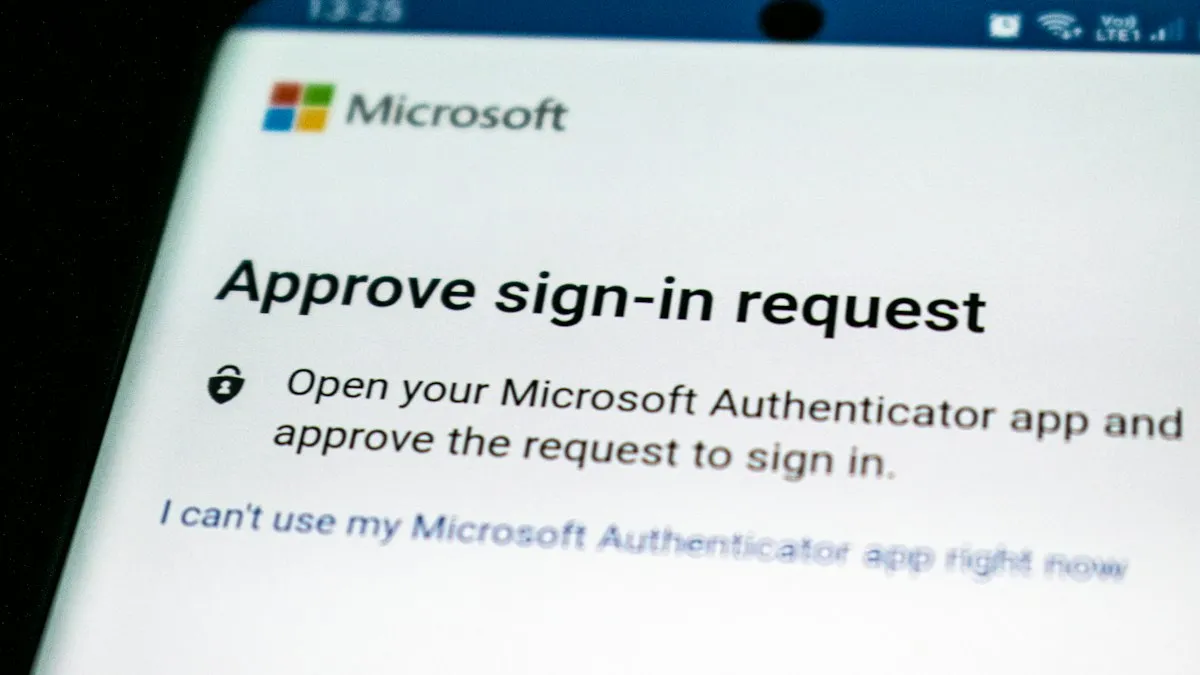
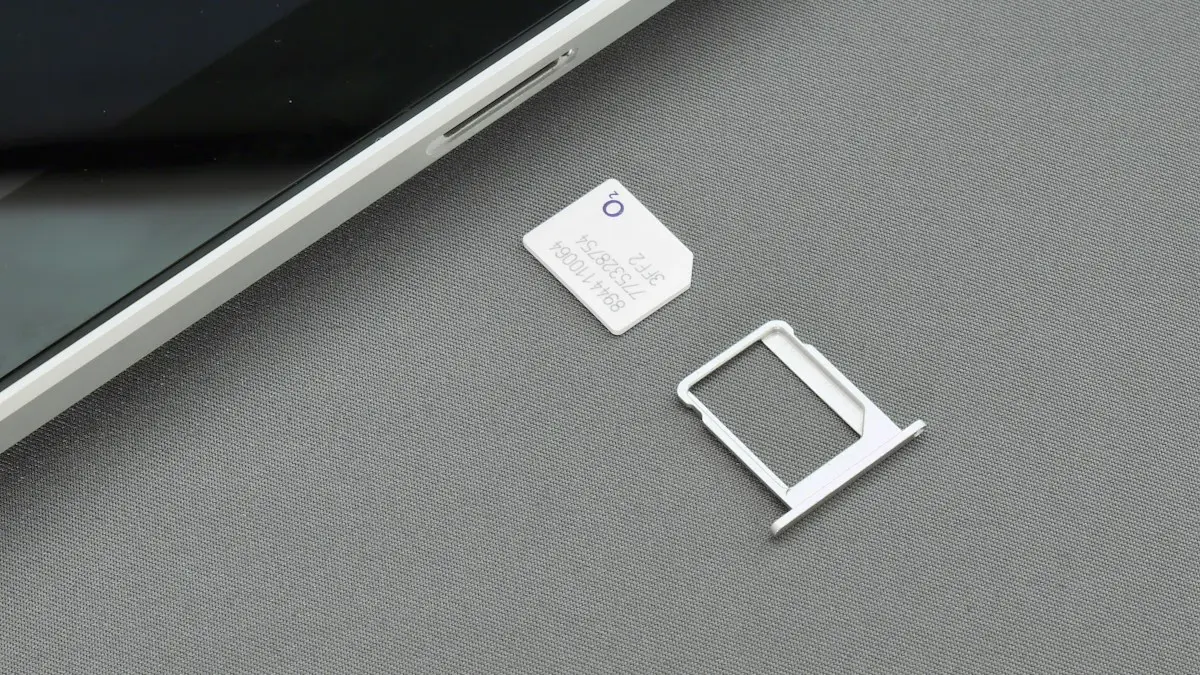
Photo by Ed Hardie on Unsplash
You tap Send Code on a login screen, the timer starts, and nothing arrives. You try again, and again, and the app locks you out for a while. If you are on Verizon, you are in good company. Verizon’s own community forums are full of threads about codes that never show up, and the causes are not always on Verizon’s side. Verification codes travel differently from normal texts, which is why a phone that texts friends all day can still miss them. This guide explains why, and then goes through the causes in the order that saves the most time.
Why do verification codes behave differently from normal texts?
A code from a bank, an app or a website does not come from a normal phone number. It comes from a short code, a five or six digit number that companies use to send many messages quickly. Your carrier must allow short code messages on your line, your phone must accept them, and no filter may hide them. If any of those steps fails, you get no code, even though regular texts from friends work. That is why the fix is often a setting or a block, not a repair.
Why is Verizon not sending my verification code?
- A short code on your phone’s block list: an iPhone user in a Verizon thread found around fifteen five digit numbers in their blocked list. Unblocking them made the next code arrive at once.
- A spam or unknown sender filter: iPhone and Android phones can hide messages from numbers that are not in your contacts.
- An account level message block: community answers say a block on premium text messaging or short code SMS can stop two-factor codes.
- A recent phone or number change: after a port or an upgrade, codes may take hours to start working.
- A weak signal or SMS turned off: a phone with no service cannot receive any text.
- A login specific problem: some people get texts normally but no code on the Verizon sign-in page.
How do you check blocked numbers on your phone?
On iPhone
- 1
Open Settings › Apps › Messages.
On iOS 18 and earlier, open Settings › Messages.
- 2
Tap Blocked Contacts.
Look for numbers with five or six digits.
- 3
Swipe left on a number and tap Unblock.
Unblock any short code you did not mean to block.
- 4
Also check Settings › Apps › Phone › Blocked Contacts.
Both lists apply.
On Android
- 1
Open the Messages app and tap your profile picture.
In Samsung Messages, tap the three dots instead.
- 2
Open Messages settings and find Spam protection or Block numbers.
- 3
Remove blocked short codes, and check the spam folder.
Codes sometimes land in a Spam and blocked folder.
Our guide on how to block a number on iPhone shows the same lists, which helps you spot what you blocked.
Is your iPhone hiding the code in Unknown Senders?
Yes, it can. Open Settings › Apps › Messages › Unknown & Spam (older versions: Settings › Messages) and check Filter Unknown Senders. When it is on, messages from numbers outside your contacts move to a separate list and do not notify you. Open Messages, tap Filters at the top, and look at Unknown Senders. If your codes are there, turn the filter off for now, or turn on the option that lets time sensitive messages like codes through if your version has one. Our guide to an iPhone not receiving texts covers other causes on the phone itself.
How do you check for blocks on your Verizon account?
Verizon lets the Account Owner or an Account Manager block services on each line in My Verizon, on the Blocks page. Verizon lists options such as blocking all messaging or picture and video messages only. If another person manages your line, or the line belongs to a child, a block may be on already. Check the Blocks page, and remove anything that stops messages. If you do not see a block there, call *611 from your Verizon phone and ask whether a premium text messaging block or a short code block is on your line. Say it plainly: your verification code texts do not arrive.
What if you changed phones or ported your number?
After a new phone, a new SIM or a number port, carriers update their records, and messaging systems learn of the change slowly. Codes sometimes arrive late, or only after several hours. Restart the phone, wait, and try again later in the day. A reset of network settings can help: Settings › General › Transfer or Reset iPhone › Reset › Reset Network Settings. It removes saved Wi-Fi passwords, so use it as a later step. If you are still waiting on a port, a number transfer PIN might be needed at your new carrier.
What can you do right now to sign in?
- Choose Call me or Email me on the sign-in screen, if the service offers it.
- Use the authenticator app or a backup code if you set one up.
- Try the Verizon app instead of the website, or the reverse.
- Connect to Wi-Fi and turn on Wi-Fi calling if your signal is weak.
- Wait a few minutes between attempts so you do not lock the account.
If the code is for a social site and not for Verizon, see Facebook not sending a code. If you get codes you did not ask for, treat it as a warning and read how to tell if a text is a scam.
When is it worth switching carriers?
What if only one app or website does not get through?
Then the problem may be with that sender and not with Verizon. Some senders use short codes that carriers filter as spam, or they send from a number that your phone has marked as junk. Try another service that sends codes, such as a different app, to see if it arrives. If only one service fails, try the voice call option, ask the service to resend, and check its help page. If every service fails, the cause is on your line or phone, and the steps above apply.
Should you worry about codes you did not request?
A code you did not ask for means someone typed your number into a sign-in page. It may be a mistake or a bot, but it can also be an attempt to get into an account. Do not read the code to anyone, even someone who says they work for your bank or for Verizon. Real companies do not ask for it. Change the password for the account if you can find which one it is, and turn on an authenticator app for important accounts.
How do you make codes more reliable in the future?
- Keep short code numbers out of your block lists, and review the lists twice a year.
- Add an authenticator app to your important accounts so you are not tied to text messages.
- Save backup codes for your email and bank in a safe place.
- Check that your number is current in the account recovery settings of each service.
- After a new phone or port, test a code from one service before you need it urgently.
Is it a Verizon problem or a sender problem?
A quick way to tell is to ask a friend to send you a normal text, then try a code from two different services. Normal text arrives and both codes fail: the issue is with short codes on your line or phone. Normal text fails too: the issue is general messaging, so read about an iPhone that is not receiving texts. One code arrives and the other does not: the sender is the problem. This simple split saves you from changing settings that were fine.
One code problem is not a reason to switch. A line that keeps losing text features, long hold times and no fix after an escalation can be. If you decide to move, keep your number, check that your phone is unlocked, and compare plans. Our guide on how to switch phone carriers explains the steps and what to check before you cancel.
Frequently asked questions
Why am I not getting verification codes on Verizon?
Codes come from short code numbers. They can be hidden by a block list, a spam filter, an account level message block, or a delay after a recent number port.
How do I check for blocked short codes on my iPhone?
Open Settings › Apps › Messages › Blocked Contacts (or Settings › Messages › Blocked Contacts on older iOS) and remove any five or six digit numbers you blocked by mistake.
Can I get the code another way?
Many services let you choose a voice call or an email instead. Use that option on the sign-in screen while you fix the text problem.
What should I ask Verizon?
Ask whether a premium or short code message block is on your line, whether the number was ported recently, and for the technical support escalation team if the codes still fail.
What to try next
Related guides
All circuits are busy
Hearing all circuits are busy on a cell phone call? Learn what it means, how to tell if it is your carrier or theirs, and how to get your call through.
Straight Talk IMEI invalid
Straight Talk says your IMEI is invalid or the phone can’t be activated? Check the number, the compatibility tool, the carrier lock and the blocked status.
Cracked phone screen
Can you use a phone with a cracked screen? Yes, briefly, but cracks spread and let in water. Learn the risks, how to protect it now and when to repair.
SIM card locked (PUK code)
SIM card locked and asking for a PUK code? Learn what SIM PIN and PUK mean, how to get your PUK from your carrier and how to fix a blocked SIM.
More guides you may need
Straight Talk IMEI invalid
Straight Talk says your IMEI is invalid or the phone can’t be activated? Check the number, the compatibility tool, the carrier lock and the blocked status.
All circuits are busy
Hearing all circuits are busy on a cell phone call? Learn what it means, how to tell if it is your carrier or theirs, and how to get your call through.