

Gmail keeps signing me out? How to stay signed in
Being signed out repeatedly is either Google protecting your account or your browser or app dropping the login. Check security first.
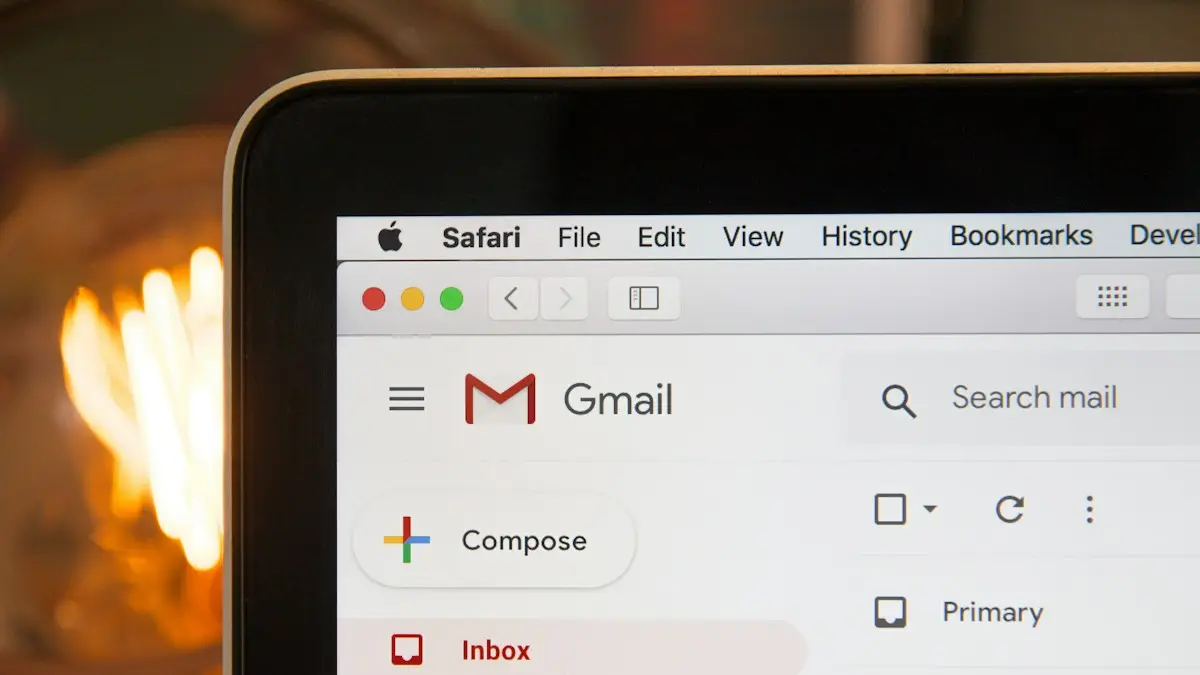
Photo by Stephen Phillips - Hostreviews.co.uk on Unsplash
The fix
8 fixes, in order
- 1
Review your devices.
myaccount.google.com › Security › Your devices. Sign out anything you do not recognize.
- 2
Change your password if something looks wrong.
- 3
Update the Gmail app and Google Play services (Android).
- 4
Set date and time automatically.
- 5
Keep cookies in your browser.
Turn off Clear cookies on exit, and allow cookies for google.com.
- 6
Turn off VPN.
- 7
Allow Gmail to run in the background.
Android: Settings › Apps › Gmail › Battery › Unrestricted.
- 8
Remove and re-add the account.
On the phone, remove the Google account and sign in again.
Why does Gmail keep signing me out?
Google keeps you signed in with a token stored on the phone or in the browser. Anything that deletes or invalidates that token signs you out. The main causes are security events (a password change, a suspicious sign-in, or Google ending sessions for safety), browser settings that clear cookies, apps being cleared or offloaded by the phone, a wrong clock, and VPNs or network changes that make your sign-in look unusual. Work and school accounts add their own time limits set by an administrator.
Match the problem to the fix
- Signed out on every device at once: security event. Check your account and password first.
- Signed out only in one browser: cookies, extensions or private browsing.
- Signed out of the Gmail app on Android: Google account sync, Play services or battery limits.
- Signed out of the Gmail app on iPhone: offloaded app, low storage or iOS data clearing.
- Signed out every few hours at work: your organization's session length.
Run Google's Security Checkup
Go to myaccount.google.com/security-checkup on a computer or phone. Google lists recent security events, devices signed in, third-party apps with access, and recovery info. Remove devices you do not recognize. If you see sign-ins from places you have never been, change your password right away and turn on 2-Step Verification. Our guide to two-factor authentication walks through the setup. Being signed out everywhere after this is normal, since Google ends old sessions.
Password changes and recovery
When you change your Google password, every device using the old one signs out within minutes. Sign in again on each one with the new password. If you did not change it, someone else may have. Use the account recovery page at accounts.google.com/signin/recovery right away. A recovery phone number and email make this much easier, so add them in Personal info and Security.
Fix it on Android
On Android, Gmail uses the Google account stored in the phone settings, not inside the app. Open Settings › Passwords & accounts (Pixel) or Settings › Accounts and backup › Manage accounts (Samsung) and tap your Google account. If you see a sign-in error, tap it and sign in. Then tap Account sync and make sure Gmail is on. Update Google Play services in the Play Store, since an old version can drop the account. If the problem continues, remove the account and add it again; your mail stays on Google's servers.
Also turn off battery restrictions. On Samsung, open Settings › Battery › Background usage limits and remove Gmail and Google Play services from Sleeping and Deep sleeping apps. On Pixel, set Gmail's App battery usage to Unrestricted.
Fix it on iPhone
The Gmail app on iPhone stores its own sign-in. iOS can remove it if the app is offloaded to save space, so check Settings › General › iPhone Storage. If Offload Unused Apps is on, turn it off. Keep at least 1 GB free. Update Gmail from the App Store. In the app, tap your profile picture › Manage accounts on this device, remove the account and add it again. If you use Apple's Mail app with Gmail instead, see Gmail problems on iPhone for the separate steps.
Fix it in a browser
- Chrome: Settings › Privacy and security › Third-party cookies and Site settings. Turn off Clear cookies and site data when you close all windows, or add accounts.google.com and mail.google.com to Allowed.
- Safari on iPhone or Mac: Block All Cookies must be off. Private Browsing tabs always forget logins when closed.
- Firefox: Settings › Privacy & Security › Delete cookies and site data when Firefox is closed. Turn it off or add an exception.
- Extensions: privacy and cookie cleaner extensions often delete Google cookies. Turn them off one at a time to find the one.
Check the date, time and VPN
A clock that is off by more than a few minutes can break sign-in tokens. Set the date and time to automatic on your phone or computer. VPNs that change country often make Google ask you to sign in again or verify. Turn the VPN off to test, or pick a server in your own region. If you need a VPN for privacy, see how to use a VPN on iPhone for settings that cause fewer problems.
Work or school Gmail
Google Workspace administrators can set how long sessions last, force sign-out on unmanaged devices and require a work profile. If your personal Gmail stays signed in but your work account does not, the setting comes from your organization. Ask your IT team. They may require you to install Google Device Policy or set up a work profile on Android.
Signed out after a phone update or reset
After a factory reset or a move to a new phone, you need to sign in again, and Google may ask you to confirm on another device or with a code. This is a one-time step. If the old phone is gone, keep your recovery phone and email up to date so you can still confirm.
Too many Google accounts
Switching between several accounts in one browser can sign you out of the first one, especially after a security change on any of them. Use a separate Chrome profile for each account, or the account switcher in the Gmail app, rather than signing in and out repeatedly.
When it is a security problem
If you keep getting signed out and see emails from Google about blocked sign-in attempts, take it seriously. Change your password to one you do not use anywhere else, turn on 2-Step Verification, sign out of all other sessions in Security › Your devices › Manage all devices, and review forwarding and filters in Gmail settings, since attackers sometimes add a forward to copy your mail. Then check signs of a phishing text so you do not hand over a code by accident.
Still signed out?
Try Gmail on a different device and network. If it stays signed in there, the problem is your phone or browser, and a reinstall or a fresh browser profile will fix it. If it signs out everywhere, contact Google through the Help Center, or check that your account has not been suspended or flagged for a policy issue.
Gmail signs out on a shared or family computer
On a shared computer, someone else may be signing out, clearing history or using a cleanup tool that deletes cookies. Use your own Chrome profile with a password on the computer account, or use the Gmail app on your phone instead. Never tick Stay signed in on public computers in libraries or hotels.
Prevent it from happening again
Keep recovery options current, use a strong unique password, leave cookies on for Google in your main browser, and avoid offloading the Gmail app on iPhone. With those in place, Google keeps you signed in for months at a time, and a sign-out becomes a useful warning instead of a daily annoyance.
Most people find the cause within the first three fixes on this page.
Frequently asked questions
Does being signed out mean my Gmail was hacked?
Not always. Google also signs you out after a password change. Check myaccount.google.com › Security › Your devices for devices you do not recognize.
Why does Gmail sign me out every time I close the browser?
The browser is deleting cookies when it closes. Turn that setting off, or add google.com as a site that can always use cookies.
Why does Gmail keep signing me out on my iPhone?
Often iOS removed the app's data after offloading or low storage, or a password change ended old sessions. Update Gmail, keep at least 1 GB free, and remove and re-add the account in the app.
How long does Google keep me signed in?
On your own phone and browser, Google keeps you signed in indefinitely unless you sign out, clear cookies, change the password or Google sees unusual activity.
People also ask
Will signing out of iCloud delete my photos?
No, iCloud keeps them. When signing out, choose to keep a copy of data on the iPhone, and everything syncs again when you sign back in.
Read the full guide: iCloud keeps signing you outHow long should Apple ID verification take?
Usually a few seconds to a minute. If it spins for more than five minutes, cancel and try the fixes below.
Read the full guide: Apple ID stuck on VerifyingWhat does Session Expired mean on Facebook?
Your login was ended, so you need to sign in again. It happens after a password change, after long inactivity, when cookies are cleared, or when Facebook detects unusual activity.
Read the full guide: Facebook keeps logging me outDoes being logged out mean my Instagram was hacked?
Not always, but it can. If Instagram logs you out and your password no longer works, or you see logins you do not recognize in Accounts Center, secure your account right away.
Read the full guide: Instagram keeps logging me outRelated guides
iCloud keeps signing you out
iCloud keeps signing you out or asking you to sign in again? Check Apple’s system status, date and time, VPN and password, then sign out and back in safely.
Apple ID stuck on Verifying
Apple ID stuck on Verifying or Signing In on your iPhone? Check Apple’s status, your connection and the date, turn off VPN and try 4 more fixes that work.
Facebook keeps logging me out
Facebook keeps logging you out or saying Session Expired? Check your account is safe, then fix the app or browser with 8 steps that stop the logouts.

Instagram keeps logging me out
Instagram keeps logging you out? Find out why, check your account is not hacked, and try 8 fixes including updating, clearing cache and removing apps.
More guides you may need
Play Store download pending
Google Play stuck on Download pending? Cancel other updates in the queue, check the Wi-Fi only setting and storage, clear Play Store cache and try 4 more fixes.

Hide following on Instagram
Instagram has no switch to hide your following list, but a private account, removing followers and blocking do the job. Here is how to use each one.