

Instagram not sending code? 8 fixes to log back in
Asking for codes over and over slows them down. Wait, then try email or a backup code instead.
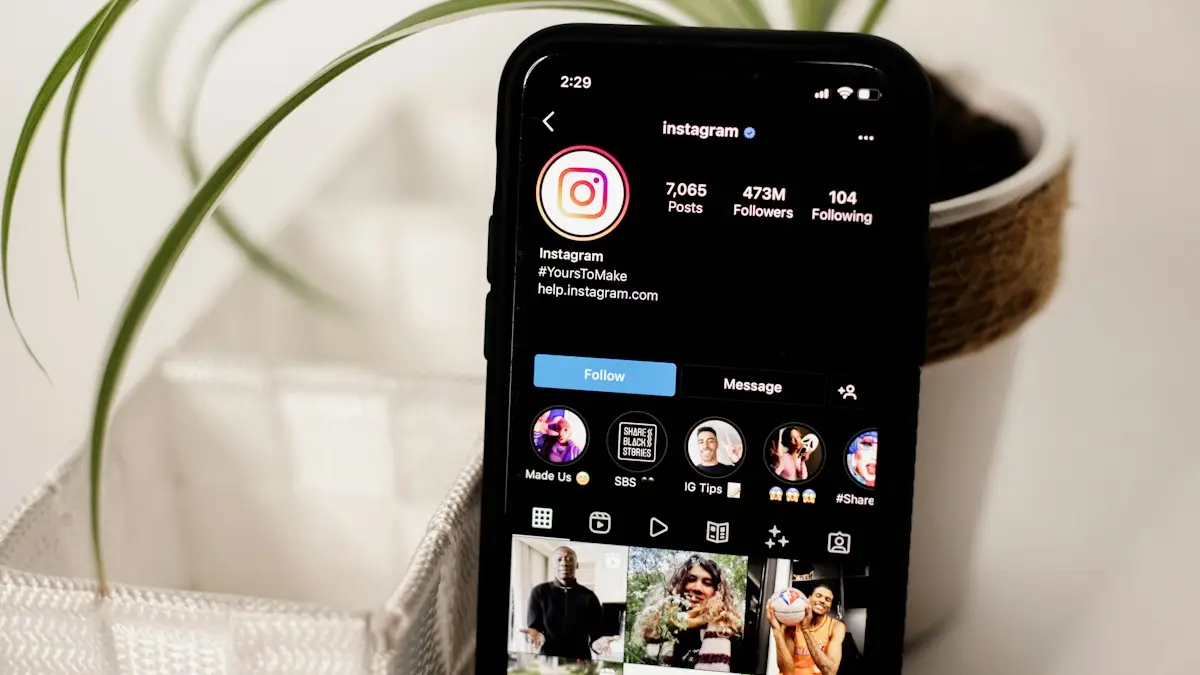
Photo by Collabstr on Unsplash
The fix
8 fixes, in order
- 1
Wait 10 to 15 minutes, then request once.
- 2
Switch between Wi-Fi and mobile data.
- 3
Choose the email option if it appears.
- 4
Check spam, junk and filtered messages.
- 5
Unblock short code numbers in your messages app.
- 6
Use your authenticator app or a backup code.
- 7
Try logging in from a device you used before.
- 8
Go to instagram.com/hacked and follow the steps.
Why Instagram is not sending your code
Instagram sends codes from short code numbers (five or six digit numbers) or by email. A code can fail to arrive because the text was filtered or blocked on your phone, your carrier blocks short codes, you have no signal, the email went to spam, or Instagram slowed down your requests after several tries. Requesting a new code many times in a row makes this worse, because Instagram may stop sending codes for a while to protect the account.
Is the code in filtered or blocked messages on iPhone?
- Open Messages and tap Filters (or Lists) at the top left, then look under Unknown Senders and Junk.
- Go to Settings › Apps › Messages › Blocked Contacts and remove any short code numbers.
- In Settings › Apps › Messages, check that Filter Unknown Senders is not hiding the code.
- Make sure Focus or Do Not Disturb is not silencing new messages.
Is the code in spam or blocked numbers on Android?
- In Google Messages, tap your profile picture › Spam & blocked and look for the code.
- In Samsung Messages, tap the three dots › Settings › Block numbers and spam.
- Turn off any third-party spam blocker for a moment, since they often catch short codes.
Does your carrier block short codes?
Some prepaid plans, family plans with content blocks and business lines block short code texts. Call your carrier or check your account settings for a premium SMS or short code block. Verizon, AT&T and T-Mobile all let the account owner manage these. Also make sure your plan has texting turned on and your account is not suspended for billing.
Can you get the code by email instead?
On the login screen, tap Forgot password, enter your username, and look for a choice between text and email. Email codes come from security@mail.instagram.com. Check Spam, Promotions and any filters in your inbox. If your email changed and you no longer have access, skip to recovery below.
Can you use your authenticator app or backup codes?
If you set up two-factor authentication with an app such as Google Authenticator, Microsoft Authenticator or Duo, Instagram does not text you at all. Open the app and enter the six digit code shown for Instagram. If you saved backup codes when you turned on two-factor, each one works once. Look in your Notes, screenshots or a password manager.
Can you log in from a trusted device?
If you are still logged in on another phone, tablet or computer, Instagram may let you approve the new login there. Look for a notification that says someone is trying to log in, and tap This was me. Logging in from a phone and Wi-Fi network you used before also makes Instagram less suspicious.
Recover your account at instagram.com/hacked
- Go to instagram.com/hacked on a phone or computer, or tap Need more help? on the login screen.
- Choose the option that fits: My account was hacked, I forgot my password, or My login code is not working.
- Enter the email or phone number you signed up with.
- Follow the steps. Instagram may ask for a video selfie that shows your face from different angles, to compare with photos on the account.
- Wait for the email. Reviews can take from a few hours to a few days.
The video selfie only works if your account has photos of you. Instagram says it deletes the video after review.
If someone changed your email and phone
Check your email for a message from Instagram about the change. It usually includes a link to undo it and secure your account. Use that link quickly. Then go through instagram.com/hacked. If the hacker also has your email, recover the email account first, because whoever controls it can reset Instagram again.
How do you prevent this next time?
- Use an authenticator app instead of text codes. It works without signal and cannot be stolen with a SIM swap.
- Save backup codes in a safe place.
- Keep your email and phone number current in Accounts Center.
- Add a carrier PIN to protect against SIM swaps.
Read more in two-factor authentication explained and what a SIM swap scam is. If you keep getting signed out, see Instagram keeps logging out.
Why is the Instagram code not working when it arrives?
Sometimes the code arrives but Instagram says it is wrong. Codes expire after a short time, and each new request makes older codes useless. Use only the newest code, type it within a few minutes, and do not request another while you wait. For authenticator codes, the phone's clock must be correct. Turn on Set Automatically in Settings › General › Date & Time on iPhone, or Automatic date and time on Android, then try a fresh code.
What if codes go to an old phone number?
If you changed numbers, codes still go to the old number until you update it. If you can still log in on any device, open Accounts Center › Personal details › Contact info and add the new number. If you cannot log in, use the email option or instagram.com/hacked and choose that you no longer have access to the phone number. Carriers recycle numbers, so update your contact info soon after any change.
Too many attempts
Instagram may show "Please wait a few minutes before you try again" after several requests. This is a temporary block to stop attackers. Do not keep trying. Wait at least an hour, sometimes up to a day, then request one code on a stable connection. Switching phones or using a VPN during this time can make the block last longer.
Instagram code not coming on a new phone
After setting up a new phone, codes can fail because the SIM is not fully activated or an eSIM transfer is still in progress. Check that you can send and receive normal texts first. If not, see iPhone not receiving texts or contact your carrier. Once texts work, request the Instagram code again.
Quick checklist
- Wait 10 minutes, then request one code.
- Check spam, junk and filtered texts and email.
- Unblock short codes on the phone and with your carrier.
- Use an authenticator app or backup code if you set one up.
- Approve the login from a device that is still signed in.
- Go to instagram.com/hacked if nothing else works.
If you lost access to Facebook as well, the same Accounts Center controls both, so securing one often helps with the other. See Facebook not sending a code.
How long does Instagram take to reply?
After you submit a recovery request, Instagram usually replies by email within a day, but reviews can take longer during busy periods or when it asks for a video selfie. Submit one request and wait. Sending several requests in a row does not speed things up, and it can push your case back in the queue. Keep checking the inbox you entered, including the spam folder.
Most code problems clear up within an hour once you stop requesting new codes and check your filters, so give it that time before you start a full recovery.
Avoid code requests in a loop
Each new code request cancels the old one, and too many requests trigger a wait period. Request once, wait five minutes, check your filtered messages and email, then try another method instead of asking again.
Patience often works better than repeated requests.
Frequently asked questions
Instagram has my old number. What can I do?
Choose to get the code by email instead. If you cannot reach that either, use instagram.com/hacked to start recovery.
Where are my backup codes?
If you saved them when turning on two factor, they are wherever you stored them, often a screenshot in Photos.
How long does it take Instagram to send a code?
Usually under a minute. If nothing arrives after 10 minutes, request one more time, then switch to email or another method instead of tapping resend again and again.
Can Instagram support send me a code?
Instagram does not send codes through chat or phone calls. Use the in-app options or instagram.com/hacked. Anyone who messages you offering a code is a scammer.
People also ask
How long should I wait for the code?
Give it a few minutes. Asking again and again can delay codes or trigger a temporary block, so wait before tapping Resend.
Read the full guide: Facebook not sending codeWhy am I not getting verification codes on Verizon?
Codes come from short code numbers. They can be hidden by a block list, a spam filter, an account level message block, or a delay after a recent number port.
Read the full guide: Verizon verification codeHow long until my Instagram account is gone?
It is hidden right away and permanently deleted 30 days after your request. Logging in during those 30 days cancels the deletion.
Read the full guide: Delete your Instagram accountWhy am I not getting my WhatsApp verification code?
The usual causes are a wrong number, no signal or data, texts filtered into another folder, a SIM or carrier block, or a number type WhatsApp doesn't support. Wait for the timer, then ask for the code by phone call.
Read the full guide: WhatsApp code not receivedRelated guides

Facebook not sending code
Facebook not sending your confirmation or login code? Check the number, ask your carrier to allow short codes, use Try another way, or switch to email.
Verizon verification code
Verizon not sending verification code texts for logins and apps? Check blocked short codes, spam filtering, your plan blocks and port delays, then call Verizon.
Delete your Instagram account
Delete your Instagram account permanently from Accounts Center on iPhone or Android, save your photos first, or deactivate it for a while instead.
WhatsApp code not received
WhatsApp verification code not received? Check your number, signal and SIM, find filtered texts on iPhone or Android, and use the phone call option safely.
More guides you may need

Delete your Facebook account
Delete your Facebook account permanently from Accounts Center, download your photos first, and learn how deactivating differs and what happens after 30 days.
Delete Snapchat account
Delete your Snapchat account at accounts.snapchat.com or from the app settings. Save your Memories first, cancel Snapchat+, and know the 30 day window.