

RCS stuck on setting up? What each status means and how to fix it
RCS needs your number to be verified over your data connection and carrier. Google's help lists the status names and fixes, though 'setting up' is not one of them.
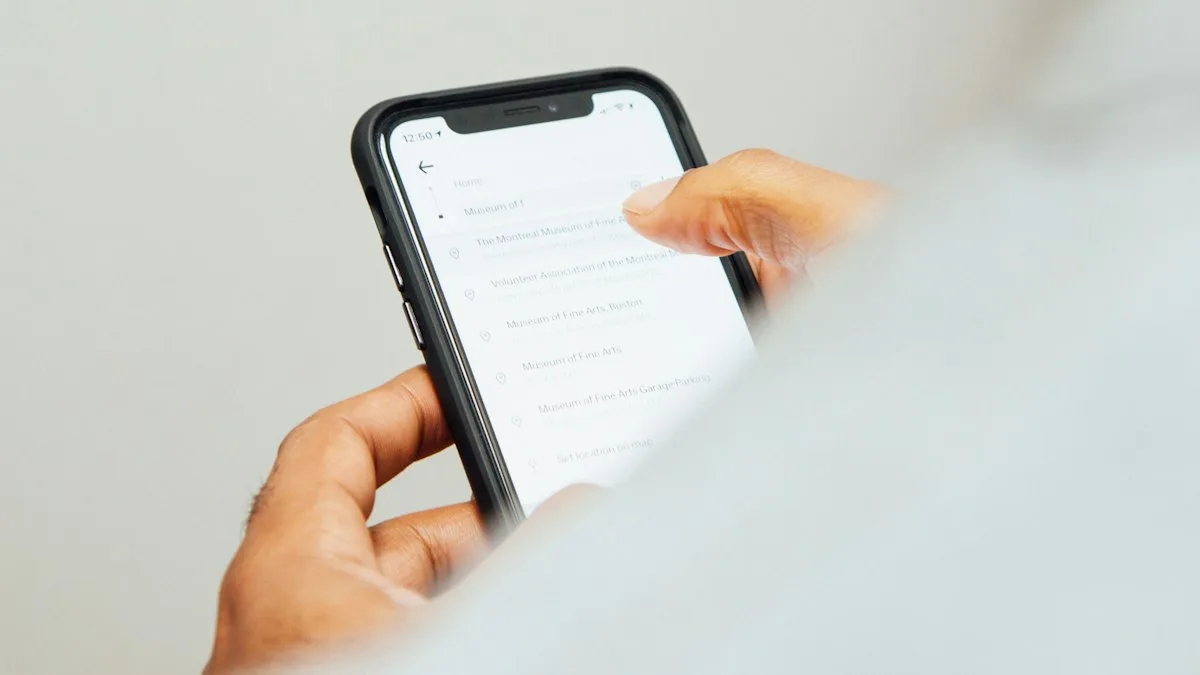
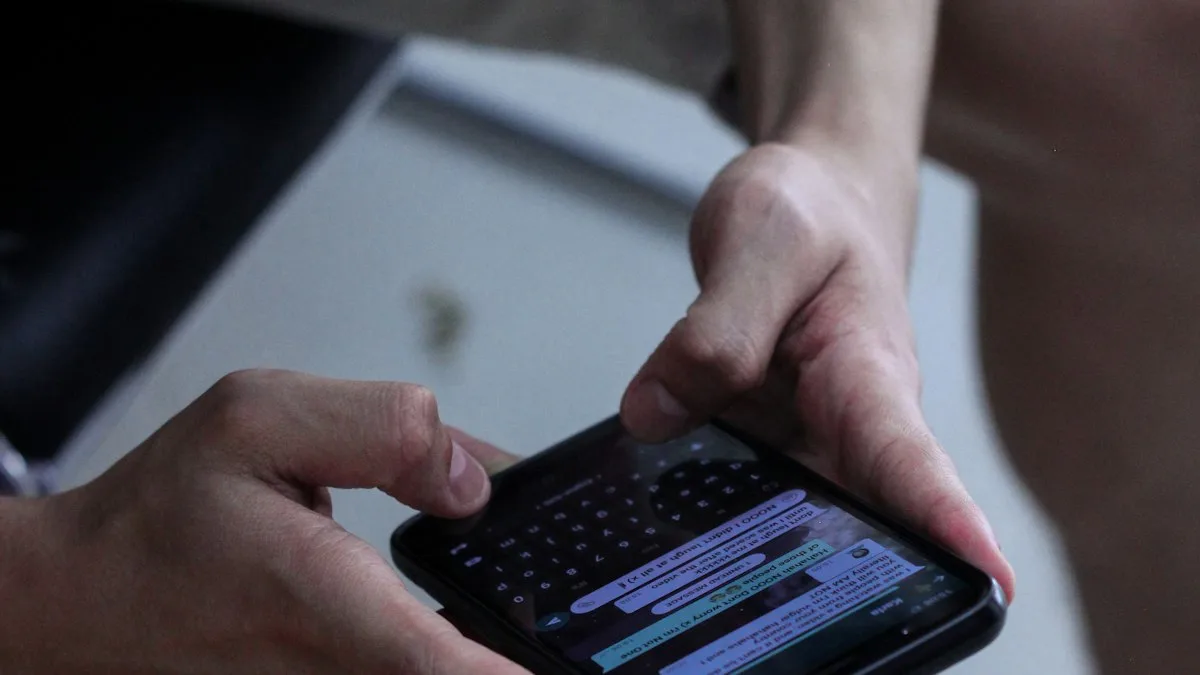
Photo by charlesdeluvio on Unsplash
You switch on RCS chats and the spinner keeps turning. Messages say Setting up or Connecting, and your friends still get plain texts. Setup depends on your phone number being verified, which in turn depends on data, SMS, your carrier and an up to date app.
The fix
7 fixes, in order
- 1
Set Google Messages as the default SMS app.
Open Settings and choose Messages as your default texting app. Google requires it for RCS chats.
- 2
Check data and SMS.
RCS needs a data connection, and your phone must be able to receive SMS. Turn off airplane mode, check signal, and make sure your plan is active.
- 3
Read the status.
In Messages, tap your profile picture or initial, then Messages settings, then RCS chats, and note what it says.
- 4
Verify your number if asked.
Tap Verify your number, confirm it, and wait for the SMS Google sends. Make sure you can receive it.
- 5
Update Messages and Google Play services.
Update both in the Play Store. Google asks for the latest Messages on both ends and current Play services.
- 6
Fix dual SIM settings.
If you have two SIMs, set your calling SIM as the data SIM in Network & internet settings.
- 7
Contact your carrier.
If the status says disabled by your carrier, ask them to enable RCS, then tap Retry.
What each RCS status means
| Status | What Google says | What to do |
|---|---|---|
| Connected | You can use RCS chats with others who have it on | Nothing |
| Connecting | Your number is under verification, please wait | Wait, keep data on |
| Trouble connecting. Awaiting retry | A problem with number verification, please wait | Over 30 minutes: Details, then Submit feedback |
| Not supported | You cannot use RCS; check internet, or the carrier does not support it | Check connection, ask the carrier |
| Disabled by carrier | Your carrier has turned RCS off | Contact the carrier, then Retry |
Why is RCS stuck on setting up?
Your number has to be confirmed before RCS works, and that confirmation can stall for several reasons. The data connection may be weak, SMS may be blocked on your line, your carrier may not support RCS in your area, two SIMs may be pointing to the wrong line, or the app and Play services may be out of date. Google also says availability varies by region and carrier, so a phone that works abroad may fail elsewhere.
What news and forums suggest, and the risks
Reports, including some that cite Google support, suggest clearing the storage of Google Messages and Carrier Services, then restarting. Our reading of the Google pages found no such step, so treat it as a last resort and check first that your messages are backed up, because clearing storage can remove app data. Some people also wait a day. A Bell article from November 2025 and forum threads show the problem has recurred over time, so an app update may fix it without any action from you.
Do not install an older app version from an unknown website, even if a forum suggests it. It can bring malware, and it can break updates.
Do not toggle RCS off and on without a reason
If you cannot reach the phone, Google offers a web page at messages.google.com/disable-chat to turn off RCS chats temporarily for a number. That helps when texts are not arriving on your new phone because your number still points at RCS on the old one.
Messages that still need to go through
While RCS is stuck, you can still send texts. Google says Messages can send them as SMS or MMS, and there is a setting called Automatically resend as text under RCS chats. Turn it on so important messages are not held back. If plain texts also fail, the problem is wider than RCS. Check our guide to Google Messages waiting to connect and, on a Galaxy phone, texts that will not send on Samsung.
New phone, new SIM or new number
Setup problems often show up right after a change. A new phone has to verify the number again, a new SIM or eSIM has to be recognized, and a ported number may take time to work with RCS. Start by making sure ordinary calls and texts work, because RCS verification depends on your number being able to receive SMS. If you just switched carriers and texts are unreliable, wait until the transfer is complete before you troubleshoot RCS.
If you moved from an iPhone, turn off iMessage on the old iPhone or deactivate it, as Google's connection help page suggests, so messages do not get stuck on Apple's side. If you moved from another Android phone, your number may still point at RCS on the old device. The deactivation web page mentioned above can help with that.
A quick checklist before you give up
- Send a normal text to yourself or a friend. If that fails, fix your line first.
- Switch from Wi-Fi to mobile data, or the other way round, and watch the status.
- Turn off any VPN, since it can interfere with verification.
- Restart the phone after updating Messages and Play services.
- Check that the date and time are set to automatic.
- Wait a while, then check the status again before you change more settings.
Steps three to five are general troubleshooting and not from Google's pages. If all of them pass and the status still says it cannot connect, note the exact words, then contact your carrier or post on the Google Messages community with your phone model, Android version and app version. Clear details get better answers than "it does not work".
What you lose while RCS is off
Without RCS, your messages go as SMS and MMS. You lose typing indicators and read receipts, group chats behave differently, and large photos and videos may be shrunk or refused. The basics still work, so you can keep texting while you sort the setup out. Once the status reads Connected, test by sending a photo to a friend who also has RCS on, and check that the delivery details look like a chat message rather than a plain text.
When only some people or chats fail
If your own status reads Connected but one person or one group still gets plain texts, the setup is not the problem. Google says everyone in the conversation must have RCS on. One friend with RCS off, on an old phone, without data, or with an unsupported carrier is enough to send the whole chat back to SMS or MMS. Ask that person to open their messaging app, check their own RCS status and confirm they have a data connection. In a group, check each member if you can, or start a smaller test chat to find the one who breaks it.
Google's help also warns that a group may split into separate one-to-one conversations if a member temporarily loses RCS. If your family chat suddenly shows up as several threads, wait for that member's connection to return, then start a fresh group once everyone shows Connected. Avoid switching RCS off and on to repair a group, because that removes you from it.
iPhone users
Google says RCS is now available on Android devices and select iPhone devices, and its FAQ says to contact your carrier about enabling RCS on iPhone. If your friend uses an iPhone and the chat stays green, check that RCS is turned on in their phone settings and that their carrier supports it. For the basics, read what RCS messaging is.
Frequently asked questions
How long should RCS take to set up?
Google says Connecting means your number is being verified, so wait. If Trouble connecting lasts more than 30 minutes, open Details and submit feedback.
Why does RCS say disabled by carrier?
Google says to contact your carrier and then tap Retry. Carrier and region support for RCS varies.
Should I turn RCS off and on to fix it?
Google advises against it, because you can be removed from group chats. Do it only in the cases it lists, such as switching phones or losing a device.
What Android version does RCS need?
Google says Android 5.0 or higher, with Google Messages set as your default SMS app, a data connection and the ability to receive SMS.
What to try next
Sources
Official pages these steps are based on. Menus can differ by software version.
People also ask
What does it mean when Google Messages says the recipient is offline?
Your message went out as an RCS chat, which needs data or Wi-Fi on both phones, and the other phone is not reachable right now. It stays queued until they reconnect, unless you resend it as a text.
Read the full guide: Google Messages recipient is offlineWhat does waiting to connect mean in Google Messages?
The app is trying to turn on RCS chat features and has not finished. Until it does, your messages send as regular SMS or MMS.
Read the full guide: Google Messages waiting to connectWhy do picture messages fail but texts work?
MMS needs mobile data. Turn mobile data on, even on Wi-Fi, and check that the APN is set to your carrier’s default.
Read the full guide: Samsung texts not sendingWhy am I not getting my WhatsApp verification code?
The usual causes are a wrong number, no signal or data, texts filtered into another folder, a SIM or carrier block, or a number type WhatsApp doesn't support. Wait for the timer, then ask for the code by phone call.
Read the full guide: WhatsApp code not receivedRelated guides
Google Messages recipient is offline
Google Messages recipient is offline but they are not? Turn on resend as text, verify your number, check data and RCS, and test with SMS. 6 fixes for Android.

Google Messages waiting to connect
Google Messages waiting to connect or stuck on setting up chat features? Check data, your number and the RCS switch, then clear the app data. 7 fixes that work.
Samsung texts not sending
Samsung text messages not sending or failing? Check signal, turn RCS off and on, clear the Messages cache, check the message center number and try 5 more fixes.
WhatsApp code not received
WhatsApp verification code not received? Check your number, signal and SIM, find filtered texts on iPhone or Android, and use the phone call option safely.
More guides you may need

Instagram keeps crashing
Instagram keeps crashing or freezing? Check for an outage, update the app, clear its cache on Android or reinstall on iPhone, and try 5 more fixes.
Messenger keeps asking for PIN
Facebook Messenger keeps asking for a PIN or shows missing chats? It is the encrypted chat restore step. Use your PIN, a 40-character code, a one-time code or your account.