

Instagram keeps crashing? 9 fixes for iPhone and Android
Instagram usually crashes after a buggy update, with a corrupted cache, or when the phone is short on space.

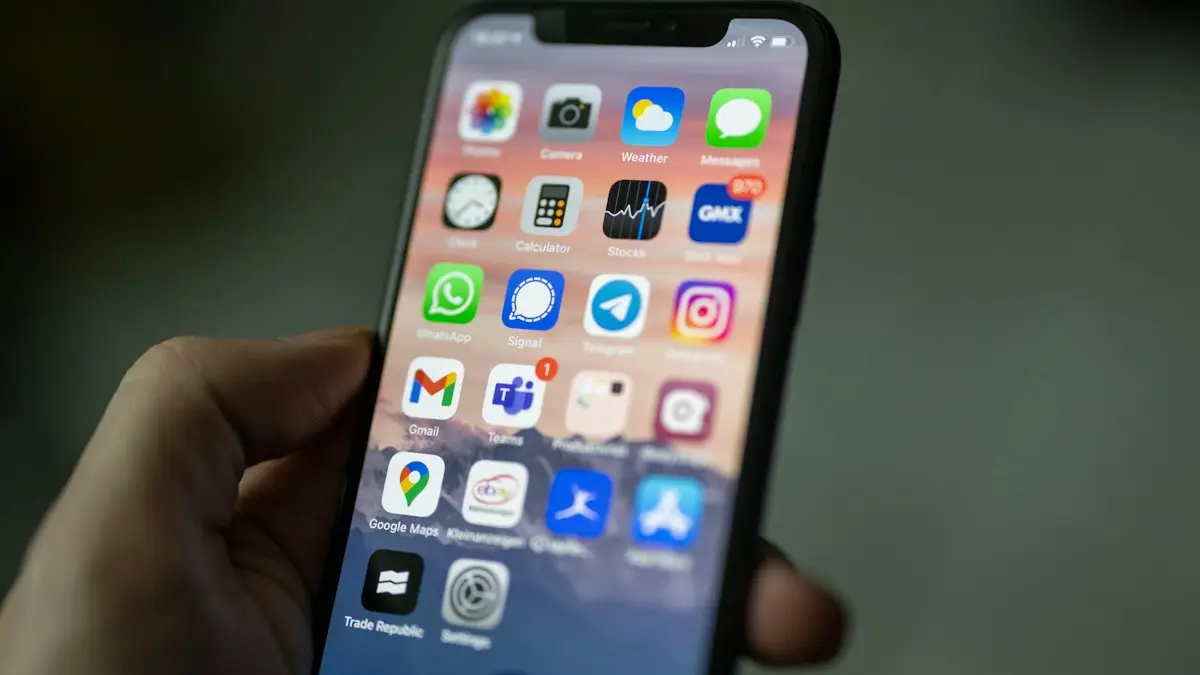
Photo by Alexander Shatov on Unsplash
The fix
9 fixes, in order
- 1
Check for an outage.
If many people report problems, wait.
- 2
Restart your phone.
- 3
Update Instagram.
- 4
Update your phone’s software.
- 5
Free up storage.
Aim for at least 2 GB free.
- 6
Android: clear cache.
Settings › Apps › Instagram › Storage › Clear cache.
- 7
iPhone: delete and reinstall.
iPhone has no cache button for Instagram, so a reinstall does the same job.
- 8
Turn off VPN and data saver apps.
- 9
Report the crash.
In Instagram, shake your phone or go to Settings › Help › Report a problem.
Why does Instagram keep crashing?
Instagram is one of the heaviest apps on a phone. It plays video, loads many images at once, uses the camera, and updates every week or two. A crash happens when something in that chain fails: a bug in a new version, damaged files in the cache, too little free storage or memory, an old phone system, or an outage on Instagram's servers. Most crashes are fixed by an update, a cache clear or a reinstall.
Match the problem to the fix
- Closes as soon as you open it: update, restart, then clear cache or reinstall.
- Crashes when you open Reels or stories: memory and storage. Close apps and free space.
- Crashes when you post or edit: storage, the camera permission or an oversized video.
- Crashes in DMs: a chat with a large file. Update, then try the web version.
- Freezes but does not close: network or a slow phone. Restart and switch networks.
- Started after an update: a bug. Clear cache and wait for a fix.
Check for an outage
Open Downdetector or search "Instagram down". If reports spike, the problem is on Meta's side. Meta posts larger outages on its status page at metastatus.com. Wait it out; reinstalling during an outage only makes you sign in again.
Update Instagram and your phone
Open the App Store or Play Store, search Instagram and tap Update. Instagram stops supporting old system versions over time, so check for phone updates too: Settings › General › Software Update on iPhone, or Settings › Software update on Samsung. If you joined the Instagram beta on Android, leave it from the Play Store page, since beta builds crash more.
Free storage and memory
Instagram stores a large cache of photos and videos. When storage is nearly full, it crashes or fails to load. Aim for 2 GB free. Delete old videos and unused apps first. See freeing up iPhone storage or what to delete when Android storage is full. Memory matters too: close games and other heavy apps, and restart the phone once a day if it is older.
Clear Instagram's cache on Android
- Open Settings › Apps › Instagram.
- Tap Force stop and confirm.
- Tap Storage › Clear cache.
- Open Instagram again.
- If it still crashes, tap Clear storage (Clear data). You will need to sign in again.
Reinstall Instagram on iPhone
iPhone has no cache button. Instead, Instagram has its own: open your profile › menu › Your activity or Settings and activity › Archiving and downloading for downloads, and the browser section to clear browsing data. If it crashes before you can get there, delete the app: press and hold the icon › Remove App › Delete App. Restart the iPhone and install it again. Your posts, followers and messages stay on your account.
Crashes when posting or uploading
Check that Instagram can use the camera, microphone and photos in settings. On iPhone: Settings › Apps › Instagram. On Android: Settings › Apps › Instagram › Permissions. Very long or high bitrate videos from other cameras can crash the editor. Trim the clip first, or export it at 1080p. Turn off any VPN, which can make uploads fail and the app hang.
Crashes in direct messages
A chat with a large video or many files can make Instagram crash when you open it. Update the app, then try the chat on instagram.com in a browser. You can delete the problem message there if it is yours. If DMs crash only on one phone, clearing the cache on Android or reinstalling on iPhone usually fixes it.
Crashing on older phones
On older or low-memory Android phones, Instagram Lite is a smaller version that runs much more smoothly. It lacks some editing tools, but feed, stories, Reels and DMs work. On older iPhones, keep the app updated and avoid running other apps in the background. If your phone is slow in general, see speeding up a slow iPhone.
Is it your account?
Rarely, a crash only happens on one account. Try logging into a second account, or have a friend log into theirs on your phone. If theirs works, check your account for warnings in Settings and activity › Account status. Unusual activity or a restriction can cause loops and logouts. Instagram logging you out repeatedly is a related problem with its own fixes.
Report the crash to Instagram
Shake your phone while Instagram is open, or open Settings and activity › Help › Report a problem. Describe what you were doing when it crashed. Include your phone model and app version. Reports help Instagram find bugs that affect specific phones, and that is how crash fixes get into updates.
Instagram crashes when opening the camera
The camera is the most demanding part of the app. Close other apps that use the camera, such as Snapchat or video calls, since only one app can use it at a time. Check the camera permission. Remove camera effects you saved and try a plain photo first. If your phone's own Camera app also fails, the problem is the phone; see phone camera problems.
Instagram crashes on Samsung phones
Samsung's Device care can put Instagram to sleep and cut its memory. Open Settings › Battery › Background usage limits and remove Instagram from sleeping lists. Also open Settings › Device care › Memory and check that Instagram is not in the excluded apps or being force closed. Game Booster and RAM Plus settings rarely matter, but turning RAM Plus on can help on phones with 4 GB of memory or less.
Instagram crashes on iPhone after an iOS update
After a major iOS update, the iPhone spends a day or two indexing photos and optimizing apps. Apps feel slower and can crash in that time. Keep the iPhone charging overnight on Wi-Fi to let it finish. Then update Instagram. If crashes started right after updating iOS, see problems after an iPhone update.
Should you use Instagram on the web instead?
If the app keeps crashing while you wait for a fix, instagram.com in a phone browser lets you post photos, read and send DMs and view Reels. It is lighter than the app and does not crash with it. Install the app again once the update arrives.
Check that your date and time are right
A wrong clock can break the app's secure connection and make it close or freeze on load. Set the date and time to automatic in your phone settings. This is a small fix that helps more often than you would expect.
Crashes still happening?
- Back up drafts by saving them to your phone.
- Sign out of every account in the app.
- Delete the app and restart the phone.
- Install Instagram again and sign in to one account first.
- Report the problem with the steps above if it continues.
For most people, an update plus a cache clear on Android or a reinstall on iPhone ends the crashes within minutes. Start there before trying anything bigger.
Keep auto updates on so fixes arrive quickly.
Report repeated crashes from the app's settings so Instagram can fix them.
Frequently asked questions
Will reinstalling Instagram delete my posts?
No. Posts, messages and followers are stored on your account. You only need to log in again. Unsaved drafts may be lost.
Why does Instagram crash only on Reels?
Reels use a lot of memory. Close other apps, free up space and update Instagram. On older Android phones, Instagram Lite may run more smoothly.
Why does Instagram keep crashing after an update?
A new version can have a bug that hits some phones. Restart, clear the cache on Android or reinstall on iPhone, and wait for the next fix if it continues.
Does clearing Instagram's cache delete anything?
No. Clearing the cache only removes temporary files. Clearing storage or data signs you out and removes drafts saved on the phone.
People also ask
Will reinstalling TikTok delete my drafts?
Yes. Drafts are stored only on your phone. Before reinstalling, open each draft and save it to your device, or post it privately so it is kept on your account.
Read the full guide: TikTok keeps crashingHow do I unfreeze my phone right now?
Hold the Power and Volume Down buttons together for 10 to 20 seconds until the phone restarts. On some Samsung models, keep holding past the power menu.
Read the full guide: Android phone keeps freezingDoes being logged out mean my Instagram was hacked?
Not always, but it can. If Instagram logs you out and your password no longer works, or you see logins you do not recognize in Accounts Center, secure your account right away.
Read the full guide: Instagram keeps logging me outWhy does Spotify say I am offline?
Offline mode may be on, or Spotify cannot use mobile data. Turn off Offline mode in Settings › Playback and allow mobile data for Spotify.
Read the full guide: Spotify not workingRelated guides

TikTok keeps crashing
TikTok keeps crashing, freezing or closing? Update it, clear TikTok’s cache without losing drafts, free up storage and try 6 more fixes on iPhone or Android.
Android phone keeps freezing
Android phone keeps freezing or not responding? Force restart it, free up storage, find the bad app in safe mode, update and try 5 more fixes, step by step.
Instagram keeps logging me out
Instagram keeps logging you out? Find out why, check your account is not hacked, and try 8 fixes including updating, clearing cache and removing apps.
Spotify not working
Spotify not working, crashing or not playing? Check for an outage, turn off Offline mode, clear Spotify’s cache and try 6 more fixes for iPhone and Android.
More guides you may need
Android Auto not connecting
Android Auto not connecting to your car or keeps disconnecting? Swap the cable, check USB mode, forget the car and fix battery settings with these 10 fixes.
App Store download stuck
iPhone app stuck on Waiting, Loading or Installing? Follow 6 quick fixes in order, from pausing the download to checking storage, payment and Apple Account.