

WhatsApp transfer Android to iPhone error? What to check before you retry
WhatsApp chats move to an iPhone only through Move to iOS, and only when every requirement is met. Here is the full checklist, why retries need an erased iPhone, and what never moves.

Image by Eyestetix Studio on Unsplash
The transfer gets to 40 percent, or 99, and then: "Unknown error occurred." Or WhatsApp never appears in the list at all. It is a stressful moment, because years of chats are on the line.
An honest note about the unknown error
Neither WhatsApp nor Apple publishes what "unknown error" means here. The Apple Community thread most people land on was closed without a solution. So no page, this one included, can promise you one fix. What does exist is WhatsApp's own list of requirements. Each one is a point where the transfer can break, and going through them in order is the most reliable thing you can do.
WhatsApp's requirements, as a checklist
| Requirement | How to check it |
|---|---|
| Android 5 or later | Settings › About phone on the Android. Almost every phone in use passes. |
| iOS 15.5 or later on the iPhone | Any iPhone sold new today passes. An older hand-me-down may need an update first. |
| The Move to iOS app | Install it from Google Play. WhatsApp says other transfer apps are not supported and can cause problems. |
| Latest WhatsApp on both phones | Update in Google Play before you start. Install from the App Store on the iPhone when asked. |
| The same phone number | The iPhone must use the number WhatsApp is registered to on Android. |
| A new or factory reset iPhone | If you already finished setup, the iPhone has to be erased first. |
| Both phones on power | Plug both in. Do not rely on battery. |
| Same Wi-Fi, or the iPhone's hotspot | Both phones on one network, or the Android joined to the hotspot the iPhone creates. |
Why a WhatsApp transfer Android to iPhone error needs a fresh start
This is the part that catches most people. The chats move during iPhone setup, inside the Move to iOS session. WhatsApp says that if WhatsApp is already active on the new device, chat history can only be restored before activation, and that merging old and new history is not possible. To try again you have to wipe the iPhone and start setup over.
So if you skipped WhatsApp during the first Move to iOS run, or set up the iPhone some other way, there is no button to add the chats later. Third party tools advertise a transfer "without reset". WhatsApp says other transfer apps are not supported, and they ask for deep access to your messages, so we do not recommend them.
The fix
How to retry the transfer the right way
- 1
Update WhatsApp on the Android phone.
Open Google Play and install any update. Open WhatsApp once and make sure your chats are there.
- 2
Make a safety backup on Android.
In WhatsApp, open Settings › Chats › Chat backup and back up to your Google account. It cannot be restored on an iPhone, but it protects you if the Android phone is lost.
- 3
Erase the iPhone if setup was finished.
On the iPhone open Settings › General › Transfer or Reset iPhone › Erase All Content and Settings. Anything you added to the iPhone since setup is removed, so back up that first if it matters.
- 4
Plug in both phones and join one Wi-Fi network.
- 5
Start iPhone setup and choose the Android option.
Open Move to iOS on the Android phone and enter the code the iPhone shows.
- 6
Select WhatsApp on the Transfer Data screen.
Tap Start on the Android phone and wait while WhatsApp prepares the data. You are signed out of WhatsApp on Android after this.
- 7
Return to Move to iOS and continue.
Wait for the confirmation that the transfer is complete. Leave both phones alone.
- 8
Install WhatsApp from the App Store and sign in.
Use the same phone number, tap Start when asked and let it finish before you use the phone.
WhatsApp does not show up in Move to iOS
If there is no WhatsApp entry on the Transfer Data screen, check three things. First, the app version: an old WhatsApp build on Android may not offer the export. Second, which app you use: chats in the WhatsApp Business app cannot be moved this way, according to WhatsApp. Third, the method: the newer cable and wireless transfer built into Android 17 moves fewer things than the Move to iOS app. Our guide to switching without the Move to iOS app explains the difference. For WhatsApp chats, use the app.
The transfer is stuck or very slow
A long chat history with years of videos can be many gigabytes, and all of it travels over Wi-Fi between the two phones. A progress bar that sits still for a long time is not always frozen. Keep both screens on, keep the phones close together and do not switch apps on the Android phone.
The tips below are not on WhatsApp's page. They come from user reports, so treat them as things to try, not guarantees.
- Restart both phones before the retry. It clears stuck connections.
- Turn off cellular data on the Android phone. Some phones switch away from a Wi-Fi network that has no internet, which drops the link to the iPhone. Our Move to iOS problems in general guide covers this.
- Check free space on the iPhone. The iPhone needs room for everything you chose to move, not only WhatsApp.
- Shrink the history. Deleting large videos you do not need from chats on Android makes the export smaller and faster.
- Move WhatsApp alone. If the full transfer keeps failing, some users have better luck selecting fewer items alongside WhatsApp.
What moves and what does not
Knowing this saves you from chasing an error that is not one. WhatsApp says the transfer includes your account information, profile photo, individual and group chats, communities, Channel updates, chat history, media and settings.
- Call history does not move.
- Your display name does not move. You type it again.
- Media you received through WhatsApp Channels does not move.
- Peer to peer payment messages do not move.
- WhatsApp Business app chats do not move at all.
Is your number different on the iPhone?
WhatsApp says a different phone number on the new device prevents the transfer. If you are changing numbers at the same time as phones, change the number inside WhatsApp on the Android phone first, using its Change number feature, and then move. If the sign-in text never arrives on the iPhone, see a WhatsApp code that never arrives.
After the chats arrive
WhatsApp points out that transferred data is not in cloud storage until you create an iCloud backup. So the moment your chats appear on the iPhone, open WhatsApp › Settings › Chats › Chat Backup and run one. If it hangs, we have a guide to a WhatsApp backup that will not finish. Only after that backup is done should you think about wiping or selling the Android phone.
If nothing works
You have two honest options. One is to contact WhatsApp from inside the app on Android, under Settings › Help, and describe the exact message and the percentage where it stops. The other is to start fresh on the iPhone and keep the Android phone as an archive. You can also export an important chat from Android as a file to read later, though an exported chat cannot be loaded back into WhatsApp. For everything else in the move, see the full switch from Android to iPhone.
Frequently asked questions
Why does WhatsApp say unknown error when moving to iPhone?
WhatsApp does not publish a meaning for that message. In practice it appears when a requirement is not met or the connection drops, so check every requirement, then erase the iPhone and run Move to iOS again.
Can I transfer WhatsApp from Android to iPhone without resetting?
Not with the official method. WhatsApp says the iPhone must be factory new or factory reset, because the chats move during setup through the Move to iOS app.
Will I lose my chats on Android if the transfer fails?
No. WhatsApp says the Android phone keeps its data unless you delete WhatsApp or wipe the phone. You are signed out on Android during the export, and you can sign back in.
Can I move WhatsApp Business chats from Android to iPhone?
WhatsApp's help page says moving chats from the WhatsApp Business app this way is currently not possible.
What to try next
Sources
Official pages these steps are based on. Menus can differ by software version.
People also ask
Why does Move to iOS not give me a code?
The iPhone shows a six-digit or ten-digit code after you tap Continue on the Move from Android screen. If none appears, Apple says to reset the iPhone and set it up again to generate one.
Read the full guide: Move to iOS not workingWhich Android phones can transfer without the Move to iOS app?
Apple says you need a compatible device running Android 17 or later, and tells you to check with your phone's maker about eSIM and data transfer support.
Read the full guide: Android to iPhone without Move to iOSCan I use Move to iOS after setting up my iPhone?
Not directly. Move to iOS only runs during setup. You can erase the iPhone and start setup again, or move data manually with your Google account and Google Photos.
Read the full guide: Transfer Android to iPhoneCan I check if a phone is stolen for free?
Yes. The CTIA Stolen Phone Checker and Swappa's IMEI check are both free and only need the phone's IMEI, which you can see by dialing *#06#. You do not need to pay for an IMEI report to see if a phone is blocked.
Read the full guide: Check if a phone is stolenRelated guides
Move to iOS not working
Move to iOS not working, no code or the transfer is stuck? Follow Apple's fixes for Wi-Fi, calls, storage and a reset to get the code. 8 fixes.
Android to iPhone without Move to iOS
You can now move from Android to iPhone without the Move to iOS app if your phone runs Android 17 or later. Follow Apple's QR code steps, and the backup option.
Transfer Android to iPhone
Move contacts, photos, messages and WhatsApp from Android to iPhone with Apple’s free Move to iOS app, plus free ways to transfer after your iPhone is set up.
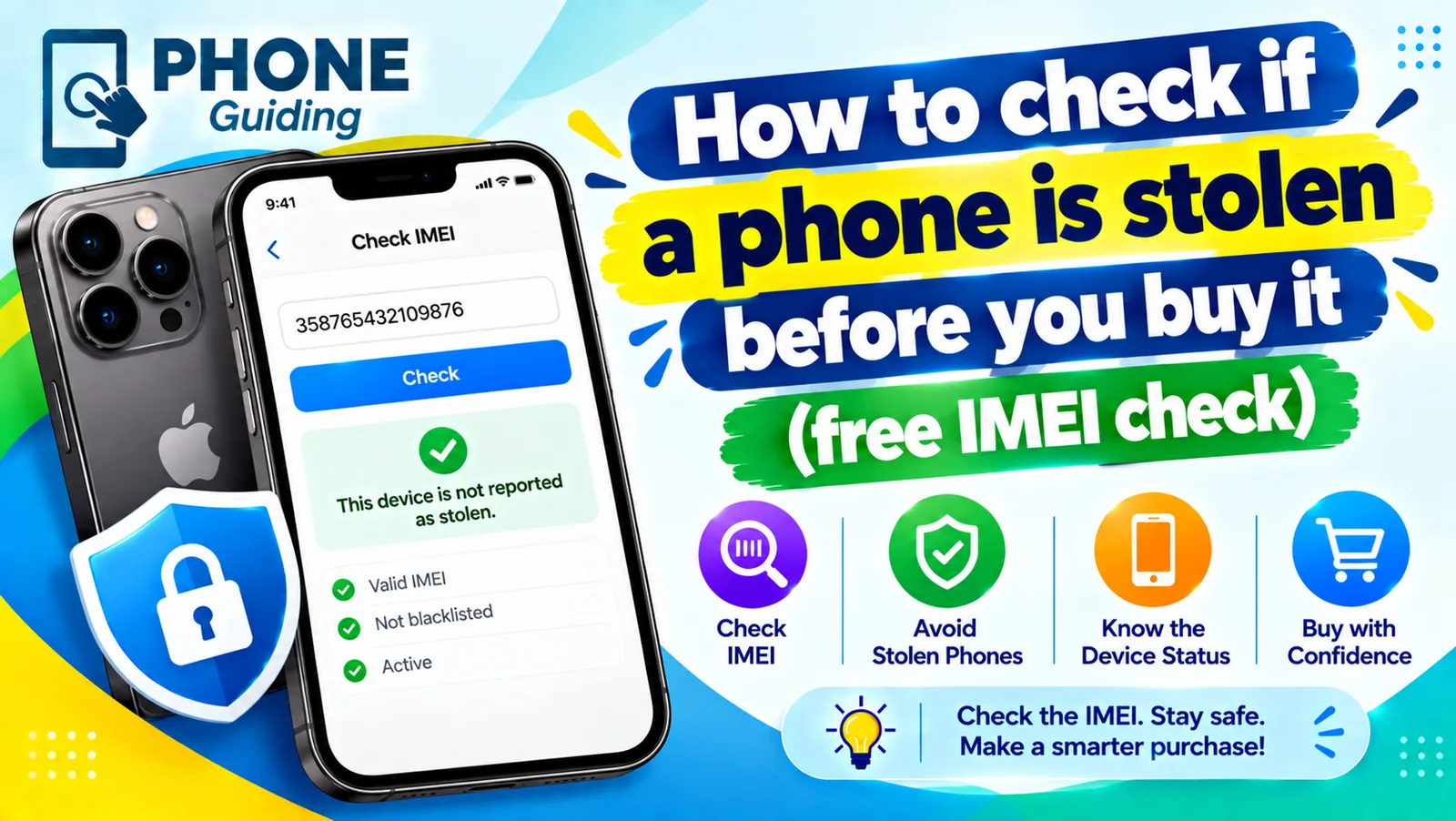
Check if a phone is stolen
Learn how to check if a phone is stolen before you buy it. Run a free IMEI check, spot Activation Lock and unpaid balances, and avoid used phone scams.
More guides you may need

Play Store download pending
Google Play stuck on Download pending? Cancel other updates in the queue, check the Wi-Fi only setting and storage, clear Play Store cache and try 4 more fixes.

Hide following on Instagram
Instagram has no switch to hide your following list, but a private account, removing followers and blocking do the job. Here is how to use each one.