

How to check if a phone is stolen before you buy it (free IMEI check)
A used phone can look perfect and still be blocked by every carrier a week later. Here is a 10 minute check that protects your money, whether you buy on Facebook Marketplace, Craigslist, OfferUp or eBay.
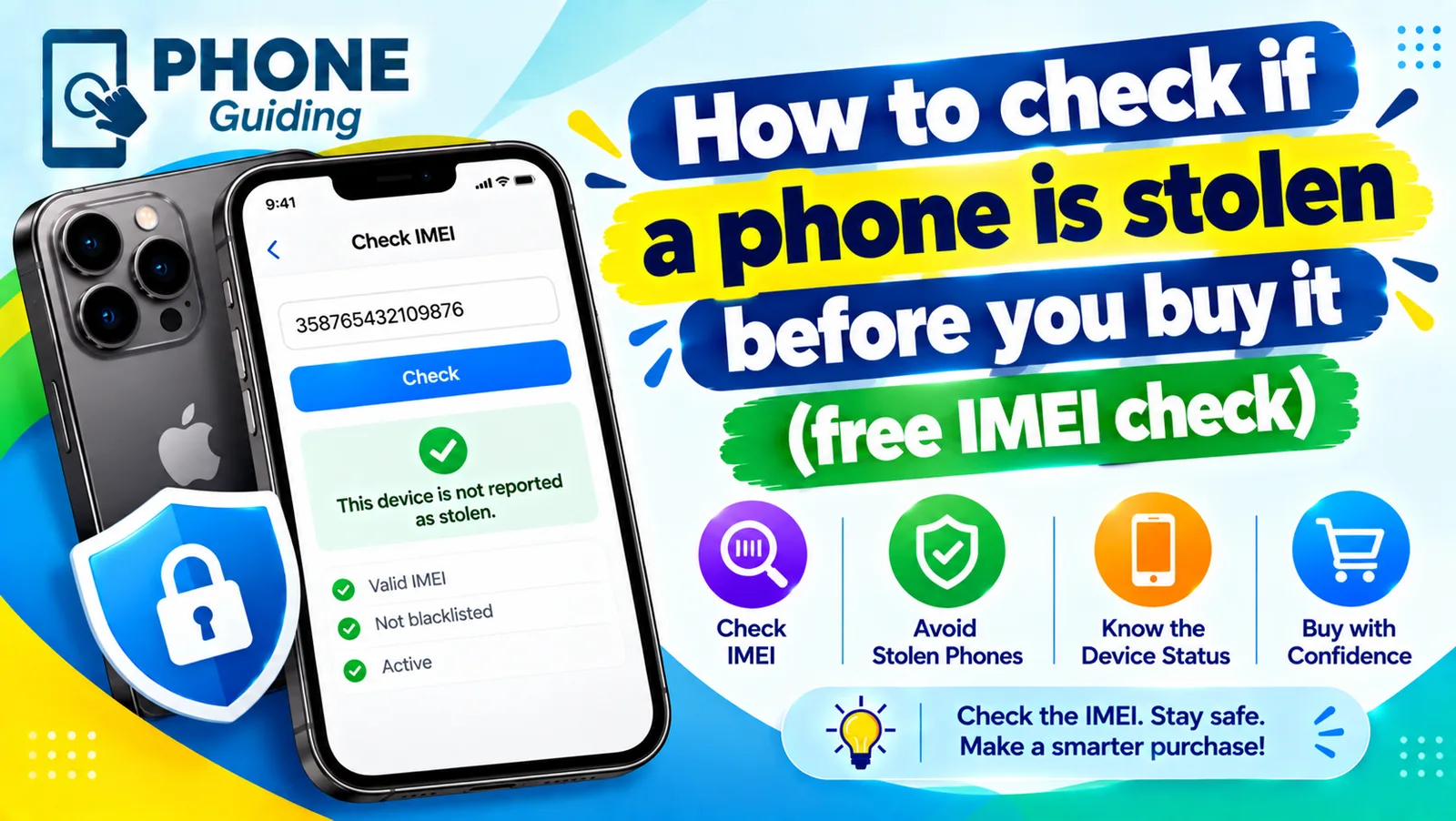
Buying a used phone can save you hundreds of dollars. It can also cost you the whole price if the phone turns out to be stolen, still financed, or locked to someone else's account. None of these problems are visible from the outside, and a seller in a parking lot has every reason to say it is fine.
The good news: the checks take about 10 minutes, cost nothing, and can all be done before money changes hands. They work for iPhone, Samsung Galaxy, Google Pixel and any other phone with an IMEI, which is every phone that connects to a cellular network. Do them even when you trust the seller, because a friend of a friend can unknowingly be reselling a phone that was financed or stolen further back.
Three things that can make a used phone worthless
“Stolen” is only one of the risks. A proper check covers all three of these, because any one of them can leave you with a phone that will not work:
- Blocklisted (blacklisted) IMEI. The phone was reported lost or stolen, or it is tied to an unpaid carrier bill. US carriers refuse to connect it, so it cannot make calls or use cellular data.
- Activation Lock (iPhone) or Factory Reset Protection (Android). The phone is still tied to the previous owner's Apple Account or Google account. After a reset, it asks for their password and you cannot get past that screen.
- Carrier lock. The phone only works with the carrier that sold it. This is not a sign of theft, but it matters if you use a different carrier. See how to tell if a phone is unlocked.
How to check if a phone is stolen: step by step
The fix
Run these checks before you pay
- 1
Ask for the IMEI before you meet.
An honest seller will send it. Someone who refuses to share a 15-digit number is a warning sign. Run the checks below at home first, so you do not waste a trip.
- 2
Confirm the IMEI on the phone itself.
When you meet, dial *#06# on the phone. On an iPhone you can also see it in Settings › General › About, and on Android in Settings › About phone. It must match the number the seller sent and the one on the box, if there is a box. A mismatch means walk away.
- 3
Run a free blocklist check.
Enter the IMEI in the CTIA Stolen Phone Checker, run by the US wireless industry group, or in Swappa's free IMEI check. You want a “clean” or not reported result. If it says blocked or reported, do not buy it at any price.
- 4
Check the account lock.
On an iPhone, open Settings and tap the name at the top. If someone's Apple Account is still signed in, ask the seller to sign out, which turns off Find My and Activation Lock. On Android, check Settings › Accounts (or Passwords & accounts) and ask them to remove their Google account.
- 5
Erase it in front of you.
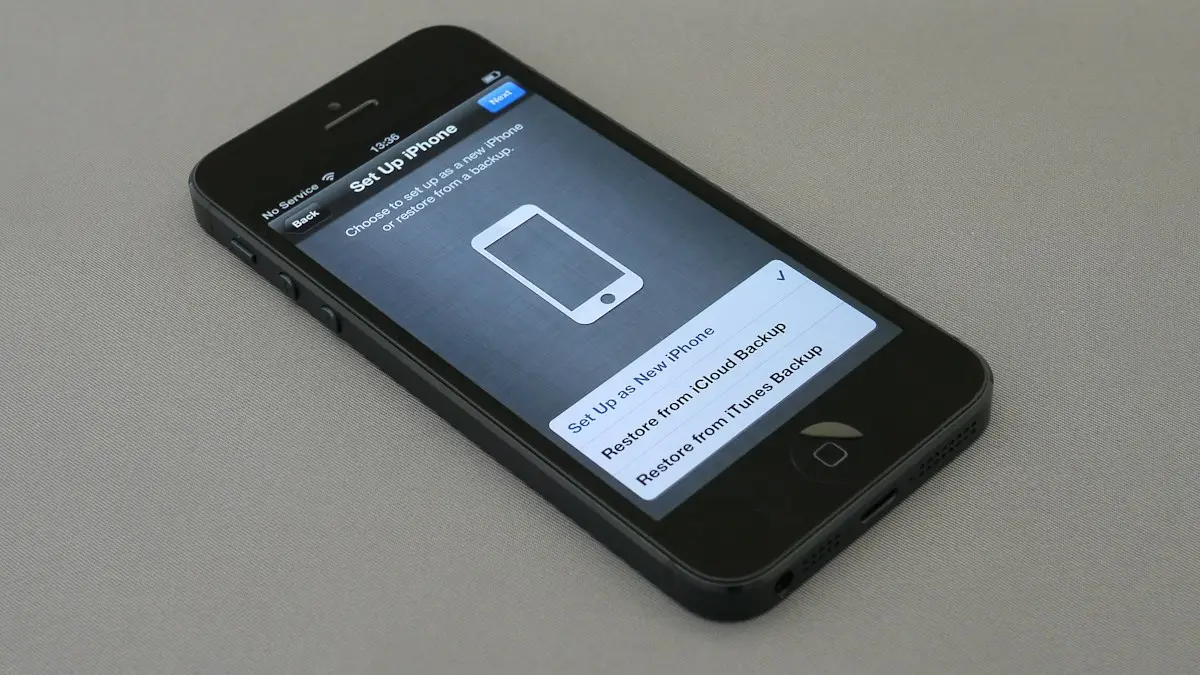
Ask the seller to erase the phone while you watch. An iPhone should restart to the Hello screen and set up without asking for anyone's password. If it asks for the previous owner's Apple Account, it is still locked. Our guide to factory resetting an iPhone shows what the screens should look like.
- 6
Test your own SIM or eSIM.
Put in your SIM, or add your eSIM, and make a short call. It proves the phone connects to your carrier today. For eSIM-only iPhones (US iPhone 14 and later), your carrier's app or support can help add it on the spot.
Why a clean IMEI is not a guarantee
A clean result only tells you about today. There are two ways a phone can go bad after you buy it:
- It was just stolen. Reports can take days to reach shared databases, especially if the owner has not filed a police report yet. A phone that was stolen yesterday can still look clean.
- It is still being paid off. If the seller stops paying their carrier installment plan, the carrier can block the phone later, even though it was never stolen.
That is why the other checks matter. A seller who can show a receipt, the original box with a matching IMEI, and a phone that is fully signed out is much lower risk. For a phone that is only a few months old, ask directly whether it is paid off.
Red flags when buying a used phone
- The price is far below what similar phones sell for on Swappa or eBay.
- The seller will not share the IMEI, or the number on the phone does not match.
- The phone is locked with a passcode, or it is signed in to an account the seller “will remove later”.
- There is no box, receipt or proof of purchase, and the story keeps changing.
- They only want to meet somewhere dark or rushed, or only accept cash, gift cards or payment apps with no buyer protection.
- It is a brand new model being sold by someone who cannot unlock it or explain where it came from.
Safer ways to buy and pay
Where and how you buy matters as much as the IMEI check. A few habits cut the risk a lot:
- Meet at a safe exchange spot. Many police stations in the US have a marked area for online sale meetups. A phone store is also a good choice, since staff can check it works on their network.
- Use a marketplace with buyer protection. Swappa, eBay and certified refurbished sellers check phones or guarantee them. That protection is worth paying a little more for.
- Pay with protection. A credit card or a payment method with purchase protection gives you a way to dispute a sale. Cash, Zelle and gift cards do not.
- Get something in writing. A short message from the seller with the IMEI, price and date, saying the phone is theirs and paid off, helps if you ever need to report the sale.
If you are buying an iPhone, also check whether it was refurbished or had parts replaced. Our guide on how to tell if an iPhone is refurbished covers the model number and parts history checks.
Already bought a phone that turned out to be stolen?
- 1
Stop using it and do not try to bypass the lock.
Tools and services that claim to remove blocks or Activation Lock are unreliable, may be illegal, and will not make a stolen phone yours.
- 2
Contact the seller and the platform.
Report the listing on Facebook Marketplace, OfferUp, eBay or wherever you bought it. Platforms with buyer protection may refund you.
- 3
Dispute the payment.
If you paid with a credit card or a protected payment method, open a dispute and explain that the item was stolen property.
- 4
File a police report.
Bring the listing, messages and the IMEI. Police may be able to return the phone to its owner, and a report supports your refund claims.
Selling your own phone? Make it easy to trust
The same checks work in reverse. Buyers pay more for phones they can verify, so share the IMEI up front, keep the box, pay off any financing, and remove your accounts before the sale. Start with turning off Find My iPhone, then erase the phone. A phone that is unlocked, paid off and signed out is also the easiest to sell for a good price.
Frequently asked questions
Can I check if a phone is stolen for free?
Yes. The CTIA Stolen Phone Checker and Swappa's IMEI check are both free and only need the phone's IMEI, which you can see by dialing *#06#. You do not need to pay for an IMEI report to see if a phone is blocked.
What happens if I buy a stolen phone?
Once the phone is reported, carriers block its IMEI, so it cannot make calls or use cellular data even with your own SIM. The owner may also lock it remotely, and you usually cannot get your money back from a private seller.
Can a blacklisted phone be unblocked?
Only by the person or carrier who reported it. A phone blocked for an unpaid bill can be cleared if the original owner pays. A phone reported stolen is rarely unblocked.
Does a factory reset remove a stolen phone block?
No. The block is tied to the IMEI in carrier databases, not to anything stored on the phone. A reset also does not remove Activation Lock on an iPhone or Factory Reset Protection on Android.
What to try next
People also ask
Is it safe to buy a used phone?
Yes, if you check the IMEI, confirm it is unlocked and not reported stolen, test the hardware and pay in a way that protects you. Buying from a store or marketplace with a return policy lowers the risk further.
Read the full guide: Buy a used phoneHow do I know what carrier my phone is locked to?
On iPhone, check Settings › General › About for the lock status, then ask the carrier that sold it. On Samsung, the service provider code in Software information shows the original carrier, such as VZW for Verizon.
Read the full guide: What carrier is my phone?How do I find my IMEI?
Dial *#06# on any phone. On iPhone it is also in Settings › General › About, and on Android in Settings › About phone. Phones with an eSIM show two IMEIs; the checker usually wants the first.
Read the full guide: Check phone carrier compatibilityIs a phone bought from Apple, Samsung or Google unlocked?
Phones bought at full price directly from Apple, Samsung or the Google Store are normally unlocked. A phone bought with a carrier deal or carrier financing is usually locked to that carrier, even if you bought it in an Apple Store.
Read the full guide: Is my phone unlocked?Related guides
Buy a used phone
How to buy a used phone without getting a locked, stolen or worn-out one. Follow a 10-point checklist for IMEI, unlock status, battery, payment and returns.
What carrier is my phone?
What carrier is my phone? Find the carrier your phone uses or is locked to in Settings, with the Samsung CSC code, the IMEI or the box, all free and in minutes.
Check phone carrier compatibility
Check if your phone is compatible with a carrier using its free IMEI checker. Learn why phones fail: carrier lock, missing bands or no VoLTE, and what to do.
Is my phone unlocked?
How do I know if my phone is unlocked? Check in Settings on iPhone, Samsung or Pixel, test a SIM or eSIM, and see the 2026 Verizon, AT&T and T-Mobile rules.
More guides you may need
How to use an iPhone
How to use an iPhone for the first time: buttons, gestures, Home Screen, Control Center, calls, texts, camera, apps and safety. Simple steps for beginners.
iPhone Safari settings
Change iPhone Safari settings in one place: default browser, search bar position, SafeSearch, autofill address, DNS and IP address, for iOS 18 and iOS 26.