

“All circuits are busy” on your phone: what it means and how to get your call through
All circuits are busy is a carrier announcement that your call could not be completed right now. If it happens with one number, the other side is the likely cause. If it happens with every number, your carrier needs to look.
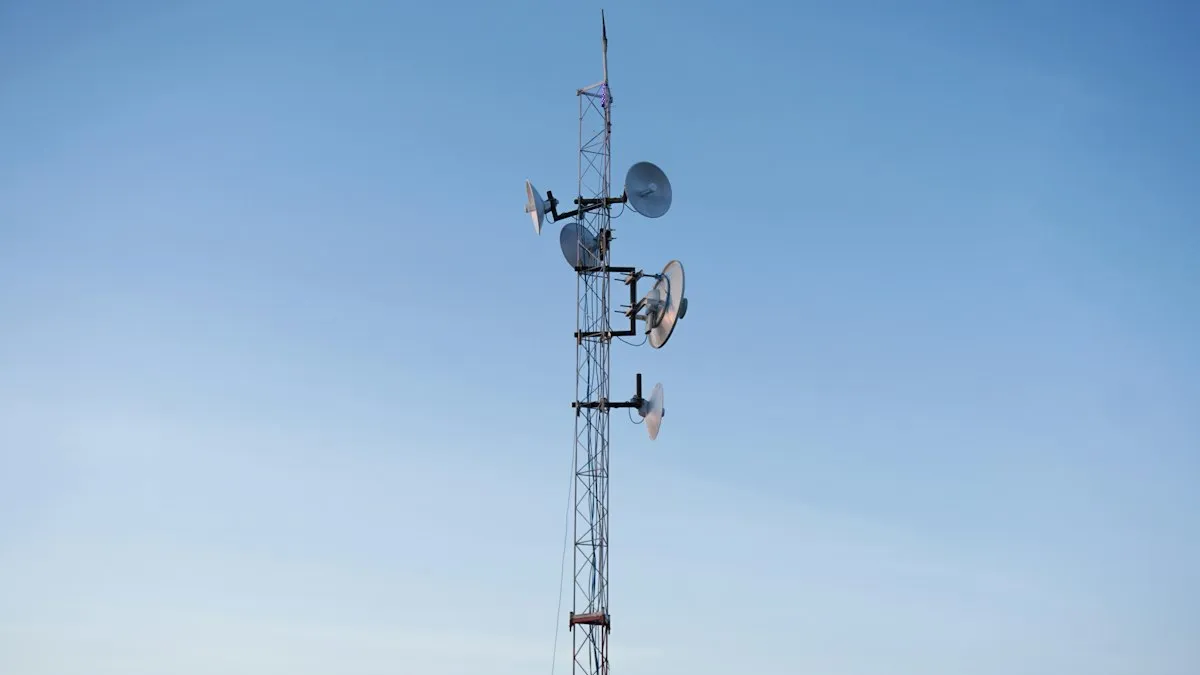
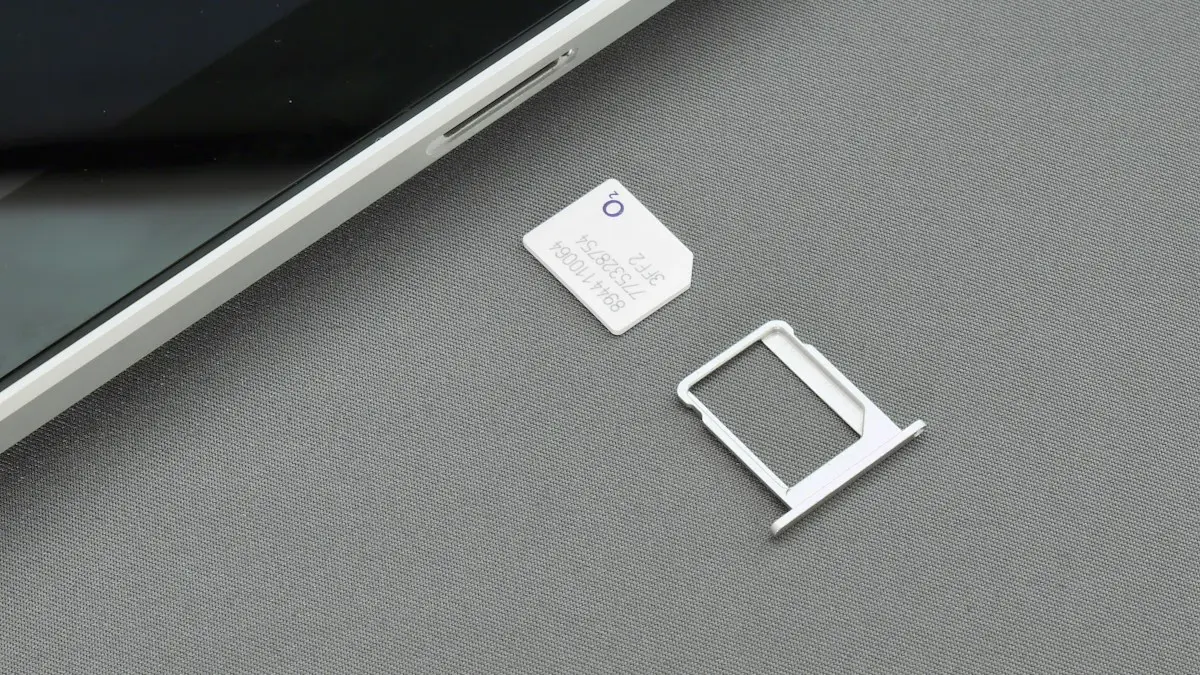
Photo by Keriliwi on Unsplash
You dial a number, hear a short silence, and then a recorded voice says that all circuits are busy and asks you to try your call again later. The message sounds like it comes from the 1980s, and it feels like it should not happen on a modern phone. It does, on every major US carrier. The recording is a generic way for the network to say it could not complete your call. This guide explains what it means, how to find out whether the problem is yours or the person you called, and the steps that bring calls back.
What does all circuits are busy mean?
A phone call needs a path through the network from you to the person you are calling. The path uses limited resources such as radio channels and connections between carriers. When the network cannot set up that path, it plays an announcement instead of ringing the other phone. Verizon’s support page describes the message as the network being unable to complete the call at that moment. AT&T’s community explanation is that no free outgoing lines are available in that area at that time. Both are saying the same thing in different words: the call did not connect.
Why does it happen?
- Network congestion: too many people call at once, often at peak times, on big holidays, during emergencies or at crowded events.
- A degraded tower: a fault or maintenance on a nearby cell site reduces capacity.
- A problem on the other side: the number you dial belongs to another carrier or a landline that has trouble.
- A fault with your own line: a SIM or account issue can stop outgoing calls.
- A business phone system: if you call an office, its system may play the message when it has no free line.
How can you tell if it is your phone or theirs?
Use Verizon’s simple test, which works on any carrier. It sorts the problem into two groups in under a minute.
The one-number test
- 1
Call a different number.
Pick someone on the same carrier as you, and then someone on another carrier.
- 2
If the other call connects, the first number is the issue.
Verizon says that when only one number fails, the problem is with the service provider of the number you dialed.
- 3
If every call fails, the problem is with your carrier or line.
Verizon says that when it happens on all numbers, the problem is on the network.
- 4
Try the first number again later.
Congestion often clears in minutes.
What should you do if only one number fails?
You usually cannot fix this yourself. Try again in a few minutes, text the person, or reach them in another way, such as a messaging app or a call over Wi-Fi. If the number is a business, call another of its lines. If the person has a landline or a small carrier, a fault on their side can last a while. Tell them, because they may not know that callers cannot reach them. If you keep hitting the message for one number, ask them to check with their provider.
What should you do if every call fails?
Work from the simplest fix
- 1
Check your signal and move.
Go near a window or outside. Crowded places and thick buildings reduce capacity.
- 2
Turn Airplane Mode on for 30 seconds, then off.
This makes the phone register with the network again.
- 3
Restart the phone.
- 4
Turn on Wi-Fi calling.
On iPhone, open Settings › Cellular › Wi-Fi Calling. On Samsung, open Settings › Connections › Wi-Fi Calling. Then place a call over Wi-Fi.
- 5
Check your carrier’s outage page or app.
A local outage explains a sudden failure.
- 6
Reseat the SIM or toggle the eSIM.
Remove and reinsert the SIM, or turn the line off and on in Settings.
- 7
Contact your carrier.
Verizon customers can dial *611 from the phone. Others can use the carrier’s app, chat or support number.
Our guides to Wi-Fi calling on iPhone and what Wi-Fi calling is explain the setup in detail. If you also see no bars, read iPhone no service, or Samsung not registered on network for Android.
Does Wi-Fi calling really help?
Often, yes. Wi-Fi calling carries your call over the internet, so it does not use the cell tower’s limited voice channels. AT&T used it as a workaround during a local outage in one community report. It is not a cure for every case, and it needs a working Wi-Fi network and a phone and plan that support it. Set it up before you need it, because you cannot always turn it on in the middle of an outage.
What if you need to reach emergency services?
When does it point to a carrier problem?
One bad call at a crowded event is not a problem. A pattern is. If the message appears many times a week, on many numbers, at quiet hours in the same place, your carrier’s coverage there is poor or a line fault is active. Keep a short log of times, places and numbers, and give it to support. If the problem stays after they check, compare coverage from other carriers at your home and work. Our guide to switching phone carriers explains how to test a new carrier before you commit.
Could the message come from your own landline or office system?
Why do some calls say this only at certain times?
Networks are built for the usual load, not for everyone calling at once. Big events, holidays, severe weather and local emergencies create sudden spikes. During these moments, text messages and data often still work when voice calls cannot connect, because they use the network differently. If the announcement comes up at a concert, a stadium or after a storm, wait a few minutes and send a text. Calls usually start working again as the spike fades.
Is this the same as a call failed message?
Not exactly. A call failed notice on the phone screen comes from your phone, while all circuits are busy is a recording played by the network. The failure usually has the same type of cause, but the recording tells you the network itself took the decision to stop the call. If you get a phone message instead, such as Call Failed or Network Error, use the same tests: another number, a restart, Airplane Mode and Wi-Fi calling.
Can your plan or account cause it?
Rarely, but it can happen. A line with limited service because of a past-due bill, a suspended line, or a call block on the account can fail outgoing calls. The failure may use a different message, but some carriers use the same busy recording. If the issue began just after a billing date, a plan change or a SIM swap, check your account in the carrier’s app. If you have an international call problem, check that the plan allows it and that the number is dialed correctly with the country code.
How can you reach someone while calls fail?
Text messages, iMessage, WhatsApp and other apps use data and often work when voice calls do not. Send a short message to say you are trying to reach them. Video and voice calls over an app can also work on Wi-Fi. Keep the message simple, and avoid large photos and videos until the network recovers.
Yes. If you hear the announcement when you call from a desk phone or a PBX, the cause is in the phone system or its lines. IT teams in forum threads describe the message playing when a system has no free outgoing line or when a call route is wrong. If you manage such a system, check the number of lines, the dial plan and your provider’s status. Home users with a landline should call the provider.
Frequently asked questions
What does all circuits are busy mean on a cell phone?
It is a network announcement that the call could not be connected. It can mean congestion, a fault on the other number’s carrier, or a problem on your own line.
How do I know if the problem is my phone or theirs?
Call a different number. Verizon says that if only one number fails, the problem is with that number’s service provider, and if every number fails, it is with the carrier’s network.
Will Wi-Fi calling help?
It can. Wi-Fi calling sends calls over the internet instead of the cell network, so it may work when cell capacity is full. Turn it on in your phone’s settings first.
What if I need to call 911?
Keep trying, move outside or to a window, try another phone and use Wi-Fi calling if available. Do not assume this message applies to emergency calls.
What to try next
Related guides
Straight Talk IMEI invalid
Straight Talk says your IMEI is invalid or the phone can’t be activated? Check the number, the compatibility tool, the carrier lock and the blocked status.
Verizon verification code
Verizon not sending verification code texts for logins and apps? Check blocked short codes, spam filtering, your plan blocks and port delays, then call Verizon.
Cracked phone screen
Can you use a phone with a cracked screen? Yes, briefly, but cracks spread and let in water. Learn the risks, how to protect it now and when to repair.
SIM card locked (PUK code)
SIM card locked and asking for a PUK code? Learn what SIM PIN and PUK mean, how to get your PUK from your carrier and how to fix a blocked SIM.
More guides you may need
Cracked phone screen
Can you use a phone with a cracked screen? Yes, briefly, but cracks spread and let in water. Learn the risks, how to protect it now and when to repair.
Straight Talk IMEI invalid
Straight Talk says your IMEI is invalid or the phone can’t be activated? Check the number, the compatibility tool, the carrier lock and the blocked status.