

How to lower your phone bill: 12 ways that actually work
Most people overpay for data they do not use and add-ons they forgot about. A 20-minute review of your bill often cuts it a lot.
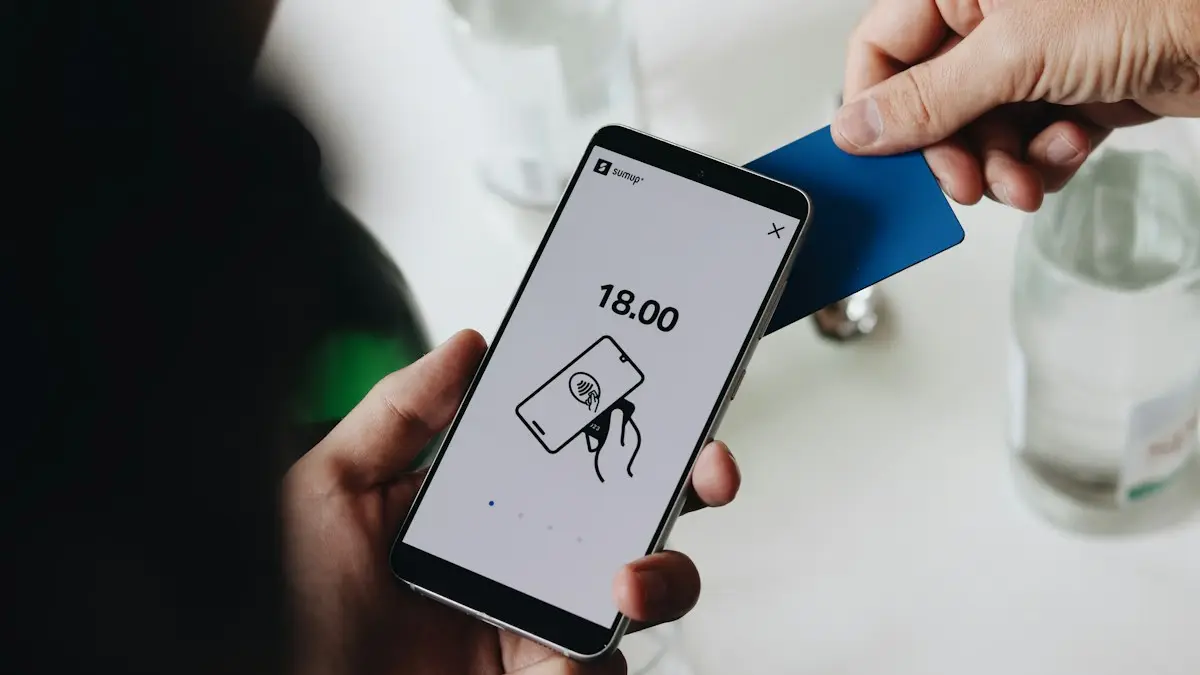
Photo by SumUp on Unsplash
Phone bills creep up quietly: a promotion ends, a fee is added, an old insurance plan keeps billing, and before long a family pays far more than it needs to. The good news is that most savings take one phone call or a few taps in your carrier’s app, and none require giving up your number. Here are 12 ways, starting with the quickest.
Start by reading your bill
Open your carrier app or last bill and look at each line in detail. Note the plan price per line, device installments and how many months are left, protection or insurance charges, add-ons such as international passes or extra hotspot data, and taxes and fees. This is where the savings are usually hiding, and it takes only a few minutes. Many people find a charge for a tablet they no longer use, an insurance plan for a phone they replaced, or a service they never signed up for.
How to lower your phone bill
The fix
12 ways, quickest first
- 1
Turn on autopay and paperless billing.
Most carriers give a discount per line for autopay, often only with a debit card or bank account rather than a credit card. It is the easiest saving there is, and it adds up fast on a family plan.
- 2
Remove add-ons you do not use.
International day passes, extra hotspot packs, caller ID extras and streaming add-ons can often be removed in the app in seconds.
- 3
Drop or change device insurance.
Carrier insurance adds a monthly fee per phone. If you have a case, rarely break phones, or have phone cover through a credit card, you may not need it. See whether AppleCare+ is a better deal.
- 4
Block third-party charges.
Look for charges from companies other than your carrier, often for subscriptions billed to your phone. Ask the carrier to remove them and block third-party billing on your account.
- 5
Check your real data use and right-size your plan.
If you use a few gigabytes a month, an unlimited plan may be wasted money. See how to check data usage on iPhone, or look in Settings › Connections › Data usage on Android.
- 6
Move to your carrier’s cheaper plan.
Older unlimited plans are sometimes more expensive than newer ones with similar features, or the other way round. Compare your plan with the carrier’s current lineup.
- 7
Ask about discounts you qualify for.
Carriers offer discounts for military and veterans, first responders, teachers, nurses, seniors 55 and over on some plans, and many employers. Ask what applies to you.
- 8
Call and ask for a loyalty offer.
Say you are comparing other carriers and ask what they can do. Be polite and specific; ask for a better plan or a monthly credit. See the script below.
- 9
Keep your phone longer.
Once your phone is paid off, your bill drops by the installment amount. A new battery is often all an older phone needs to last another year or two.
- 10
Bring your own phone to a cheaper carrier.
Prepaid brands on the same networks often charge much less. See prepaid vs postpaid and what an MVNO is.
- 11
Combine lines or services.
Adding family members to one account usually lowers the price per line, and some carriers discount mobile when you also have their home internet. Compare the bundle with separate providers before committing.
- 12
Check if you qualify for Lifeline.
Households with low income or on programs like SNAP or Medicaid may qualify for a monthly discount through the federal Lifeline program.
Is unlimited data worth it?
Unlimited plans make sense if you stream or use a hotspot away from Wi-Fi, or simply do not want to think about data. But many people use far less than they pay for. If your phone shows under about 10 GB a month for the last few months, a smaller plan or a cheaper prepaid unlimited plan usually saves money with no real change in how you use your phone. Most carriers let you move up again if you need more.
Taxes and fees explained
Postpaid bills add federal and state taxes plus carrier fees, such as regulatory or administrative charges, on top of the plan price, and they vary by state. That is why a plan advertised at one price costs noticeably more on the bill. Many prepaid plans include taxes and fees in the price. When comparing, always compare the final monthly total, not the advertised number.
Watch and tablet lines
A cellular Apple Watch or Galaxy Watch line, or a tablet with its own data plan, adds a monthly charge. If the watch is usually near your phone, or the tablet is used mostly on Wi-Fi, you may not need those lines at all. Canceling them is often the fastest saving on a family bill; do it in the carrier’s app or by calling. The devices keep working on Wi-Fi and through your phone.
Carrier-specific tips
- Verizon: check which perks your plan includes and remove any you pay for separately. Look at the autopay discount conditions, which depend on the payment method.
- AT&T: review the plan comparison in the myAT&T app; older plans can cost more than current ones. Ask about employer discounts through your workplace.
- T-Mobile: compare your plan with current ones in the T-Life app, and check group discounts such as 55+ and military plans.
What to say when you call
- 1
Have your bill open and know what you pay per line.
- 2
Look up what a competitor or prepaid brand charges for similar service.
- 3
Ask: “I’d like to lower my bill. What plans or discounts can you offer me to stay?”
- 4
If the first answer is no, ask politely to speak with the loyalty or retention team.
- 5
Get any new price or credit confirmed in writing, by email or in the app, before you hang up.
Family plans: where the money goes
On family plans, a few habits cost the most. Every line pays for the plan tier the account chose, even if one person uses little data. Check whether your carrier lets different lines have different plans. Remove lines for old phones, tablets or watches that nobody uses anymore. For kids and older relatives, a cheap prepaid line on its own can cost less than an extra unlimited line.
How to switch without losing money
- Pay attention to device balances. Leaving a carrier makes any remaining phone balance due, and promotional credits stop.
- Switch near the end of your billing cycle, so you do not pay for an unused month.
- Keep your number with a transfer PIN. See how to switch phone carriers.
- Test the new network with a free trial or one month of service before moving everyone on the family plan.
Use less data without trying
If you choose a smaller plan, a few settings make it easy to stay within it: connect to Wi-Fi at home and work, lower video streaming quality on cellular in Netflix, YouTube and similar apps, turn off auto-play videos in social apps, and download music and maps on Wi-Fi before trips. On iPhone, Low Data Mode in Settings › Cellular › Cellular Data Options cuts background use.
Review once a year
Set a reminder to look at your bill once a year, for example when you do your taxes or renew insurance. Promotions expire, plans change, and your needs change too. Twenty minutes a year keeps the bill from creeping back up, and it is the best time to ask your carrier for a loyalty deal.
Frequently asked questions
Can I negotiate my phone bill?
Often, yes. Call your carrier, say you are thinking of switching, and ask what they can offer. Retention teams sometimes have loyalty discounts or better plans that are not advertised.
Is it cheaper to switch to prepaid?
Usually, if your phone is paid off. Prepaid plans on the same networks often cost much less per line, though data may be slowed when towers are busy.
What is the Lifeline program?
Lifeline is a federal program that gives eligible low-income households a monthly discount on phone or internet service. You can check eligibility and apply through the FCC’s Lifeline National Verifier.
Why is my phone bill higher than the advertised price?
Advertised prices usually exclude taxes and fees, assume autopay, and may be promotional for a limited time. Device payments, insurance and add-ons also show on the same bill.
What to try next
Related guides

Change km to miles on iPhone
How to change km to miles on iPhone: set Measurement System for Apple Maps and Distance units in Google Maps. Also change temperature units.
Activate eSIM on iPhone
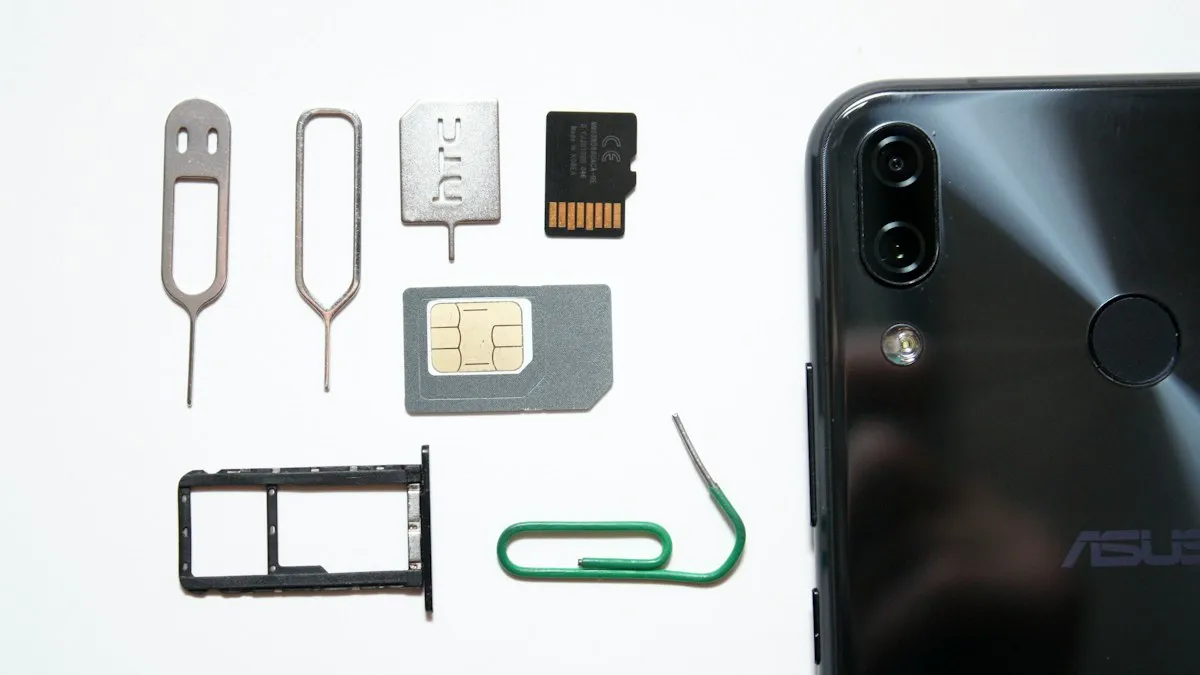
How to activate eSIM on iPhone with a QR code, manual details or your carrier's app. Steps for Verizon, AT&T and T-Mobile, plus fixes when activation fails.
Add a Home button to the iPhone screen
How to add home button to iPhone screen: turn on AssistiveTouch in Accessibility, tap Home, move the button and set shortcuts. Works on every iPhone, no repair.

Change a document to PDF on iPhone
How to change a document to PDF on iPhone: use Files and Markup, the Print trick, Pages, Word or Google Docs. Free, no extra app needed, for each file type.
More guides you may need

Change rings before voicemail
How to change number of rings before voicemail on iPhone: there is no iPhone setting, so use your carrier. See carrier options and fixes for fast voicemail.
Verification codes on iPhone
Verification codes on iPhone: how OTP and 2FA codes arrive, how to AutoFill them from Messages and Mail, use Passwords, and fix codes that don't come.