

How to switch phone carriers and keep your number (step by step)
Do not cancel your old service first. The new carrier moves your number for you, and that closes the old line automatically.

Photo by Markus Spiske on Unsplash
Switching carriers is one of the easiest ways to save money or get better coverage, and in the US you have a legal right to take your number with you to any carrier. The whole process usually takes under an hour. The only real mistakes are canceling too early, not checking your phone first, and forgetting about what you still owe. Follow these steps in order and nothing is lost.
Before you switch: 4 checks
- 1
Check coverage where you live and work.
Look at the new carrier’s coverage map for your home and work addresses, and ask neighbors or coworkers how it works for them. A cheaper plan is no bargain if calls drop at home or the signal vanishes on your commute.
- 2
Check your phone is unlocked.
A locked phone only works with its original carrier. See an unlocked phone check. Since 2026, Verizon unlocks postpaid phones once they are paid off, AT&T after 60 days and full payment, and T-Mobile after 40 days of service and full payment.
- 3
Check the phone works on the new network.
Enter your IMEI in the new carrier’s compatibility checker. Dial *#06# to see it. See how to check if your phone is compatible with a carrier.
- 4
Check what you still owe.
Look for device installment balances on your latest bill. Porting out usually makes any remaining balance due, and promotional bill credits stop.
How to switch phone carriers step by step
The fix
Switch and keep your number
- 1
Get your account number from your current carrier.
It is in the carrier’s app or on your bill. It is not your phone number. Prepaid accounts may use a different account ID; the carrier’s app shows it.
- 2
Get a number transfer PIN.
Verizon: My Verizon app or dial #PORT. AT&T: myAT&T or dial *7678. T-Mobile: the T-Life app or website. PINs expire after a few days (Verizon’s after 7), so do this right before you switch. Full steps in our number transfer PIN guide.
- 3
Turn off any number lock.
Security features such as Verizon’s Number Lock block transfers. Turn them off in the carrier’s app, and turn them back on with the new carrier afterward.
- 4
Sign up with the new carrier and choose to keep your number.
Online, in the carrier’s app or in a store. Enter your number, account number, PIN, and the name and ZIP code exactly as they appear on your current account.
- 5
Activate the new SIM or eSIM.
The carrier sends a SIM card or sets up an eSIM, often instantly through its app. On iPhone, follow the prompts; see how to set up an eSIM on a new iPhone.
- 6
Wait for the transfer to finish, then test.
When the old SIM shows No service and the new one works, the switch is done. Make a call, send a text, check mobile data, and ask a friend to call you to confirm incoming calls reach the new phone.
Getting a new phone at the same time?
Switching is a good moment to upgrade, because new carriers often offer their biggest phone discounts to people bringing a number over. Those deals usually pay you back through monthly bill credits over 24 to 36 months, so you need to stay that long to get the full value. If you would rather stay flexible, buy an unlocked phone and choose any carrier or prepaid plan. See unlocked vs carrier phones. Keep your old phone handy until the new line fully works, so you have a backup during the transfer.
Switching a family plan
You can move all lines at once or one at a time. One transfer PIN usually covers the whole account; tell the new carrier which numbers to move. Only the account owner or an account manager can create the PIN. If only some lines move, the others stay on the old account, possibly at a higher price because multi-line discounts shrink.
What about the phone you are still paying off?
- When you leave, the remaining device balance usually becomes due in full on your final bill.
- Promotional credits, such as a free phone paid back through monthly credits, stop when you leave, which can leave a larger balance than expected.
- Some carriers offer switching deals that pay off your old phone or give a prepaid card. Read the terms: they often require trading in the phone and a specific plan.
- Once the balance is paid, ask your old carrier to unlock the phone so you can keep using it.
Perks you lose when you leave
Carrier bundles often include streaming services, cloud storage or international features. When you switch, those end with your plan. Check whether you get Netflix, Disney+, Apple TV+ or similar through your carrier, and decide whether to subscribe directly or pick a new plan that includes them. The same goes for insurance or device protection bought through the carrier; it ends when the line leaves, so arrange new cover if you want it.
Best time to switch
Switch a few days before your current billing cycle ends, so you do not pay for a full month you will not use. Many carriers bill a partial final month. Avoid switching the day before a trip or an important call, in case the transfer takes longer. New iPhone and Galaxy launches, Black Friday and the holidays are when switching promotions tend to be most generous.
Common switching problems
- Transfer rejected: the account number, PIN, name or ZIP does not match. Check them against your current account and try again.
- Phone shows No service on the new SIM: the phone may still be locked, or the transfer is still in progress. Restart after an hour.
- Texts from iPhone users missing: if you moved from iPhone to Android, turn off iMessage or deregister your number with Apple.
- Old carrier still billing: only lines that were moved close automatically. Call to close any tablets, watches or home internet on the old account.
After you switch: set these up again
- Voicemail: set up a new greeting and password; old voicemails do not transfer, so save important ones first.
- Wi-Fi Calling: turn it on again for the new carrier and confirm your emergency address.
- Carrier apps: delete the old carrier’s app and install the new one to manage your plan and see usage.
- Two-factor codes still come to the same number, so your bank and email logins keep working.
Moving to a prepaid brand
Brands such as Visible, Mint Mobile, Cricket and Metro use the same networks as the big three and follow the same steps: you give them your account number and transfer PIN, and they move your number. Most activate an eSIM through their app in minutes. Many offer a free trial or a first-month discount, which is a good way to test coverage before fully committing.
Can I switch back later?
Yes. Your number stays yours, and you can move it again whenever you like, including back to your old carrier. Each move follows the same steps, with a fresh transfer PIN from whichever carrier you are leaving.
Is switching worth it?
Often, yes. Prepaid brands that run on the same Verizon, AT&T and T-Mobile networks can cost far less for similar coverage, though with lower priority when the network is busy. Compare the plans you would actually use, include taxes and fees, and check whether you need extras like international calling or a hotspot. Our guide to prepaid vs postpaid plans explains the trade-offs.
Frequently asked questions
Should I cancel my old carrier before switching?
No. If you cancel first, you can lose your number. Keep the old service active until the new carrier finishes moving your number; that closes the old line automatically.
How long does it take to switch carriers?
Moving a mobile number usually takes minutes to a few hours. Rarely it can take a day or two, especially for business lines or if a detail does not match.
Can I keep my phone when I switch?
Yes, if it is unlocked and works on the new network. Phones still being paid off with your old carrier are usually locked until the balance is paid.
Will I have to pay to switch carriers?
Most US carriers no longer charge early termination fees on current plans, but any remaining phone balance becomes due. Some carriers offer credits to help new customers pay it off.
What to try next
Related guides
Change km to miles on iPhone
How to change km to miles on iPhone: set Measurement System for Apple Maps and Distance units in Google Maps. Also change temperature units.
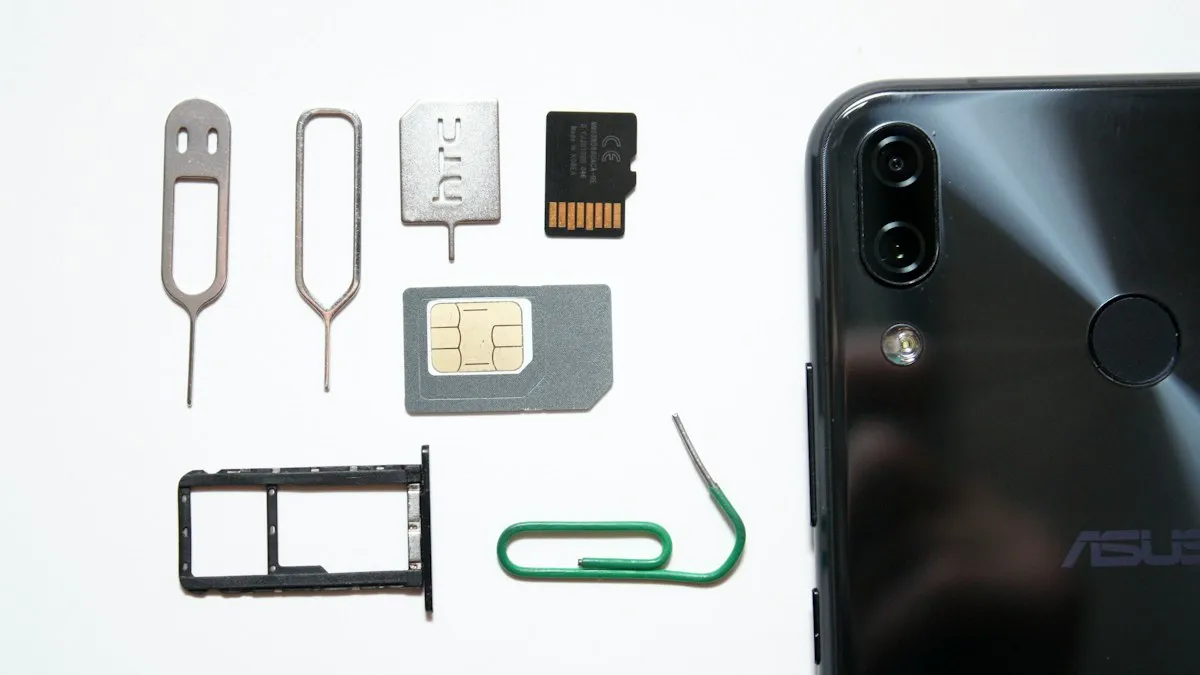
Activate eSIM on iPhone
How to activate eSIM on iPhone with a QR code, manual details or your carrier's app. Steps for Verizon, AT&T and T-Mobile, plus fixes when activation fails.
Add a Home button to the iPhone screen
How to add home button to iPhone screen: turn on AssistiveTouch in Accessibility, tap Home, move the button and set shortcuts. Works on every iPhone, no repair.

Change a document to PDF on iPhone
How to change a document to PDF on iPhone: use Files and Markup, the Print trick, Pages, Word or Google Docs. Free, no extra app needed, for each file type.
More guides you may need
How to tell if an iPhone is fake
Check if an iPhone is genuine before you buy. Use the serial number on Apple's Check Coverage page, match the IMEI, and review Parts and Service History.
Turn 5G on or off on iPhone
Turn 5G off on your iPhone to save battery or fix a weak signal, switch to LTE, or turn 5G back on. Learn what 5G Auto, 5G On and the network icons mean.