

How to check if your phone is compatible with a carrier (free IMEI check)
Enter your IMEI in the new carrier’s checker. If it fails, the reason is almost always a carrier lock, missing bands or no VoLTE support.
Photo by Franck on Unsplash
Keeping your phone when you switch carriers saves hundreds of dollars, and many carriers offer extra credits or discounts for bringing your own phone. Most modern phones work on every major US network. But “most” is not “all”. A few minutes with the carrier’s free online checker tells you for sure before you spend anything, and knowing why a phone fails helps you decide whether to unlock it, choose a different carrier, or buy a new phone.
How to check if your phone is compatible with a carrier
The fix
Use the carrier’s free checker
- 1
Find your IMEI.
Dial *#06#. Write down the 15-digit number or take a screenshot of it. On dual-SIM phones, note both; the checker usually asks for the first one.
- 2
Open the new carrier’s bring-your-own-phone page.
Search for the carrier name plus “bring your own phone” or “check compatibility”. Verizon, AT&T, T-Mobile and prepaid brands such as Visible, Mint Mobile, Cricket, Metro and Straight Talk all have one.
- 3
Enter the IMEI and follow the result.
The checker says whether the phone works, sometimes with notes such as “5G not supported” or “eSIM only”. Some also tell you if the phone is locked to another carrier.
- 4
Check the phone is unlocked.
A compatible phone still will not work if it is locked to another carrier. See how to know if a phone is unlocked.
The 3 things that decide compatibility
- 1. Unlocked: phones bought from a carrier are usually locked to it until paid off. Verizon unlocks postpaid phones once paid off, AT&T after 60 days and full payment, and T-Mobile after 40 days and full payment.
- 2. The right bands: each carrier uses different radio frequencies. T-Mobile relies on 600 MHz and 2.5 GHz, Verizon on LTE band 13 and C-band 5G, and AT&T on LTE bands 12 and 17 and C-band 5G. A phone missing the main bands will have weak coverage or none.
- 3. VoLTE approval: since the US 3G shutdown, calls travel over 4G LTE using VoLTE. The phone must support VoLTE and be approved for it on that carrier, or calls fail even if data works.
Which phones usually work
- Recent US iPhones: work on all major US carriers and their prepaid brands. iPhone 14 and later US models are eSIM only.
- Recent US Samsung Galaxy and Google Pixel: unlocked models work on all three networks. Carrier models work once unlocked.
- Budget and older Android phones: check carefully. Some lack bands or VoLTE approval on one carrier.
- Phones bought abroad: often work for calls and data but may miss US bands or VoLTE approval. Check the exact model number.
Check the exact model
- iPhone: go to Settings › General › About and tap Model Number to see the part number starting with A. Search it with “iPhone” to see which country the model was made for. US models support all US carriers.
- Samsung Galaxy: go to Settings › About phone and look at the model number, such as SM-S938U. US carrier models usually end in U, and Samsung’s US unlocked models in U1. Models ending in other letters were made for other countries and may lack US bands.
- Google Pixel: US Pixels work on all three major networks. Pixels bought abroad usually work too, but check 5G support with the carrier.
Checking eSIM support
If the carrier or plan is eSIM only, your phone must support eSIM. Most iPhones since the iPhone XS, and most recent Galaxy and Pixel phones, do. On iPhone, look in Settings › Cellular for Add eSIM. On Samsung, look in Settings › Connections › SIM manager for Add eSIM. If there is no such option, use a carrier or plan that still offers physical SIM cards.
Checking with a prepaid brand
Prepaid brands run on the big three networks, so compatibility depends on the network behind them: Visible and Straight Talk mostly use Verizon, Mint Mobile and Metro use T-Mobile, and Cricket uses AT&T. If your phone works on the parent network, it usually works on the brand. Still use the brand’s own checker, because some limit which phones they support. Learn more in our guide to what an MVNO is.
The checker says no. What now?
- 1
If it says the phone is locked:
pay off the phone and ask the original carrier to unlock it. For Galaxy phones, see how to unlock a Samsung from your carrier; for iPhone, see how to unlock an iPhone from your carrier.
- 2
If it says the device is not supported:
the phone lacks bands or VoLTE approval. Try a different carrier whose checker accepts it, or a prepaid brand on a different network.
- 3
If it says the IMEI is blocked or blacklisted:
the phone has been reported lost, stolen or unpaid. Do not buy it. If you already bought it, contact the seller. See how to check if a phone is stolen.
- 4
If the checker cannot recognize the IMEI:
check you typed it correctly, with no spaces, then contact the carrier’s support by chat or phone, which can check manually.
Compatible, but some features missing?
A phone can pass the checker yet lack extras. Common gaps are Wi-Fi Calling, 5G on a particular band, visual voicemail, or HD Voice on older or imported models. These do not stop the phone working, but they matter if you have weak signal at home and rely on Wi-Fi Calling. Ask the carrier about the specific feature before switching, and after switching, check Settings for Wi-Fi Calling and 5G options. Installing the latest software update often adds carrier settings that turn these features on.
Using a US phone abroad, or a foreign phone in the US
An unlocked US iPhone, Galaxy or Pixel works with local SIM cards and travel eSIMs in most countries, since the major global bands are covered. The opposite direction is where problems appear: a phone bought in Asia, Europe or Latin America may connect in the US for data but fail calls because it is not approved for VoLTE on US networks. If you are moving to the US with a phone from abroad, check it with each carrier’s checker. Carriers differ in which international models they accept, so a phone rejected by one may pass another, and only the checker can confirm your exact model.
Test before you commit
The surest check is to try the network. Several carriers offer free trial eSIMs that run alongside your current line on an unlocked phone with dual SIM support, and many prepaid brands let you buy a single month cheaply. Use it for a few days at home, at work and on your commute. If calls, texts and data all work well, you can move your number with confidence. See how to switch carriers and keep your number.
Why phones sold for one carrier can work on another
Modern phones, especially iPhones and flagship Galaxy and Pixel models, are built with radios that cover all major US networks, so the same hardware is sold by every carrier. The difference is only the lock and the carrier’s software settings. That is why an unlocked Verizon iPhone works perfectly on T-Mobile. Budget phones are more likely to be built for one carrier’s bands only, which is why checking matters most for cheaper and older models.
Frequently asked questions
How do I find my IMEI?
Dial *#06# on any phone. On iPhone it is also in Settings › General › About, and on Android in Settings › About phone. Phones with an eSIM show two IMEIs; the checker usually wants the first.
Will an unlocked iPhone work on any US carrier?
US iPhones from the last several years work on Verizon, AT&T, T-Mobile and their prepaid brands. iPhones bought in other countries usually work too but may miss some US bands.
Does my phone need eSIM support?
Not always. Most carriers still offer physical SIM cards, but some prepaid brands are eSIM only, and US iPhones since the iPhone 14 have no SIM tray at all.
The checker says compatible. Is that a guarantee?
It is a strong sign, not a promise of every feature. Wi-Fi Calling, 5G or visual voicemail can still be missing on some phones. Ask the carrier if a specific feature matters to you.
What to try next
Related guides
Change km to miles on iPhone
How to change km to miles on iPhone: set Measurement System for Apple Maps and Distance units in Google Maps. Also change temperature units.
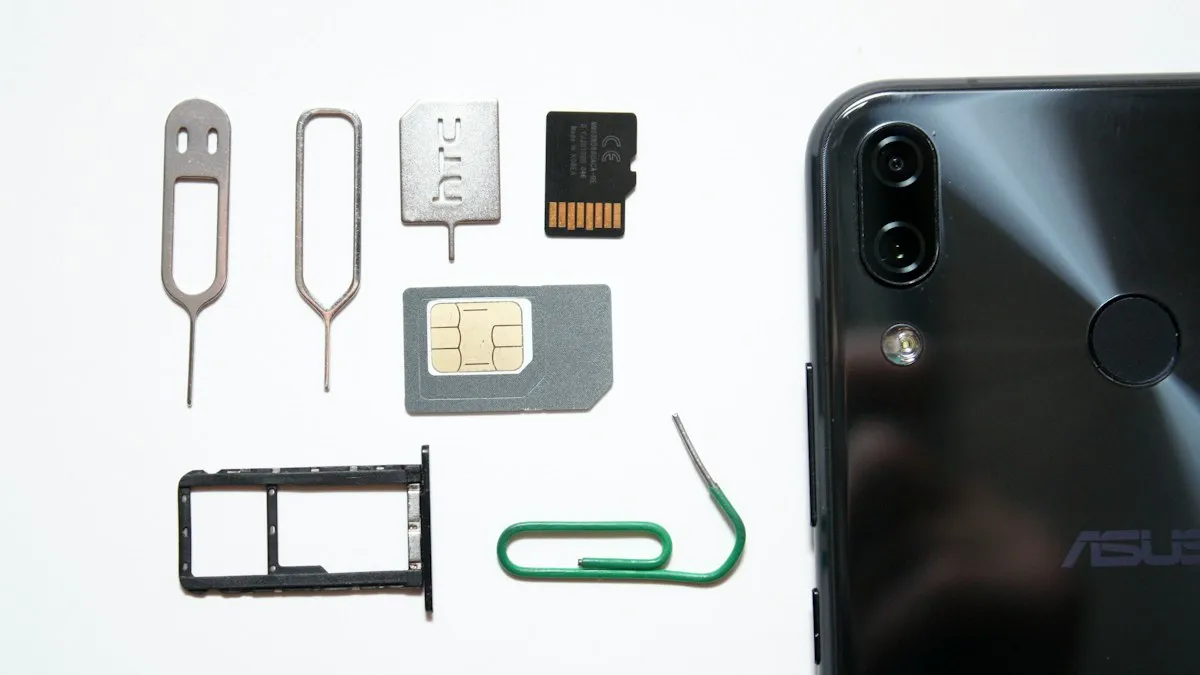
Activate eSIM on iPhone
How to activate eSIM on iPhone with a QR code, manual details or your carrier's app. Steps for Verizon, AT&T and T-Mobile, plus fixes when activation fails.
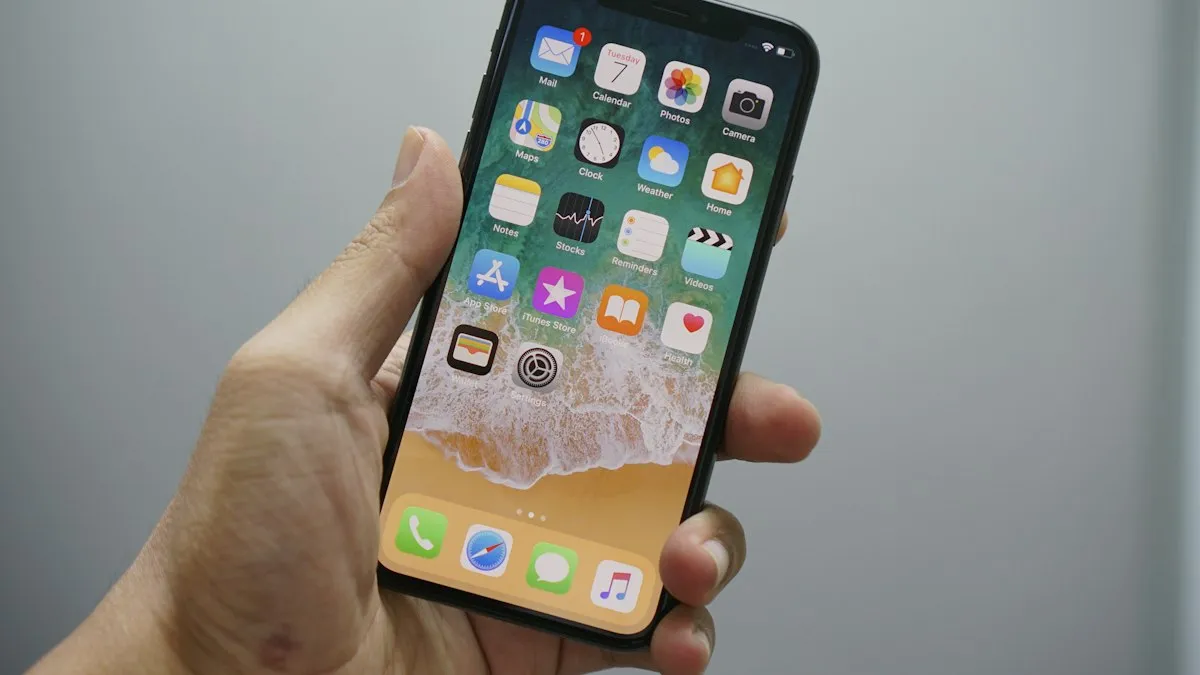
Add a Home button to the iPhone screen
How to add home button to iPhone screen: turn on AssistiveTouch in Accessibility, tap Home, move the button and set shortcuts. Works on every iPhone, no repair.

Change a document to PDF on iPhone
How to change a document to PDF on iPhone: use Files and Markup, the Print trick, Pages, Word or Google Docs. Free, no extra app needed, for each file type.
More guides you may need
Report bugs on iOS
How to report bugs on iOS: use Feedback Assistant, Apple's feedback page or Apple Support, and learn what makes a bug report useful. Steps for any iPhone.
How to tell if an iPhone is fake
Check if an iPhone is genuine before you buy. Use the serial number on Apple's Check Coverage page, match the IMEI, and review Parts and Service History.