

Straight Talk says IMEI is invalid or not compatible: what to do
An invalid IMEI message usually has one of four causes: a typo, the wrong IMEI for an eSIM, a phone that is carrier locked, or a phone that is blocked. Here is how to tell which one you have before you call.
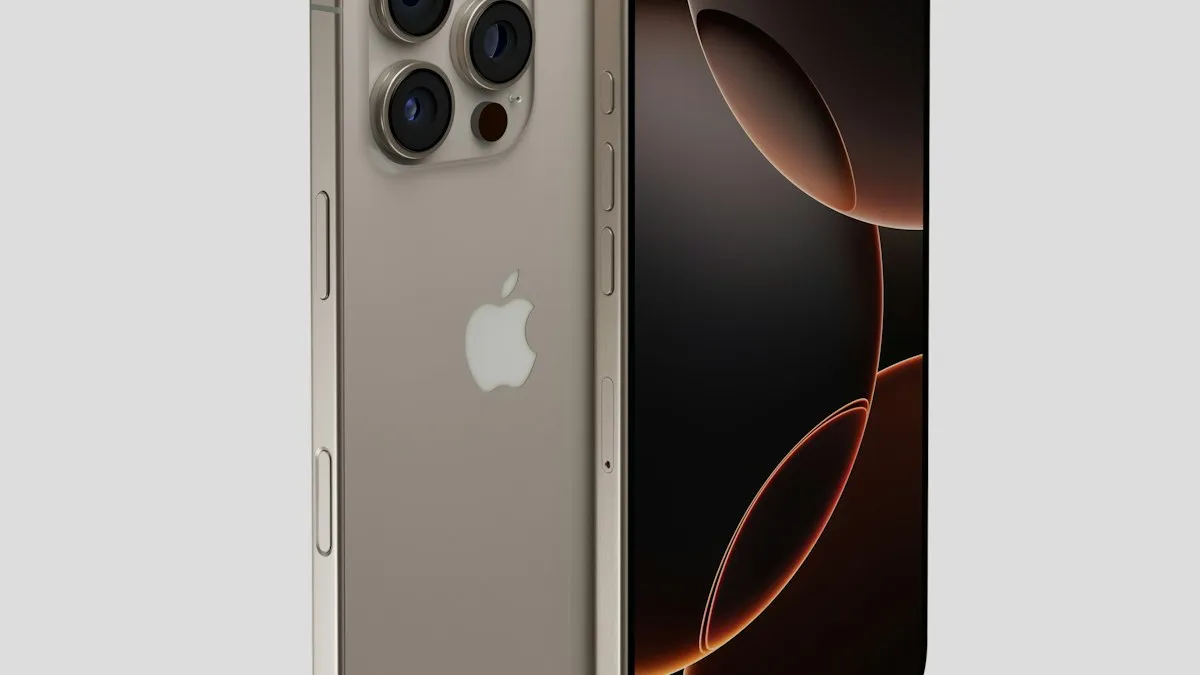
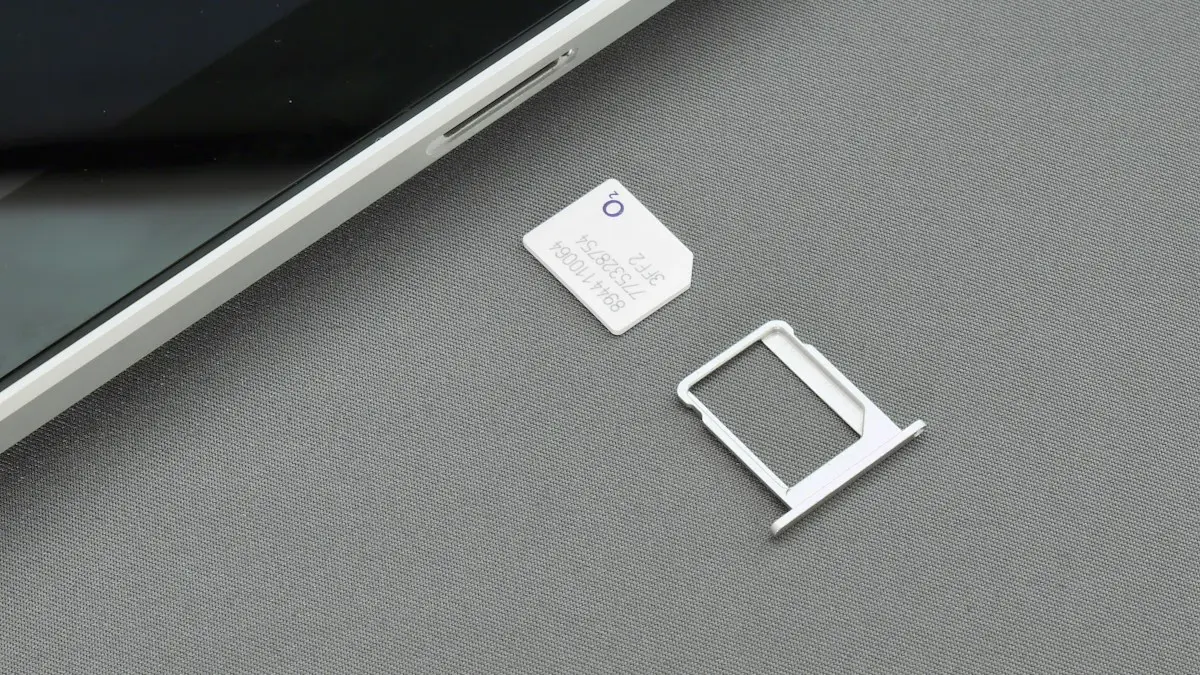
Photo by Igor Omilaev on Unsplash
You bought a Straight Talk SIM or started an online activation, typed in your phone’s IMEI, and got an error: your IMEI is invalid, the phone is not compatible, or the device cannot be activated. It is a frustrating stop, especially when you were told that any phone would work. Most of the time the cause is small and fixable. This guide goes through the causes in the order you should test them, shows how to read the IMEI correctly, and tells you what to ask support if the phone really is the problem.
What does the Straight Talk IMEI error mean?
An IMEI is the 15-digit number that identifies one phone. When you activate a line, the carrier checks that number against its systems. Straight Talk’s activation page says the IMEI you provided is not compatible with its network, and asks you to review the number and try again. That wording covers several different problems. The number may be wrong, the phone may use network bands or software that does not match, the phone may be locked to another carrier, or the carrier may have blocked the number.
Why does Straight Talk say the IMEI is invalid?
- A typo: one wrong digit is enough. This is the most common reason.
- The wrong IMEI for the SIM type: phones with eSIM and a physical SIM have more than one IMEI. For an eSIM activation on a bring-your-own iPhone, Straight Talk points to the digital IMEI, also shown as IMEI2.
- A carrier lock: a phone that is still locked to another carrier will not accept a new carrier’s SIM.
- A blocked IMEI: carriers can block a number if a phone was reported lost or stolen, or if the previous owner has an account issue.
- A real compatibility gap: older phones, or phones sold for another country, may not support the networks Straight Talk uses.
- A short delay: if you just paid or reactivated, the systems may need a few minutes.
How do you find and enter the right IMEI?
Copy the number instead of typing it
- 1
Open the Phone app and dial *#06#.
The IMEI appears on the screen without placing a call. Android phones show it too.
- 2
Or open Settings › General › About on an iPhone.
Scroll to IMEI. Tap and hold the number to copy it. On Android, open Settings › About phone › Status information.
- 3
Check which IMEI you need.
If the phone has an eSIM, you may see IMEI and IMEI2, and an EID. For an eSIM activation, use the digital IMEI or the EID the carrier asks for.
- 4
Paste it into the activation page.
Do not retype it. Remove spaces.
- 5
Try again after a minute.
If it fails twice with a copied number, the problem is not a typo.
Our guide on how to find your IMEI number shows where it sits on different phones.
How do you check compatibility the official way?
Straight Talk has a bring-your-own-phone check. You can open it from the Straight Talk site and choose Check Compatibility, use the chat assistant, or text BYOP to 611611. Have the IMEI ready, and the ZIP code where you will use the phone. A phone that fails the check will not activate, whatever you try. Use the result to decide whether to buy a different phone, or to ask the seller for a refund. If you are not sure whether to bring your own phone or buy one, read about unlocked and carrier phones.
Is the phone still locked to another carrier?
A phone you bought from a carrier or a store may still be locked. Carriers usually unlock after the phone is paid off and a minimum time has passed, and the rules differ by carrier. Ask the original carrier whether the phone is unlocked. On an iPhone you can also look at Settings › General › About › Carrier Lock, where No SIM restrictions means it is unlocked. If it is locked, read how to unlock an iPhone from its carrier, or how to unlock a Samsung on Android. Do not pay a website that promises an instant unlock. Only the carrier that locked the phone can remove the lock safely.
Could the IMEI be blocked?
This is the risk with used phones. A carrier can block an IMEI when the phone is reported lost or stolen, or when the account that paid for it has unpaid balances. A blocked phone can show as invalid or not eligible for activation. You cannot see this status on the phone. The original carrier can check it, and the seller should know. Ask for the IMEI before you buy a used phone, and ask the carrier or a status checker whether it is clean. If the seller refuses, walk away. A blocked phone is not worth the price.
What if the phone is compatible, unlocked, and still fails?
Last checks before you call
- 1
Turn Airplane Mode on for one minute, then off.
Straight Talk lists this as a way to make the phone register again on its network.
- 2
Restart the phone with the new SIM in place.
Make sure the SIM is seated properly and is the one for your plan.
- 3
Wait a few minutes after paying.
Straight Talk says systems can take time to update after a refill or reactivation.
- 4
Try the activation from another browser or the app.
Clear cached data if the page loops.
- 5
Update the phone.
Install the latest software so it can read the carrier profile.
What should you say when you call support?
- Read the exact error message.
- Give the IMEI you used, the phone model, and where you bought the phone.
- Say whether you use a physical SIM or an eSIM.
- Ask whether the phone is compatible, blocked, or locked.
- Ask what they need from you to continue, and write down the reference number.
Does it matter whether the phone was bought new or used?
It matters a lot. A phone bought new and unlocked from a store or the maker rarely has IMEI trouble, because it has no history with a carrier. A used phone brings a past with it: an old account, a payment plan that may not be paid off, a lock, or a report of loss. Before you buy a used phone for Straight Talk, ask the seller for the IMEI and the original carrier, and check it before you pay. Ask whether the phone was paid in full. Keep the listing and the messages, because they help if you need a refund.
Which phones usually work, and which do not?
Recent iPhones and popular Android models that support US networks generally work if they are unlocked, but the details depend on the model and on the network Straight Talk assigns to your area. Phones made for other countries, older models without current network bands, and carrier branded phones that stay locked are the usual troublemakers. The official compatibility check is the only reliable answer for your exact phone. A phone that works for a friend on the same plan may still fail for you if it is a different model or variant.
Can a SIM kit or an eSIM change the result?
Sometimes. Straight Talk offers a bring-your-own-phone SIM kit for phones that use a physical SIM, and an eSIM option for phones that support it. If one method fails, check whether the other is available for your phone, but a lock or a block will stop both. If you are using an eSIM, double check that you gave the digital IMEI or EID and not the physical SIM number. If you are not sure how eSIM setup works on your phone, read how to activate an eSIM on iPhone or set up an eSIM on Samsung.
Is the phone worth keeping if it is blocked?
A blocked phone cannot be fixed by you, and it will not work on most US carriers. Its value is mostly for parts. If you bought it from a person, ask for a refund. If you bought it on a marketplace, use the platform’s buyer protection. If it was your own phone and you reported it lost, the block is yours to remove with the carrier that blocked it, which can restore the phone once you show it is found.
If the answer is that the phone cannot work, you have options. Ask the seller to refund the phone, buy a compatible phone, or look at a different prepaid brand. Our guide on prepaid versus postpaid plans explains what you give up and gain, and checking carrier compatibility helps you test the next phone before you pay.
Frequently asked questions
Why does Straight Talk say my IMEI is not compatible with the network?
The phone may not match Straight Talk’s network, may be locked to another carrier, or you may have entered the wrong IMEI. Re-enter the number and run the compatibility check.
Which IMEI do I use for an eSIM on an iPhone?
Straight Talk’s guidance for iPhone 13 and later says to use the digital IMEI, also called IMEI2, not the physical SIM IMEI. Check the numbers under Settings › General › About.
Can a used phone be blocked from activating?
Yes. A carrier can block an IMEI if the phone was reported lost or stolen or has an account problem. The previous owner or the original carrier can tell you the status.
What do I tell Straight Talk support?
Give them the exact error text, the IMEI you entered, the phone model and where you bought it. Ask whether the phone is blocked, locked, or simply not compatible.
What to try next
Related guides
All circuits are busy
Hearing all circuits are busy on a cell phone call? Learn what it means, how to tell if it is your carrier or theirs, and how to get your call through.
Verizon verification code
Verizon not sending verification code texts for logins and apps? Check blocked short codes, spam filtering, your plan blocks and port delays, then call Verizon.
Cracked phone screen
Can you use a phone with a cracked screen? Yes, briefly, but cracks spread and let in water. Learn the risks, how to protect it now and when to repair.
SIM card locked (PUK code)
SIM card locked and asking for a PUK code? Learn what SIM PIN and PUK mean, how to get your PUK from your carrier and how to fix a blocked SIM.
More guides you may need
SIM card locked (PUK code)
SIM card locked and asking for a PUK code? Learn what SIM PIN and PUK mean, how to get your PUK from your carrier and how to fix a blocked SIM.
Verizon verification code
Verizon not sending verification code texts for logins and apps? Check blocked short codes, spam filtering, your plan blocks and port delays, then call Verizon.