

Number transfer PIN: how to get it for Verizon, AT&T and T-Mobile
Your new carrier needs two things to move your number: your old account number and a transfer PIN. Here is where to get both.
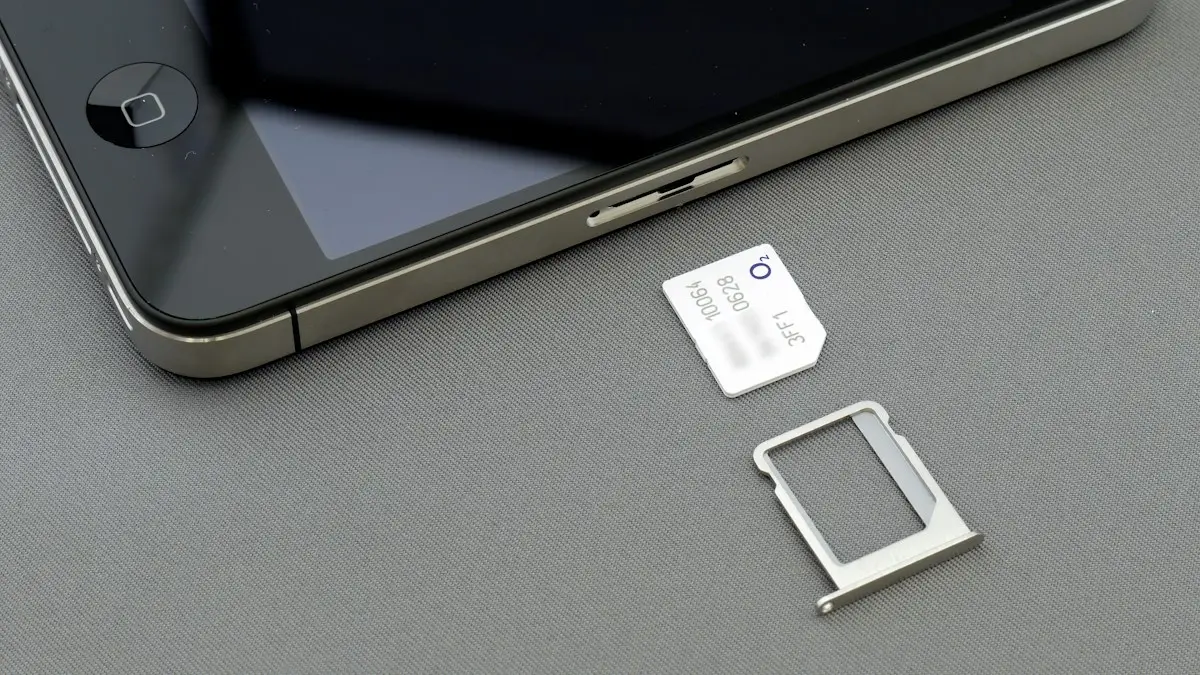
Photo by Brett Jordan on Unsplash
Carriers require a transfer PIN, sometimes called a port-out PIN, to stop criminals from stealing phone numbers. It proves that you, the account owner, agreed to the move, and it cannot be guessed from your bill. You only need it when you switch carriers and want to keep your number. Getting one takes a minute and does not change or cancel anything on its own. Below are the exact steps for each major US carrier and for prepaid brands.
What you need to switch
- Account number: from your current carrier, shown in its app or at the top of your bill. It is not your phone number.
- Number transfer PIN: created in the carrier’s app or by dialing a code, as below.
- Account holder name and billing ZIP code: exactly as they appear on your current account.
Verizon number transfer PIN
The fix
Get it in the My Verizon app
- 1
Open the My Verizon app and tap Account.
Sign in as the account owner or a manager.
- 2
Tap Edit profile & settings.
- 3
Scroll to Number Transfer PIN and tap Generate PIN.
- 4
Write down the PIN and your account number.
The PIN is valid for 7 days. One PIN covers the whole account; tell the new carrier which numbers to move.
Other ways: dial #PORT (#7678) from the Verizon phone and follow the text link, sign in at verizon.com, call 800-922-0204, or visit a Verizon store. Only the account owner or a manager can create it. If Number Lock is on, turn it off first, or the transfer will fail. Any remaining device payment balance becomes due when you leave.
AT&T number transfer PIN
The fix
Get it by dialing or in myAT&T
- 1
From the AT&T phone, open the Phone app and dial *7678 (*PORT), then call.
- 2
Follow the text message or prompts to create your PIN.
- 3
Or sign in to the myAT&T app or att.com and look for Transfer PIN in your profile or wireless settings.
- 4
Note your AT&T account number too.
It is on your bill and in myAT&T. The PIN expires after a few days, so use it promptly.
AT&T also offers a Number Lock feature in its security settings. If it is on, turn it off before the new carrier tries to move the number, and turn on a similar feature with your new carrier afterward.
T-Mobile number transfer PIN
The fix
Get it in the T-Life app
- 1
Open the T-Life app and sign in as the account holder.
- 2
Go to your account or profile settings and find Transfer PIN.
- 3
Create the PIN and follow the on-screen confirmation.
Keep Wi-Fi off if the app asks you to verify on the T-Mobile network.
- 4
Find your account number in the app or on your bill.
You can also create the PIN on t-mobile.com or by calling T-Mobile customer care.
T-Mobile has an optional port-out protection setting on some accounts; check your security settings and turn it off if the transfer fails. Menu names in the T-Life app change from time to time, so if you cannot find Transfer PIN, search for it in the app’s help.
Prepaid brands
- Cricket, Metro, Visible, Mint Mobile and others: look in the brand’s app or website for Transfer PIN, Port-out PIN or Number transfer.
- Some prepaid brands use your existing account PIN, the one you chose when you signed up, instead of a separate transfer PIN.
- If you cannot find it, contact the brand’s support by chat or phone and ask for your account number and transfer PIN to port out.
Cannot get into your account?
If you forgot your carrier login, use the Forgot password link in the app, which usually sends a code to your phone number. If you are not the account owner, ask the owner to create the PIN or to give you manager permissions. If the phone is lost and you cannot receive codes, visit a carrier store with photo ID; staff can verify you and help create the PIN in person.
Transfer rejected? Check these
- The PIN has expired. Create a new one and give it to the new carrier.
- The account number was typed wrong, or you gave the phone number instead.
- The name or billing ZIP code does not match your current account exactly.
- Number Lock or port-out protection is still on.
- The line is suspended, for example for an unpaid bill; the old carrier may need you to pay before the number can move.
The new carrier can see why the transfer failed. Ask them for the reason, fix it, and they can resubmit. Your old service keeps working in the meantime, so you do not lose calls while you sort it out.
How long does a number transfer take?
Most mobile number transfers between US carriers finish within minutes to a few hours. Your old phone keeps working until the moment the number moves, then shows No service, while the new SIM or eSIM starts working. Transfers submitted late in the evening or on weekends can take a little longer, and business or landline numbers can take several days.
Moving only some lines
One transfer PIN works for every line on the account, but only the numbers you give the new carrier move. The rest stay on your old plan. Check what the remaining lines will cost afterward, because many plans charge more per line when there are fewer lines. If someone on the plan wants their own account, the account owner can also transfer responsibility for that line to them before it moves.
Transfer PIN vs account PIN vs SIM PIN
- Transfer PIN: one-time code for moving your number to another carrier. Expires after a few days.
- Account PIN or passcode: the code you give customer service to prove who you are. It does not move your number.
- SIM PIN: an optional code that locks the SIM card in your phone when it restarts. It has nothing to do with switching.
Moving a home phone or Google Voice number
Many landline and internet phone numbers can move to a mobile carrier too, which is a good way to keep a number you have had for years. The steps are similar: get the account number and any PIN from the home phone provider, then ask the mobile carrier to port it. Not every landline number can move to every carrier, so ask the new carrier to check the number first. Keep the landline service active until the move is complete.
What happens after the transfer
Once the new carrier moves your number, your old SIM stops working and that line is closed automatically. You do not need to call to cancel it. If it was your last line, your old carrier sends a final bill with any partial month and remaining device payments. Other devices on the old account, such as a smartwatch, tablet or home internet, stay active until you cancel them. See how to cancel phone service the right way.
Before you switch: two more checks
- 1
Make sure your phone will work.
If you are keeping your phone, it must be unlocked and compatible with the new network. See an unlocked phone check.
- 2
Time it with your bill.
Switching a few days before your billing cycle ends avoids paying for a month you will not use.
Frequently asked questions
How long is a number transfer PIN valid?
It depends on the carrier. Verizon’s PIN is valid for 7 days, and other carriers use similar short windows. Create it right before you switch, and make a new one if it expires.
Is the transfer PIN the same as my account PIN?
Not on Verizon, AT&T or T-Mobile, which create a separate one-time transfer PIN. Some prepaid brands use your account PIN instead, so check their help page.
Who can get the transfer PIN?
Only the account owner, or someone with manager permissions on the account. On a family plan, the person who pays usually has to create it.
Does getting a transfer PIN cancel my service?
No. Nothing changes until your new carrier uses it to move the number. Your service stays active until the transfer completes.
What to try next
Related guides
Change km to miles on iPhone
How to change km to miles on iPhone: set Measurement System for Apple Maps and Distance units in Google Maps. Also change temperature units.
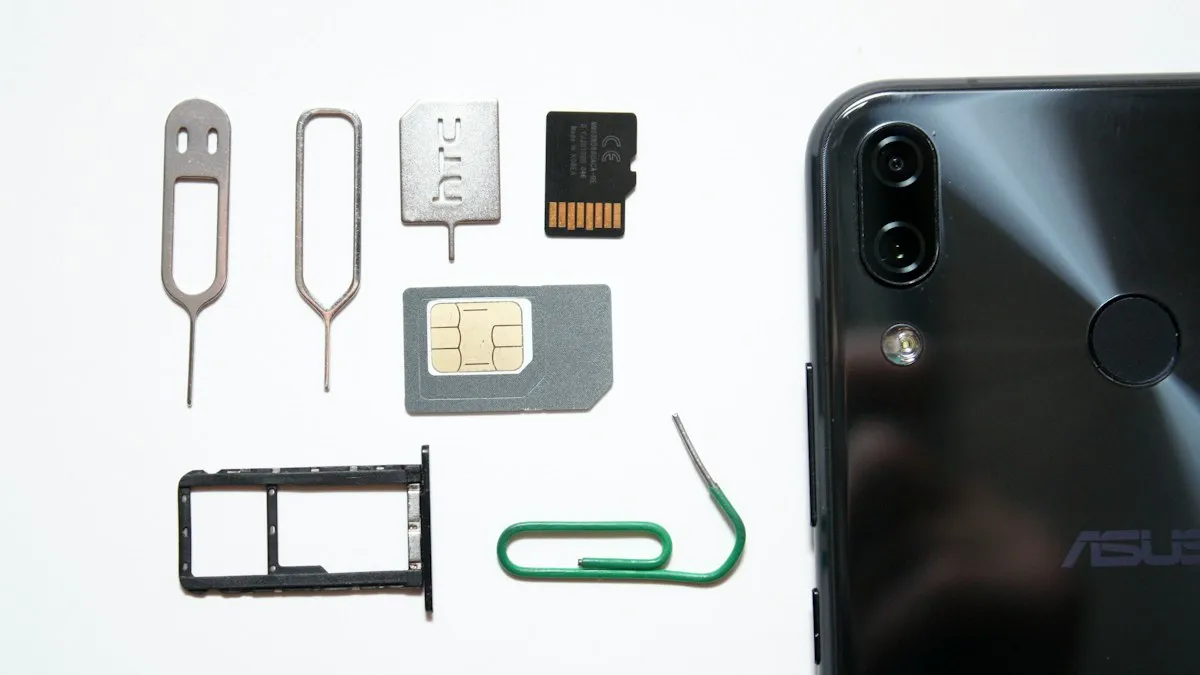
Activate eSIM on iPhone
How to activate eSIM on iPhone with a QR code, manual details or your carrier's app. Steps for Verizon, AT&T and T-Mobile, plus fixes when activation fails.
Add a Home button to the iPhone screen
How to add home button to iPhone screen: turn on AssistiveTouch in Accessibility, tap Home, move the button and set shortcuts. Works on every iPhone, no repair.

Change a document to PDF on iPhone
How to change a document to PDF on iPhone: use Files and Markup, the Print trick, Pages, Word or Google Docs. Free, no extra app needed, for each file type.
More guides you may need
Recover deleted texts on Android
Recover deleted texts on Android from the Trash in Google Messages or Samsung Messages, the Archived and Spam folders, or a Google or Samsung Cloud backup.
Scan a QR code
Scan a QR code with your iPhone or Android camera in seconds, scan one from a photo or screenshot, and fix a camera that will not read QR codes.