

SIM card locked? How to enter the PUK code and get your phone working again
Three wrong PIN guesses lock the SIM until you enter a PUK code. You can get it from your carrier, but you must be careful, because ten wrong PUK tries ruin the SIM.
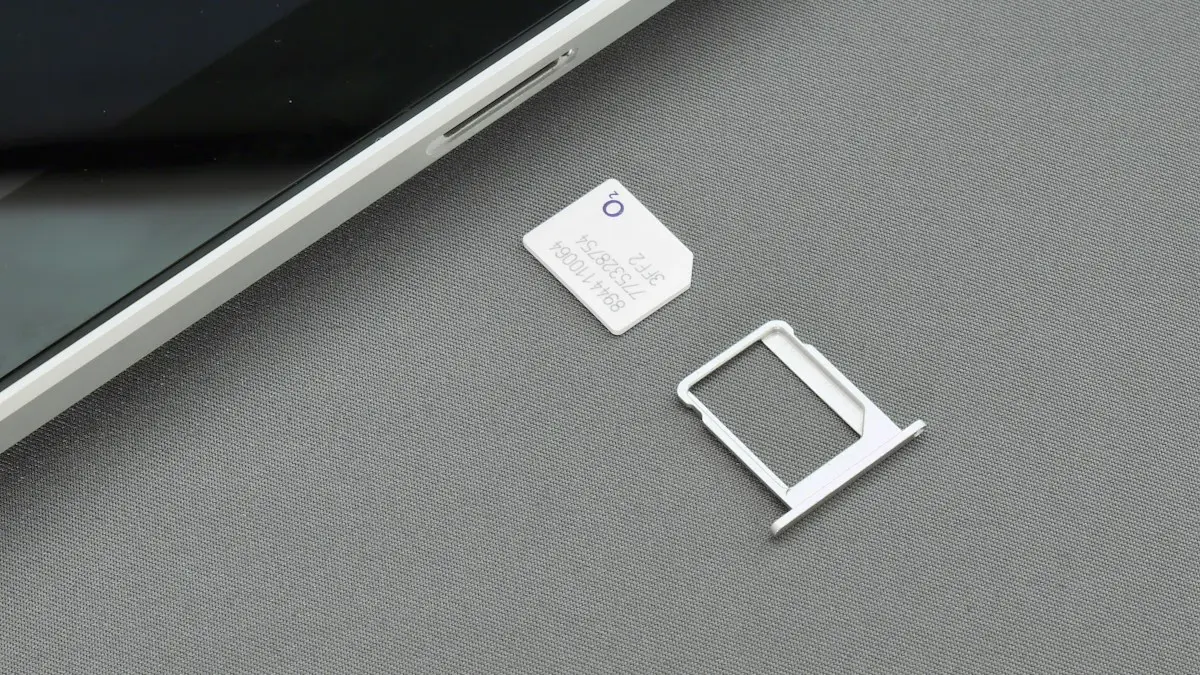
Photo by Brett Jordan on Unsplash
A phone that suddenly says SIM Locked, Enter PUK or SIM PIN is not broken. It is doing what it was set up to do. The SIM has a security PIN, three wrong entries blocked it and now it needs a longer unlock code from your carrier. The fix is simple, but one mistake can ruin the SIM, so go carefully. Below are the steps for iPhone and Android, how to find the PUK and what to do if the SIM is blocked.
PIN, PUK and phone passcode: what is the difference?
- SIM PIN: a four to eight digit code that locks the SIM card itself. The phone asks for it when it restarts or when you put the SIM in another phone.
- PUK: the PIN Unlock Key, usually eight digits. It resets the SIM PIN after too many wrong attempts.
- Phone passcode: the code that unlocks your screen. It is unrelated to the SIM.
- Account PIN: the carrier's code for customer service. It is not the SIM PIN either.
Step 1: make sure you really need the PUK
If the phone asks for a SIM PIN and you still have attempts left, try the PIN once more. If you never set a PIN, the carrier may have used a default. Carriers often use a default code, such as 1111, 0000 or 1234, but it differs, so check your carrier's help page before you guess. Be careful, since each wrong try counts. After three wrong attempts, the SIM is locked and asks for the PUK. Stop guessing at that point.
Step 2: get your PUK code
- 1
Check the SIM packaging.
The plastic card the SIM came in often has a scratch-off area with the PIN and PUK printed on it.
- 2
Ask your carrier.
Sign in to your carrier's app or website, or call customer service from another phone. They will verify your account and tell you the PUK for that SIM.
- 3
Say which SIM it is.
Give the phone number or the ICCID, the long number printed on the SIM. On a dual SIM phone, make sure it is the right line.
- 4
Write down the PUK.
Keep it ready, and check each digit before you type it.
Step 3: enter the PUK on your phone
The fix
iPhone
- 1
When you see SIM Locked or Enter PUK, tap the field and type the PUK.
- 2
Enter a new SIM PIN when asked.
Choose four to eight digits that you will remember, and confirm it.
- 3
Wait for the signal to return.
Your carrier name and bars should appear in a few seconds.
The fix
Android and Samsung
- 1
On the SIM unlock screen, enter the PUK code.
- 2
Enter and confirm a new PIN.
- 3
Restart the phone if the service does not return in a minute.
How to turn the SIM lock off (or on)
The SIM lock is a security feature. It stops a thief from putting your SIM in another phone and using your number. If you do not want it, you can turn it off, but you need the current PIN to do it. If you want the extra protection, leave it on and choose a PIN you will remember.
- iPhone: go to Settings › Cellular › SIM PIN, and turn SIM PIN off or on. Enter the PIN to confirm. On a dual SIM iPhone, choose the line first. If you do not see this setting, your carrier may not support it.
- Samsung: go to Settings › Security and privacy › More security settings › Set up SIM card lock, then toggle Lock SIM card. Menu names vary by version.
- Pixel and other Android: go to Settings › Security & privacy › More security & privacy › Encryption & credentials or SIM lock, depending on your version, and toggle Lock SIM.
Why is my SIM asking for a PIN?
- You, or someone else, turned on SIM PIN in settings.
- You put the SIM in a new phone, which asks for the PIN to confirm.
- The carrier shipped the SIM with a PIN lock turned on.
- The phone restarted after an update or a crash, and SIM PIN asks after every restart.
- Someone tried to use your SIM in another device, and it locked.
If you did not set it and you are not sure how it got locked, think about whether someone had access to your phone. Check your account for changes, and consider adding a carrier PIN. See how SIM swap scams work.
If the SIM is permanently blocked
- 1
Contact your carrier.
Use its app, website or a store with a photo ID. Explain that the SIM is blocked.
- 2
Ask for a replacement SIM or eSIM.
Carriers usually give a new SIM for free or a small fee. You keep your number.
- 3
Swap the SIM, and activate it.
See how to remove and replace a SIM card. Follow the carrier's activation steps.
- 4
Set a PIN you will remember, or leave the lock off.
Write the new PIN and PUK in a safe place.
Still no service after unlocking?
If the SIM is unlocked but the phone still has no signal, the cause is likely something else. Restart the phone, toggle Airplane Mode and check the carrier for outages and account status. See what to do when an iPhone has no service or what to do when a Samsung says not registered on the network.
Getting the PUK from US carriers
- Verizon: sign in to My Verizon, open the device, and look for the SIM PIN and PUK option, or call 611 from another phone (1-800-922-0204).
- AT&T: the PUK is shown in the myAT&T app or website under your device settings, or call AT&T support.
- T-Mobile: sign in to T-Life or T-Mobile.com and look under your line's device settings, or call 611 from another T-Mobile phone.
Menu names change, so if you cannot find it, search the carrier's site for PUK. Support will verify your identity before giving the code, so have your account PIN ready.
Does an eSIM have a PIN?
Yes. An eSIM can have a SIM PIN just like a physical card, and the same PUK rules apply. If an eSIM gets locked and the PUK fails, the carrier can send a new eSIM to the phone without you visiting a store.
Is a SIM PIN worth keeping on?
A SIM PIN stops someone from taking your SIM card and putting it in another phone to receive your texts and verification codes. That makes it a useful layer against account takeovers if your phone is stolen. The downside is entering it after every restart. If you keep it on, change the default PIN to your own and store it in a password manager.
What not to do
- Do not keep guessing the PIN. Three wrong tries lock it.
- Do not guess the PUK. Ten wrong tries usually block the SIM for good.
- Do not trust websites or apps that offer to generate a PUK. Only your carrier has it.
Change the default SIM PIN
If you keep the SIM PIN on, replace the default code with your own. On iPhone, go to Settings › Cellular › SIM PIN › Change PIN. On Samsung, look in Settings › Security and privacy › Other security settings › Set up SIM card lock.
Frequently asked questions
What is a PUK code?
PUK stands for PIN Unlock Key. It is a longer code, usually eight digits, that your carrier can give you to unlock a SIM after too many wrong PIN attempts.
How many tries do I get to enter the PUK?
Usually ten. After ten wrong tries, the SIM is permanently blocked and you need a replacement from your carrier.
Where do I find my PUK code?
Ask your carrier through its app, website or support line, or look on the plastic card your SIM came in, which may have it printed under a scratch-off. You may need to verify your account.
Why does my phone ask for a SIM PIN?
Someone, or a past you, turned on the SIM lock, or you bought a phone or SIM that had it enabled. The PIN asks for confirmation every time the phone restarts.
What to try next
People also ask
How do I know if my iPhone is unlocked?
Go to Settings › General › About and look at Carrier Lock. If it says No SIM restrictions, the iPhone is unlocked.
Read the full guide: Unlock iPhone from carrierWhere is my phone number on an iPhone?
Open Settings › Phone and look for My Number at the top. You can also check Settings › General › About, or the Contacts app under your own card.
Read the full guide: Find your phone numberHow do I clean a SIM card?
Eject the tray with the SIM tool, wipe the card gently with a dry, lint free cloth, and wipe the tray too. Let everything dry, then put the card back with the notched corner aligned.
Read the full guide: Clean a SIM card on iPhoneCan I remove a SIM card without the eject tool?
Yes. A straightened paper clip, a small earring post or a SIM pin works. Push it straight into the small hole until the tray pops out. Do not use anything thick or sharp.
Read the full guide: Remove a SIM cardRelated guides
Unlock iPhone from carrier
Check if your iPhone is carrier locked in Settings, then ask your carrier to unlock it for free. Covers Verizon, AT&T and T-Mobile rules and what to do next.

Find your phone number
How to find your phone number on iPhone and Android in seconds. Check Settings, Contacts, your carrier app or a quick call, and fix a number that shows Unknown.
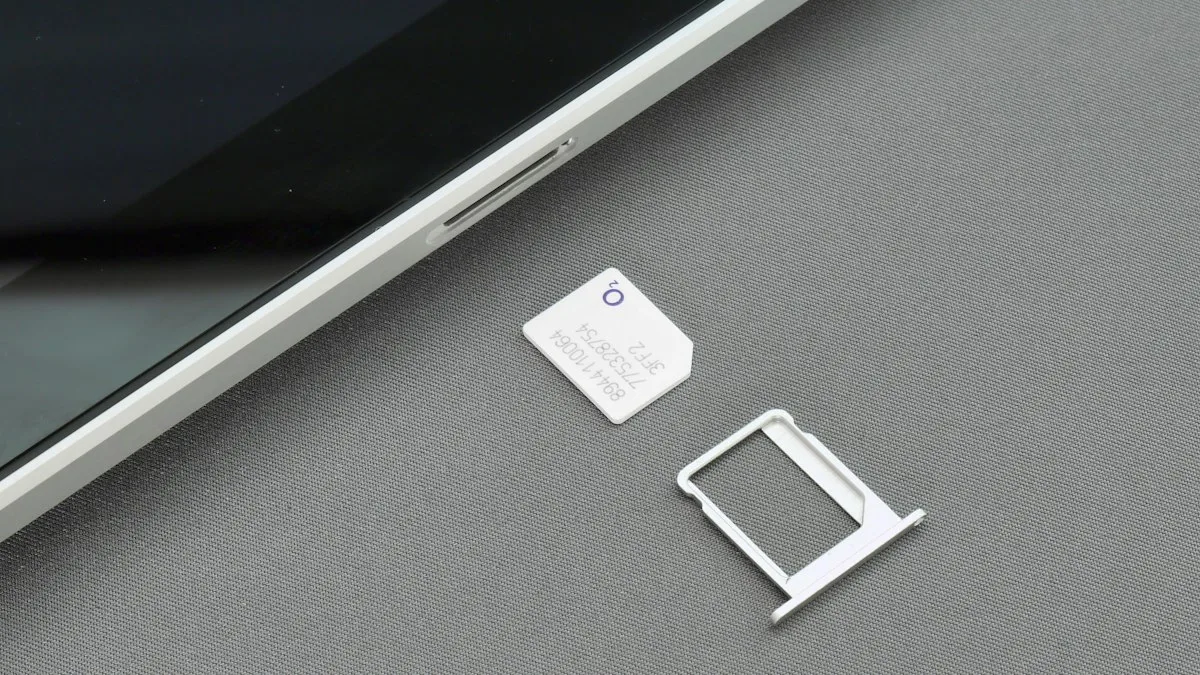
Clean a SIM card on iPhone
Clean an iPhone SIM card and tray safely with a dry lint free cloth. Learn what to avoid, how to test the SIM, and when to replace it if you see No SIM.
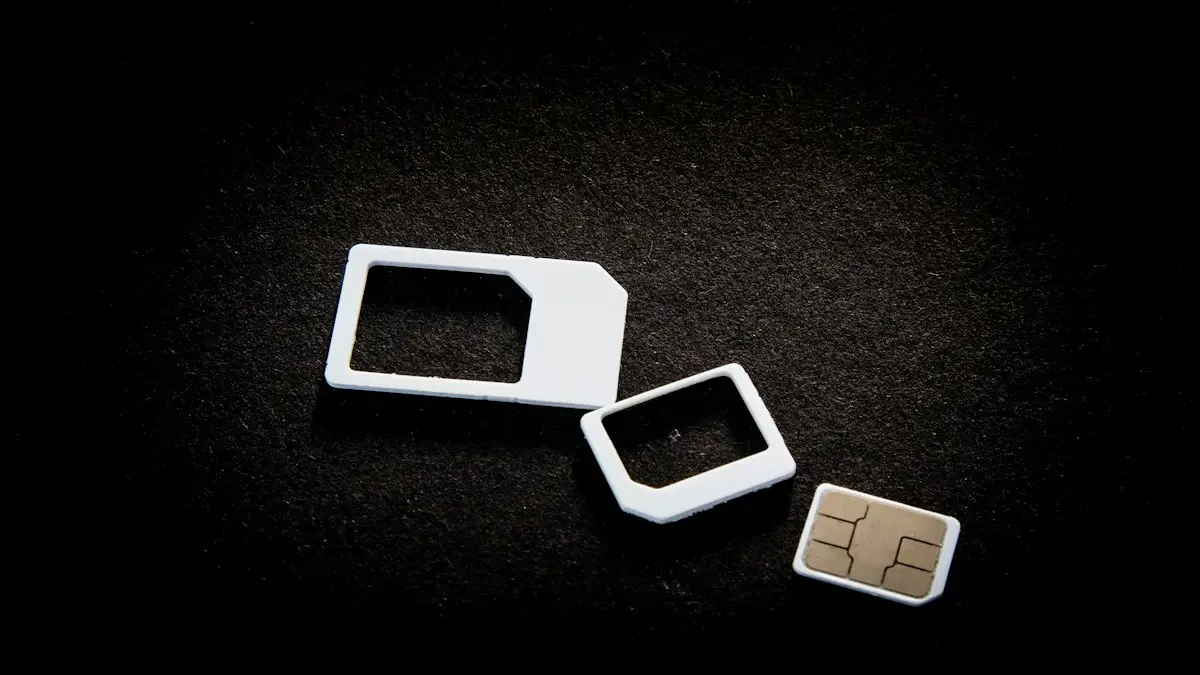
Remove a SIM card
How to remove a SIM card in under a minute. Find the tray, eject it with a pin and put it back correctly. Covers iPhone, Samsung, Pixel and stuck trays.
More guides you may need
Verizon verification code
Verizon not sending verification code texts for logins and apps? Check blocked short codes, spam filtering, your plan blocks and port delays, then call Verizon.

All circuits are busy
Hearing all circuits are busy on a cell phone call? Learn what it means, how to tell if it is your carrier or theirs, and how to get your call through.