

How to cancel subscriptions on iPhone (and find hidden ones)
Every subscription you pay through Apple sits on one screen in Settings. Canceling takes a few taps, and deleting the app is not enough.
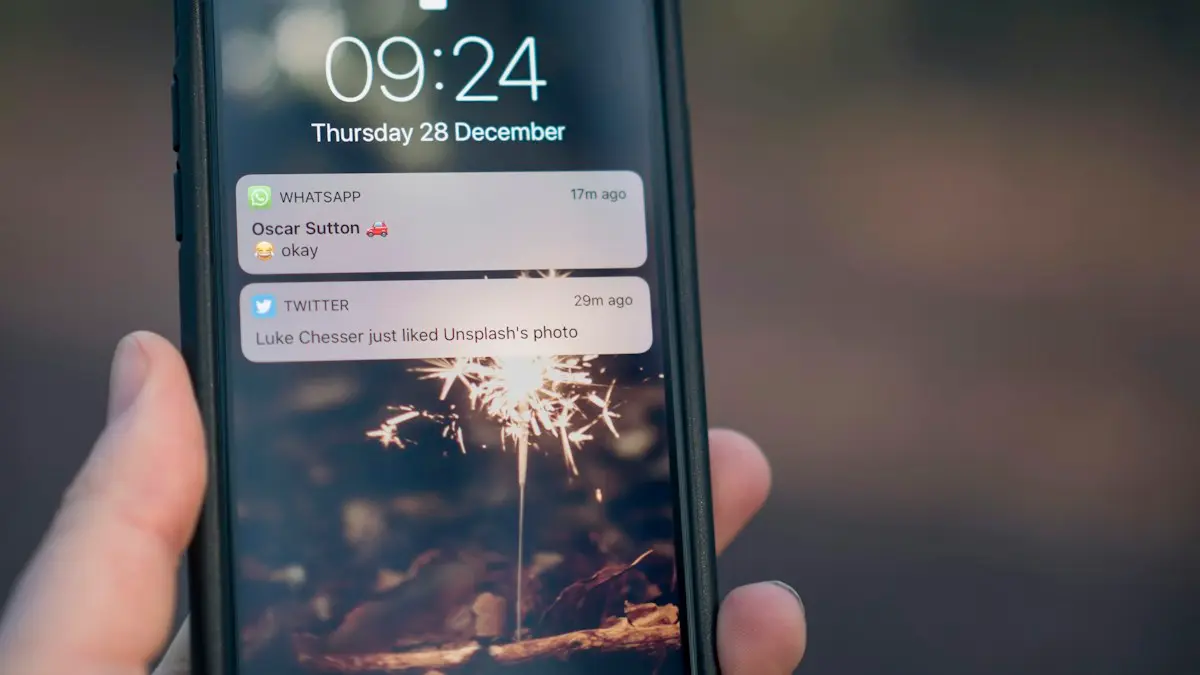
Photo by Jamie Street on Unsplash
Subscriptions are easy to start and easy to forget. A free trial turns into a monthly charge, an app you deleted keeps billing, and small amounts add up. The good news is that everything you pay for through Apple is on one screen, and canceling takes seconds. This guide shows every way to cancel, how to find subscriptions that are not on that screen, and how to ask for your money back.
How to cancel subscriptions on iPhone
The fix
Cancel in Settings
- 1
Open Settings and tap your name at the top.
- 2
Tap Subscriptions.
You see Active subscriptions at the top, with the price and renewal date, and Inactive ones below.
- 3
Tap the subscription you want to stop.
The next screen shows your current plan, the renewal date and other plans you can switch to.
- 4
Tap Cancel Subscription and confirm.
You may need to scroll down to see it. After you confirm, the screen shows the date your access ends. No further charges are made.
The fix
Or cancel from the App Store
- 1
Open the App Store and tap your picture at the top right.
This opens the same list as Settings, so use whichever you find easier.
- 2
Tap Subscriptions.
- 3
Pick the subscription and tap Cancel Subscription.
Confirm when asked, and check the end date shown.
Cancel on a Mac, PC, the web or Android
- Mac: open the App Store, click your name at the bottom of the sidebar, click your name again, then Subscriptions, and choose Cancel Subscription.
- Windows PC: in the Apple Music or Apple TV app, click your name, choose View My Account, then Settings, and click Manage next to Subscriptions.
- Web: sign in at account.apple.com and open Subscriptions. This works from any browser, which helps if your iPhone is lost or broken.
- Android: Apple Music or Apple TV bought through Google Play is canceled in the Google Play app. If it was billed by Apple, use account.apple.com.
What happens after you cancel
The subscription moves to the Inactive list once the paid period ends, and you are not charged again. Your account with the app usually stays, along with things like saved playlists or workout history, depending on the app. If you change your mind, tap the subscription in the Inactive list and choose a plan to start it again. Apple sends a confirmation email when you cancel, so keep it in case you need to show the date later.
Canceling a free trial
Apple’s advice is to cancel at least 24 hours before the trial ends, or it may renew and charge you. Be aware that for many apps, canceling a free trial ends your access straight away rather than at the end of the trial. If you want to use the whole trial, set a reminder for two days before it ends and cancel then.
Watch for trials that turn into weekly subscriptions. Some photo editors, VPNs and wallpaper apps offer a three-day trial that then charges every week, which can cost far more over a year than a monthly plan. The price and billing period are shown on the Subscriptions screen, so check it right after starting any trial.
Subscription not listed?
If you are being charged but the subscription is not on the list, one of these is usually why:
- Billed by the company, not Apple: if you signed up on a website, services like Netflix, Spotify or Amazon Prime bill you directly. Sign in on their website and cancel in the account settings.
- Billed by your carrier: plans from Verizon, AT&T and T-Mobile often include or add streaming services. Check your carrier’s app or bill, and cancel there.
- A different Apple Account: search your email for “receipt from Apple” or “invoice from Apple” and look at which email address it was sent to. Sign in with that account to cancel.
- A family member’s subscription: with Family Sharing, a child’s or partner’s purchase can appear on the organizer’s bill. Only the person who subscribed can cancel it, on their own device.
Why you cannot cancel
- There is no Cancel button and a red line shows an expiration date: it is already canceled and will stop on that date.
- It belongs to someone else in your family, who must cancel it from their Apple Account.
- It is an AppleCare plan that has not been fully set up and linked to your account yet.
- It is billed by another company or your carrier, as above.
Before canceling iCloud+ or Apple One
Canceling iCloud+ moves you back to the free 5 GB. Nothing is deleted straight away, but if you use more than 5 GB, new photos stop uploading, iCloud Backup stops, and iCloud Mail may stop receiving messages until you free up space. Download anything important first, or move photos to a computer.
Apple One bundles Apple Music, Apple TV+, Apple Arcade, iCloud+ and more. Canceling it cancels all of them together. If you only use one or two, it can be cheaper to cancel Apple One and subscribe to those services separately. Choose the individual plan on the same Subscriptions screen so there is no gap.
Is it cheaper to switch plans instead?
Before you cancel something you still use, tap it on the Subscriptions screen and look at the other options. Many apps offer a yearly plan that costs much less than twelve monthly payments, and Apple Music, iCloud+ and Apple One offer family plans that up to six people can share. Switching from monthly to yearly, or from two individual plans to one family plan, often saves more than canceling one service. The change takes effect at your next renewal date, so you never pay twice.
Add up what you spend
Multiply each monthly price on the Subscriptions screen by 12. A $4.99 app becomes about $60 a year, and five of them cost about $300. Seeing the yearly figure makes it much easier to decide what is worth keeping.
How to ask for a refund
- 1
Go to reportaproblem.apple.com and sign in with your Apple Account.
- 2
Tap I’d like to, then choose Request a refund.
- 3
Pick the reason, such as I didn’t mean to subscribe, and tap Next.
- 4
Select the subscription or purchase and submit.
Apple usually replies within 24 to 48 hours. If it is approved, the money can take a few more days to reach your card or balance.
Refunds are not guaranteed, but asking soon after an accidental renewal, and canceling the subscription at the same time, gives you the best chance. Explain clearly what happened, for example that a child subscribed without permission or that you canceled but were still charged. For a subscription billed by another company, ask that company directly through its website or support chat.
Stop surprise subscriptions in the future
- Check Settings › your name › Subscriptions every few months. It takes one minute, and a calendar reminder makes it a habit.
- Turn on Renewal Receipts in the same screen, where available, so Apple emails you each time something renews.
- For children, turn on Ask to Buy in Family Sharing so they cannot start a subscription without your approval.
- Before starting a trial, read the price screen carefully. It shows what you will pay after the trial and how often, weekly, monthly or yearly.
If you need to change the card Apple charges instead of canceling, see our guide to updating your payment method on iPhone.
Frequently asked questions
Does deleting an app cancel its subscription?
No. The subscription keeps renewing and charging you even after the app is deleted. Cancel it in Settings › your name › Subscriptions.
Why is there no Cancel button?
The subscription is already canceled and shows when it expires, or it is billed by the company, not Apple. Cancel those on the company’s website or app.
Can I get a refund for a subscription?
You can ask at reportaproblem.apple.com: choose Request a refund, pick a reason and the item. Apple decides case by case and usually replies within 24 to 48 hours.
If I cancel, do I lose access straight away?
Usually not. You keep access until the end of the period you already paid for. Free trials are different: canceling a trial can end access immediately.
Sources
Official pages these steps are based on. Menus can differ by software version.
People also ask
Why is my subscription not listed?
It may be on another Google account, or you paid on the company’s website. Switch accounts in the Play Store, or cancel on the service’s site.
Read the full guide: Cancel subscriptions on AndroidHow long do I have to ask for a Google Play refund?
Google has allowed quick self-service refunds for apps and games within a short window after purchase, and a longer window if you ask through Google Play support. Ask as soon as you can, because the options shrink with time.
Read the full guide: Google Play refundWhy can’t I remove my only payment method?
If you have subscriptions, an unpaid balance or you are the Family Sharing organizer, Apple requires at least one payment method. Add a new one first, then remove the old card.
Read the full guide: Change payment method on iPhoneWhy can't I change my country on my iPhone?
Apple blocks the change if you have a balance, an active subscription, a pending purchase or a Family Sharing group with members in another country. Clear those first.
Read the full guide: Change country on iPhoneRelated guides
Cancel subscriptions on Android
Cancel subscriptions and free trials on Android in the Play Store, find ones that do not show up, and learn why deleting the app does not stop the charges.
Google Play refund
How to get a refund on Google Play for an app, game, in-app purchase or subscription. Use the order page, learn the time limits and what to do if it is missing.
Change payment method on iPhone
Update the card or PayPal used for App Store purchases and subscriptions on iPhone, fix declined payments and billing alerts, and see how Family Sharing works.
Change country on iPhone
How to change country on iPhone: change your Apple Account country or region for the App Store, plus the device region. Steps, limits and what to do first.
More guides you may need
Add a Home button to the iPhone screen
How to add home button to iPhone screen: turn on AssistiveTouch in Accessibility, tap Home, move the button and set shortcuts. Works on every iPhone, no repair.

Change a document to PDF on iPhone
How to change a document to PDF on iPhone: use Files and Markup, the Print trick, Pages, Word or Google Docs. Free, no extra app needed, for each file type.