

How to change color on iPhone: screen, icons, text and Dark Mode
An iPhone has several color settings: Color Filters for the whole screen, Night Shift and True Tone for warmth, Dark Mode for the look of the system, and tint options for icons and the Lock Screen. Which one you need depends on what you want to change.

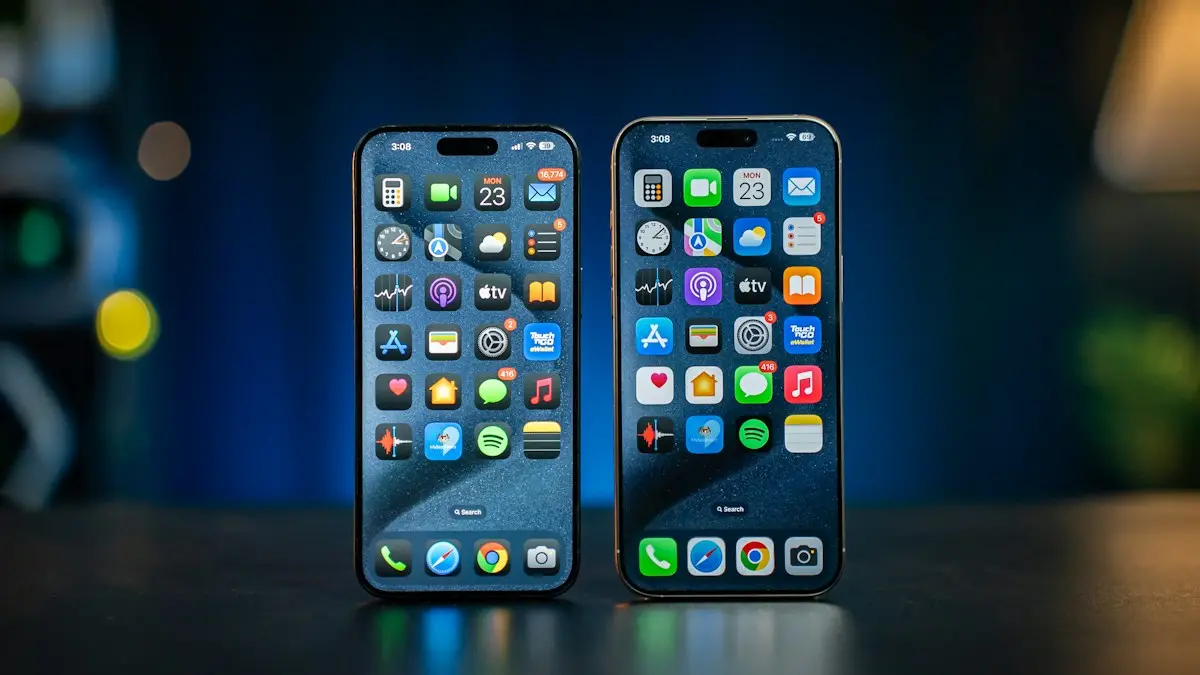
Photo by Logan Voss on Unsplash
People who search for how to change the color on an iPhone usually mean one of five different things: tinting or filtering the whole screen, making it warmer, switching between light and dark looks, recoloring app icons, or changing the colors on the Lock Screen. Each has its own setting, and a few of them can also explain a screen that has suddenly turned black and white or yellow. This guide takes them one at a time. Menu names follow recent iOS versions and can differ slightly on yours.
Which color setting do you want to change?
- Everything on the screen looks wrong or you want a filter: Color Filters.
- The screen looks too blue or too yellow: Night Shift and True Tone.
- You want a dark or light look: Appearance, also called Dark Mode.
- You want different app icon colors: Home Screen Customize options.
- You want a different clock or Lock Screen color: Customize Lock Screen.
How do you use Color Filters on iPhone?
Turn on a color filter
- 1
Open Settings › Accessibility.
- 2
Tap Display & Text Size, then Color Filters.
- 3
Turn on Color Filters.
A list of filters appears with a preview at the top.
- 4
Choose a filter.
Options include Grayscale, Red/Green, Green/Red, Blue/Yellow and Color Tint. Most have an Intensity slider, and Color Tint also has a Hue slider to pick the color.
Color Filters are meant to help people who are color blind or who find certain colors hard to read, and they change how everything on the screen looks, including photos you view. They do not change the photos themselves. Grayscale is also handy as a way to make the phone less tempting to scroll at night.
Why is my iPhone screen black and white?
The most likely reason is that Grayscale is on. Go to Settings › Accessibility › Display & Text Size › Color Filters and turn Color Filters off. If it keeps coming back, open Settings › Accessibility › Accessibility Shortcut and check whether Color Filters is selected, because a triple click of the side button toggles it. A screen that is white, flickering or striped instead is a different problem, covered in iPhone white screen and iPhone screen flickering.
Why does my iPhone screen look yellow or too blue?
Two features adjust the warmth of the screen. Night Shift shifts colors toward warm at night, and True Tone adapts the screen to the light around you. Open Settings › Display & Brightness and look at both. Turn Night Shift off or change its schedule and color temperature, and turn True Tone off if colors look too warm in the daytime. If the whole phone looks yellow all the time, check Color Filters for a Color Tint, and check that Reduce White Point is not on in Display & Text Size. If the problem is a screen that dims or brightens by itself, read iPhone auto brightness not working.
How do you switch between Light and Dark Mode?
Open Settings › Display & Brightness. Under Appearance choose Light or Dark, or turn on Automatic to switch at sunset or at a time you set. Dark Mode changes the system look and works in many apps. It does not change the colors of your photos. Control Center also has a quick toggle for Dark Mode if you add it.
How do you change the color of app icons and widgets?
Recolor the Home Screen
- 1
Touch and hold an empty part of the Home Screen.
The icons start to move.
- 2
Tap Edit, then Customize.
On some versions, tap Customize at the bottom.
- 3
Choose Automatic, Dark, Light or Tinted.
Tinted lets you pick a color with a slider, and Dark makes icons darker.
- 4
Tap outside the menu to save.
Your choice applies to all icons and many widgets.
This icon option is available on iOS 18 and later. On older versions, you can use the Shortcuts app to give an icon a custom look, which is more work. For wallpaper changes, see our iPhone display settings guide.
How do you change the clock and Lock Screen colors?
Touch and hold the Lock Screen, tap Customize, then tap Lock Screen. Tap the time to choose a font and a color, and tap the wallpaper options to pick a filter or color treatment. Tap Done to save. Different Lock Screens can have different colors, and you can pair each one with a Focus.
Can you invert colors or reduce the brightness of white?
Yes. In Settings › Accessibility › Display & Text Size, Smart Invert reverses colors but leaves images, media and some dark styled apps alone, and Classic Invert reverses everything. Reduce White Point makes bright colors less intense, which can help in the dark. Both are accessibility settings, so they are easy to turn on by accident if you used the triple click shortcut.
Can you change the color of the iPhone itself?
No. The body color is fixed. People change the look with a case, a skin or a sticker. If you notice discolored patches, lines or dead pixels on the screen, that is a hardware problem, not a setting, and you can compare costs in our guide to iPhone screen replacement cost.
What about the blue and green message colors?
Those are not settings you can change. Blue bubbles are iMessages between Apple devices, and green bubbles are texts through SMS or RCS. Our guide to green versus blue messages explains the difference and what it means for features.
Quick checklist
How do you set up Night Shift and True Tone?
Warm up the screen at night
- 1
Open Settings › Display & Brightness.
- 2
Turn True Tone on or off.
True Tone adjusts the color to the light around you, so the screen looks natural in a warm room or a bright one.
- 3
Tap Night Shift and turn on Scheduled.
Choose From and To times, or Sunset to Sunrise.
- 4
Drag the Color Temperature slider.
Move it toward More Warm for a stronger yellow tint at night.
Can you switch a color filter on and off quickly?
Yes. Go to Settings › Accessibility › Accessibility Shortcut and choose Color Filters. Then triple-click the side button on Face ID iPhones, or the Home button on older iPhones, to turn the filter on or off. This is also why Grayscale sometimes turns on by itself: a triple click happened by accident.
Do color filters change the photos you take?
No. A color filter changes how the screen shows things to you, not the pictures you save. A photo taken with Grayscale on is still saved in full color. If you want a black and white photo, use the filters inside the Camera or Photos app instead.
Why do colors look different after a screen repair?
True Tone relies on calibration data stored with the display. After a screen replacement, especially a non-Apple part, True Tone may stop working or look different. The screen may also look slightly warmer or cooler than before. If colors look wrong and the settings above do not help, read about repair costs in iPhone screen replacement cost and ask the repair shop whether True Tone is supported.
- You picked the right setting: Color Filters, Night Shift, Appearance, icon tint or Lock Screen.
- A black and white screen means Color Filters is on Grayscale.
- A yellow or blue tint means checking Night Shift, True Tone and Color Tint.
- Icon colors need iOS 18 or later.
- The phone body color cannot be changed.
Frequently asked questions
Why is my iPhone screen black and white?
Color Filters is probably set to Grayscale. Go to Settings › Accessibility › Display & Text Size › Color Filters and turn it off, or check the Accessibility Shortcut that may have switched it on.
How do I make my iPhone screen less yellow or less blue?
Open Settings › Display & Brightness and adjust Night Shift and True Tone. Night Shift makes the screen warmer at night, and True Tone adjusts the color to the light around you.
Can I change the color of my iPhone itself?
No. The color of the phone body cannot be changed. You can change the look with a case or skin, and change how the screen looks with the settings in this guide.
How do I change the color of my app icons?
Touch and hold an empty part of the Home Screen, tap Edit, then Customize, and choose Automatic, Dark, Light or Tinted. Tinted lets you pick a color.
What to try next
People also ask
Why is my iPhone screen dim even at full brightness?
Reduce White Point may be on, Low Power Mode may be active, or the phone may be hot. Check Settings › Accessibility › Display & Text Size, then Settings › Battery.
Read the full guide: iPhone display settingsWhy does my iPhone keep turning my headphone volume down?
Reduce Loud Audio or the 7 day listening limit is lowering it. Open Settings › Sounds & Haptics › Headphone Safety and adjust or turn off Reduce Loud Audio.
Read the full guide: Change headphone settings on iPhoneCan I add a Home button to an iPhone without a Home button?
Yes. AssistiveTouch works on every iPhone, including models with Face ID, and gives you an on-screen Home button.
Read the full guide: Add a Home button to the iPhone screenHow do I end Guided Access?
Triple click the side button (or Home button) and enter the Guided Access passcode, then tap End. With Face ID turned on, double click instead.
Read the full guide: Lock iPhone screen from touchRelated guides
iPhone display settings
Find every iPhone display setting in one place: brightness, Auto-Lock, text size, color filters, wallpaper, app icons, rotation, Home button and iPhone name.
Change headphone settings on iPhone
Change headphone settings on iPhone: tune the sound with Headphone Accommodations, fix left and right balance, limit loud audio and set AirPods controls.
Add a Home button to the iPhone screen
How to add home button to iPhone screen: turn on AssistiveTouch in Accessibility, tap Home, move the button and set shortcuts. Works on every iPhone, no repair.
Lock iPhone screen from touch
Lock your iPhone screen from touch while a child watches a video. Turn on Guided Access, triple click the side button, switch Touch off and tap Start.
More guides you may need
Where is the clipboard
Where is the clipboard on my phone? iPhone has no clipboard app, but Android keyboards do. See how to view, paste, pin and clear what you copied on each.
Add a line to your plan
How to add a line to your phone plan on Verizon, AT&T or T-Mobile. See the steps, the fees people forget and how to bring your own phone or move a number in.