

App Store Verification Required? How to fix it (even for free apps)
The message means Apple has a billing problem to sort out, usually an unpaid charge or an expired card.
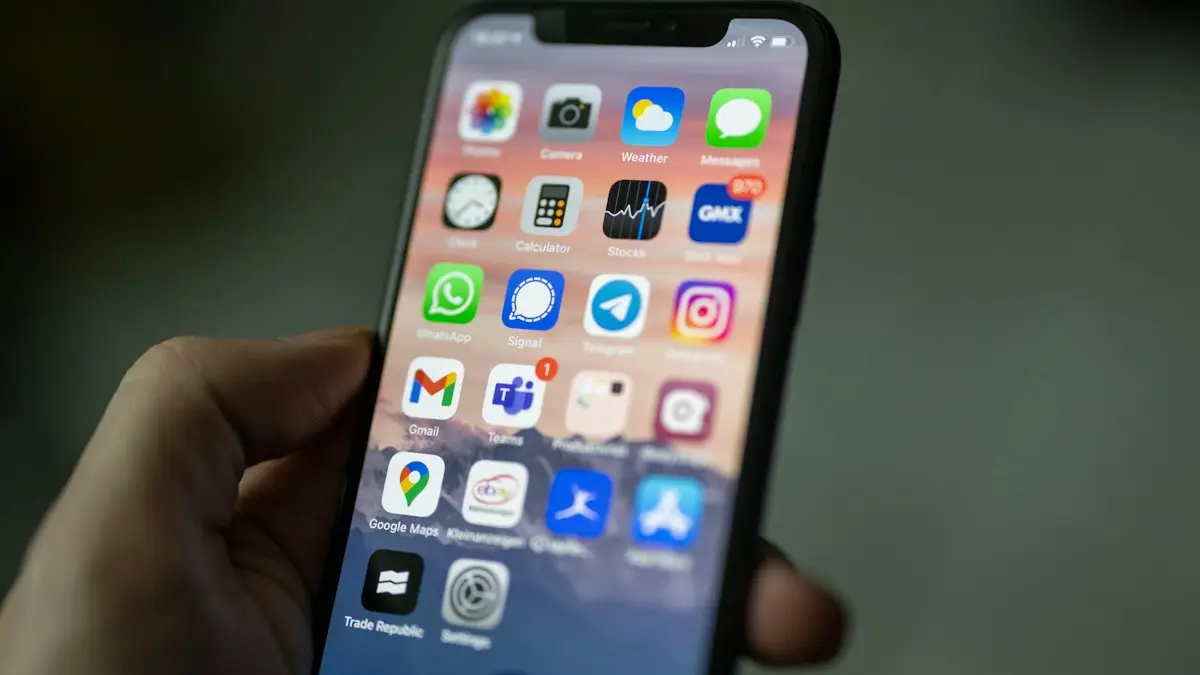
Photo by Andy Makely on Unsplash
The fix
Fix it step by step
- 1
Check for an unpaid purchase.
Settings › your name › Media & Purchases › View Account › Purchase History.
- 2
Update or add a valid payment method.
Settings › your name › Payment & Shipping.
- 3
Or choose None for free apps only.
- 4
Sign out of Media & Purchases and sign back in.
- 5
Restart the iPhone and try the download again.
Why App Store verification required appears
Apple shows Verification Required when it wants to be sure your Apple Account can pay before letting you download anything, even a free app. It almost always comes down to one of these:
- An earlier purchase or subscription renewal failed, so you owe a small balance.
- The card on file expired, was replaced by your bank, or has a billing address that no longer matches.
- You just created the account, or you are signing in on a new device and Apple wants a payment method on file.
- Your bank declined a small authorization check that Apple runs to confirm the card works.
The message is not a sign of a hacked account or a virus. It is a billing check, and it clears as soon as Apple sees a working payment method or the unpaid amount is settled.
Find and pay an unpaid balance
- Open Settings and tap your name at the top.
- Tap Media & Purchases › View Account. Sign in if asked.
- Tap Purchase History. Look for an item marked unpaid or with a payment problem near the top.
- Tap it and follow the prompt to pay with a working card, or add funds to your Apple Account balance.
The unpaid item is often a subscription you forgot about, like iCloud+ storage or a streaming app. Once it is paid, the verification prompt usually stops. If you do not want the subscription any more, cancel it in Settings › your name › Subscriptions after paying, not before.
Update the card on file
Go to Settings › your name › Payment & Shipping. Tap the card, check the expiry date, the security code and the billing address. The billing address must match what your bank has on file, including the zip code. A mismatch is one of the most common reasons a valid card still fails.
If the card still fails, add a different card or use PayPal where it is offered, then drag the working method to the top of the list. Apple charges the methods in order, so the first one should be the one that works.
Choose None if you only want free apps
You do not need a card to use the App Store. In Payment & Shipping, remove every payment method. On some account setups Apple then shows None as an option. With no card on file, free apps download without the verification prompt.
None or Remove may be missing when:
- You have an unpaid balance. Pay it first.
- You have an active paid subscription. Apple needs a way to renew it.
- You are a member of a Family Sharing group with purchase sharing on. The organizer's card covers everyone.
- You recently changed your account country or region.
If you are in Family Sharing
With purchase sharing on, every family member uses the organizer's payment method. If the organizer's card expired or their account has an unpaid balance, everyone in the family sees Verification Required. Only the organizer can fix it, on their own device. Children with Ask to Buy on will also see a request sent to the parent instead.
Use an Apple Gift Card as a workaround
If your card keeps getting declined, an Apple Gift Card is a reliable fix. Buy one at a store like Target, Walmart or a pharmacy, then redeem it in App Store › your profile picture › Redeem Gift Card or Code. Your Apple Account balance can then pay off the unpaid item. Apple uses your account balance before your card for most purchases.
Sign out of Media & Purchases
After fixing the payment side, sign out and back in so the App Store picks up the change. Go to Settings › your name › Media & Purchases, tap Sign Out, then tap it again and sign in. This does not sign you out of iCloud or delete anything on the iPhone. Then restart the iPhone and try the download again.
On a Mac or iPad
On iPad the steps are the same as on iPhone. On a Mac, open the App Store, click your name at the bottom left, then Account Settings. From there you can manage payments and see purchase history. You can also fix billing in a web browser at account.apple.com under Payment Methods.
Is your bank blocking Apple?
Some banks block small test charges from Apple as possible fraud. Check your banking app for a declined charge or a fraud alert, and approve it if it is yours. Prepaid cards and some debit cards are not accepted for App Store purchases at all. If the bank says it sees no attempt, the card details in Apple's system are likely wrong. Remove the card and add it again by typing it in.
Errors that look similar
- Your account has been disabled in the App Store and iTunes: a different problem, often from security or an unpaid balance left too long. See what to do when your Apple Account is locked.
- Cannot connect to App Store: a network or server problem, not billing. See App Store not loading.
- There is a billing problem with a previous purchase: the same cause as Verification Required. Pay the balance.
When to contact Apple Support
If you paid the balance, updated your card and still see the prompt a day later, contact Apple at getsupport.apple.com or in the Apple Support app. Choose Billing & Subscriptions. They can see failed charges you cannot, and they can clear a stuck balance. Have your Apple Account email and the card's last four digits ready. Apple will never ask for your password over the phone.
Check your subscriptions while you are there
An unpaid balance usually comes from a renewal that failed. Open Settings › your name › Subscriptions and look at what renews and when. You may find a free trial that turned into a paid plan, or an app you stopped using months ago. Cancel what you do not need so the same problem does not come back next month. Canceling keeps access until the end of the period you already paid for.
If you were charged for something you did not mean to buy, you can ask for a refund at reportaproblem.apple.com. Apple reviews each request, and refunds are more likely when you ask soon after the charge.
Changing your Apple Account country
If you moved from another country, Verification Required can appear because your card is from a different region than your account. Apple requires a payment method from the same country as the account. To switch, you must spend or clear any store balance, cancel subscriptions and leave Family Sharing, then go to Settings › your name › Media & Purchases › View Account › Country/Region. Add a US card and US billing address when asked.
What not to do
- Do not create a new Apple Account just to avoid the prompt. You lose access to apps you bought and your iCloud data on the old account.
- Do not use websites or apps that promise to remove verification for a fee. They cannot change Apple's billing system, and some are scams that steal your login.
- Do not keep retrying the same declined card many times in a row. Banks may freeze it for suspected fraud.
Quick recap
Pay any unpaid item in Purchase History, make sure the card and billing address are correct, or remove all cards and pick None if you only want free apps. Then sign out of Media & Purchases, sign back in and restart. That clears the message for almost everyone. If you need help with the card side, our guide to changing the payment method on your iPhone has every screen.
Frequently asked questions
Why is None not an option?
None disappears when you owe money, have an active subscription, or are in a Family Sharing group with purchase sharing. Pay the balance or ask the organizer.
How do I find the unpaid purchase?
Go to reportaproblem.apple.com or Settings › your name › Media & Purchases › View Account › Purchase History.
Why does the App Store say verification required for free apps?
Apple checks your payment method before any download when there is an unpaid balance or the card on file has failed. Pay the balance or update the card, and free apps download again.
How do I remove a payment method from the App Store?
Go to Settings › your name › Payment & Shipping, tap Edit, then Remove. If Remove is missing, you have an unpaid balance, an active subscription or you are in Family Sharing.
Sources
Official pages these steps are based on. Menus can differ by software version.
People also ask
Why does the App Store say my purchase could not be completed?
Apple usually cannot find a working payment method. The card may be declined, expired, not accepted in your region, or there may be an unpaid order.
Read the full guide: Your purchase could not be completedWhy does the App Store say Cannot Connect?
Your iPhone cannot reach Apple’s servers. Check the internet, Apple’s System Status page, the date and time, and turn off any VPN.
Read the full guide: App Store not workingWhy can’t I remove my only payment method?
If you have subscriptions, an unpaid balance or you are the Family Sharing organizer, Apple requires at least one payment method. Add a new one first, then remove the old card.
Read the full guide: Change payment method on iPhoneWhy does my app say “Waiting”?
The download is queued behind other downloads or updates, or iOS is waiting for a connection, storage space or a sign-in. The fixes below clear each of these.
Read the full guide: App Store download stuckRelated guides
Your purchase could not be completed
Your purchase could not be completed in the App Store or Apple Subscriptions? Fix the payment method, unpaid orders, bank limits and region. 8 fixes.
App Store not working
App Store not working or saying Cannot Connect to App Store? Check Apple’s status, your connection, date and time, VPN and Screen Time with these 9 fixes.
Change payment method on iPhone
Update the card or PayPal used for App Store purchases and subscriptions on iPhone, fix declined payments and billing alerts, and see how Family Sharing works.
App Store download stuck
iPhone app stuck on Waiting, Loading or Installing? Follow 6 quick fixes in order, from pausing the download to checking storage, payment and Apple Account.
More guides you may need
iPad not connecting to Wi-Fi
iPad not connecting to Wi-Fi or showing no internet? Forget and rejoin the network, turn off Private Address and VPN, restart the router and try 5 more fixes.
iPad white lines on screen
Seeing iPad white lines on screen? Find out whether it is a software glitch or a damaged display with Apple's checks, the screenshot test and repair options.