

Instagram AI info label on your photo? Why it appears
Meta adds the label when it detects industry AI signals or when a post is self disclosed. Small AI edits can trigger it, and the label moved for edited content in late 2024.
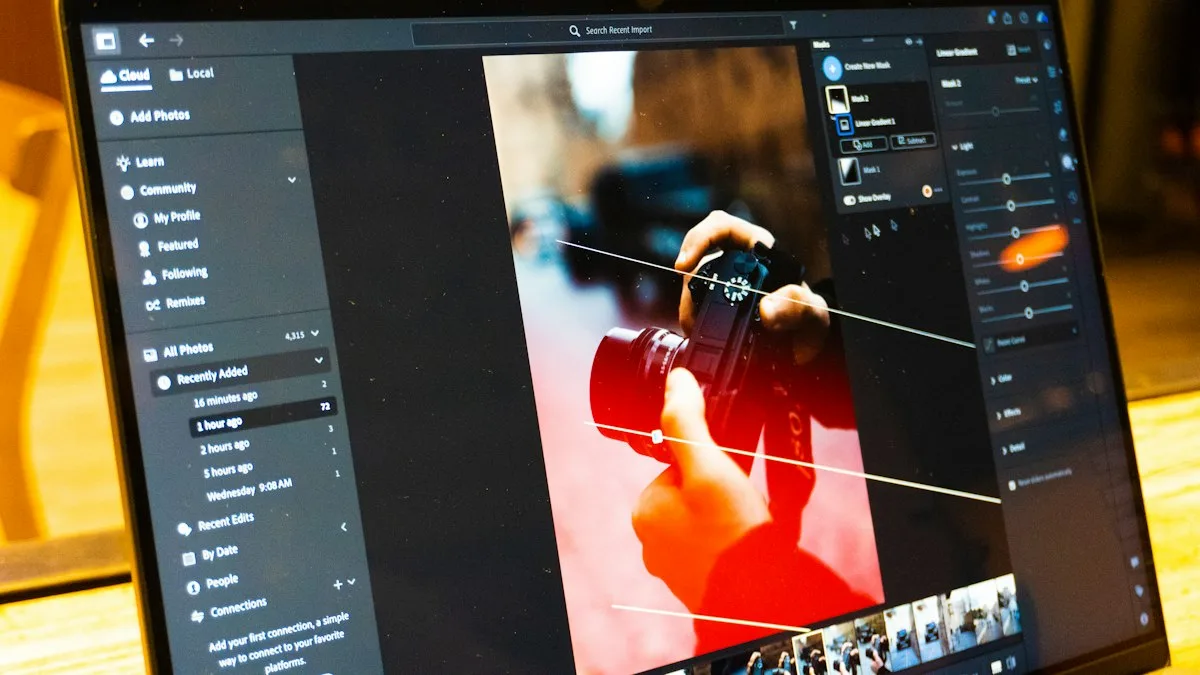
Photo by Zulfugar Karimov on Unsplash
You post a photo you took yourself and see AI info on it. Maybe you used a remove tool on a stray cable, or maybe you did nothing you can remember. The label comes from how Meta identifies AI, and knowing the rules helps you decide what to do.
Why you see the Instagram AI info label
Meta says it began adding these labels when it detected industry standard AI image indicators, or when people disclosed that they were uploading AI generated content. Labeling began in May 2024. So there are two doors: a signal in the file, or a person saying so. Meta's pages refer to shared industry signals and common technical standards, but they do not name particular formats.
On July 1, 2024, Meta changed the label from Made with AI to AI info. It said some minor AI edits, such as retouching, carried industry standard indicators that were then labeled Made with AI, which read as if the whole picture had been generated. So a real photo that went through an AI assisted tool can be flagged, even if the change was small.
Where the label shows now
| Kind of content | What Meta said in September 2024 |
|---|---|
| Only edited or modified with AI tools | The AI info label moves to the post's menu |
| Generated by an AI tool | The label stays visible |
| Photorealistic images made with Meta AI | Marked Imagined with AI (April 2024) |
| Content with high risk of deceiving people | May get a more prominent label |
Meta also said it would share whether a label comes from industry shared signals or from self disclosure. Check the post menu and the label details to see which applies to yours. Meta's transparency page says its methods are still evolving, so what you see may change over time.
The fix
What to do if your photo is labeled
- 1
Open the label or the post menu.
Look for the AI info entry and any reason it gives.
- 2
List every tool you used.
Include remove or cleanup tools, upscalers, filters and generative features in your camera or editing app.
- 3
Check your original file.
Keep the unedited photo, camera raw files and any screenshots that show how it was made.
- 4
Review your self disclosure.
If you marked the post as AI, remove or change that choice if it was a mistake. We found no official menu path, so check the post's edit screen.
- 5
Report the problem in the app.
Use Instagram's in-app report a problem option, and describe the edits you made. Meta's pages we read describe no formal appeal.
- 6
Plan future edits.
If you want no label, avoid AI powered features for photos you will post, and check what your editor records.
Be honest about AI edits
If you are a photographer, the most useful habit is transparency: say in the caption what you changed, especially for news, products or anything people will rely on. If your image is a real photograph with only a small cleanup, Meta's September 2024 change means the label should appear in the menu rather than across the picture.
Tools that might add the label
Photographers reported in 2024 that using a generative fill tool to remove a tiny object led to a label, while other removal tools did not. Those are individual tests from that year, and tools change, so treat them as examples and not a current list. To test your own workflow, upload a copy of an edited image as a draft or to a private account and see whether a label appears before you publish the real post.
- Generative erase, fill or expand features.
- AI upscaling, sharpening or background replacement.
- Phone camera features that move or generate objects.
- Images created from a text prompt.
That list is a general guide to AI features, not a statement from Meta about what triggers the label. The only official triggers we found are industry signals and self disclosure.
Does the label hurt your reach?
The Meta pages we read do not say that an AI info label lowers distribution. They say content stays on the platform with context unless it breaks other policies, and they describe separate handling for content that fact checkers rate false or altered, which can be ranked lower. Do not assume the label itself is a penalty. If your reach drops, check your post for other policy issues and compare with similar posts over several weeks.
How the label changed in 2024
The history explains why advice online conflicts. In April 2024 Meta announced labels for AI images it could detect or that people disclosed. In July it renamed Made with AI to AI info, because small edits were being described as if the picture were generated. In September it said that content only edited with AI tools would show the label in the post's menu instead of on the post itself, while generated content would keep a visible label. Pages written before those dates may describe an older look or an older name, so check the date on anything you read.
Meta's transparency page also shows how widely labels are used. For one 29 day period in October 2024 it reported hundreds of millions of labeled pieces with label views on Instagram and Facebook. The point is that seeing a label is common, and it is not by itself a sign that your account is in trouble.
Before you post: a short checklist
- Decide whether AI changed what viewers would believe about the scene.
- If it did, say so in your caption, even if the label also appears.
- Save the original file somewhere safe, in case you need to show your work.
- Check your editing app for AI features that switch on by default.
- Preview the post as a draft or on a private account if you are unsure.
- Do not use a tool that promises to remove labels or disguise AI images.
If you run a business account, this matters more. Customers may compare your product photos with what arrives, and a generated or heavily changed image can lead to complaints and returns. Honest photos of the real item are safer than any editing trick, and they make the label question much less likely to come up.
If someone else posted a labeled image of you
A label tells viewers something about how content was made. It does not settle whether the content is fair or true. If a post uses your likeness in a way that harms you, report it for the specific problem, such as impersonation, harassment or a privacy violation, because Meta says content that breaks its other policies can be removed. A label alone does not remove a post. Keep a screenshot with the date, the account name and the link, and follow up if you need to.
If you think it is wrong
Gather your proof first: the original camera file, the editing history if your app keeps one, and a short note of what you changed. Then use the in-app reporting option and wait. Third party posts say some people got labels reconsidered after showing the camera's view of the photo, but we cannot confirm a standard process or timeline. Do not pay anyone who promises to remove a label, since no outside service can control Meta's labels.
For account trouble such as crashes or logouts, see Instagram that keeps crashing and Instagram that logs you out.
Frequently asked questions
Why does Instagram show AI info on my photo?
Meta says it adds the label when it detects industry standard AI indicators or when someone discloses AI content. Some small AI edits can carry those indicators.
Was Made with AI renamed?
Yes. Meta changed Made with AI to AI info on July 1, 2024, because some minor AI edits were being labeled that way.
Where does the label appear now?
Meta said in September 2024 that content only edited with AI would show the label in the post menu, while AI generated content keeps a visible label.
Can I appeal the AI info label?
The Meta pages we read describe no appeal process, and the Instagram help article required a login. Report the problem in the app and keep your original files.
What to try next
Sources
Official pages these steps are based on. Menus can differ by software version.
People also ask
How long until my Instagram account is gone?
It is hidden right away and permanently deleted 30 days after your request. Logging in during those 30 days cancels the deletion.
Read the full guide: Delete your Instagram accountDoes being logged out mean my Instagram was hacked?
Not always, but it can. If Instagram logs you out and your password no longer works, or you see logins you do not recognize in Accounts Center, secure your account right away.
Read the full guide: Instagram keeps logging me outWhy hasn’t my new avatar shown up on my other devices?
Changes sync through iCloud and can take a little while. Make sure you are signed in with the same Apple Account and connected to the internet on each device.
Read the full guide: Change your iPhone avatarIs a screenshot of a video lower quality?
Yes. A screenshot is saved at your screen’s resolution and can include black bars, while a 4K video frame has more detail. On iOS 27, Save Video Frame as Photo keeps the full video resolution instead.
Read the full guide: Take a photo from a video on iPhoneRelated guides
Delete your Instagram account
Delete your Instagram account permanently from Accounts Center on iPhone or Android, save your photos first, or deactivate it for a while instead.
Instagram keeps logging me out
Instagram keeps logging you out? Find out why, check your account is not hacked, and try 8 fixes including updating, clearing cache and removing apps.
Change your iPhone avatar
Change your iPhone avatar: the Apple Account photo in Settings and the Contact Photo and Poster people see when you call. Use a photo, Memoji or initials.
Take a photo from a video on iPhone
Get a still photo from a video on iPhone: use Save Video Frame as Photo in iOS 27, take a clean screenshot, pick a Live Photo frame, or export it on a Mac.
More guides you may need

Netflix app not working
Netflix app not working, stuck loading or showing an error? Check for an outage, sign out and back in, clear the app data and try 6 more fixes on your phone.

Remove a TikTok repost
Remove a repost on TikTok from the video’s Share menu or your Reposts tab in two taps. Plus what to know before using tools that delete all reposts at once.