

How to scan a document on iPhone (and save it as a PDF)
Your iPhone has a document scanner built into Notes and Files. It straightens pages, removes shadows and saves a PDF.
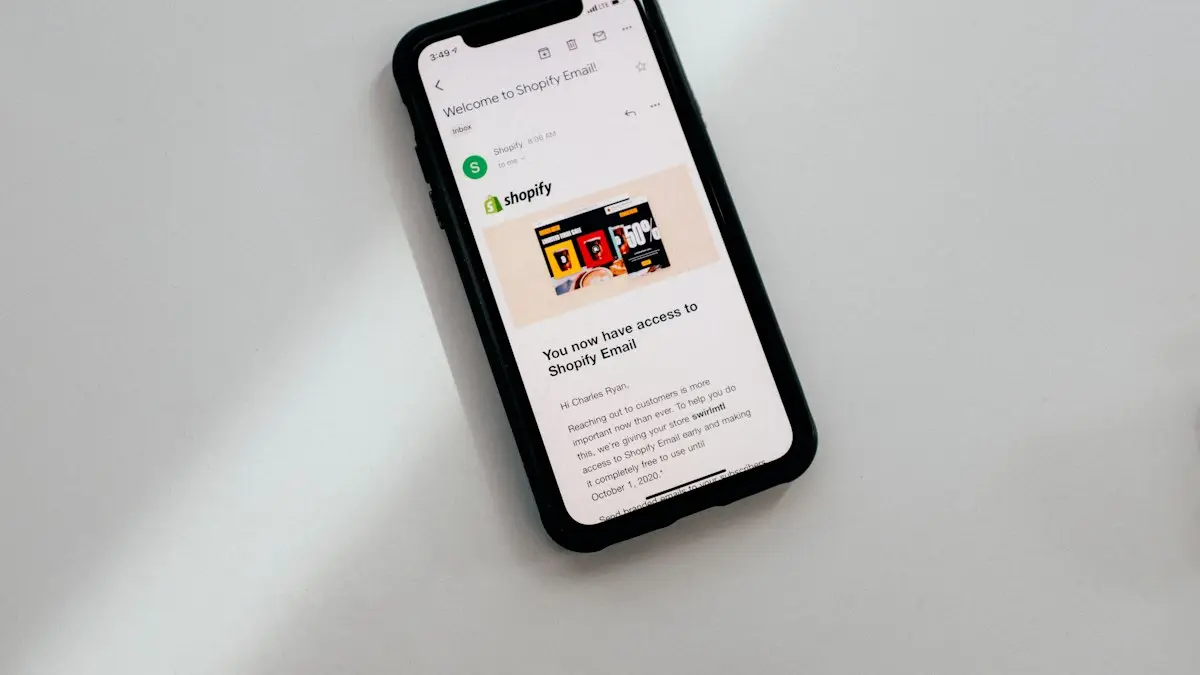
Photo by charlesdeluvio on Unsplash
The fix
Scan with the Files app (saves a PDF)
- 1
Open Files and go to the folder you want.
- 2
Tap ••• at the top and choose Scan Documents.
- 3
Hold the iPhone over the page until it captures.
- 4
Scan the next pages, then tap Save.
The fix
Scan with Notes
- 1
Open a note and tap the camera or paperclip button.
- 2
Choose Scan Documents and capture each page.
- 3
Tap Save. The scan appears in the note; tap Share to send it as a PDF.
Notes or Files: which should you use?
Both apps use the same scanner. The difference is where the scan ends up. The Files app saves a PDF straight into a folder on your iPhone or in iCloud Drive, which is best when you need a file to upload to a website or attach to a form. The Notes app keeps the scan inside a note, which is handy for receipts and paperwork you want to find later by searching your notes. You can share either one as a PDF.
How to scan a document on iPhone, step by step
- Put the page on a flat, dark surface in good light.
- Open Files, go to a folder such as On My iPhone or iCloud Drive, tap the ••• button and choose Scan Documents.
- Hold the iPhone directly above the page. A yellow box shows the edges it found. In Auto mode it takes the picture when the page is steady.
- If it does not capture, tap Auto at the top to switch to Manual, then tap the shutter button yourself.
- After each capture you can drag the corners to fix the crop. Tap Keep Scan.
- Scan the next page the same way. When you are done, tap Save.
In Files, the PDF gets a name like Scanned Document. Press and hold it and tap Rename so you can find it later.
Color, grayscale or black and white
While scanning, tap the filter button at the top of the camera view. Color keeps everything as it looks. Grayscale and Black & White make text crisper and the file smaller, which helps for contracts and tax forms. Photo keeps it looking like a picture. You can change the filter for each page after scanning too.
Edit, reorder or add pages later
In Notes, tap the scan inside the note to open it. You can crop, rotate, change the filter, or tap the add button to scan more pages. To change the order, tap the thumbnails at the bottom and drag them. To delete a page, open it and tap the trash icon.
In Files, a scan is a normal PDF. Open it and swipe from the left edge or tap the sidebar button to see page thumbnails. Press and hold a page for options to rotate, delete, insert a blank page or Scan Pages to add more. Exact options can differ slightly by iOS version.
Sign or fill in a scanned form
- Open the scan in Files, or in Notes tap the scan and then the Share button and choose Markup.
- Tap the + button and choose Add Signature. Sign with your finger and tap Done.
- Drag the signature into place and resize it.
- Tap Add Text to type a name or date in a blank field.
- Tap Done. The PDF is saved with your changes.
Newer iOS versions can also detect form fields in a PDF and let you tap to fill them. If that does not appear, Add Text works on any scan.
Share or send the scan
Tap the Share button and choose Mail, Messages, AirDrop, WhatsApp or Save to Files. From Notes, choose Send a copy so the other person gets the PDF and not a shared note. If an upload form says the file is too large, use a black and white filter or fewer pages. Our guide to turning photos into a PDF covers files you already took with the Camera.
Copy text from a scanned page
iPhones with recent iOS versions recognize text in images through Live Text. Open the scan, press and hold on a word, and drag to select the text you need. You can copy it, look it up or translate it. Notes also makes text in scans searchable, so searching your notes for a word on a receipt can find the scan.
Other free scanner apps
- Google Drive: tap the + button and choose Scan. It saves the PDF straight into Drive.
- Adobe Scan: free with an Adobe account and good at text recognition. Some features need a paid plan.
- Microsoft Lens: its features have been moving into the OneDrive app, which also has a scan button.
For most people the built in scanner is enough. A separate app makes sense if you want scans saved straight into the cloud service your work uses.
Scan not working?
- If Scan Documents is missing in Notes, the note may be stored in a Gmail or other non iCloud account. Create the note under iCloud or On My iPhone.
- If the yellow box does not appear, add more light and use a darker surface so the page edges stand out.
- If the scan is blurry, clean the camera lens and hold the iPhone still for a second.
- If the camera shows black, see camera not working.
Is a phone scan good enough?
For most uses, yes. Banks, schools, employers and many government offices accept phone scans as long as every edge of the page is visible and the text is readable. Some agencies still ask for originals or certified copies, so check the instructions before you send something important. For sensitive papers like tax forms or IDs, save them in a folder you control and delete copies from shared chats afterward.
Scan from Control Center or Lock Screen
If you scan often, add a shortcut. On recent iOS versions you can add a Scan Document control to Control Center: open Control Center, press and hold an empty area, tap Add a Control and search for Scan. It opens the Notes scanner directly and saves the result in a new note. Some versions also let you put the control on the Lock Screen. If you do not see the option, your iOS version may not have it, and the Notes or Files steps above still work.
Scanning ID cards and receipts
For small items like a driver's license or a receipt, switch to Manual so the scanner does not grab the table edge. Place the card on a plain dark background and fill most of the frame. For an ID, scan the front, then flip it and scan the back as a second page so both sides end up in one PDF. Long receipts may need two scans that overlap; there is no stitching tool, so keep them as two pages.
Where are my scans saved?
Scans from Files stay in the folder you were in when you started, such as iCloud Drive or On My iPhone. Scans from Notes stay inside that note and sync with iCloud if your notes use iCloud. Scans are not added to the Photos app. To find one, search in Files for Scanned Document, or search in Notes for a word on the page.
Scanning on iPad
The steps on iPad are the same. Because the iPad is larger, holding it level over a page is harder, so lay the page on a table and stand up if needed. Many people find Manual capture easier on an iPad.
If you want more control over file size or need to combine photos you already took into one file, our QR code scanning guide and the PDF guide above cover the other camera tools on iPhone.
Frequently asked questions
How do I sign a scanned document?
Open the scan in Files or Notes, tap the Markup (pen) button, then tap + and Add Signature.
How do I email a scan?
Open the scan, tap Share and choose Mail. It is sent as a PDF.
Does the iPhone have a built in scanner?
Yes. The Notes and Files apps both include a document scanner that uses the camera, straightens the page and saves it as a PDF. No extra app is needed.
How do I scan a document on iPhone and email it?
Scan it in Notes or Files, then tap the Share button on the scan and choose Mail. It attaches as a PDF that anyone can open.
Sources
Official pages these steps are based on. Menus can differ by software version.
People also ask
How do I convert a Word document to PDF on my iPhone?
Open it in the Word app and use Share or the menu to export or share as PDF. Without the app, open the file in Files, tap Share, then Print, and pinch out on the preview to make a PDF.
Read the full guide: Change a document to PDF on iPhoneHow do I combine several photos into one PDF?
Save the photos to the Files app, tap Select, choose them in the order you want, then tap More (•••) and Create PDF. They become one PDF with a page for each photo.
Read the full guide: Convert photos to PDF on iPhoneHow do I scan a QR code from a screenshot?
On iPhone, open the image in Photos and touch and hold the QR code, or tap the Live Text button. On Android, open it in Google Photos and tap Lens.
Read the full guide: Scan a QR codeCan Apple unlock my locked notes if I forgot the password?
No. Apple says it can't help you get back into locked notes if you forget the password. Resetting the password does not open notes that were already locked.
Read the full guide: Forgot Notes passwordRelated guides

Change a document to PDF on iPhone
How to change a document to PDF on iPhone: use Files and Markup, the Print trick, Pages, Word or Google Docs. Free, no extra app needed, for each file type.

Convert photos to PDF on iPhone
Convert one or several photos to a PDF on iPhone for free with the Files app or the Print menu, combine pages in order, and save or share the PDF.
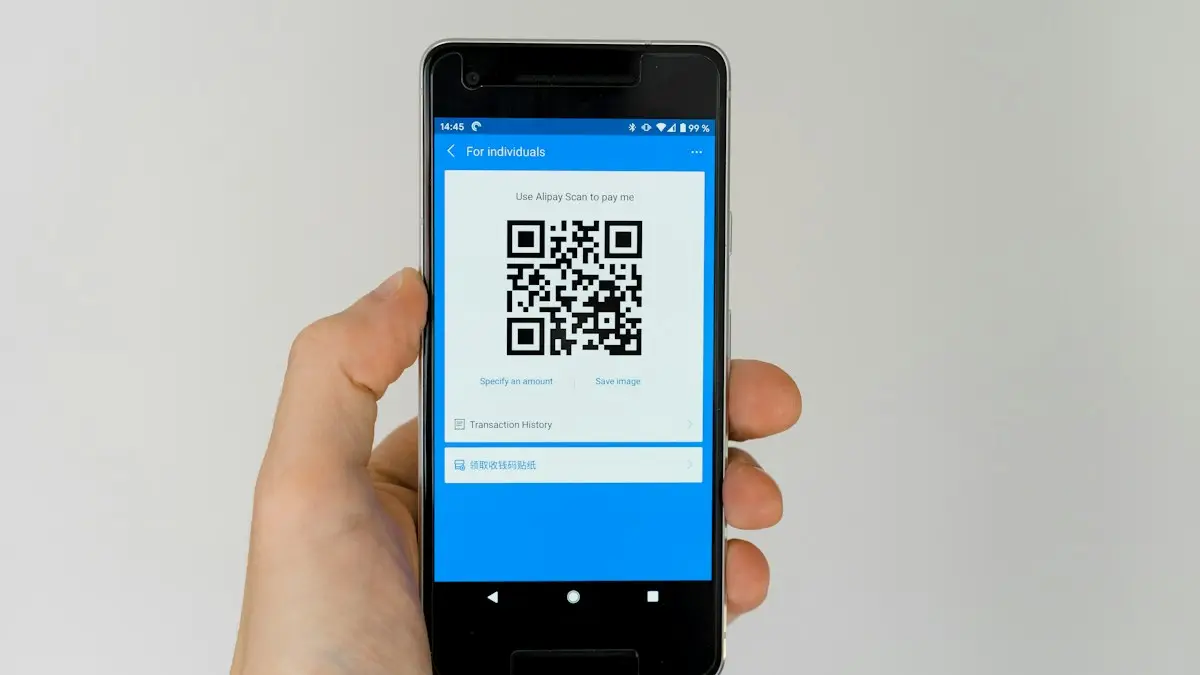
Scan a QR code
Scan a QR code with your iPhone or Android camera in seconds, scan one from a photo or screenshot, and fix a camera that will not read QR codes.
Forgot Notes password
Forgot notes password on iPhone? Reset it in Settings, learn why old locked notes stay locked, and see the few ways to get back in or avoid this next time.
More guides you may need
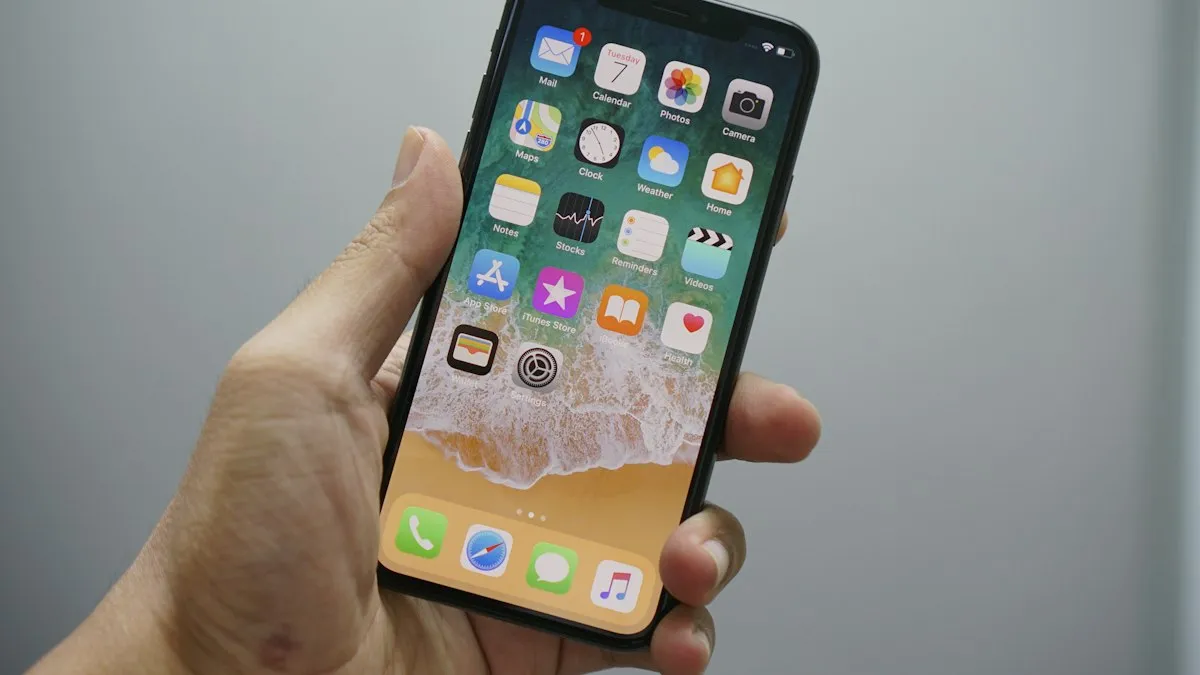
Add a Home button to the iPhone screen
How to add home button to iPhone screen: turn on AssistiveTouch in Accessibility, tap Home, move the button and set shortcuts. Works on every iPhone, no repair.
Change a document to PDF on iPhone
How to change a document to PDF on iPhone: use Files and Markup, the Print trick, Pages, Word or Google Docs. Free, no extra app needed, for each file type.