

Phone camera not working or black? 9 fixes for iPhone and Android
A black camera screen is usually an app glitch. Switching between front and back cameras tells you if a lens has failed.
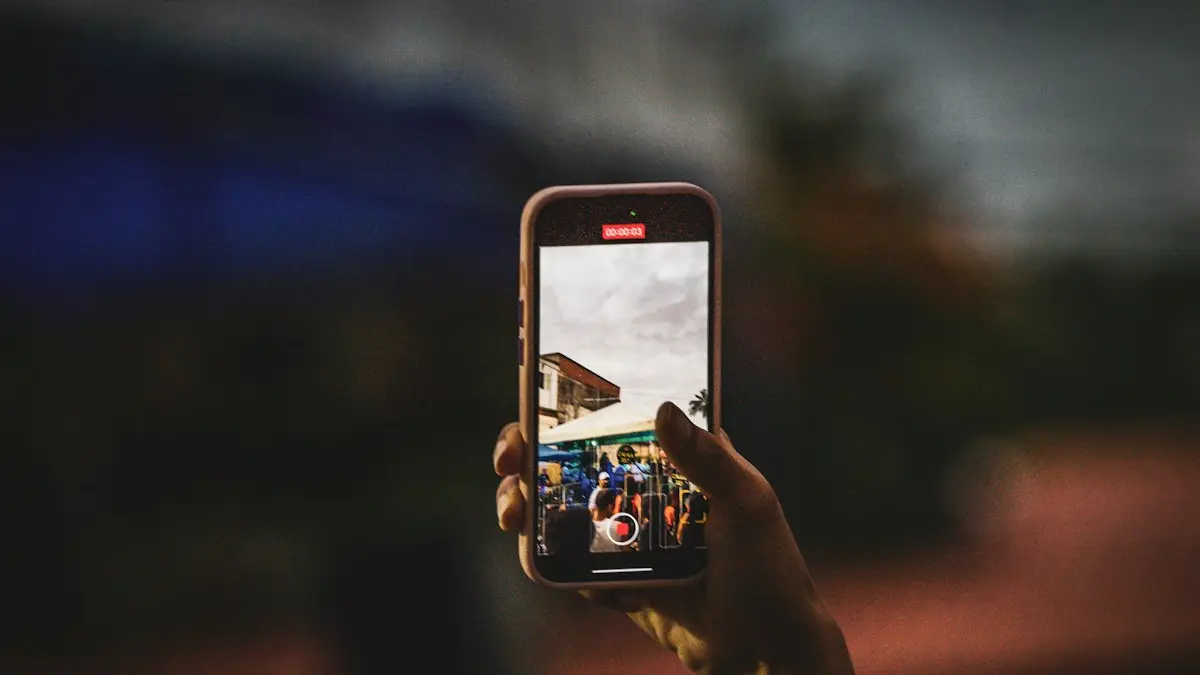
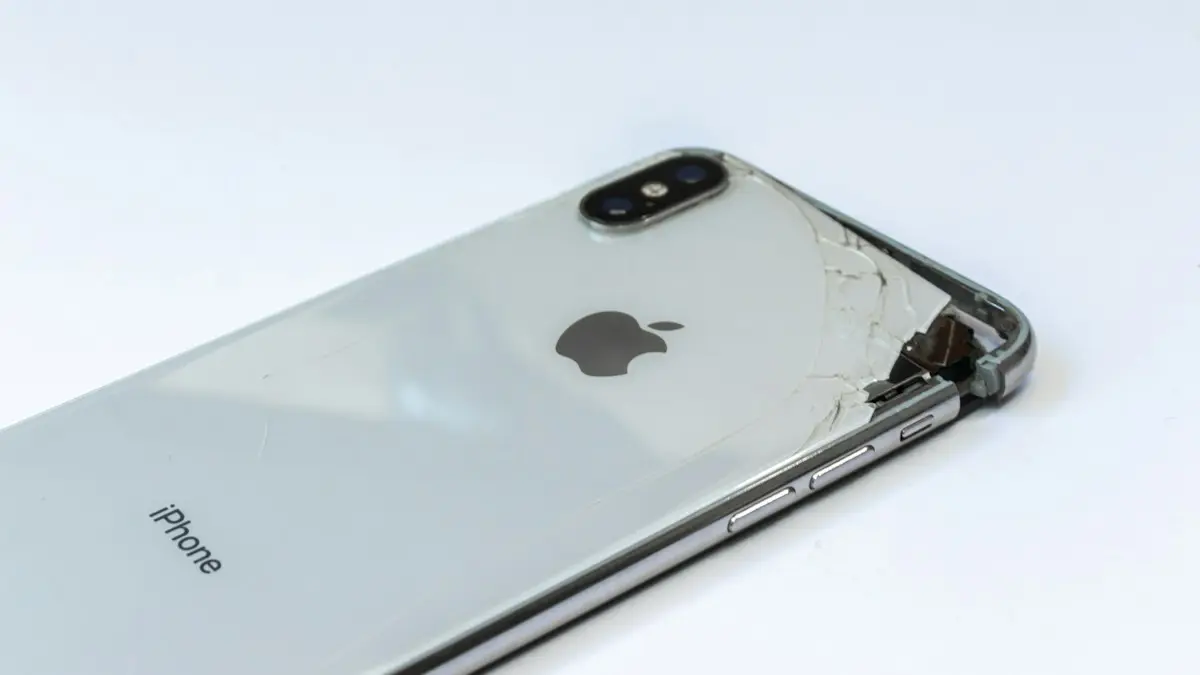
Photo by Luciano Oliveira on Unsplash
A black camera screen, a Camera failed message or an app that closes as soon as you open it is scary, but most of the time the camera hardware is fine. A stuck app, a privacy setting or another app holding the camera causes most cases. The steps below go from quick checks to repair, and they cover iPhone, Samsung Galaxy, Pixel and other Android phones.
Why a phone camera stops working
- The Camera app froze or crashed in the background.
- Another app, such as a video call, is still using the camera.
- A privacy setting blocks camera access for the phone or one app.
- Storage is full, so the camera cannot save photos.
- A software bug after an update.
- Physical damage from a drop, water or strong vibration.
How to fix a phone camera not working
The fix
9 fixes, in order
- 1
Close and reopen the camera app.
- 2
Switch between front and back cameras.
- 3
Clean the lens and take off the case.
- 4
Restart the phone.
- 5
Free up storage.
Leave a few gigabytes free for photos and video.
- 6
Check camera permission for the app you are using.
- 7
Clear the Camera app cache on Android.
Settings › Apps › Camera › Storage › Clear cache.
- 8
Update iOS or Android.
- 9
Book a repair if one lens stays black.
Check camera privacy settings
- Android camera access switch: Android 12 and later have a Camera access toggle in Quick Settings and in Settings › Security & privacy › Privacy controls. When it is off, every app sees a black screen. Turn it back on.
- App permission: on Android, Settings › Apps › [app] › Permissions › Camera. On iPhone, Settings › Privacy & Security › Camera, then turn on the app.
- Screen Time on iPhone: if the Camera icon is missing or blocked, check Settings › Screen Time › Content & Privacy Restrictions › Allowed Apps & Features, and make sure Camera is on.
- Work or school phones: a device management profile can disable the camera. Ask your IT department.
Another app is using the camera
Only one app can use a camera at a time. A FaceTime, Zoom, WhatsApp or Snapchat session left open in the background can keep it busy. Look for the green dot at the top of the screen, which both iPhone and Android show when the camera is in use, and close that app. On iPhone, swipe up and hold to open the app switcher, then swipe the app away. On Android, open recent apps and close it. Then reopen the camera.
Samsung “Camera failed” or “Warning: camera failed”
- 1
Restart the phone.
- 2
Clear the Camera app’s cache.
Settings › Apps › Camera › Storage › Clear cache. If it continues, Clear data resets camera settings but keeps your photos.
- 3
Test in Safe mode.
If the camera works in Safe mode, a downloaded app, often a camera, filter or cleaner app, is interfering. Remove recent apps one by one.
- 4
Run the camera test.
Samsung Members › Support › Phone diagnostics › Rear camera and Front camera.
- 5
Update the phone.
Settings › Software update › Download and install.
Blurry photos or a camera that will not focus
- Wipe the lens gently with a clean microfiber cloth; a fingerprint smudge is by far the most common cause.
- Remove lens protectors and check the case is not covering the edge of a lens.
- On iPhone 13 Pro and later Pro models, the camera switches to macro when you get close. Move back slightly, or turn off Auto Macro in Settings › Camera, to see if that was the cause.
- Tap the screen on your subject to set focus and exposure.
- If the image shakes, the camera makes a buzzing or clicking sound, or focus keeps hunting, the stabilization or autofocus may be damaged and needs repair.
Camera works, but only in some apps
If the built-in Camera app works but Instagram, Snapchat, WhatsApp or a video call app shows black, the problem is that app. Check its camera permission, update it, and on Android clear its cache in Settings › Apps › [app] › Storage. If it still fails, delete and reinstall it. On a Pixel, also update the Pixel Camera app in the Play Store, since camera fixes often ship there rather than in a system update.
Camera slow, laggy or freezing
- Free up storage; a nearly full phone struggles to save large photos and 4K video.
- Let a hot phone cool; heat makes the camera slow down or stop recording.
- Lower the video setting from 4K at 60 fps to 4K at 30 fps or 1080p if recordings stutter.
- Close other heavy apps, especially games and video editors.
- Reset camera settings: on Samsung, Camera › Settings › Reset settings. On iPhone, Settings › Camera shows the options, and Reset All Settings clears them all.
Selfies flipped or look different
Front cameras show a mirror image in the preview, then may save the photo unflipped, which can look odd. That is a setting, not a fault. On iPhone, go to Settings › Camera and turn on Mirror Front Camera to save selfies as you saw them. On Samsung, open Camera › Settings and turn on Save selfies as previewed. Beauty and filter effects can also be switched off in the camera’s settings.
Vibrations, water and drops
Apple warns that long exposure to strong vibrations, such as those from high-power motorcycle engines, can damage the optical image stabilization and autofocus in iPhone cameras. If you ride with your phone mounted, use a vibration dampener. Fog inside the lens after a splash means moisture got in; see what to do if your phone gets wet. A crack in the camera lens glass needs repair even if photos still look fine, because it lets in dust and water.
Flash or flashlight not working
The flash is disabled when the phone is too hot, and on some phones when the battery is very low. Let the phone cool and charge it, then try again. Check that the flash is set to Auto or On in the Camera app. If the flashlight works in Control Center or Quick Settings but not in the camera, it is a setting; if neither works, the flash needs repair.
Still black after everything?
If both front and back cameras stay black in every app, even after a restart, updates, Safe mode on Android and a check of privacy settings, try one more software step before booking a repair: back up and reset all settings. On iPhone, Settings › General › Transfer or Reset iPhone › Reset › Reset All Settings. On Samsung, Settings › General management › Reset › Reset all settings. Your photos and apps stay. If the camera is still black, it is almost certainly hardware, often a loose or damaged camera connector after a drop.
When only one lens fails, such as the ultra wide or telephoto while the main camera works, that points to one damaged module. Switch lenses using the 0.5x, 1x and zoom buttons to find which one, and mention it when you book the repair, since it helps the technician order the right part.
Repair or replace?
Camera module repairs are common and usually cost far less than a new phone, though they are pricier on flagship models with several lenses. Under warranty, a camera that failed on its own is repaired for free. Drops and water are accidental damage, covered for a fee by AppleCare+, Samsung Care+ or carrier insurance. See AppleCare+ explained. Back up your photos before any repair, and turn off Find My on iPhone only if the repair shop asks you to. If the phone is several years old and the camera is not the only problem, compare the repair quote with a new or refurbished phone before you decide.
Frequently asked questions
Why does only the front or back camera work?
If one lens works and the other stays black after a restart, that camera module is likely damaged and needs repair.
Why does the camera work in the Camera app but not WhatsApp?
That app does not have camera permission. Turn it on in the phone’s privacy or app settings.
Why are my photos blurry?
Usually a smudged lens, a lens protector or case edge in the way, or the iPhone switching to macro when you are close. If the image shakes or never focuses, the stabilization may be damaged.
Can a phone mount on a motorcycle damage the camera?
Yes. Apple warns that strong vibrations, such as from high-power motorcycle engines, can damage the iPhone camera’s stabilization and autofocus. Use a vibration dampening mount or avoid mounting it.
What to try next
People also ask
How do I know if the screen is broken?
If the phone rings, vibrates and connects to a computer but the screen stays black after a force restart, the display or its cable is likely damaged.
Read the full guide: Android black screenHow long should I charge a dead Samsung before it turns on?
Charge it for at least 30 minutes, ideally an hour. Samsung says the charging icon can take up to 10 minutes to appear on a fully drained phone.
Read the full guide: Samsung phone won't turn onWill a force restart delete my data?
No. A force restart only turns the phone off and on again. Your photos, messages and apps are not affected.
Read the full guide: Phone won't turn onHow do I hang up if the screen stays black?
Press the side button once to end the call. Turn on this option in Settings › Accessibility › Touch › Lock to End Call if needed.
Read the full guide: Screen black during callsRelated guides
Android black screen
Android phone black screen but it still rings or vibrates? Charge it, force restart it, raise the brightness and try safe mode before blaming the screen.

Samsung phone won't turn on
Samsung Galaxy won't turn on or stuck on a black screen? Charge it properly, force restart it, check for moisture and use recovery mode with these 7 fixes.

Phone won't turn on
Phone won't turn on or stuck on a black screen? Try the 3 checks that revive most phones, then force restart steps for iPhone, Samsung, Pixel and more.
Screen black during calls
iPhone screen goes black during calls and will not wake? Clean the sensor, remove the screen protector, update iOS and reset settings. Plus how to hang up.
More guides you may need
All circuits are busy
Hearing all circuits are busy on a cell phone call? Learn what it means, how to tell if it is your carrier or theirs, and how to get your call through.
Cracked phone screen
Can you use a phone with a cracked screen? Yes, briefly, but cracks spread and let in water. Learn the risks, how to protect it now and when to repair.