

Android phone overheating? How to cool it down and stop it
Some warmth while charging or gaming is normal. Heat when the phone sits idle usually points to an app or the battery.
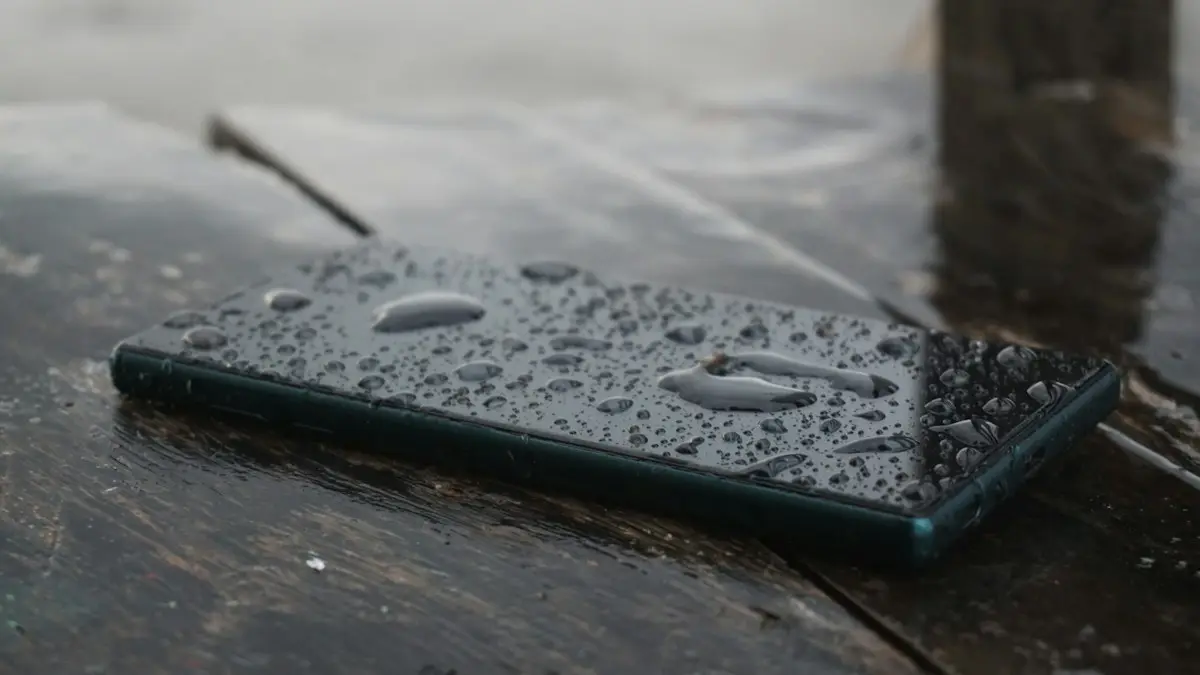
Photo by Shuvro Mojumder on Unsplash
Every phone gets warm when it works hard, and Samsung, Pixel, Motorola and OnePlus phones are all built to handle it: fast charging, gaming, filming 4K video or using GPS in the car. That is normal. It becomes a problem when the phone is too hot to hold, shows a heat warning, slows down or shuts off, or gets hot while sitting idle. Here is how to cool it safely right now, and how to find and fix what is causing it.
Why is my Android phone overheating?
- Heavy apps: games, video recording, navigation and video calls push the processor hard.
- Charging while using it: fast charging makes heat, and using the phone at the same time adds more.
- Background apps: an app stuck syncing, a buggy update or a photo backup can run for hours.
- Weak signal: the phone boosts its radio power to hold a connection, especially on 5G.
- Environment: direct sun, a hot car or a thick case traps heat.
- An aging battery: worn batteries can get hot while charging and drain faster.
What the heat warnings mean
Samsung phones may show a message that the phone is overheating and some features are limited, or that charging has paused. Pixel phones can show Phone is getting warm or turn off to cool down. These are protections: the phone lowers screen brightness, slows the processor, pauses charging or blocks the camera flash until it cools. Follow the cool-down steps and the warning clears on its own. If the warnings appear several times a week in normal use, something is working the phone too hard, and the fixes below will help you find it.
The fix
Cool it down now
- 1
Close games, the camera and navigation apps.
Swipe them away from the recent apps screen so they stop working in the background.
- 2
Unplug it and take off the case.
Charging adds heat, and cases hold it in. Leave it on a hard, cool surface.
- 3
Move it out of the sun and away from a car dashboard.
Do not put it in a fridge or freezer, and do not blow cold air into the port. Let it cool at room temperature for 15 to 30 minutes.
The fix
Stop it coming back
- 1
Find the app to blame in Battery usage and restrict or uninstall it.
Samsung: Settings › Battery › View details. Pixel: Settings › Battery › Battery usage. An app with lots of background use is the likely culprit; set its battery to Restricted or remove it.
- 2
Update Android and all apps.
Heat bugs are often fixed in updates. Check Settings › Software update and the Play Store.
- 3
Do not game or stream while fast charging.
Let it charge first, or charge with a slower charger while you play.
- 4
Lower brightness and refresh rate.
On Samsung, Settings › Display › Motion smoothness › Standard. On Pixel, turn off Smooth Display. Lower refresh rates use less power and make less heat.
- 5
Use Wi-Fi where cell signal is weak.
If the heat comes with one or two bars, turn on Wi-Fi, or switch to LTE instead of 5G in network settings. Weak signal is one of the most overlooked causes of a hot phone.
- 6
Run a Play Protect scan.
Open the Play Store, tap your profile picture, then Play Protect, and tap Scan. Remove anything it flags.
Samsung: use Device care
Samsung phones have a built-in checkup. Go to Settings › Device care and tap Optimize now. It closes apps running in the background, clears memory and flags apps that use too much battery. Under Battery, you can also put rarely used apps to sleep so they stop running in the background. Do this once a week if your phone often runs warm, or turn on Auto optimization so it runs by itself.
Does 5G make my phone hot?
It can. 5G modems use more power than LTE, and the extra work is highest when the 5G signal is weak or the phone keeps switching between 5G and LTE. If your phone runs hot mostly when you are out and using data, try LTE for a day in network settings. On Samsung, go to Settings › Connections › Mobile networks › Network mode and choose LTE/3G/2G. If the heat goes away, keep LTE in places where 5G is poor.
Hot while charging
Fast and super fast charging push a lot of power in quickly, so some warmth is expected, especially in the first half of the charge. To keep it in check, charge on a hard surface with the case off, avoid charging under a pillow or on a bed, and do not play games or stream while it charges. Use the phone maker’s charger or a certified USB-C PD charger; cheap chargers can run hot. If heat while charging is new, check for lint in the port, which causes a poor connection and extra heat.
Wireless charging creates more heat than a cable. If the phone gets hot on a wireless pad, line it up with the center, remove the case and any metal ring, or use a cable instead.
Hot in the car or in summer
A phone on a dashboard mount in direct sun while running navigation and charging is the classic overheating setup. Mount it on an air vent instead, lower the screen brightness, and charge with a slower car adapter while driving. Never leave a phone in a parked car on a hot day; interior temperatures rise far above what batteries are designed for.
Hot after a software update
After a major Android or One UI update, the phone optimizes apps and rebuilds its storage index in the background for a day or two. It can run warm and drain faster during that time. Leave it on Wi-Fi and a charger overnight. If it is still hot after a few days, restart it, update your apps, and check Battery usage for anything unusual.
Check the battery
On Samsung, open the Samsung Members app, tap Support, then Phone diagnostics, and run the Battery status test. On recent Pixel phones, look for Battery health in Settings › Battery. A battery reported as weak or bad, one that drains fast, or one that gets hot every time it charges should be replaced. See our guide to Android battery drain for more checks.
Gaming without overheating
- Lower the game’s graphics and frame rate settings; the difference on a phone screen is often small.
- Turn on your phone’s game mode, such as Samsung Game Booster, which can limit performance to control heat.
- Play unplugged, or with a slower charger, rather than on a fast charger.
- Take breaks in long sessions; a few minutes with the screen off lets the phone cool down quickly.
- Clip-on phone cooling fans help during long sessions and are inexpensive.
Is the case making it worse?
Thick rugged cases, leather wallets and cases with a built-in battery trap heat against the back of the phone, which is where most of it escapes. If your phone runs hot, try a day without the case. A thin case or one with a textured back lets heat out more easily, and wallet cases should be opened while the phone charges.
When to get it checked
Book a repair if the phone gets hot when idle and no app explains it, if it shuts down from heat in normal use, or if it smells of burning, bulges or makes crackling sounds. Samsung Authorized Service Centers, Google’s repair partners and carrier stores can test the battery and board. With Samsung Care+ or carrier insurance, battery and heat-related repairs are often covered.
Frequently asked questions
Can I put my phone in the fridge?
No. Fast temperature changes can cause condensation inside. Let it cool in the shade with the case off.
Is it normal for the phone to get hot while charging?
Warm is normal, especially with fast charging. Too hot to hold is not. Stop using it while charging and use the original charger.
Why is my phone hot when I am not using it?
An app is usually working in the background, the phone is syncing photos or updating, or it is searching hard for a weak signal. Check Battery usage for the app using the most power.
Can overheating damage my phone?
Regular heat speeds up battery wear and can shorten its life. Phones protect themselves by slowing down or shutting off, but repeated overheating, especially while charging, is worth fixing.
People also ask
Is it normal for my iPhone to get warm while charging?
Yes, especially with fast charging or wireless charging. It should not get too hot to hold. If it does, charging will pause until it cools.
Read the full guide: Why is my iPhone hotWhy does my Samsung stop charging at 80% or 85%?
Battery protection is turned on. It stops charging early to reduce battery wear. Turn it off or change it in Settings › Battery › Battery protection.
Read the full guide: Samsung phone not chargingHow do I unfreeze my phone right now?
Hold the Power and Volume Down buttons together for 10 to 20 seconds until the phone restarts. On some Samsung models, keep holding past the power menu.
Read the full guide: Android phone keeps freezingIs it a virus?
Usually it is adware, an app that shows ads outside itself. It is annoying rather than dangerous, but remove it, since some also collect data.
Read the full guide: Pop up ads on AndroidRelated guides

Why is my iPhone hot
Why is your iPhone getting hot? Learn when warmth is normal, what causes overheating, and how to cool it down safely, including when to worry about the battery.
Samsung phone not charging
Samsung Galaxy not charging, charging slowly or stopping at 80%? Check the cable, port, Battery protection and Moisture detected with these 9 fixes.

Android phone keeps freezing
Android phone keeps freezing or not responding? Force restart it, free up storage, find the bad app in safe mode, update and try 5 more fixes, step by step.
Pop up ads on Android
Android phone keeps popping up ads on the home screen? Find the app behind them, turn off Display over other apps, block Chrome notifications and remove adware.
More guides you may need
Samsung Wi-Fi calling not working
Samsung Wi-Fi calling not working or missing? Turn it on, add your emergency address, check your carrier and reset network settings. 7 fixes for Galaxy phones.

Android 17 bubbles
Android 17 bubbles let you float almost any app over what you are doing. Learn how to start a bubble, move and close it, and fix a missing Bubble option.