

Android phone keeps popping up ads? How to find and stop them
Ads that cover your home screen come from an app you installed, often a cleaner, flashlight or game. Here is how to find which one.
Photo by Daniel Romero on Unsplash
Full-screen ads that appear over your home screen, lock screen or other apps are not normal Android behavior. They come from an app you installed, often a free cleaner, battery saver, QR scanner, flashlight or game, that has permission to draw over other apps. The ad itself rarely names the app, which is what makes it frustrating, and some adware waits hours or days after installing before it starts, so the culprit is not always the most recent app. The steps below help you track it down and stop it for good, usually in less than 15 minutes, without resetting the phone.
What kind of ads are you seeing?
- Full-screen ads over the home screen or other apps: adware. An installed app is showing them.
- Ads in the notification shade: usually a website you allowed to send notifications, or an app’s marketing notifications.
- Ads on the lock screen or while charging: a lock screen, charging or wallpaper app.
- Browser opening pages by itself: site notifications or redirects in Chrome or Samsung Internet.
- Ads inside one app you are using: normal for free apps and games. Only that app shows them.
How to stop an Android phone popping up ads
The fix
Find and remove the app
- 1
When an ad appears, open Recent apps.
The ad’s card often shows the app name or icon.
- 2
Uninstall any app installed just before the ads began.
Cleaners, battery savers, flashlights, VPNs and free games are common culprits.
- 3
Still not sure? Start in safe mode.
Hold Power, then touch and hold Power off. If ads stop, a downloaded app is responsible.
Another quick way to spot the culprit: open the Play Store, tap your profile picture, then Manage apps & device › Manage, and sort by Recently added. Compare the list with when the ads started. On Samsung, Settings › Apps can also be sorted by install date. Anything you do not remember installing, or have not used in weeks, is a suspect. Apps with generic names and no clear purpose, such as Phone Booster or Smart Cleaner, are the most common offenders. Also check the Galaxy Store if you use it.
The fix
Take away its permissions
- 1
Open Settings › Apps › Special app access.
- 2
Tap Display over other apps and turn it off for apps you do not trust.
- 3
Check Device admin apps and turn off anything unfamiliar so it can be uninstalled.
The fix
Stop ads in Chrome and notifications
- 1
Open Chrome › Settings › Site settings › Notifications.
- 2
Remove sites you did not mean to allow.
- 3
In Site settings › Pop-ups and redirects, keep it blocked.
Samsung Internet has the same controls under Settings › Sites and downloads, and it also supports ad blocker add-ons from the Galaxy Store, found in the app’s menu under Ad blockers.
Is adware dangerous?
Most adware is more annoying than harmful, but it is not harmless. It drains battery and data, slows the phone, and some versions collect information about your device and browsing. The bigger risk is what the ads lead to: fake virus warnings, fake prize pages and download links that install worse apps. Remove it rather than living with it, and never tap inside the ads themselves, including the small X, which is sometimes part of the ad. Use the Home or Back button to leave instead.
On Pixel, Motorola and other phones
The steps are the same, with slightly different menu names. On Pixel, go to Settings › Apps › Special app access › Display over other apps, and for device admin apps, Settings › Security & privacy › More security & privacy › Device admin apps. Motorola uses nearly the same paths as Pixel. If you cannot find a menu, search for it with the search bar at the top of Settings.
Shortcuts or widgets you did not add
Some adware adds shopping or game shortcuts to the home screen or a search widget that opens ad pages. Removing the icon is not enough. Touch and hold it and choose App info to see which app it belongs to, then uninstall that app. If the shortcut belongs to the launcher itself, you may be using an unfamiliar launcher; switch back to the phone’s own launcher in Settings › Apps › Choose default apps › Home app.
Samsung and carrier notifications
Some promotional notifications come from preinstalled apps rather than adware. On Samsung, long-press a promotional notification to see which app sent it, then tap the settings icon to turn off that category. The Galaxy Store and some Samsung apps have marketing notification switches in their own settings. Carrier apps preinstalled on Verizon, AT&T or T-Mobile phones can also send offers; turn off their notifications in Settings › Notifications, or disable the app if you never use it. If new apps keep appearing on their own, see why a Samsung downloads apps automatically.
Block ads system-wide with Private DNS
Android can send its web lookups through a Private DNS provider, and some providers filter ad and tracking domains for every app. Go to Settings › Connections › More connection settings › Private DNS on Samsung, or Settings › Network & internet › Private DNS on Pixel, choose Private DNS provider hostname, and enter the hostname of an ad-filtering DNS service you trust. It reduces many ads and malicious sites. It does not remove adware already installed, and a few apps or public Wi-Fi sign-in pages may not work while it is on, so turn it back to Automatic if something breaks.
Ads inside free apps and games
If ads appear only while you use a particular app or game, that is how the app makes money, not adware. Your options are to pay for the ad-free version if the app offers one, turn off personalized ads in Settings › Google › Ads (or Settings › Privacy › Ads) so they are less targeted, or switch to a different app. Uninstalling it is the only way to make those ads stop completely. If an app shows ads even after you close it, or covers other apps, treat it as adware and remove it.
Pop-ups on a child’s or parent’s phone
Kids and older relatives are often the ones who install a game or cleaner that brings adware along. Check their phone with the steps above, turn off Install unknown apps for their browser, and on a child’s phone use Google Family Link so new apps need your approval. Setting Chrome to block site notifications by default in Site settings › Notifications prevents most notification ads from ever starting.
Ads keep coming back?
- Check Device admin apps again, since adware can re-enable itself if one helper app is left behind.
- Look for a second launcher or keyboard app and uninstall it; set the Samsung or Pixel launcher as default in Settings › Apps › Choose default apps.
- Clear Chrome’s browsing data, including cookies and site data, in case a site is still redirecting you or showing notifications.
- Back up and factory reset as the last step. See how to factory reset an Android phone.
Keep adware off your phone
- Install apps only from the Play Store or Galaxy Store, and check the developer and reviews.
- Skip cleaners, boosters, battery savers and flashlight apps; the phone already does all of these jobs itself.
- Tap Block, not Allow, whenever a website asks to send you notifications.
- Never install an app just because a pop-up says your phone has a virus.
- Keep Play Protect turned on, and on a Samsung phone also turn on Auto Blocker in Settings › Security and privacy.
Frequently asked questions
Is it a virus?
Usually it is adware, an app that shows ads outside itself. It is annoying rather than dangerous, but remove it, since some also collect data.
Why do I get ads in my notifications?
A website was allowed to send notifications in Chrome. Open Chrome › Settings › Notifications and turn off sites you do not recognize.
Why am I seeing ads on my lock screen?
Usually a lock screen, wallpaper, charging or cleaner app is showing them. Check apps allowed to display over other apps, and uninstall any lock screen or wallpaper app you did not install on purpose.
Will a factory reset stop pop-up ads?
Yes, because it removes the app causing them. Try the steps here first, and after a reset reinstall apps one at a time from the Play Store so you do not bring the adware back.
What to try next
People also ask
Why does Samsung Wallet open when I swipe up?
Samsung Wallet has a Quick access gesture that opens your cards when you swipe up from the small handle at the bottom of the screen. It sits right where you swipe to go home, so it is easy to trigger by accident.
Read the full guide: Stop Samsung Wallet popping upHow do I unfreeze my phone right now?
Hold the Power and Volume Down buttons together for 10 to 20 seconds until the phone restarts. On some Samsung models, keep holding past the power menu.
Read the full guide: Android phone keeps freezingWhy does my Samsung restart at night?
That is almost certainly Auto restart, a Samsung feature that restarts the phone on a schedule to keep it running smoothly. You can turn it off in Settings › Device care › Auto optimization.
Read the full guide: Samsung phone keeps restartingWhy does my Samsung stay unlocked at home?
Smart Lock is probably set to trust your home or a Bluetooth device. Remove those in Settings › Lock screen › Extend Unlock (Smart Lock on older phones).
Read the full guide: Samsung unlocking in pocketRelated guides
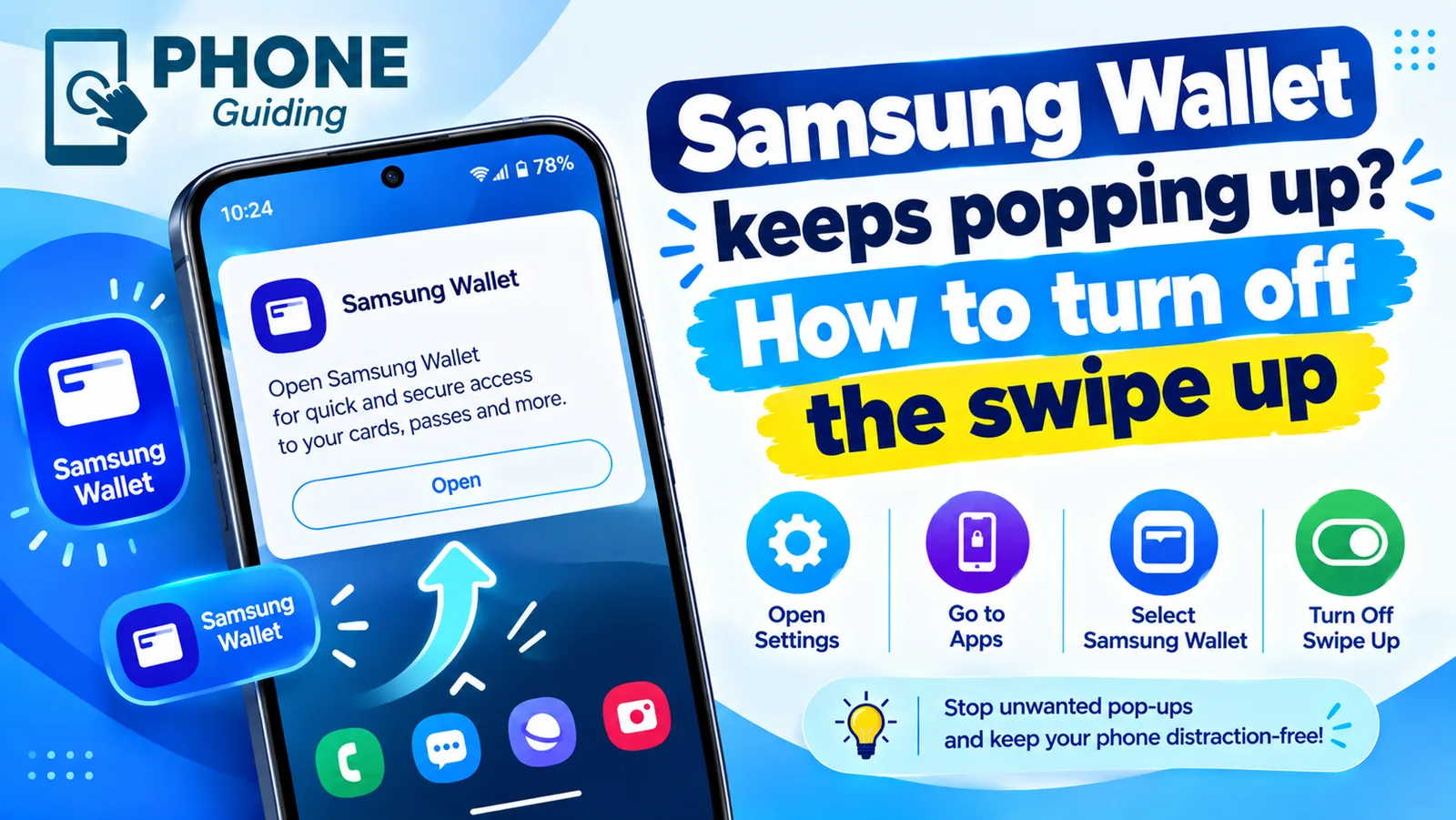
Stop Samsung Wallet popping up
Samsung Wallet keeps popping up when you swipe up? Turn off the swipe up gesture in a few taps, stop pocket triggers and switch to Google Wallet if you prefer.

Android phone keeps freezing
Android phone keeps freezing or not responding? Force restart it, free up storage, find the bad app in safe mode, update and try 5 more fixes, step by step.
Samsung phone keeps restarting
Samsung Galaxy keeps restarting on its own? Check Auto restart, test in Safe mode, run Samsung Members diagnostics and try 6 more fixes before a reset.
Samsung unlocking in pocket
Samsung phone keeps unlocking or pocket dialing? Turn on Accidental touch protection, turn off Lift to wake and Double tap to wake, and check Extend Unlock.
More guides you may need
Android new tag scanned
Android new tag scanned keeps popping up? It means your phone touched something with an NFC chip. Find the cause and stop it without losing tap to pay.
Android no command screen
Android no command screen with a lying robot? It is the recovery gate, not a crash. Use the button combo to get past it and reboot without wiping your data.