

Samsung phone keeps turning off? 9 fixes that work
A Galaxy that shuts off at random is often telling you its battery is worn, or that an app or case is to blame.
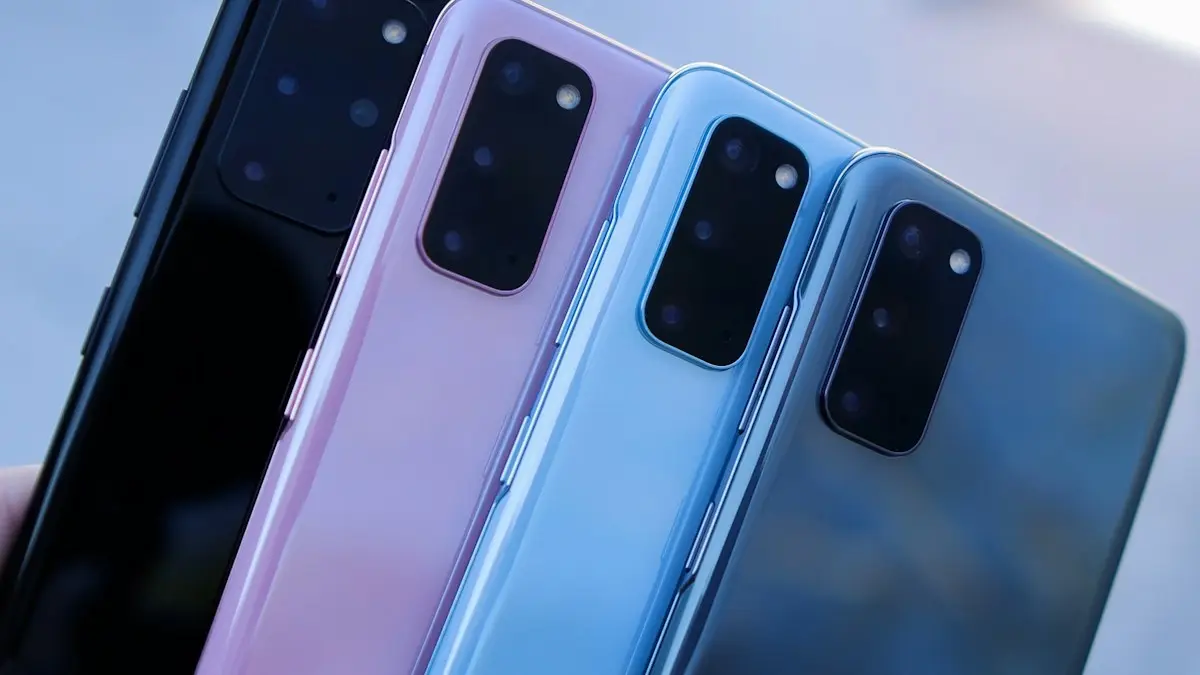
Photo by Daniel Romero on Unsplash
A Galaxy that shuts off on its own is frustrating, and it is easy to lose a call, a photo or a payment at the worst moment. The good news is that the pattern tells you a lot. A phone that dies at 20 or 30 percent has a different problem from one that dies when it is hot, and one that dies only in the camera has a different problem again. Start by working out which one yours is, then use the fixes below in order.
Match your symptom to the likely cause
- Dies with battery left (10 to 40 percent): a worn battery that cannot deliver power under load. The most common cause on phones that are two or more years old.
- Dies when you open the camera, play a game or use navigation: the same worn battery, or a hot phone protecting itself.
- Dies in the cold: cold lowers battery output for a while. Normal for a short time, a warning sign if it happens often.
- Dies while charging: a bad cable, charger or charging port, or the phone overheating.
- Turns off at about the same time each day: a scheduled power setting, an app or a routine in Modes and Routines.
- Turns off and then turns on again: that is a restart, not a shutdown. See the guide for a Samsung that keeps restarting.
The fix
9 fixes, in order
- 1
Remove the case.
A tight case can hold the side key down.
- 2
Let the phone cool down if it is hot.
- 3
Check the battery.
Samsung Members › Support › Phone diagnostics › Battery status.
- 4
Charge with a Samsung or good quality cable and adapter.
- 5
Update the software.
Settings › Software update › Download and install.
- 6
Check scheduled power off.
Settings › Device care, then look for Auto restart or scheduled power settings and turn them off.
- 7
Test in safe mode.
Hold the side key, then touch and hold Power off until Safe mode shows.
- 8
Uninstall apps added just before the problem started.
- 9
Back up and factory reset.
Check the battery in Samsung Members
Samsung Members is already installed on most Galaxy phones. Open it, tap Support, then Phone diagnostics, then Battery status. It tests the battery and tells you whether it is normal or needs attention. Some models also show the battery’s usage count or health in Settings › Battery › Battery information. Menu names change between One UI versions and models, so if you cannot find a battery test, search Samsung Members for diagnostics.
A battery wears out because every charge cycle slightly reduces what it can hold and deliver. After a couple of years of daily charging, the percentage display can become unreliable. The phone may show 25 percent, but the battery cannot supply the burst of power the processor asks for, so the phone shuts off to protect itself. That is why replacing the battery fixes this problem more often than any software change.
Turn off auto restart and scheduled power settings
Some Galaxy phones have an Auto restart option that restarts the phone at a chosen time when it is idle, and older models have Scheduled power on and off settings. Go to Settings › Battery and device care › Auto optimization and look for Restart when needed or Auto restart at set times, then switch it off. Also open Modes and Routines and check that no routine is set to power the phone off or switch to a mode that does.
Check the SIM card and SD card
A faulty microSD card or a badly seated SIM can occasionally cause crashes that look like shutdowns. Power the phone off, remove the SIM tray, take out the SD card if you have one, put the SIM back and see if the problem stops. If it does, replace the SD card, because a failing one can also corrupt photos. Back up what you can before you test.
Why safe mode helps
In safe mode, the phone loads only the apps that came with it. If it stays on all day in safe mode but shuts off in normal mode, an app you installed is the cause. Restart the phone normally, then uninstall recently added apps one at a time, starting with anything that runs in the background, such as battery savers, cleaners and launchers. If the phone still shuts off in safe mode, the cause is the battery, the software or the hardware. See how safe mode works on Android for the steps on other brands.
Keep the phone from overheating
Phones shut off on purpose when they get too hot. Leaving one on a car dashboard, charging it under a pillow or gaming while it charges are the usual causes. Take the phone out of the case, move it to a cool, shaded spot and wait several minutes before turning it on. Do not put it in a fridge or freezer, because condensation can damage it. If it keeps getting hot while doing little, an app may be stuck in the background. Check Settings › Battery › Background usage limits.
Charging problems that look like shutdowns
If the phone turns off only when plugged in, try a different cable and a different wall adapter first. A damaged cable or a cheap charger can deliver unstable power. Look into the charging port with a flashlight, and if you see lint, gently remove it with a wooden toothpick with the phone off. If the problem continues, read the guide on a Samsung phone that is not charging.
What a factory reset will and will not fix
A factory reset fixes software problems, such as a corrupted system file or a bad setting you cannot find. It does nothing for a worn battery. Back up your photos, contacts and files first, because the reset erases everything. If the phone still shuts off right after a reset, with nothing installed, you can be sure the problem is hardware. See how to factory reset a Samsung for the steps.
Repair, replace or upgrade?
If the battery is the problem, a replacement from Samsung or an authorized repair center is usually the right fix for a phone that is otherwise in good shape. Ask for a quote first and make sure the shop uses a genuine battery. If the phone is several years old, no longer gets security updates, or the quote is close to the price of a newer phone, put that money toward an upgrade instead. Compare trade-in offers from Samsung, your carrier and resale sites, because they can offset some of the cost.
Check whether the phone is still under warranty or covered by a protection plan from your carrier or a third party. A defective battery within the warranty period is often replaced for free.
When it will not turn back on
If the phone shuts off and will not start, plug it in with a known good charger for at least 30 minutes, then hold the Power and Volume Down buttons for about 10 seconds. A fully drained battery sometimes needs time before the phone responds. If nothing happens after that, see what to do when a Samsung will not turn on.
Habits that help the battery last
- Avoid charging to 100 percent every night if your phone has the Protect battery option, which stops charging at 85 percent.
- Keep the phone out of direct sun and hot cars.
- Use the original charger or a certified one.
- Close heavy apps instead of letting them run in the background.
Frequently asked questions
Why does my Samsung turn off at 20 percent?
A worn battery cannot deliver enough power under load, so the phone shuts down early. Check the battery in Samsung Members and replace it if it is weak.
Why does it turn off when I open the camera?
The camera and flash draw a lot of power at once. A weak battery gives up at that moment. It is a strong sign the battery needs replacing.
Why does my Samsung turn off in the cold?
Cold temporarily lowers what a battery can deliver, so a phone showing 30 percent can shut down outdoors. Warm it up slowly, and if it happens indoors too, the battery is worn.
How much does a Samsung battery replacement cost?
Prices vary by model and repair shop, so ask Samsung or an authorized repair center for a quote. Compare it with the value of the phone before you decide.
What to try next
People also ask
Why does Samsung Wallet open when I swipe up?
Samsung Wallet has a Quick access gesture that opens your cards when you swipe up from the small handle at the bottom of the screen. It sits right where you swipe to go home, so it is easy to trigger by accident.
Read the full guide: Stop Samsung Wallet popping upWhy does Bluetooth disconnect when my screen turns off?
Battery optimization is putting Bluetooth or the device’s app to sleep. Set both to Unrestricted in their battery settings.
Read the full guide: Android Bluetooth disconnectingWhy does my Samsung stay unlocked at home?
Smart Lock is probably set to trust your home or a Bluetooth device. Remove those in Settings › Lock screen › Extend Unlock (Smart Lock on older phones).
Read the full guide: Samsung unlocking in pocketWhy does my iPhone restart by itself?
The most common causes are a software bug after an update, an app that crashes the system, a worn battery that cannot supply enough power, a faulty SIM card, or a hardware fault such as a damaged charging port.
Read the full guide: iPhone keeps restartingRelated guides
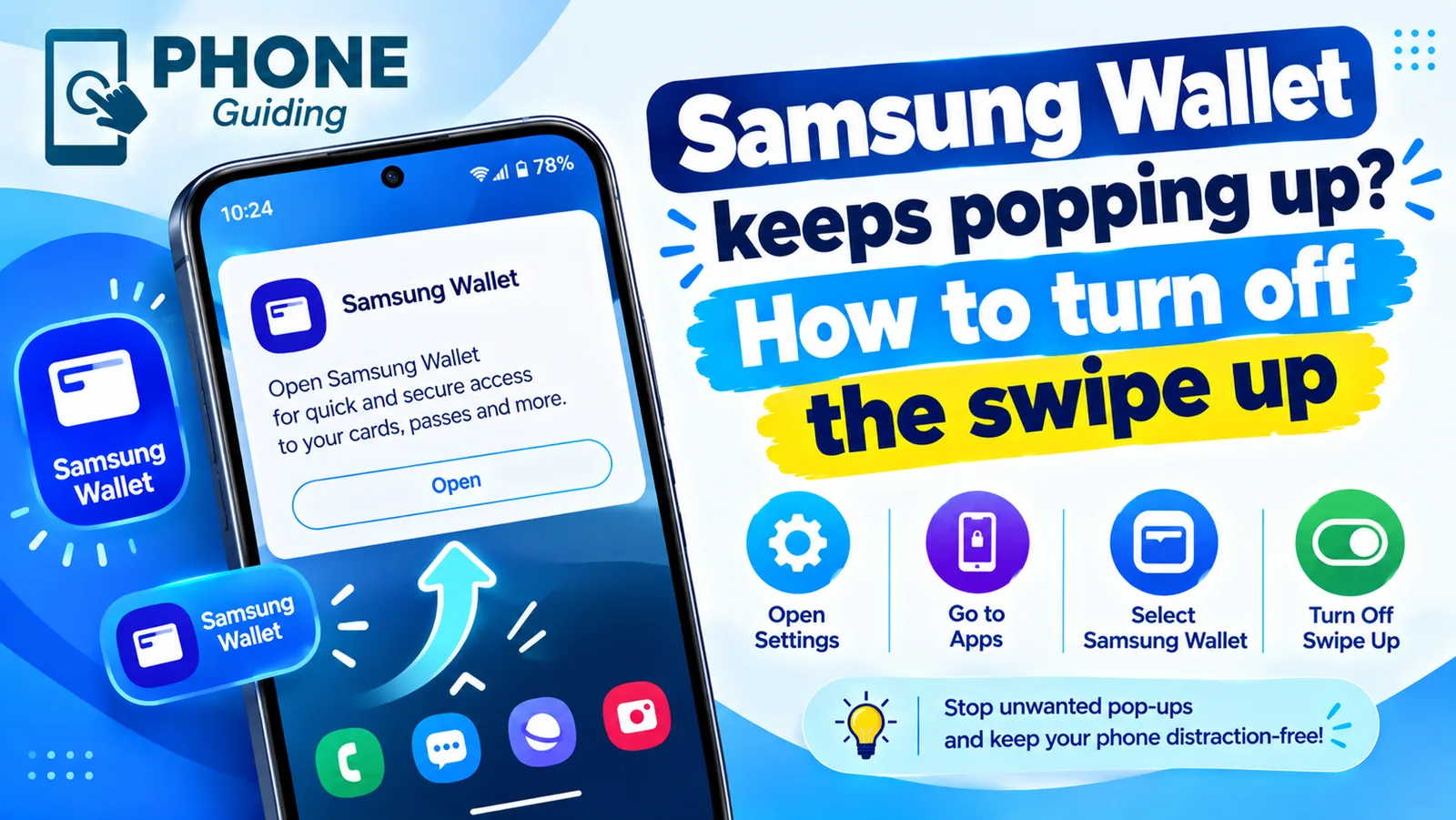
Stop Samsung Wallet popping up
Samsung Wallet keeps popping up when you swipe up? Turn off the swipe up gesture in a few taps, stop pocket triggers and switch to Google Wallet if you prefer.
Android Bluetooth disconnecting
Android Bluetooth keeps disconnecting from headphones, car or watch? Stop battery saving from cutting it, pair again, clear the Bluetooth cache and more.
Samsung unlocking in pocket
Samsung phone keeps unlocking or pocket dialing? Turn on Accidental touch protection, turn off Lift to wake and Double tap to wake, and check Extend Unlock.
iPhone keeps restarting
iPhone keeps restarting on its own or stuck in a restart loop? Find the cause with the panic log, then work through 9 fixes, from quick checks to repair.
More guides you may need

Google Messages waiting to connect
Google Messages waiting to connect or stuck on setting up chat features? Check data, your number and the RCS switch, then clear the app data. 7 fixes that work.
Message blocking is active
Samsung shows message blocking is active and your texts will not send? Check blocked numbers, your carrier block and account settings with these steps.