

Phone charging slowly? 9 fixes to charge faster
Most slow charging comes from a weak adapter, a worn cable or heat. All three are quick to check.
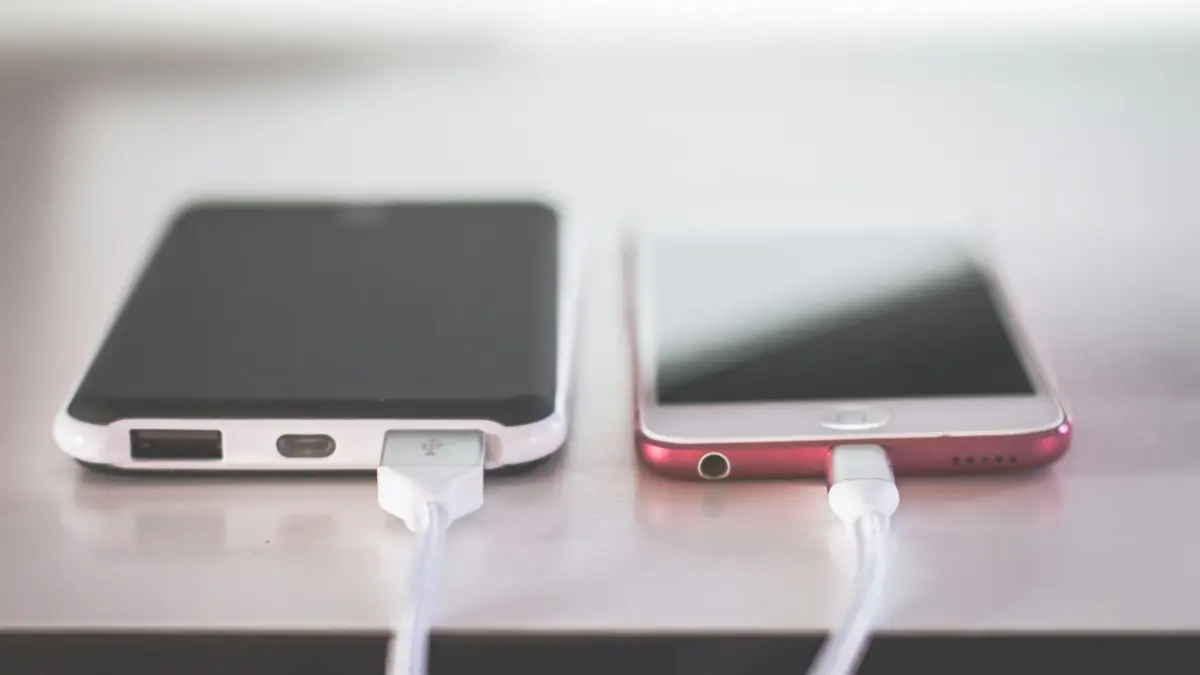
Photo by Steve A Johnson on Unsplash
Slow charging is annoying, especially when you need to leave in half an hour, but it is rarely a sign that something is broken. Phones only charge as fast as the weakest link allows: the power source, the adapter, the cable, the port, the temperature and the phone’s own battery settings. The fixes below check each one, starting with the most common. They apply to iPhone, Samsung Galaxy, Google Pixel and other Android phones.
Why is my phone charging slowly?
- Weak power source: laptop USB ports, car ports and old 5W adapters give a fraction of what modern phones can take.
- Wrong kind of charger: fast charging needs USB-C Power Delivery (PD). Samsung’s Super Fast Charging also needs PPS support.
- Worn or cheap cable: a damaged cable can silently fall back to slow charging.
- Lint in the port: the plug cannot seat fully, so the connection is poor.
- Heat: phones slow or pause charging when warm to protect the battery.
- Battery settings: optimized, adaptive or protect-battery modes deliberately slow charging near full.
- Heavy use while charging: gaming, navigation or video calls use power as fast as it goes in.
How fast should my phone charge?
- iPhone 18 Pro: up to 50% in about 15 minutes with a 60W-capable adapter.
- iPhone 17 and 17 Pro: up to 50% in about 20 minutes with 40W or more.
- iPhone 16 and earlier: about 50% in 30 minutes with an 18W to 20W USB-C PD adapter.
- Samsung Galaxy: Super Fast Charging needs a 25W USB-C PD PPS charger, and Super Fast Charging 2.0 on Ultra models needs 45W.
- Google Pixel: charges fastest on Google’s own USB-C charger or another USB-C PD charger of similar wattage.
These are best-case figures from the makers. Charging always slows as the battery fills, so the last 20 percent takes much longer than the first 50. If your phone reaches 50 percent in about the time listed, your setup is working properly, even if a full charge takes well over an hour.
How to fix a phone charging slowly
The fix
9 fixes, in order
- 1
Use a wall charger, not a laptop or car port.
Built-in USB ports in cars, lamps and laptops often give 5 to 7.5 watts, too little for a phone in use.
- 2
Use a 20W or stronger USB-C charger.
Look for USB PD on the adapter. For Samsung Super Fast Charging, it must also say PPS.
- 3
Try a different, certified cable.
USB-C to USB-C is best. For 45W and higher, the cable must be rated for it, usually marked 60W, 100W or 5A.
- 4
Clean the charging port gently.
Turn the phone off, shine a light in, and loosen lint with a wooden toothpick. Never use metal.
- 5
Remove a thick case and keep the phone cool.
Charge on a desk or table, out of direct sun, rather than on a bed, sofa or car dashboard.
- 6
Stop using heavy apps while charging.
Close games and video, or charge with the screen off for the fastest top-up.
- 7
Check fast charging is on.
Samsung: Settings › Battery › Charging settings, turn on Fast charging and Super fast charging. iPhone and Pixel have no separate switch.
- 8
Restart the phone.
A restart stops background tasks that may be using power and heating the phone while it charges.
- 9
Check battery health and replace a worn battery.
iPhone: Settings › Battery › Battery Health. Samsung: Samsung Members › Diagnostics › Battery status. A worn battery can charge oddly and drain fast.
Settings that slow charging on purpose
- iPhone: Optimized Battery Charging, and on iPhone 15 and later a charge limit, in Settings › Battery › Charging. They hold at 80 percent to reduce battery wear. See how Optimized Battery Charging works.
- Samsung: Settings › Battery › Battery protection, with options such as Adaptive and Maximum 80%. Maximum 80% stops charging at 80 percent every time.
- Pixel: Settings › Battery › Charging optimization, including Adaptive Charging, which slows overnight charging to finish around your alarm time.
None of these is a fault. They are worth leaving on unless you need a full, fast charge before a long day; then switch them off for that charge.
Wireless charging is slow
Wireless pads lose some energy as heat, so they are slower than a cable at the same wattage. Old Qi pads give 5 to 7.5 watts. For faster wireless charging, use Apple MagSafe or a Qi2 charger on iPhone, or Samsung’s own wireless charger on Galaxy phones, each with the power adapter its maker recommends. Take off thick cases, metal rings and wallets, and line the phone up with the center of the pad.
Power banks and car chargers
A power bank or car adapter only fast charges if it supports USB-C Power Delivery at 20W or more, however large its battery capacity is. Many cheap ones give 10W or less. Check the output rating on the label, use a USB-C to USB-C cable, and plug into the USB-C port, not the USB-A one. In a car, use the 12V socket with a PD adapter rather than the car’s built-in USB port.
Charging slowly and dying fast?
When a phone charges slowly and also drains quickly, the battery itself is often worn. Old batteries hold less charge, can show jumpy percentages and may shut down early. Check battery health, and if it is at or below 80 percent, a new battery fixes both problems at once. See whether a battery replacement is worth it.
How to check your charging speed
- iPhone: Settings › Battery shows the estimated time to 80 percent while plugged in, and a Slow Charger note if the charger is weak.
- Samsung: the lock screen shows Fast charging or Super fast charging when it is working. If it just says Charging, the charger or cable is not fast.
- Pixel: the lock screen shows Charging rapidly or Charging slowly.
- Any phone: a small USB-C power meter between the charger and cable shows the real wattage, which is useful if you have several chargers to compare.
Port or battery? When to repair
If charging is slow with every charger and cable, only works at an angle, or the phone shows a moisture or accessory warning, the port may be worn or damaged. If it charges normally but the battery drains quickly or shuts down early, the battery is the likely cause. Both are common repairs. For a phone that will not charge at all, see our guides to an an iPhone with a charging problem and a Samsung that will not charge.
Slow charging after a software update
For a day or two after a big update, phones reindex files, optimize apps and download content in the background. That uses power while you charge and makes the phone warm, so charging looks slower. Leave it on the charger overnight on Wi-Fi, then check again the next day before trying anything else. If it stays slow for more than a few days, install any follow-up update and restart.
Heat and cold
Batteries charge best at room temperature. When a phone gets warm, from sun, a thick case, a car dashboard or gaming, it deliberately slows or pauses charging, and iPhones may show Charging On Hold. In freezing weather charging also slows. Let the phone reach room temperature, take it out of its case, and charge it on a hard surface rather than a bed or sofa.
Buying the right charger
- Choose a USB-C Power Delivery charger from Apple, Samsung, Google, Anker, Belkin or another well-known brand.
- For Samsung Super Fast Charging, make sure the box says PPS as well as PD.
- A single 45W to 65W USB-C charger can fast charge a phone and also power a tablet or many laptops.
- Look for a safety mark such as UL or ETL. Very cheap no-name chargers can overheat and charge slowly.
Frequently asked questions
What charger do I need for fast charging?
At least 20W USB-C Power Delivery for iPhone, and a 25W or stronger USB-C PD charger with PPS for Samsung Super Fast Charging. Newer iPhone 17 and 18 models charge faster still with 40W or 60W.
Why does it stop at 80 percent?
Optimized or adaptive charging holds it there to protect the battery. It finishes later or when you turn the feature off.
Does wireless charging charge slower?
Yes. Wireless charging is slower and warmer than a cable at the same wattage. Use a cable when you need a quick top-up.
Is slow charging bad for my phone?
No. Slow charging is gentle on the battery. It only matters if it is too slow to keep up with how you use the phone.
Sources
Official pages these steps are based on. Menus can differ by software version.
People also ask
Does fast charging reduce battery life?
A little, because faster charging produces more heat and every battery wears with use. Modern phones slow down as they warm up, so the difference over a few years is usually small.
Read the full guide: Is fast charging bad?Is Slow Charger bad for my battery?
No. Charging slowly is gentle on the battery. It just takes longer to fill up.
Read the full guide: iPhone slow charger messageCan a phone overcharge?
No. The phone stops charging at 100 percent and only tops up small drops.
Read the full guide: Charging overnightCan I put my phone in the fridge?
No. Fast temperature changes can cause condensation inside. Let it cool in the shade with the case off.
Read the full guide: Android phone overheatingRelated guides
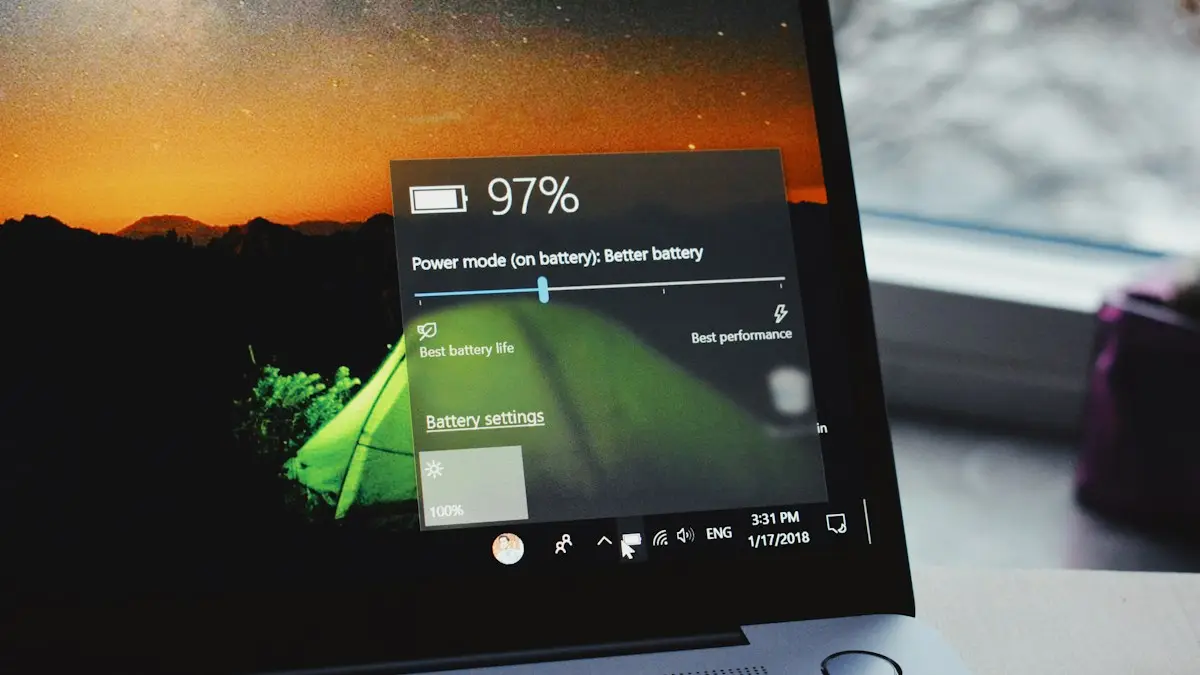
Is fast charging bad?
Is fast charging bad for your battery? Mostly no, but heat is. Learn how phones protect themselves, which settings slow charging and when to go slower.
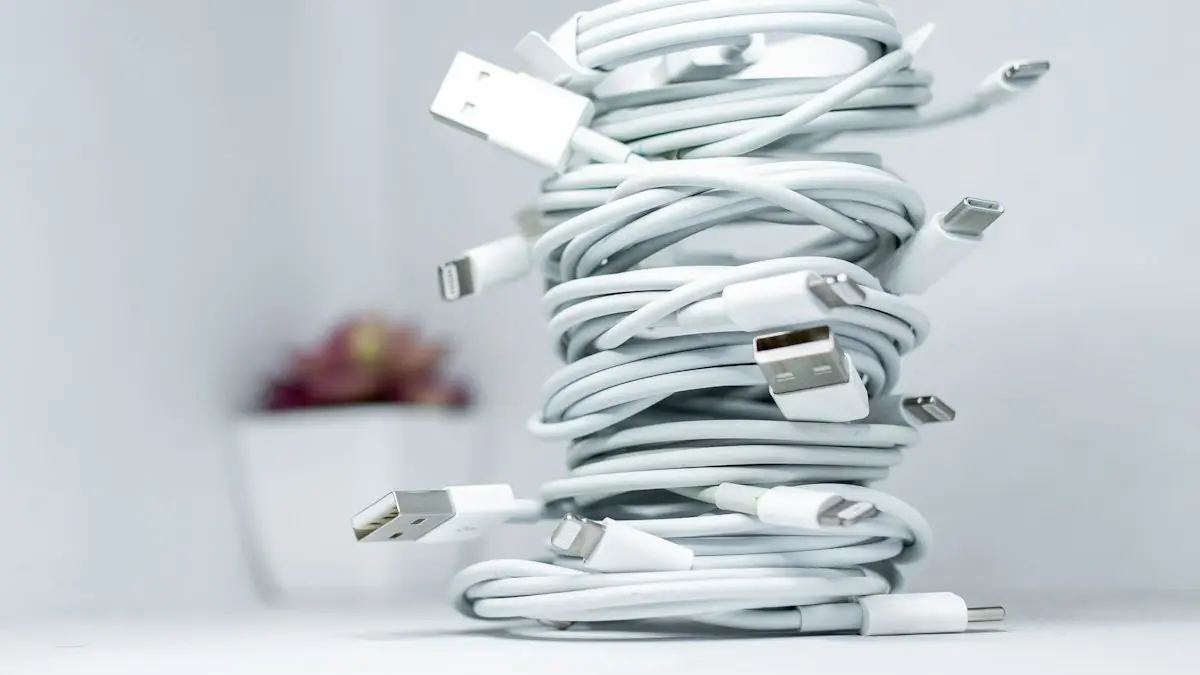
iPhone slow charger message
iPhone says Slow Charger? It means your adapter or cable delivers less power than your iPhone can use. Here is what counts as slow and which charger fixes it.
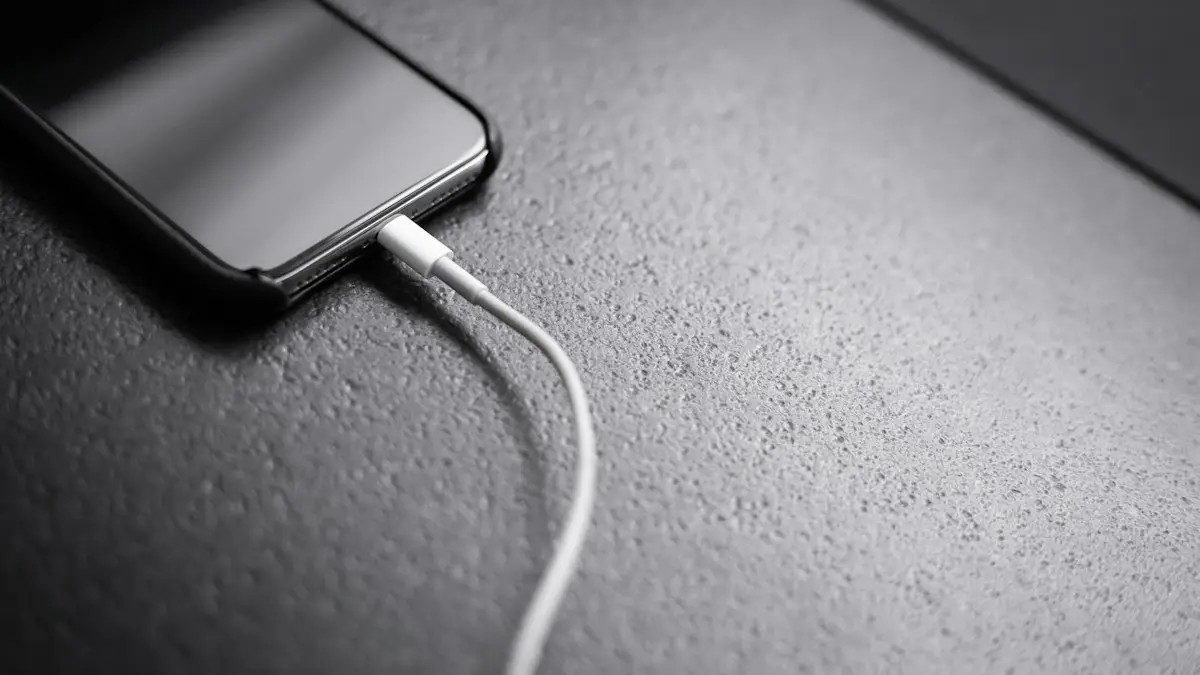
Charging overnight
Charging your phone overnight is safe with a good charger, and built-in features limit battery wear. Heat is the real risk, so here is how to charge safely.
Android phone overheating
Android phone overheating while charging, gaming or doing nothing? Cool it down safely, find the app working it hard and fix the settings behind the heat.
More guides you may need
Emergency calls only
Phone says emergency calls only? It means your carrier is not accepting your line. Try these 8 fixes for iPhone and Android before you call your carrier.
Straight Talk IMEI invalid
Straight Talk says your IMEI is invalid or the phone can’t be activated? Check the number, the compatibility tool, the carrier lock and the blocked status.