

Why is my iPhone hot? 9 causes and how to cool it down
A warm iPhone during charging or gaming is normal. A hot iPhone while idle, or one that shows a temperature warning, is not.
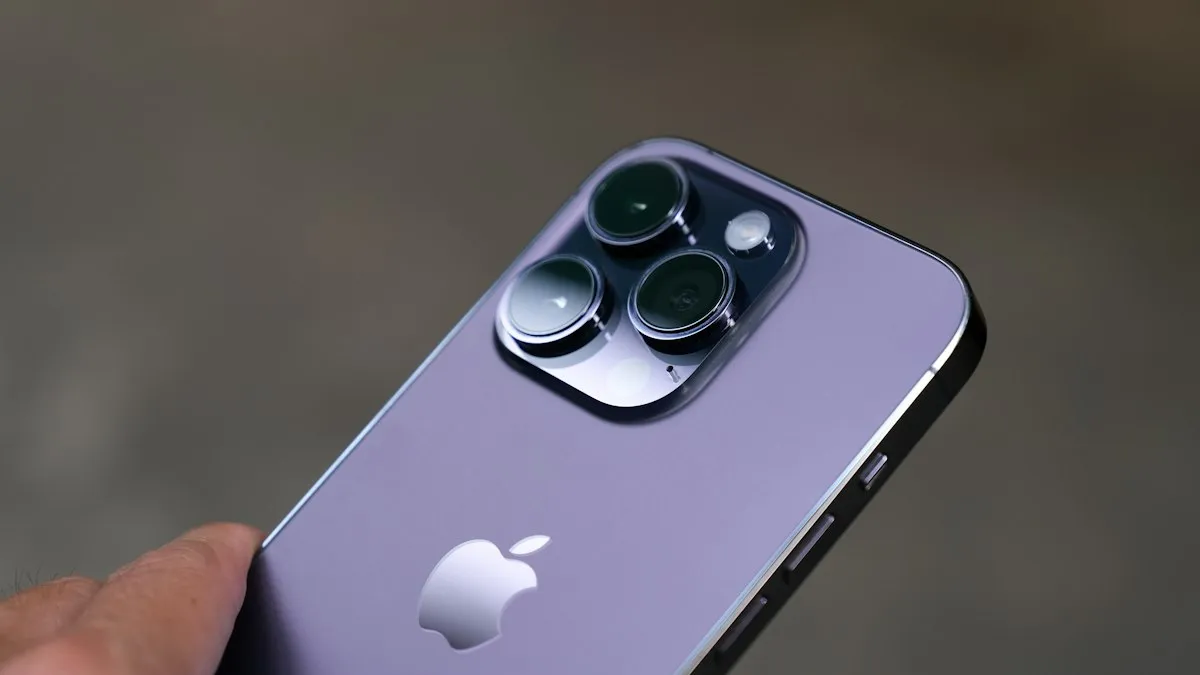
Photo by Soheb Zaidi on Unsplash
An iPhone that feels warm is usually just working hard. One that feels hot to hold, dims the screen or shows a temperature warning is telling you something. Below you will find what counts as normal, the nine most common causes, how to cool it down safely, and the signs that point to a battery problem instead.
How hot is too hot?
Apple says iPhones work best at ambient temperatures between 32° and 95° F (0° and 35° C), and should be stored between -4° and 113° F (-20° and 45° C). A car in summer sun can go far beyond that. Warm to the touch during charging or gaming is expected. Too hot to hold comfortably, or hot while sitting unused, is not.
What your iPhone does when it gets too hot
- Charging slows down or stops, and may pause at 80%.
- The screen dims or goes dark.
- The camera flash is disabled.
- Cellular radios switch to a lower power state, so signal may drop.
- Performance is reduced, so games and apps slow down.
- If it gets hotter still, you see “iPhone needs to cool down before you can use it”, and only emergency calls work.
These are protections, not faults. They go away once the phone cools.
Why is my iPhone getting hot? 9 common causes
- Direct sun or a hot car. The most common cause of the cool-down warning. The phone absorbs heat on top of its own.
- Charging, especially fast or wireless charging. Pushing energy into a battery creates heat, and wireless charging wastes more as heat than a cable.
- Gaming, video recording or video calls while charging. Two heat sources at once: the chip working hard and the battery filling.
- Navigation apps with the screen on for a long time. GPS, bright screen and cellular data together, often in a sunny windshield.
- Background indexing for a day or two after an iOS update. Temporary, and it settles on its own.
- A thick case that traps heat. Especially rugged, leather and battery cases.
- An app stuck using the processor in the background. Often a social, streaming or navigation app after a bug or update.
- Weak cellular signal, which makes the radio work harder. Basements, rural roads and crowded places are typical.
- A worn or faulty battery. Worth checking if the phone is hot while idle or the battery drains fast.
Where is it hot?
- Near the top, by the camera: that is where the processor sits. Heavy apps, games, video recording and navigation heat this area.
- Across the middle and back: the battery. Warmth here is common while charging, especially wirelessly or with MagSafe.
- At the bottom, by the port: charging. If it gets very hot here, try another cable and adapter and check the port for lint or damage.
Hot while charging
Some warmth while charging is normal, and wireless charging creates more heat than a cable. Avoid charging under a pillow or blanket, in a thick case, or on a car dashboard in the sun. Do not game or record 4K video while fast charging, since both heat the phone at once. If it gets hot on every charger, including a known good Apple cable, have the battery checked. See why iPhone charging stops.
Hot after an update or on a new iPhone
After a major iOS update, and in the first days on a new iPhone, the phone indexes photos, messages and files and optimizes apps in the background. It often runs warm and drains faster until that finishes. Leave it on Wi-Fi and charging overnight for a night or two. See how long indexing takes after an iOS update.
The fix
How to cool your iPhone down
- 1
Remove the case.
- 2
Move it out of the sun and away from heat.
- 3
Unplug it until it cools.
- 4
Close games, the camera and navigation apps.
- 5
Lower brightness or turn on Low Power Mode.
- 6
Find a misbehaving app.
Check Settings › Battery for apps with high background activity, then update or delete them.
Hot during calls, FaceTime or video
Video calls use the camera, screen, processor and radios all at once, so a long FaceTime, Zoom or WhatsApp video call warms any phone. It gets worse on cellular data in a weak signal area. Switch to Wi-Fi if you can, lower screen brightness, and take the phone out of a thick case for long calls. Streaming video, especially in HDR at full brightness, has the same effect.
Summer, cars and the beach
- Never leave your iPhone on a dashboard or seat in a parked car; the inside of a car in the sun can get far hotter than Apple’s storage limit.
- Use a vent mount instead of a windshield mount for navigation, so air flows over the phone.
- Keep it in a bag or in the shade at the beach, not on a towel in direct sun.
- If it overheats outdoors, move it into the shade and let it cool before charging.
Cases, chargers and accessories
Thick rugged cases, leather wallets and battery cases trap heat. If your iPhone often runs hot, try it without the case for a day and compare. Cheap chargers and cables can deliver unstable power and run hot too. Use an Apple or certified MFi or USB-C charger from a known brand, and replace cables with frayed ends. For MagSafe, a charger with good airflow runs cooler than one pressed into a stand.
Hot while doing nothing? Find the cause
- 1
Open Settings › Battery and look at the activity by app.
An app with a lot of background activity while you were not using it is a likely culprit. Update it, or delete and reinstall it.
- 2
Restart the iPhone.
A stuck process is cleared by a restart.
- 3
Check signal.
In a weak signal area, the phone keeps searching for a tower, which creates heat. Turn on Wi-Fi Calling, or airplane mode with Wi-Fi if you only need Wi-Fi.
- 4
Update iOS and your apps.
- 5
Check battery health.
Check your iPhone battery health and look for a Service message.
Signs it is a battery problem, not normal heat
- It gets hot while sitting on a table, locked and unused.
- The battery drains quickly even with light use. See why your iPhone battery drains fast.
- Maximum Capacity is below 80%, or Battery Health shows a Service message.
- The phone shuts down suddenly at 20% or 30%.
- The screen or back is lifting, or the phone no longer sits flat.
One of these on its own may be nothing, especially on a hot day or after an update. Two or more together usually mean the battery needs attention, so book a check with Apple or an Apple Authorized Service Provider.
Does heat damage an iPhone?
Short bursts of warmth do no harm. Repeated heat is what ages a battery faster, which is why a phone that lives on a hot dashboard or charges under a pillow loses battery health sooner. Heat also weakens the adhesive that seals the phone over time. Keeping it cool is one of the simplest and cheapest ways to make the battery last longer. If the battery is already worn, it may run hotter than before, and a replacement fixes both problems. See whether an iPhone battery replacement is worth it. With AppleCare+, battery service is free once health drops below 80%.
Hot in one spot, or hot out of nowhere?
Heat collects around the chip and the battery, which sit behind the back glass, so the back of the phone is usually the warmest part. A sudden change often traces to something recent: an update that is still indexing, an app stuck in the background, a weak signal that makes the phone work harder, charging while in a thick case, or time in the sun.
If none of that fits and the phone stays hot while idle, treat it as a battery warning sign and check Battery Health.
Frequently asked questions
Is it normal for my iPhone to get warm while charging?
Yes, especially with fast charging or wireless charging. It should not get too hot to hold. If it does, charging will pause until it cools.
What does “iPhone needs to cool down before you can use it” mean?
The iPhone got too hot and shut features down to protect itself. Move it somewhere cool, out of the sun and out of its case, and wait. Do not put it in a fridge or freezer.
Why is my new iPhone getting hot?
In the first days, a new iPhone downloads apps, restores data, syncs photos and indexes everything in the background. It often runs warm until that finishes, usually within a day or two.
Can an overheating iPhone be dangerous?
Normal warmth is not. Stop using and charging it if it becomes too hot to hold, the case or screen bulges, or you smell burning, and contact Apple. Those point to a failing battery.
Why is my iPhone suddenly so hot for no reason?
A sudden jump usually follows a change: an iOS update that is still indexing, a new app running in the background, a weak signal, charging in a case, or direct sun. If nothing changed and it stays hot while idle, check battery health.
Why is the back of my iPhone hot?
The chip and battery sit behind the back glass, so that is where the heat shows. Warmth during charging or gaming is normal. A back that is too hot to hold, or hot while idle, is not.
What to try next
People also ask
Can I put my phone in the fridge?
No. Fast temperature changes can cause condensation inside. Let it cool in the shade with the case off.
Read the full guide: Android phone overheatingWhy does my iPhone stop charging at 80%?
That is usually deliberate. Optimized Battery Charging, or the charge limit on iPhone 15 and later, holds the charge at 80% to reduce battery wear. The phone also pauses charging when it gets too warm.
Read the full guide: iPhone not chargingShould I leave Optimized Battery Charging on?
Yes, for most people. It only delays the last 20% when your iPhone predicts it will be plugged in for a long time, like overnight.
Read the full guide: Optimized Battery ChargingWhy is only one AirPod charging?
Dirt on that AirPod’s stem or the bottom of its slot is blocking contact. Clean both gently with a dry soft brush and make sure the AirPod sits fully down.
Read the full guide: AirPods not chargingRelated guides
Android phone overheating
Android phone overheating while charging, gaming or doing nothing? Cool it down safely, find the app working it hard and fix the settings behind the heat.
iPhone not charging
iPhone not charging, charging slowly or stuck at 80%? Work through 7 fixes, from the cable and a dirty port to charging messages, software and battery health.
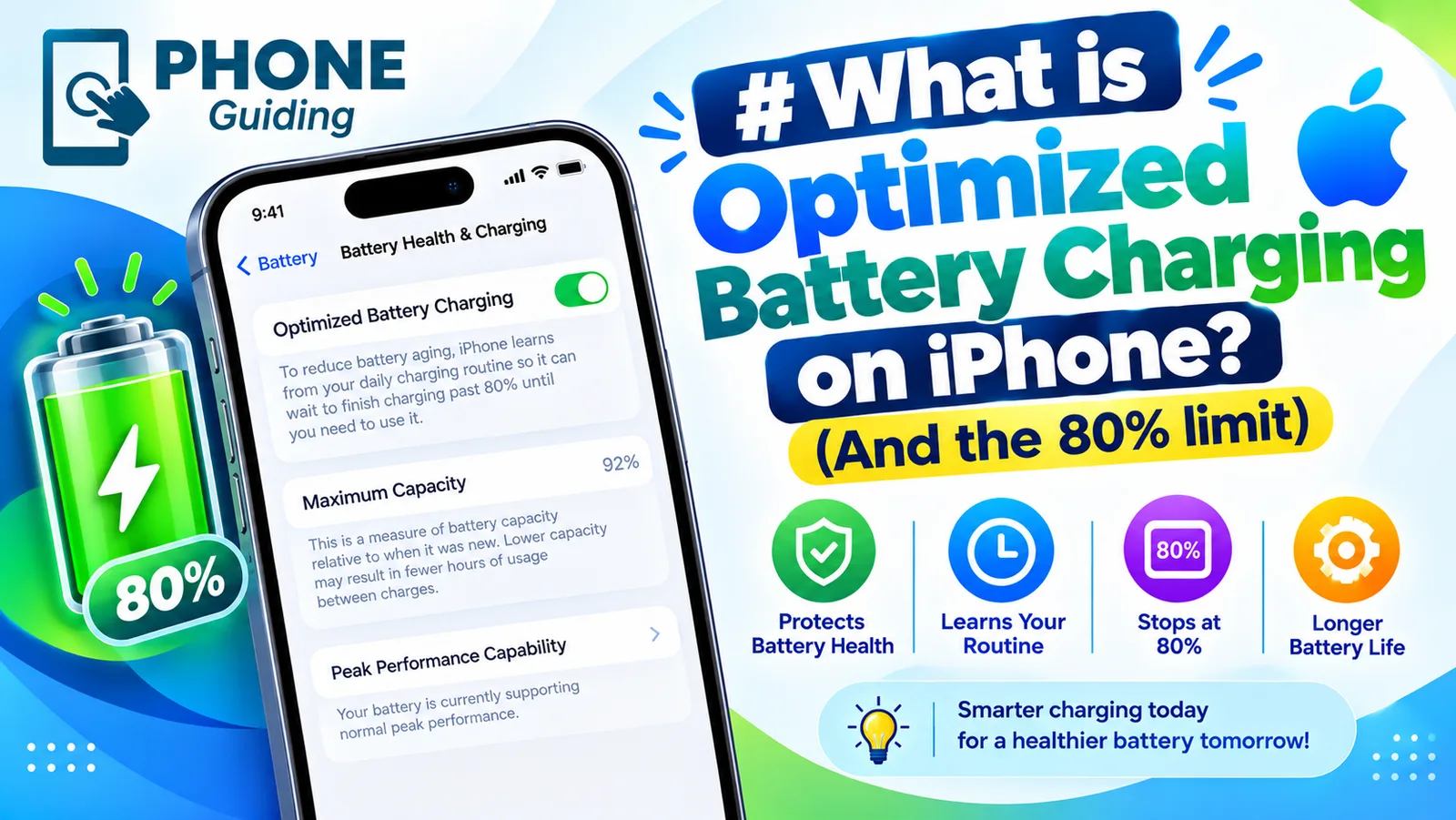
Optimized Battery Charging
Optimized Battery Charging holds your iPhone at 80% until you need it, to reduce battery wear. See how it differs from the Charge Limit and when to turn it off.
AirPods not charging
AirPods or the case not charging? Clean the contacts, try another cable and outlet, check the case battery, turn off optimized charging and try 4 more fixes.
More guides you may need
iPhone slow charger message
iPhone says Slow Charger? It means your adapter or cable delivers less power than your iPhone can use. Here is what counts as slow and which charger fixes it.
Storage stuck calculating
iPhone storage stuck on calculating or not loading? Wait it out, restart, free some space and update iOS, or check storage from a computer when Settings fails.