

Samsung phone not charging? 9 fixes to try
A Galaxy that stops charging is usually a cable, lint in the port or a battery setting. These checks take a few minutes and cost nothing.
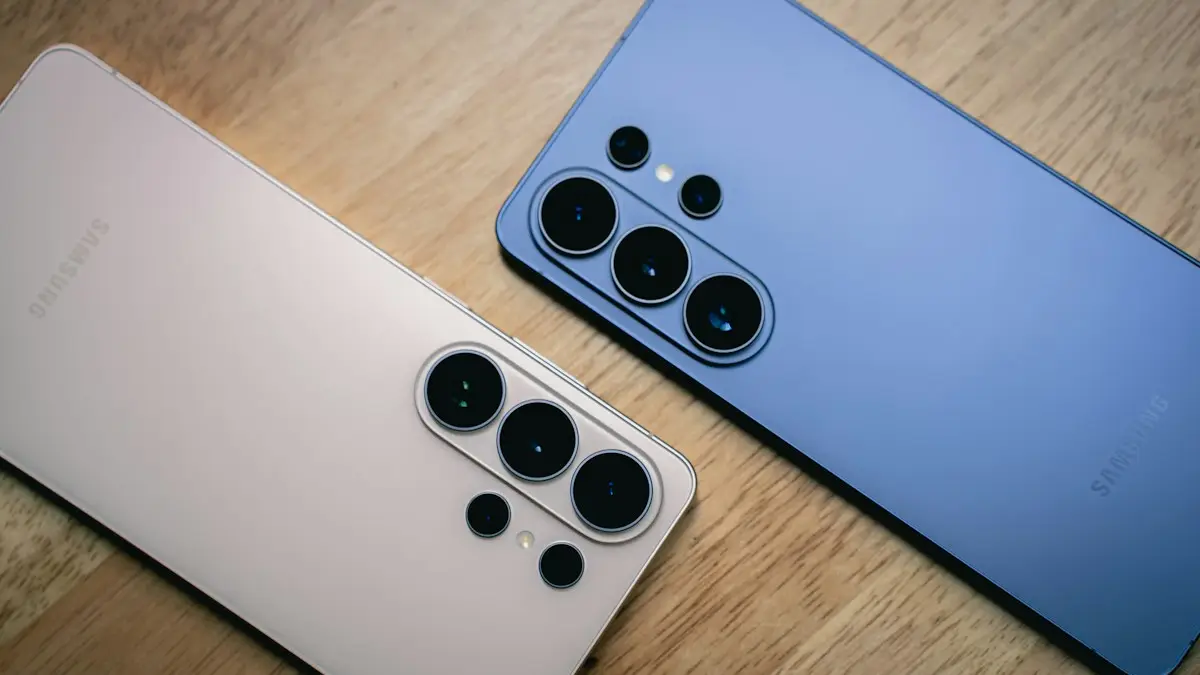
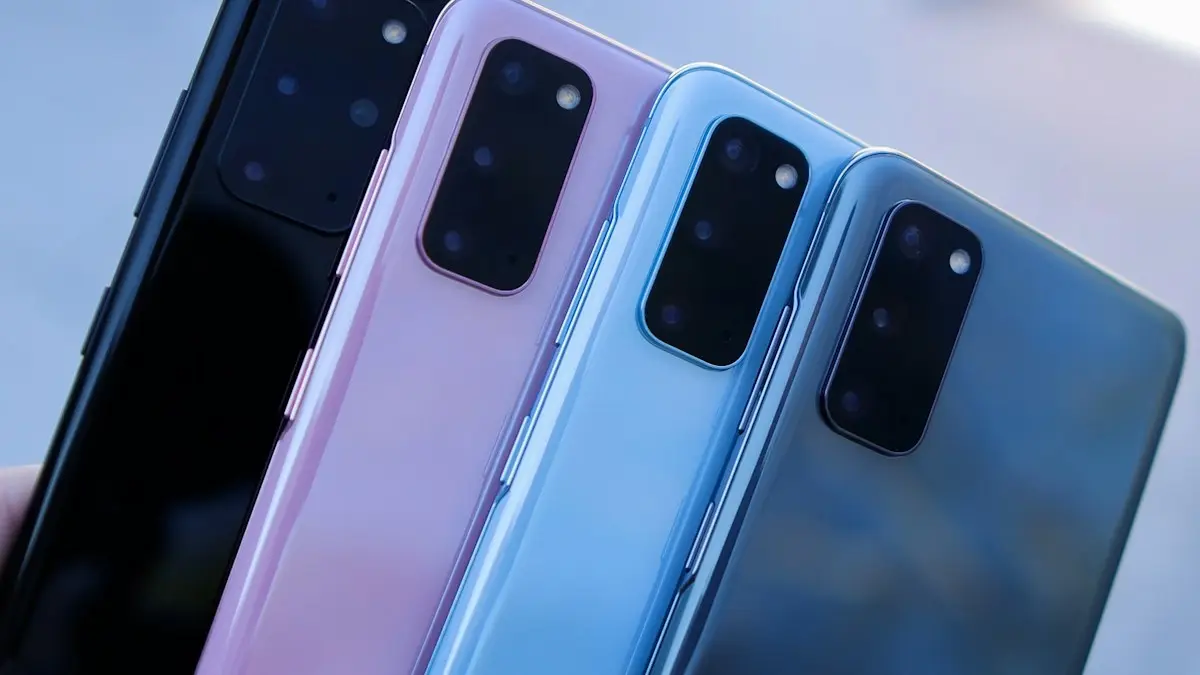
Photo by Amanz on Unsplash
A Galaxy that will not charge feels like a dead battery, but most of the time the cause is cheaper: a worn cable, lint packed into the port, a setting that stops charging early, or a moisture warning. Work through the fixes below in order. The first few take a minute, and they solve the problem for most people before any repair is needed.
Why your Samsung is not charging
- Cable or adapter: the most common cause. USB-C cables wear out inside, especially near the plug.
- Dirty port: pocket lint builds up at the back of the port, so the plug no longer seats fully.
- Settings: Battery protection stops charging at 80% or 85% on purpose.
- Moisture or temperature: the phone pauses cable charging when the port is wet or the battery is too hot or cold.
- Software: a glitch or an app can stop the phone reporting charging correctly.
- Hardware: a worn battery or a damaged charging port. These need a repair.
How to fix a Samsung phone that won’t charge
The fix
Start with the quickest checks
- 1
Swap the cable and adapter.
Use a cable and wall adapter you know work. Cheap cables often fail inside without looking damaged.
- 2
Use a wall outlet.
Laptop ports and car chargers often do not provide enough power. Test the outlet with another device.
- 3
Try wireless charging.
If your Galaxy charges on a wireless pad but not with a cable, the problem is the port or the cable, not the battery.
- 4
Clean the USB-C port.
Turn the phone off, shine a flashlight into the port and gently scrape out lint with a wooden or plastic toothpick. Never use metal.
- 5
Force restart the phone.
Hold the side key and volume down together for about 10 seconds until the phone restarts, then plug it in again.
- 6
Check Battery protection.
Go to Settings › Battery › Battery protection (called Protect battery on older phones). If it is set to stop at 80% or 85%, that is why the phone stops there.
- 7
Check fast charging.
In Settings › Battery › Charging settings, make sure Fast charging is on if your adapter supports it.
- 8
Test in Safe mode.
Open the power menu, touch and hold Power off, then tap Safe mode. If the phone charges normally in Safe mode, a downloaded app is interfering.
- 9
Run the battery test.
Open Samsung Members › Support › Phone diagnostics and run the battery and cable charging tests.
Charging paused: battery too hot or too cold
Galaxy phones stop charging to protect the battery when it is too hot or too cold, and show a message such as Charging paused. It happens in a hot car, in direct sun, under a pillow, while gaming, or in freezing weather. Unplug the phone, take off a thick case, and let it return to room temperature. Charging resumes on its own. If it happens at normal room temperature, the battery or charging circuit may be faulty.
Battery protection: why it stops at 80%
Battery protection is a feature, not a fault. Lithium-ion batteries wear faster when kept at 100%, so Samsung lets you limit charging. Depending on your One UI version, Settings › Battery › Battery protection offers modes such as Basic, which stops at 100% and only tops up after the level drops a little, Adaptive, which holds at 80% while you sleep and finishes before you wake, and Maximum, which stops at 80% or a limit you choose. If you need a full charge for a long day, switch to Basic for that day. See whether charging overnight is bad for your phone.
Which charger does a Galaxy need?
Most Galaxy A and base S models charge at up to 25W, and recent Galaxy S Plus and Ultra models support up to 45W Super Fast Charging. To get those speeds you need a USB-C Power Delivery adapter with PPS support, such as Samsung’s own 25W or 45W adapters, and, for 45W, a 5A rated USB-C cable. Other adapters still charge the phone safely, just more slowly. A phone plugged into a laptop or an old 5W cube may barely gain charge while in use.
Buy cables and adapters from Samsung or known brands. Very cheap chargers can deliver unstable power, and some have been found to be unsafe. For more on speed, see why a phone charges slowly.
Samsung charging but percentage not going up?
If the lightning bolt shows but the percentage barely moves, the phone is using power as fast as it gets it. This happens with weak chargers, or when a game or video is running. Close apps, turn on airplane mode for a test, and use the adapter that came with the phone or a Samsung 25W charger.
Samsung not charging wirelessly?
- Line the phone up with the center of the pad. The coil sits roughly in the middle of the back, and a few millimeters off can stop charging.
- Remove thick cases, metal plates, magnetic rings and cards in wallet cases.
- Use the adapter that came with the pad. Many pads need a specific wattage to work.
- Check that Wireless charging is not limited by a Bedtime or power saving setting in Settings › Battery › Charging settings.
- If the phone gets hot on the pad and stops, let it cool; heat pauses wireless charging sooner than cable charging.
Keep your Galaxy battery healthy
Batteries wear with every charge cycle, and heat speeds that up. Leave Battery protection on Adaptive or Maximum if you are home most nights, avoid gaming or navigating while fast charging in a hot car, and do not leave the phone flat at 0% for long. Keeping the software updated also matters, because Samsung tunes charging behavior in One UI updates. A healthy battery charges faster and holds its charge through the day, so these habits pay off for years.
Signs the battery or port needs repair
- The phone charges wirelessly but not with any cable: usually the port.
- The cable feels loose or only charges at a certain angle: the port is worn or damaged.
- The phone dies at 20% or 30%, or the percentage jumps around: usually a worn battery.
- The back or screen is lifting, or the phone bulges: a swollen battery. Stop using it and get it repaired right away.
- Samsung Members diagnostics reports a battery or charging fault.
Repair or replace?
A charging port or battery replacement is one of the cheaper phone repairs, and it can give a two or three year old Galaxy a lot more life. Samsung service centers and Samsung authorized repair partners use genuine parts, and you can get a quote online for your model. If you have Samsung Care+ or carrier insurance, check your coverage first, since battery service and accidental damage may be included. If the phone is old enough that it no longer gets updates, putting that money toward a new phone may make more sense. A phone with a bad port still has trade-in value, so do not throw it in a drawer.
If the phone got wet before the problem started, see what to do if your phone gets wet. If it will not turn on at all, see how to fix a Samsung that won’t turn on.
Frequently asked questions
Why does my Samsung stop charging at 80% or 85%?
Battery protection is turned on. It stops charging early to reduce battery wear. Turn it off or change it in Settings › Battery › Battery protection.
What does “Moisture detected” mean?
The phone sensed liquid in the USB-C port and blocked cable charging to prevent damage. Unplug it and let the port dry completely. Wireless charging still works in the meantime.
Why is my Samsung charging slowly?
A weak adapter, a long or cheap cable, a laptop USB port or fast charging being turned off in Settings › Battery › Charging settings can all slow charging down.
Is it the battery or the charging port?
If the phone charges on a wireless pad but not with any cable, the port is the problem. If it will not charge either way, or dies suddenly at 20% or 30%, the battery is more likely.
What to try next
People also ask
Why does my iPad say Not Charging?
It is connected but not getting enough power, usually from a computer USB port or small phone charger. Use the adapter that came with the iPad or a 20W or stronger USB-C adapter.
Read the full guide: iPad not chargingWhy does my iPhone stop charging at 80%?
That is usually deliberate. Optimized Battery Charging, or the charge limit on iPhone 15 and later, holds the charge at 80% to reduce battery wear. The phone also pauses charging when it gets too warm.
Read the full guide: iPhone not chargingCan I put my phone in the fridge?
No. Fast temperature changes can cause condensation inside. Let it cool in the shade with the case off.
Read the full guide: Android phone overheatingWhy does my Samsung turn off at 20 percent?
A worn battery cannot deliver enough power under load, so the phone shuts down early. Check the battery in Samsung Members and replace it if it is weak.
Read the full guide: Samsung keeps turning offRelated guides
iPad not charging
iPad not charging or showing Not Charging? Use a strong wall adapter, clean the port, try another cable and force restart. 8 fixes before you book a repair.
iPhone not charging
iPhone not charging, charging slowly or stuck at 80%? Work through 7 fixes, from the cable and a dirty port to charging messages, software and battery health.
Android phone overheating
Android phone overheating while charging, gaming or doing nothing? Cool it down safely, find the app working it hard and fix the settings behind the heat.
Samsung keeps turning off
Samsung phone keeps turning off by itself, even with battery left? Check the battery in Samsung Members, remove the case, test safe mode and try 6 more fixes.
More guides you may need

Motion Assist on Android
Motion assist on Android 17 shows moving bubbles to help reduce motion sickness in a car. Find the setting, add the Quick Settings tile and customize it.
Motorola losing network
Motorola phone keeps losing network or showing no service? Toggle Airplane mode, reseat the SIM, change network type, reset APN and network settings.