

Android battery draining fast? 10 fixes that really help
The Battery usage screen usually names the culprit. Start there before changing a dozen settings.
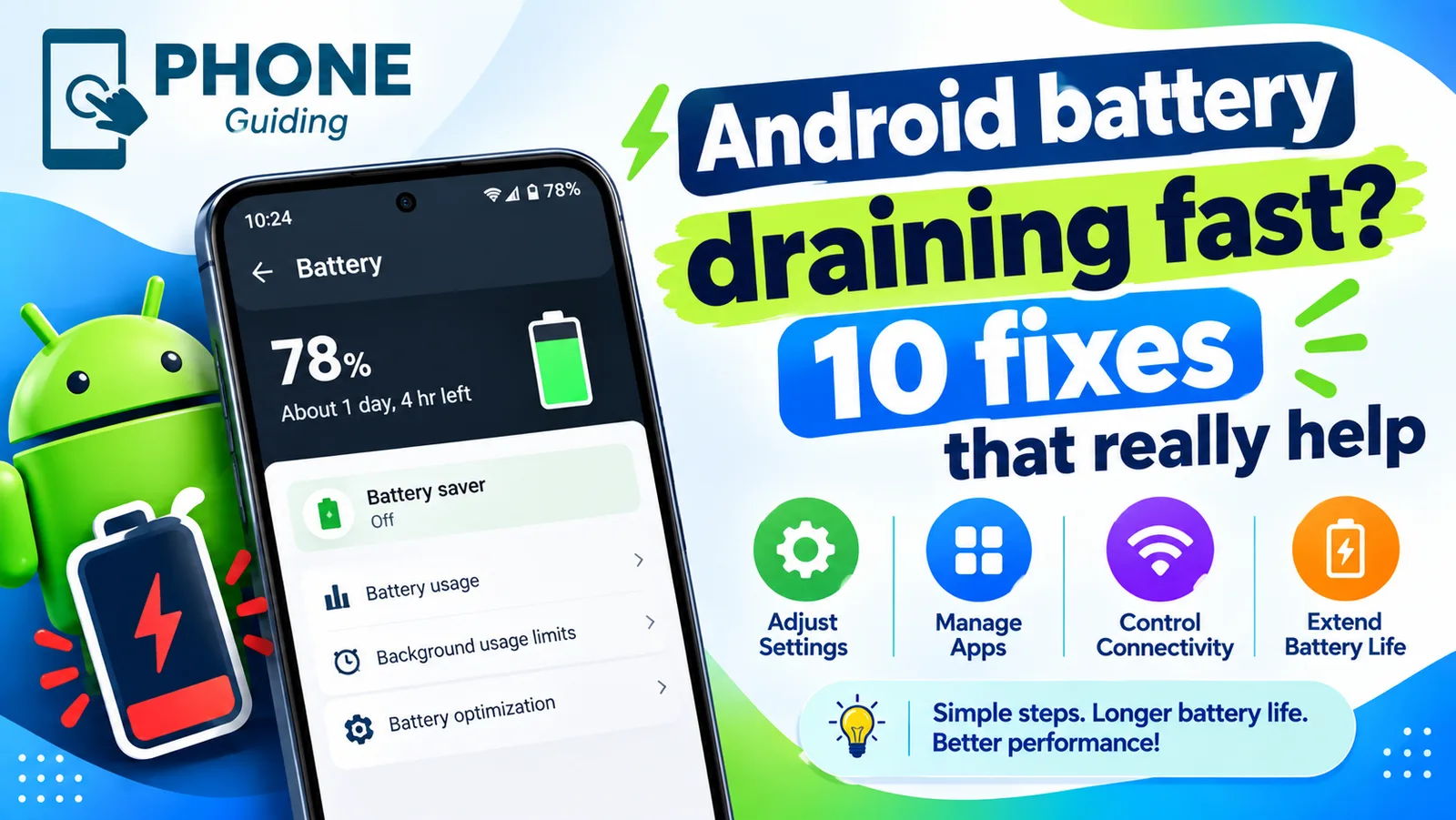
A phone that barely makes it to the afternoon is frustrating, and the cause is usually one of a handful of things: an app misbehaving in the background, the screen, a weak signal, or a battery that has simply worn out. Android shows you which of these it is, if you know where to look. Steps are given for Samsung Galaxy and Google Pixel, and other Android phones such as Motorola and OnePlus are similar.
Battery or settings? Check this first
Check the battery’s health before changing settings. On Samsung, open Samsung Members › Support › Phone diagnostics › Battery status. On Pixel 8a and later, go to Settings › Battery › Battery health. If the battery is reported as weak or below about 80 percent of its original capacity, settings will only help a little; a battery replacement fixes the problem. If it is healthy, the fixes below will make the biggest difference.
Why is my Android battery draining so fast?
- Screen: brightness, high refresh rate and long screen timeout are the biggest users of power.
- Background apps: social, shopping and some games keep refreshing, tracking location and sending notifications.
- Weak signal: the phone boosts its radio power to hold a connection, especially on 5G.
- A recent update: the phone optimizes apps for a day or two afterward.
- An aging battery: capacity drops with every charge cycle, so the same use lasts less time.
How to read the Battery usage screen
On Samsung, go to Settings › Battery › View details; on Pixel, Settings › Battery › Battery usage. The list shows each app’s share since the last full charge. Tap an app to see whether the power was used on screen or in the background. High on-screen use just means you used it a lot. High background use for an app you rarely open is the real problem to fix first. Android System and Google Play services near the top usually point to syncing, location or an update in progress.
How to fix Android battery draining fast
The fix
10 fixes, in order
- 1
Check Battery usage.
Settings › Battery › Battery usage. An app near the top that you rarely use is the clue, especially if most of its use was in the background.
- 2
Restrict or uninstall that app.
Settings › Apps › the app › Battery › Restricted. Notifications from a restricted app may arrive late, so keep messaging apps unrestricted.
- 3
Limit background apps.
Samsung: Battery › Background usage limits, and turn on Put unused apps to sleep. Pixel: Settings › Battery › Adaptive preferences › Adaptive Battery.
- 4
Lower brightness and use a 30 second screen timeout.
Turn on Adaptive brightness so the phone dims itself indoors.
- 5
Use Standard refresh rate.
Samsung: Settings › Display › Motion smoothness › Standard. Pixel: turn off Smooth Display. Scrolling looks slightly less smooth, but the battery lasts noticeably longer.
- 6
Turn on Dark mode.
Most Android phones have OLED screens, where dark pixels use almost no power.
- 7
Use Wi-Fi where cell signal is weak.
If drain is worst in one place, such as your office, the signal there is the likely cause. Wi-Fi or Wi-Fi Calling helps.
- 8
Turn off location for apps that do not need it.
Settings › Location › App permissions. Set most apps to Allow only while using the app.
- 9
Update Android and your apps.
Battery bugs are often fixed in updates, sometimes within weeks. Check Settings › Software update and the Play Store.
- 10
Check battery health and replace it if worn.
Use the checks at the top of this guide. A worn battery is the only cause settings cannot fix.
Hidden battery drains
- Always On Display: shows the time and notifications all day. On Samsung, set it to Tap to show in Settings › Lock screen and AOD › Always On Display.
- Nearby device scanning: on Samsung, Settings › Connections › More connection settings › Nearby device scanning keeps looking for devices. Turn it off if you do not use it.
- Live wallpapers and busy widgets: animated wallpapers and widgets that refresh often use extra power.
- Keyboard vibration and sounds: small, but they add up with heavy typing.
- 5G on weak signal: in poor 5G areas, choosing LTE in network settings can save a lot of battery.
Drain after a software update
After a major Android or One UI update, the phone optimizes every app and rebuilds its search index in the background, which uses extra power for a day or two. Leave it on Wi-Fi and a charger overnight. If drain is still high after three days, update all apps in the Play Store, restart, and check Battery usage for an app that is not yet compatible with the new version.
Losing battery overnight
Losing a few percent overnight is completely normal. If you lose 10 percent or more, check Battery usage the next morning for apps active while the screen was off. Photo backups, cloud sync and messaging apps are common. Samsung phones can also run Bedtime mode or a Sleep routine that turns off Wi-Fi scanning and notifications at night, and Pixel phones can use Bedtime mode in Digital Wellbeing.
Samsung: Device care and power saving
Go to Settings › Device care and tap Optimize now to close background apps and spot battery hogs. Under Battery, set rarely used apps to Sleeping or Deep sleeping so they never run in the background. When you need to stretch the day, turn on Power saving, which limits background data, lowers brightness and caps performance. Pixel phones have Battery Saver and Extreme Battery Saver in Settings › Battery.
Battery protection settings
Samsung’s Battery protection, in Settings › Battery, can stop charging at 80 percent, and Pixel phones offer a similar option under Charging optimization. These make each day slightly shorter because the battery never fills, but they slow long-term wear, so the battery lasts more years. If your battery seems to die early, check that one of these is not set when you actually need a full charge.
Apps that drain the most
Social media apps, video streaming, mobile games and navigation are the usual heavy users, because they keep the screen, processor, GPS and data busy. You do not need to delete them. Turn off auto-play video in their settings, stop them tracking location all the time, and restrict their background battery use. Also run a Play Protect scan from the Play Store, since a rogue app hiding in the background can drain power too.
Charging habits that keep the battery healthy
- Avoid running the battery down to zero often. Charging when it reaches about 20 percent is gentler.
- Keep the phone cool while charging, especially with fast charging; heat is what ages batteries most.
- Use the maker’s charger or a certified USB-C PD charger.
- If you keep the phone on a charger for long periods, turn on the 80 percent battery protection option.
Replace the battery or the phone?
If the battery is worn and the phone is otherwise fine, a replacement brings back all-day battery life. Samsung Authorized Service Centers, including many uBreakiFix by Asurion stores in the US, and Google’s repair partners use genuine batteries. Samsung Care+ and carrier insurance plans often cover battery replacement. On an older phone that no longer gets security updates, compare the repair price with a new or refurbished phone before you pay.
In the meantime, a small USB-C power bank of 10,000 mAh gives most phones one or two extra charges. If the phone also runs hot, see our guide to an Android phone that is overheating.
Frequently asked questions
Why does my battery drain after an update?
The phone optimizes apps and indexes files for a day or two after a big update. If drain continues after that, check Battery usage for a misbehaving app.
How do I check battery health on Android?
On Samsung, use Samsung Members › Support › Phone diagnostics › Battery status. On Pixel 8a and later, Settings › Battery › Battery health.
Why is my phone losing battery overnight?
Losing a few percent overnight is normal. More usually means an app is syncing in the background, the phone is on a weak signal, or Always On Display is on. Check Battery usage the next morning.
Does closing apps save battery on Android?
Not much. Android manages apps in the background, and reopening them from scratch can use more power. Restrict only the apps that Battery usage shows are draining power.
What to try next
People also ask
Why does my battery drain faster after an iOS update?
After a major update, iOS rebuilds its search index, scans your photos and finishes app updates in the background. Settings › Battery may show an Ongoing iOS Update note while this runs. Drain usually settles within two or three days, faster if you leave the phone charging on Wi-Fi overnight.
Read the full guide: iPhone battery draining fastWhat does Motion assist do on Android?
It shows subtle bubbles along the edges of the screen that move in real time with the vehicle's turns, speed changes and braking. Google says the aim is to help your eyes and body agree, which can reduce motion sickness.
Read the full guide: Motion Assist on AndroidWhy does my Samsung turn off at 20 percent?
A worn battery cannot deliver enough power under load, so the phone shuts down early. Check the battery in Samsung Members and replace it if it is weak.
Read the full guide: Samsung keeps turning offWhy are my Android notifications not showing on the lock screen?
The lock screen setting may be set to hide notifications, or Hide silent notifications may be on. On a Pixel, check Settings › Notifications › Notifications on lock screen. On a Samsung phone, check Settings › Notifications › Lock screen notifications.
Read the full guide: Android notifications not showingRelated guides
iPhone battery draining fast
iPhone battery draining fast? Find the app to blame in Battery settings, then try 10 fixes, from Adaptive Power to Background App Refresh and battery health.

Motion Assist on Android
Motion assist on Android 17 shows moving bubbles to help reduce motion sickness in a car. Find the setting, add the Quick Settings tile and customize it.
Samsung keeps turning off
Samsung phone keeps turning off by itself, even with battery left? Check the battery in Samsung Members, remove the case, test safe mode and try 6 more fixes.
Android notifications not showing
Android notifications not showing on the lock screen or late? Check app permission, Do Not Disturb, battery limits and sleeping apps on Samsung and Pixel.
More guides you may need
Motorola stuck on logo
Motorola stuck on the Hello Moto or logo screen? Force restart it, charge it, wipe the cache in recovery and use Motorola’s Software Fix tool before a reset.
Pixel can't cast to Samsung TV
Pixel can't cast to Samsung TV or says no devices found? See why Samsung TVs hide from Cast, fix Wi-Fi and permissions, or use a cable or dongle.