

How to download Google Play Store on iPhone? You can’t, but here is what works
The Google Play Store is made for Android and cannot be installed on an iPhone. Most Google apps and many Android apps have an iPhone version in the App Store, and the rest have a website you can use in Safari.
Photo by Brett Jordan on Unsplash
If you are searching for how to get Google Play on your iPhone, you probably want one specific app, or you are moving over from an Android phone and miss your old apps. The short answer is no, and it is worth knowing why, because several pages online promise a trick that does not work and can cause real harm. This guide explains the limit, then shows the fastest ways to get what you actually need.
Why can’t you install Google Play on an iPhone?
There are three reasons, and none of them is a missing setting you can switch on.
- It is an Android app. The Play Store is built for Android and relies on Google services that only exist on Android phones. Google has not made an iPhone version.
- The apps are in a different format. Android apps and iPhone apps are built differently, so an Android app file will not open on iOS.
- Apple controls what installs. iPhones are designed to install apps from Apple’s App Store. Even in places where Apple allows other app marketplaces, there is no official Google Play Store for iPhone at the time of writing.
Why do some websites say there is a way?
Search results for this topic are full of guides that promise a quick method, such as installing Play Store through Safari, a special profile, a developer setting or a free installer. Treat all of them as unsafe. They usually fall into three groups:
- Copied or auto-generated pages that repeat a made-up method to catch search traffic.
- Scam pages that ask you to sign in with your Google account, which steals your password.
- Installers that add a configuration profile or an app that shows ads, tracks you or asks for payment.
How do you get the same apps on your iPhone?
Most of what people want from Google Play is available on the iPhone in another way. Work through these in order.
The fix
Find the iPhone version of the app
- 1
Open the App Store on your iPhone.
The blue icon with the letter A.
- 2
Tap Search and type the app name.
Use the exact name you used on Android.
- 3
Check the developer name before you download.
Pick the app made by the company you expect. Copycat apps use similar names and icons.
- 4
Tap Get, then confirm with Face ID, Touch ID or your passcode.
If the app is paid, the price shows on the button.
If the App Store will not load, fix that first. See our guide to an App Store that will not load.
Which Google apps are on the iPhone?
Google publishes many of its own apps for iPhone in the App Store. Common ones include Gmail, Google Maps, Google Photos, Google Drive, YouTube, Chrome, Google Calendar, Google Docs, Sheets and Slides, Google Translate and Google Home. You sign in with your normal Google account, so your email, files and photos are already there. Google Photos can also back up your iPhone photos, as covered in our guide to Google Photos not backing up.
What if the app only exists for Android?
Some apps never reach the iPhone. You have three realistic options. First, check the app’s website, because many services offer a web version that works in Safari, and you can add it to your Home Screen from the Share menu. Second, search the App Store for a similar app, since popular categories such as banking, messaging, music and games have many choices. Third, if the app is essential, such as a work tool or a banking app only sold for Android, ask the company whether an iPhone version is planned. If you rely on Android-only apps every day, an Android phone may suit you better.
Do your Google Play purchases and subscriptions move to the iPhone?
No. Apps and subscriptions you bought through Google Play stay tied to Google Play. An iPhone app bought from the App Store is a separate purchase. Some apps use their own account, such as Spotify or Netflix, and these work on both phones once you sign in. Others charge again on iPhone. Before you stop using your old Android phone, check what you pay for. To stop a Play Store subscription, see canceling subscriptions on Android, and to manage what you start on the iPhone, see stopping iPhone subscriptions.
Can you play Android games on an iPhone?
Not the Android version. Most popular games have an iPhone version, and many let you keep your progress by signing in with the game’s own account, a Google account or Facebook, depending on the game. Progress saved only on the Android phone through Google Play Games may not carry over, so check the game’s settings on the old phone before you stop using it. Search the App Store for the game and look for a sign in option on the first screen.
Is it worth switching to Android just for Google Play?
Only if you need apps or features that are not on iPhone. For most people the App Store has everything they use. Switching means a new phone, moving your data and learning a new system. If you decide to switch, our guide to buying an unlocked phone versus a carrier phone helps you choose where to buy. If you are going the other way, from Android to iPhone, see moving from Android to iPhone for contacts, photos and messages.
What if you only need a Google account on your iPhone?
You do not need the Play Store for that. Add your account in Settings › Mail › Accounts › Add Account › Google, or sign in inside the Gmail or Chrome app. Contacts, calendars and mail sync to the iPhone. If you move from an Android phone, your contacts can come across through your Google account without any app.
How do you stay safe when looking for apps?
- Install apps only from the App Store, and check the developer name and recent reviews.
- Never type your Google or Apple password on a page that promises a Play Store for iPhone.
- Be careful with apps that ask for payment before they work, or that copy a famous app’s name.
- Do not install a configuration profile unless your employer or school asked you to.
- Keep iOS updated, because updates close security holes. See iOS updates.
Quick checklist
- You searched the App Store for the app by its exact name.
- You checked the app’s website for a web version.
- You did not enter your Google password on any Play Store for iPhone page.
- You know which subscriptions and purchases stay on Google Play.
- You decided whether an Android phone fits your needs better.
Frequently asked questions
Can you install the Google Play Store on an iPhone?
No. The Play Store is an Android app and iPhones only run iOS apps from Apple’s App Store. Pages that say otherwise are wrong or unsafe.
Can I download Android apps on my iPhone?
Not directly. Android apps use a different format from iPhone apps. Search the App Store for an iPhone version of the same app, or use the app’s website in Safari.
Is there an emulator or a trick that puts Google Play on an iPhone?
No safe one. Sites that claim a Safari trick or an installer often want your Google password, install unwanted profiles or are scams. Do not enter your account details.
Will my Google Play purchases work on my iPhone?
No. Purchases and subscriptions made in the Play Store stay with Google Play. If an app has an iPhone version, you may have to buy it again from the App Store, unless the app uses its own account.
What to try next
People also ask
Why does my app say “Waiting”?
The download is queued behind other downloads or updates, or iOS is waiting for a connection, storage space or a sign-in. The fixes below clear each of these.
Read the full guide: App Store download stuckWhy does it say waiting for Wi-Fi?
Play Store is set to download over Wi-Fi only. Connect to Wi-Fi, or change it in Play Store › Settings › Network preferences › App download preference.
Read the full guide: Play Store download pendingWill clearing Play Store data delete my apps?
No. It only resets the Play Store’s own settings. Your installed apps and purchases stay.
Read the full guide: Google Play Store not workingIs WhatsApp free to download on iPhone?
Yes. WhatsApp is free in the App Store. You need an internet connection and a phone number that can receive a text or a call.
Read the full guide: Download and install WhatsApp on iPhoneRelated guides
App Store download stuck
iPhone app stuck on Waiting, Loading or Installing? Follow 6 quick fixes in order, from pausing the download to checking storage, payment and Apple Account.
Play Store download pending
Google Play stuck on Download pending? Cancel other updates in the queue, check the Wi-Fi only setting and storage, clear Play Store cache and try 4 more fixes.
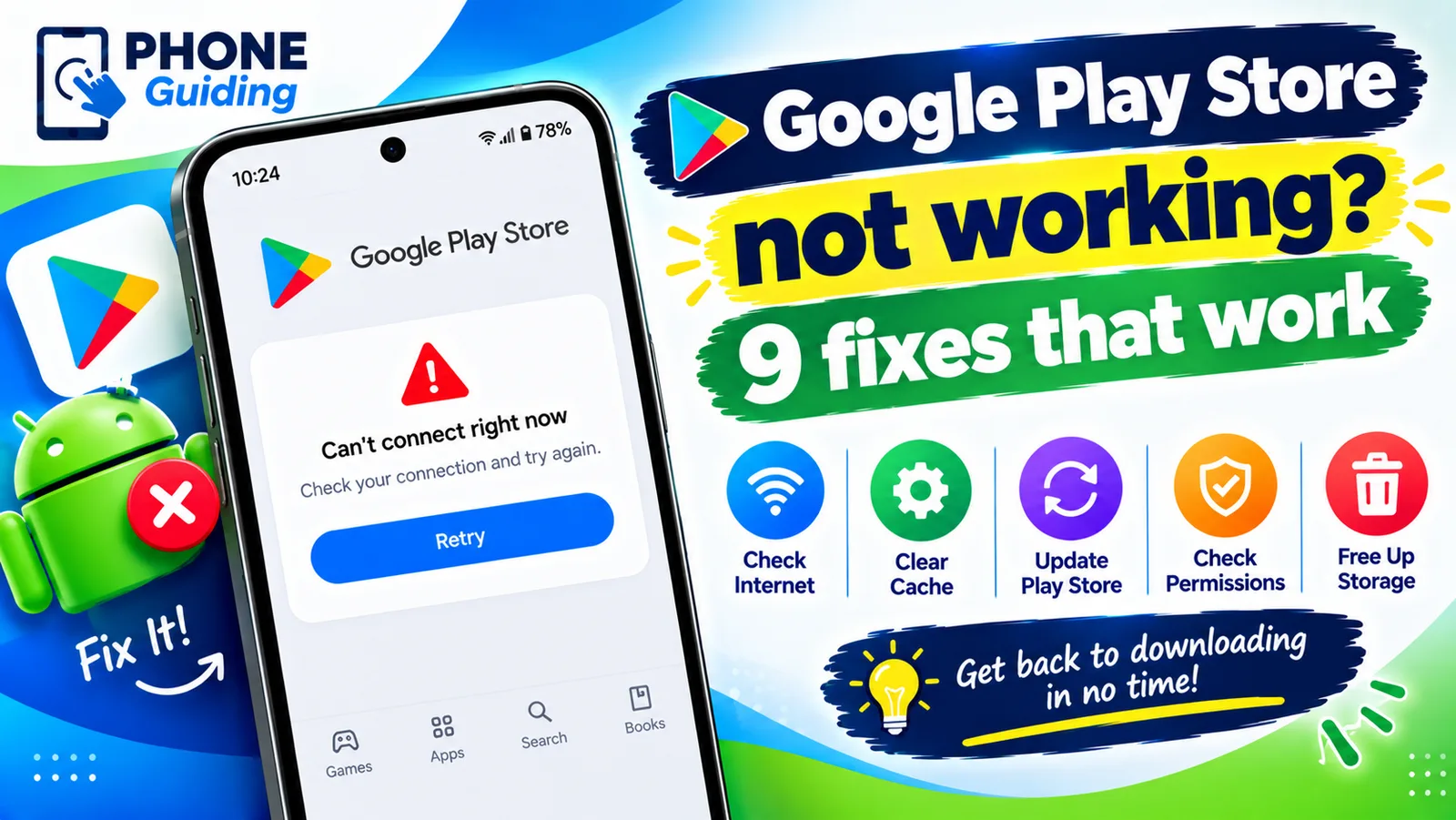
Google Play Store not working
Google Play Store not working, keeps stopping or will not open? Force stop it, clear the cache, update Google Play services and try 6 more fixes on Android.
Download and install WhatsApp on iPhone
How to download and install WhatsApp on iPhone from the App Store, verify your number and restore chats. Fixes if the code never comes or install fails.
More guides you may need
Change Wi-Fi password on iPhone
Change your home Wi-Fi password from your iPhone with the router app or admin page, update a saved Wi-Fi password, or change your Personal Hotspot password.
Change your iPhone name
How to change your iPhone name in Settings › General › About › Name. See where it shows in AirDrop, Bluetooth and hotspot, and fix a name that won't save.