

What iPad model do I have? 3 ways to find out in a minute
You can find your iPad model in Settings, on the back of the iPad, or by looking at its buttons and cameras. This guide shows each way and how to read the A-number Apple uses to name every model.
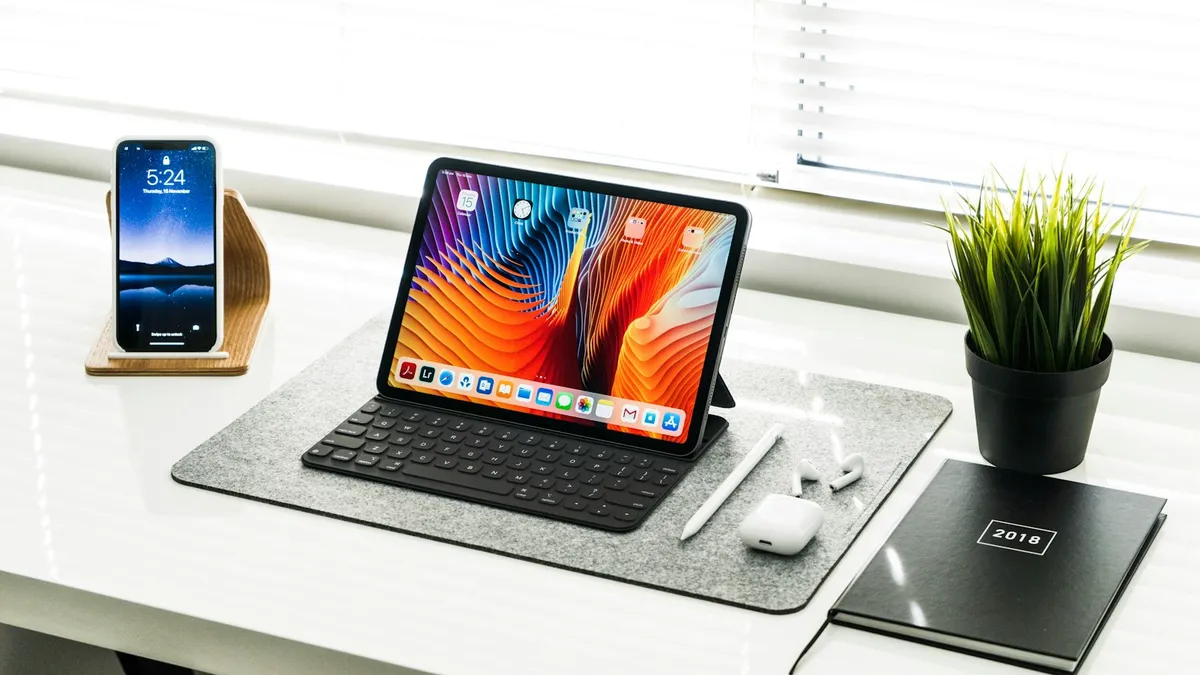
Photo by Henry Ascroft on Unsplash
Apple has sold many iPads, and several look almost the same. You usually need the exact model when you buy a case, check if an app will run, look up a repair or get a trade-in estimate. The name on the box is long gone, so you need another way to find it. There are three, and the first takes about a minute.
Why does the exact iPad model matter?
A case that fits one iPad Air will not fit another, and a charger or a keyboard may work with some models and not others. An accurate estimate for a trade-in needs the right model. So does a repair quote. The model also decides which version of iPadOS you can install. If you are thinking about selling, our guide on what to do with an old iPad uses the same lookup.
What iPad model do I have? Check Settings first
This is the easiest method and works if the iPad turns on. Apple's page gives the path.
Find the model number in Settings
- 1
Open the Settings app.
- 2
Tap General, then About.
- 3
Find Model Number.
To the right of Model Number you will see a part number, not the model number you need.
- 4
Tap that part number.
Apple says to tap the part number. Tapping reveals the model number, which starts with the letter A.
Write down that A-number. It is the key to everything below.
Find the model number on the back of the iPad
Some iPad models show the model number on the back cover in small print. If your iPad will not turn on, or you cannot sign in, this is the method to try. Apple's page says that many entries in its list mention the back cover, although some newer entries do not name a location.
If the back does not show it, Apple says to look inside the USB-C or Lightning connector. Use bright overhead light and read the upper side, which is the side with the display. It is tiny, so a magnifier or the zoom on a second phone camera helps. Do not push anything into the port.
If the iPad will not turn on at all, you may still find the number, but you should also try the steps in what to do when an iPad won't turn on.
Identify the iPad by how it looks
If you cannot read a number, Apple's list also describes each model by its features. These are the clues it uses:
- Sensor: Face ID, or Touch ID in the top button, or Touch ID in a Home button.
- SIM tray: a nano-SIM tray, or no tray at all for an eSIM only iPad.
- Cameras: the camera layout on the back, and whether there is a front Ultra Wide camera on the landscape edge.
- Display: the display type and the color of the front bezel.
- LiDAR: a LiDAR Scanner on the back on some Pro models.
These clues narrow it to a family, such as iPad Pro, iPad Air, iPad mini or the standard iPad. The A-number is still the way to be sure.
How do I read the A-number?
Apple's Identify your iPad model page lists each A-number next to a name, a year, and often a storage range. The ending tells you the connectivity type:
- Wi-Fi: no cellular modem.
- Wi-Fi + Cellular: a cellular model, with its own number.
- China mainland only: a separate number for that region on some models.
Some older entries list more than one A-number for the same configuration. For example, Apple lists A2069 and A2232 for the iPad Pro 12.9-inch (4th generation) Wi-Fi + Cellular. Here are a few entries from the newer part of Apple's list, as a sample of how it looks.
| Model | Year | Wi-Fi | Wi-Fi + Cellular |
|---|---|---|---|
| iPad Pro 13-inch (M5) | 2025 | A3360 | A3361 |
| iPad Pro 11-inch (M5) | 2025 | A3357 | A3358 |
| iPad Air 13-inch (M3) | 2025 | A3268 | A3269 |
| iPad Air 11-inch (M3) | 2025 | A3266 | A3267 |
| iPad (A16) | 2025 | A3354 | A3355 |
| iPad mini (A17 Pro) | 2024 | A2993 | A2995 |
This is only a sample from the page as we read it on October 27, 2026, and Apple adds new rows. Always check Apple's current page for your number. Apple's list also covers the iPad Pro M4 models, the iPad Air M2 models and older generations, back to the iPad 2.
What if my number is not in the list?
Check it again carefully. The letter O and the number 0, or 3 and 8, are easy to mix up in small print. If it still does not match, try Settings once more or ask an Apple Store to look it up. Also remember that the list can change after a new release.
What iPad generation do I have?
Apple does not publish a rule that turns an A-number into a generation. Instead its list gives the name next to each number, such as the iPad Pro 12.9-inch (4th generation). Use the name in that row. Do not guess from the year the iPad was bought, because many people buy older models later.
How do I find the serial number too?
Apple's trade-in page says that for an accurate iPad estimate you need the serial number, and it points to Settings, General, About. It is on the same screen as the model number. Tap and hold it to copy it. Keep it with your purchase receipt, because stores and repair centers often ask for it.
What to do with the model name
Now that you know the name, you can do something with it. Here are the common next steps:
- Buying a case or a charger: search with the full name, such as iPad Air 11-inch (M3), not just iPad Air.
- Selling it or trading it in: use the exact name and storage size. See how to sell, trade in or recycle it.
- Checking for updates: go to Settings, General, Software Update to see if your iPad is on the latest version it can run.
- Fixing a problem: search the name and the problem, for example if the iPad will not charge, read our iPad charging guide.
If you are about to reset the iPad, see how to factory reset an iPad, and note your model and serial number first.
How are the iPad families different?
Apple sells several families, and knowing which one you own makes the list easier to read. This overview is general background, so use Apple's list for the exact details.
- iPad: the standard model, usually the lowest priced, and the one most families and schools buy.
- iPad mini: the small one, around the size of a paperback book.
- iPad Air: a middle model that comes in two sizes in recent years.
- iPad Pro: the most powerful model, with the best display and extra features such as a LiDAR Scanner on some versions.
Inside each family there are generations, and some families have two screen sizes. That is why the model number, and not just the family name, is the thing to write down.
Can I tell which iPadOS my iPad can run?
Your model decides this. Each new version of iPadOS supports some iPads and leaves older ones behind. Apple publishes a list of supported models on its iPadOS pages, so match your model name from the steps above to that list. If your iPad cannot run the newest version, it can still be useful, but it may miss new features and, over time, new app versions. To see what your iPad is running now, open Settings, General, About and look at Software Version.
Common mistakes when identifying an iPad
- Using the part number: the first thing you see next to Model Number is a part number. Tap it to get the A-number.
- Mixing up Wi-Fi and cellular: the cellular model has its own number, so check the ending of the row.
- Going by the year you bought it: stores sell older stock for years. Use the A-number.
- Trusting a listing: if you buy a used iPad, check the model in Settings yourself and do not rely on the seller's words.
iPad model number vs IMEI
People mix these up. The model number identifies the type of iPad. The IMEI identifies a specific cellular unit, and only cellular models have one. If you need the IMEI for a carrier or a lost device report, our guide on finding an IMEI number shows where it is.
Frequently asked questions
How do I find my iPad's model number?
Open Settings, General, About. Tap the part number next to Model Number to show the model number. Some iPads also print it on the back.
What if my iPad will not turn on?
Check the back of the iPad, or the USB-C or Lightning connector, for the model number. Use bright light and look at the side facing the display.
Is the A-number the same as the generation?
No. The A-number is the model number. Apple's list matches each one to a name, a year and a configuration, so you can look up the generation from it.
Does Wi-Fi or Wi-Fi + Cellular change the model number?
Yes. Apple's list gives a separate A-number for the Wi-Fi model and the Wi-Fi + Cellular model, and some models have another number for mainland China.
What to try next
Sources
Official pages these steps are based on. Menus can differ by software version.
People also ask
How do I find my phone model if the phone will not turn on?
Check the back of the phone, the SIM tray, the original box and your receipt. You can also sign in to your Apple Account or Google Account on a computer and look at the device list.
Read the full guide: What kind of phoneWhy does my iPad say it is disabled and to connect to iTunes?
Too many wrong passcode attempts. The iPad locks for longer after each mistake, and on older versions it eventually stops accepting any code until you erase it with a computer.
Read the full guide: iPad is disabled, connect to iTunesIs No Caller ID the same as Unknown?
Not always. No Caller ID usually means the caller hid the number, while Unknown often means the network could not pass the number along. Both look alike on screen, and the steps to deal with them are similar.
Read the full guide: No Caller ID meaningCan third-party apps get my Snapchat locked?
Yes. Apps and tweaks that add features to Snapchat break its rules and can cause logouts or a temporary lock. Delete them and change your password.
Read the full guide: Snapchat keeps logging me outRelated guides
What kind of phone
What kind of phone do I have? Find your exact model on iPhone or Android in under a minute with Settings, the back of the phone, the box or your account.
iPad is disabled, connect to iTunes
iPad is disabled connect to iTunes or says Unavailable? Learn why it locks, how to erase it with your Apple Account or a computer, and get your data back.

No Caller ID meaning
What does No Caller ID mean? The caller hid their number or the network could not pass it. See how to find who it was, what to do, and how to stop the calls.

Snapchat keeps logging me out
Snapchat keeps logging you out? Remove third-party apps with access, turn off VPN, update the app, check other devices and try 4 more fixes that work.
More guides you may need
Apple Watch not charging
Apple Watch not charging, stuck at 80% or showing a red lightning bolt? Clean the back, check the charger and force restart with these 8 simple fixes.
Apple Watch not texting Android
Apple Watch texts to an Android phone fail or stay red? Check the paired iPhone, SMS and MMS, iMessage and contact settings, then restart and re-pair if needed.