

App Store download stuck on Waiting or Loading? How to fix it
A grey app icon that never finishes installing usually comes down to storage, connection or a stuck download queue. These fixes take a few minutes.
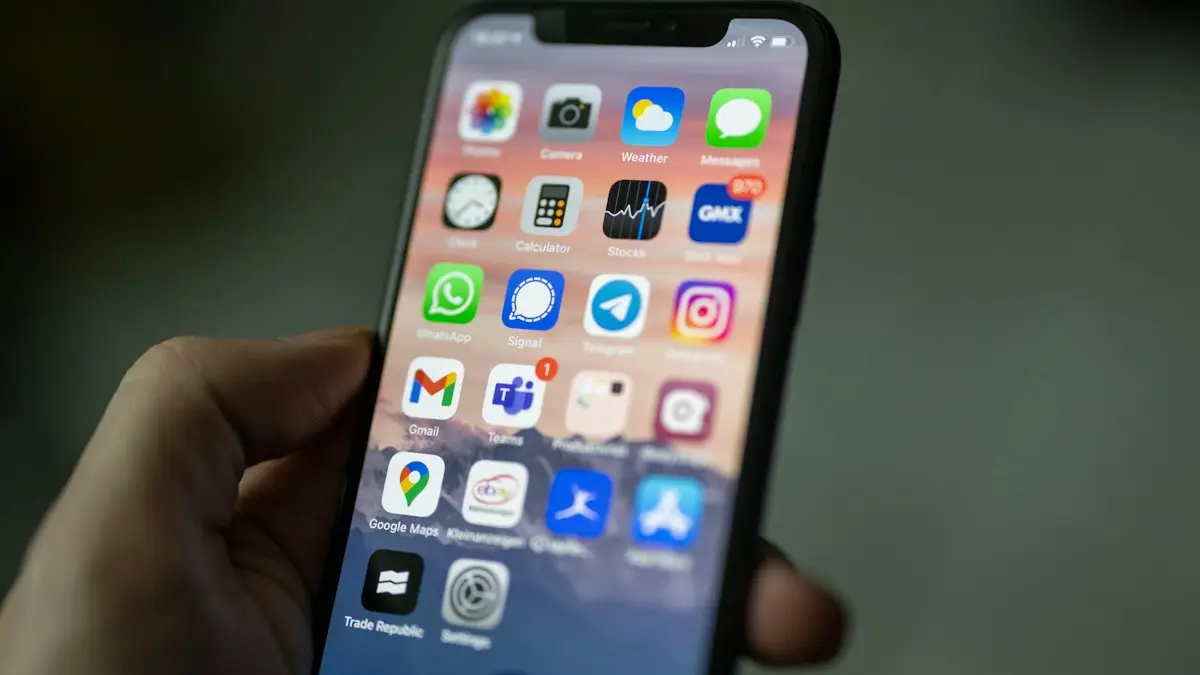
Photo by Dimitri Karastelev on Unsplash
The fix
Try these in order
- 1
Pause and resume the download.
Tap the grey icon on the Home Screen once to pause it, wait a few seconds, then tap it again.
- 2
Make sure you have enough storage.
Check Settings › General › iPhone Storage. An app needs room for the download plus space to install, often double its listed size.
- 3
Check your connection.
Switch between Wi-Fi and cellular data. Large apps may need permission to download over cellular data under Settings › App Store › App Downloads.
- 4
Restart your iPhone.
Turn it off and on again. The download usually continues on its own after the restart.
- 5
Remove the app and download it again.
Press and hold the icon, choose Remove App or Cancel Download, and install it fresh from the App Store.
- 6
Sign out of the App Store and back in.
Open the App Store, tap your profile picture, scroll down and tap Sign Out. Sign in again and retry the download.
Other things that block downloads
Screen Time restrictions
If installing apps is blocked under Settings › Screen Time › Content & Privacy Restrictions, downloads will not start.
Outdated iOS
Some apps need a newer version of iOS. Check Settings › General › Software Update.
Apple service outage
Rarely, the App Store itself is down. Check Apple's System Status page.
Why does an iPhone app get stuck while downloading?
An app download has four stages: waiting in the queue, downloading, verifying and installing. A grey icon with the word Waiting means the first stage has not finished. Loading means the file is arriving. Installing means the file is on your iPhone and iOS is putting it in place. Each stage depends on something different, which is why one fix does not suit every case. A busy queue, a weak connection, too little storage, an account that needs attention or a restriction can each hold the process up.
What each label tells you
- Waiting: queued behind other downloads, or iOS is waiting for storage, Wi-Fi or a sign-in.
- Loading: the download has started but the connection is slow or has dropped.
- Installing: the file arrived, but there is not enough free space or an iOS problem.
- Paused: you or a setting stopped it. Tap the icon to resume.
Clear the download queue
Open the App Store, tap your profile picture and scroll to Upcoming Automatic Updates. If many updates are queued, tap Update All or swipe one to pause it. A big game with several gigabytes can hold other downloads behind it, so pause it while you install the app you need first. You can also open the stuck app on the Home Screen, press and hold, and tap Prioritize Download. This puts it at the front of the line.
Free space the right way
A common reason for a stuck install is storage. An app needs room for the download and extra room while iOS unpacks it, so a 2 GB app may need around 4 GB free. Check Settings › General › iPhone Storage, then offload apps you rarely use or move photos to iCloud. For a full walk-through, see making room on your iPhone. If iCloud is full as well, you may need to change your plan or clean up backups.
Network checks beyond Wi-Fi vs cellular
Weak Wi-Fi can look fine for web pages and still fail on a large file. Move closer to the router, restart it and switch to another network. If you use cellular data, check Settings › App Store › App Downloads and choose Always Allow or Ask If Over 200 MB. If you use a VPN, content filter or a work network, turn it off for a moment, since these sometimes block Apple's servers. Low Data Mode (Settings › Cellular › Cellular Data Options) can also pause downloads.
Apple Account and payment problems
Even free apps need a healthy Apple Account. If the App Store shows a payment problem, an unpaid balance or Verification Required, fix that first. Check Settings › [your name] › Payment & Shipping. Also sign out of the App Store from Media & Purchases, then sign in. A forgotten password can lock you out, so see the steps to reset your Apple Account password if you cannot sign in.
iOS version, Screen Time and device limits
An app that needs a newer iOS than yours may sit on Waiting. Install the latest iOS in Settings › General › Software Update, and if the iPhone is too old for the update, the App Store may offer an older compatible version of the app when you tap Download. Check Screen Time restrictions too, since Installing Apps may be set to Don't Allow. Parental controls and managed devices from work or school can also block downloads.
How long should you wait?
A small app should install in under a minute on a good connection. A large game with several gigabytes can take much longer, and the percentage may sit still for a while before moving. If the progress ring has not moved for 10 minutes on a strong connection, pause and resume it. If it stays on Waiting for more than a few minutes with no other downloads in the queue, something is blocking it, so work through the fixes above rather than waiting.
The Airplane mode trick
A simple and often effective step is to turn on Airplane mode from Control Center, wait 10 seconds and turn it off. The iPhone reconnects to the network from scratch, and a download that was stuck waiting on a bad connection often restarts. It is quick and costs nothing, so try it before a restart. If you are on a Wi-Fi network with a sign-in page, such as a hotel or cafe, open Safari first so that the page can load and sign you in.
Updates that stall on all apps
If every update gets stuck, not just one, check Settings › App Store and look at Automatic Downloads and App Updates. Turn App Updates off, restart the phone, and turn it on again. Also check Settings › General › Background App Refresh, and make sure Low Power Mode is off, since it can pause background downloads. If the iPhone is overheating or very low on battery, it may also delay installs until it cools down or charges.
When it still will not finish
- Force close the App Store, restart the iPhone and try again.
- Remove the stuck icon, then reinstall it. This does not delete your Apple Account purchases.
- Reset network settings from Settings › General › Transfer or Reset iPhone › Reset. This clears saved Wi-Fi passwords.
- Try the download on another Wi-Fi network, such as a friend's or a phone hotspot, to rule out your router.
- If it fails for every app, back up the phone and contact Apple Support.
It is worth paying attention if the phone is slow overall. An old iPhone with a worn battery and almost no storage may be struggling with apps in general, so a battery replacement or a newer phone could be a better use of money than endless troubleshooting. Check the battery first with a battery health check.
Check your Apple Account payment
A download can hang without a clear error if Apple has a billing question. Open the App Store, tap your profile picture and look for a red message about payment. If there is one, our guide to App Store Verification Required walks through the fix.
Most stuck downloads finish after a restart.
Frequently asked questions
Why does my app say “Waiting”?
The download is queued behind other downloads or updates, or iOS is waiting for a connection, storage space or a sign-in. The fixes below clear each of these.
Can I delete a stuck app?
Yes. Press and hold the grey icon and choose Remove App or Cancel Download, then install it again from the App Store.
Why is my app update stuck on Waiting?
Updates install one or a few at a time, so yours may be queued behind bigger ones. Pause the others, or tap the stuck icon to pause and resume it.
Does a stuck download use my data?
A stalled download can use cellular data while it retries. If you are on a limited plan, switch to Wi-Fi or turn off App Downloads over cellular data in Settings › App Store.
What to try next
People also ask
Can you install the Google Play Store on an iPhone?
No. The Play Store is an Android app and iPhones only run iOS apps from Apple’s App Store. Pages that say otherwise are wrong or unsafe.
Read the full guide: Google Play Store on iPhoneWhy does the App Store say Cannot Connect?
Your iPhone cannot reach Apple’s servers. Check the internet, Apple’s System Status page, the date and time, and turn off any VPN.
Read the full guide: App Store not workingWhy is None not an option?
None disappears when you owe money, have an active subscription, or are in a Family Sharing group with purchase sharing. Pay the balance or ask the organizer.
Read the full guide: App Store Verification RequiredWhy can’t I remove my only payment method?
If you have subscriptions, an unpaid balance or you are the Family Sharing organizer, Apple requires at least one payment method. Add a new one first, then remove the old card.
Read the full guide: Change payment method on iPhoneRelated guides
Google Play Store on iPhone
How to download Google Play Store on iPhone? You can't, because it only runs on Android. See why, which tricks to avoid and what to use instead.
App Store not working
App Store not working or saying Cannot Connect to App Store? Check Apple’s status, your connection, date and time, VPN and Screen Time with these 9 fixes.
App Store Verification Required
App Store says Verification Required even for free apps? Pay any unpaid balance, update your payment method or switch it to None, then sign out and back in.
Change payment method on iPhone
Update the card or PayPal used for App Store purchases and subscriptions on iPhone, fix declined payments and billing alerts, and see how Family Sharing works.
More guides you may need
Unarchive a WhatsApp chat
Find your archived chats in WhatsApp and move them back to the main list on iPhone, Android or WhatsApp Web. Plus why archived chats come back on their own.
WhatsApp code not received
WhatsApp verification code not received? Check your number, signal and SIM, find filtered texts on iPhone or Android, and use the phone call option safely.