

Is AppleCare+ worth it for iPhone? An honest breakdown
AppleCare+ pays off if you are likely to crack a screen or lose a phone. For careful owners with a good case, it often does not.
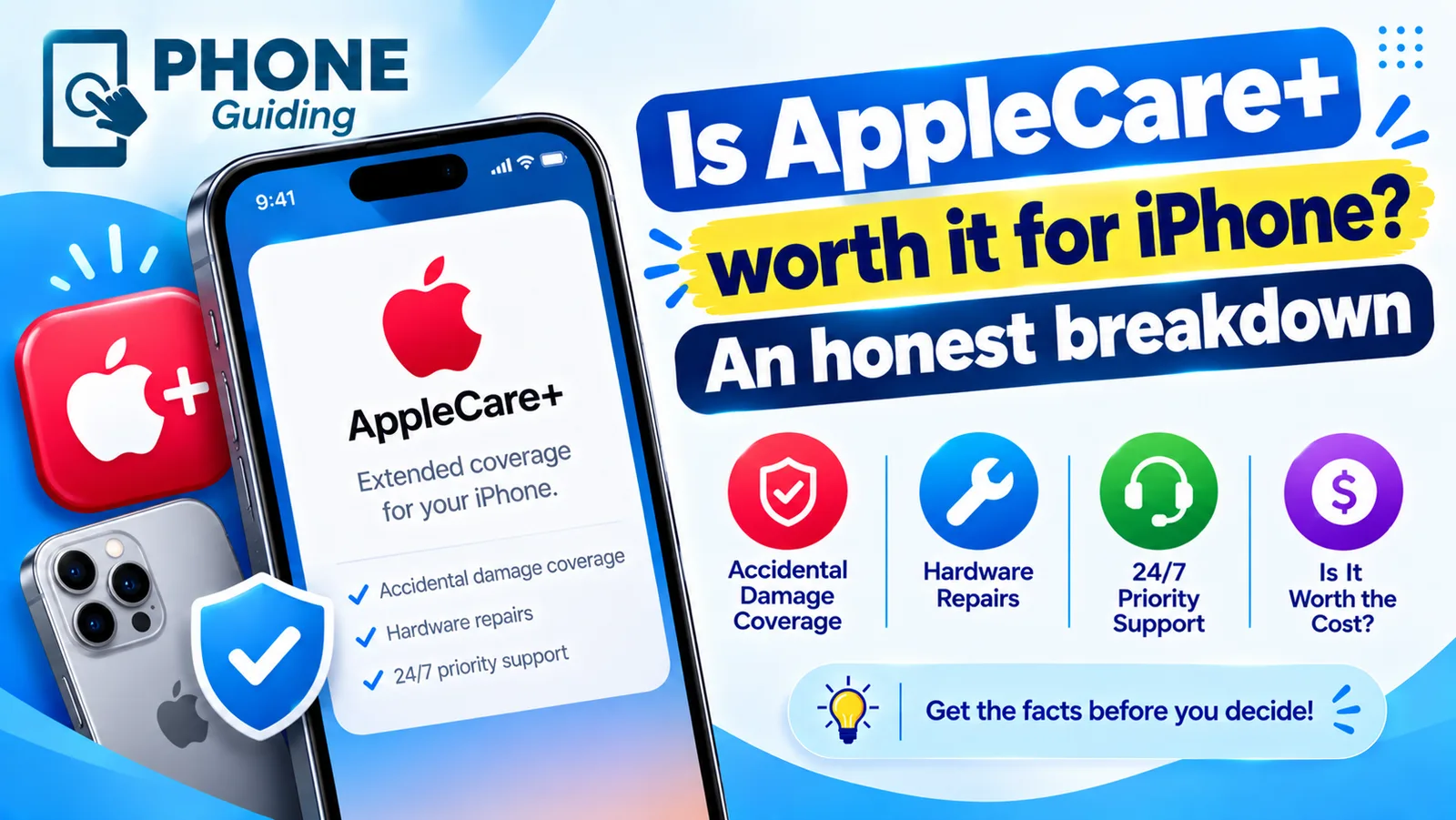
AppleCare+ is Apple’s extended warranty and accident protection. It is tempting at checkout, especially on an expensive iPhone 18 Pro, but it is not the right choice for everyone. The honest answer depends on how you use your phone, what it would cost to fix, and whether you already have coverage from your carrier or credit card. Here is how to decide, with the actual fees from Apple.
What AppleCare+ covers
- Unlimited repairs for accidental damage such as drops and spills, each with a service fee.
- Battery replacement at no extra cost if capacity drops below 80 percent.
- Hardware faults, like a failed speaker or Face ID, for as long as you are covered, beyond the standard one-year warranty.
- Priority 24/7 support, and express replacement so you are not without a phone for long.
- With the Theft and Loss version: replacement of a lost or stolen iPhone, up to twice in 12 months.
What you pay when something breaks
- Cracked screen or back glass: $29 with AppleCare+.
- Other accidental damage, such as a bent frame or water: $99.
- Lost or stolen iPhone (Theft and Loss plans): $149 per claim.
- Worn battery below 80 percent: $0.
The monthly or two-year price depends on your model, and Pro models cost more. Check the exact price for your iPhone in Settings › General › AppleCare & Warranty, or at checkout. Without AppleCare+, Apple charges its full out-of-warranty price, which for a Pro model’s screen or back glass can run to several hundred dollars, and a lost phone means buying a new one.
Is AppleCare worth it for you? Do the math
Add up what AppleCare+ would cost you over the time you plan to keep the iPhone. Then compare it with the likely cost of one incident without it. For a typical Pro model, a single cracked screen, back glass repair or lost phone usually costs more out of pocket than two years of AppleCare+. If you have not broken or lost a phone in years, the odds favor skipping it and putting the money aside instead.
AppleCare+ is usually worth it if
- You have cracked or lost a phone in the last few years.
- You bought a Pro or Pro Max model, where repairs cost the most.
- The iPhone is for a child or teenager, who is far more likely to drop or lose it.
- You work outdoors, travel a lot, or often use your phone near water.
- You want to keep the phone three years or more; the free battery replacement alone can be worth $99 to $129.
You can probably skip it if
- You use a good case and screen protector and rarely drop your phone.
- Your credit card or home insurance already covers phones.
- You upgrade every year or two, so the battery benefit never comes into play.
- You would rather keep an emergency fund than pay a monthly fee.
What AppleCare+ does not cover
- Cosmetic damage that does not affect how the phone works, such as scratches or dents.
- Damage caused on purpose, or by repairs and modifications from unauthorized shops.
- A lost or stolen iPhone on plans without Theft and Loss, or when Find My was turned off.
- Accessories like cases and chargers, unless they came in the box.
It also does not remove the service fee: you still pay $29, $99 or $149 each time. Think of AppleCare+ as capping your cost per incident, not making repairs free.
Monthly or paid up front?
Paying monthly spreads the cost and continues until you cancel, which suits people who keep phones for many years. Paying up front for a fixed term can cost a little less in total if you know you will upgrade at the end of it. Either way, you can cancel later. If you plan to trade in the phone within two years, monthly is usually more flexible, since you stop paying the day you switch.
Refurbished or used iPhone?
An Apple Certified Refurbished iPhone is sold with a new one-year warranty and can have AppleCare+ added within 60 days, just like a new one. A used iPhone bought from a person or another store usually cannot get AppleCare+ unless it is still within 60 days of its original purchase. Check the coverage in Settings › General › AppleCare & Warranty before you buy. See how to tell if an iPhone is refurbished.
AppleCare One: one plan for several devices
AppleCare One covers up to three eligible Apple products for $19.99 a month, including theft and loss for iPhone, with up to three theft or loss claims a year. Extra devices are $5.99 a month each. AppleCare One Family is $49.99 a month and covers eligible devices for up to six people, with up to six theft or loss claims a year. Devices must be less than four years old. If you own an iPhone, iPad, Mac or Apple Watch, compare it with separate AppleCare+ plans, since covering two or three devices with AppleCare One is often cheaper.
AppleCare+ vs carrier insurance vs credit cards
- Carrier plans: Verizon, AT&T and T-Mobile sell protection plans billed with your phone bill. They often bundle AppleCare+-style repairs with extras like tech support, but deductibles for replacement can be higher. Read the deductible table for your model before choosing.
- Credit card cover: some cards cover phone damage and theft if you pay your monthly phone bill with the card. Coverage limits and deductibles vary, and claims can be slower. Check your card’s benefits guide.
- AppleCare+: repairs use genuine Apple parts at Apple or authorized providers, with fixed, low fees. It is usually the simplest to claim on.
How to buy AppleCare+ after you bought your iPhone
- 1
Open Settings › General › AppleCare & Warranty.
- 2
Check your eligibility.
You have 60 days from the purchase date. The screen shows whether your iPhone can still be covered.
- 3
Choose the plan and payment.
Pick monthly or up front, with or without Theft and Loss. The iPhone may run a quick check before coverage starts.
A quick example
Say you buy an iPhone 18 Pro, keep it three years, and crack the screen once. With AppleCare+ you pay the plan cost plus $29, and the battery is replaced free in year three if it has worn below 80 percent. Without it, you pay Apple’s full screen price and up to $129 for the battery. If nothing ever breaks, the plan cost is money you did not need to spend. That is the whole decision: how likely is that one bad day for you?
Making a claim
For damage, book a repair in the Apple Support app, at an Apple Store or with an Apple Authorized Service Provider, and pay the fee. For theft or loss, Find My must have been on when the phone went missing and must stay on during the claim. Mark the iPhone as lost in Find My, then file at Apple’s theft and loss claims site. Do not remove the device from your account until the claim is approved. See what to do when your iPhone is lost or stolen.
When coverage ends
A fixed-term plan simply stops at the end date, and the iPhone goes back to normal out-of-warranty prices. Monthly plans keep going until you cancel. Before a plan ends, check Settings › Battery › Battery Health; if the battery is close to 80 percent, a free replacement while you are still covered is worth booking.
Frequently asked questions
Can I buy AppleCare+ after I buy my iPhone?
Yes, within 60 days of buying the iPhone. Go to Settings › General › AppleCare & Warranty on the iPhone, or buy it at an Apple Store after the phone is checked.
Does AppleCare+ cover a lost or stolen iPhone?
Only AppleCare+ with Theft and Loss, or AppleCare One. Each claim has a $149 deductible, you can make up to two claims in 12 months, and Find My must be on when the phone goes missing.
Does AppleCare+ cover the battery?
Yes. If the battery holds less than 80 percent of its original capacity, Apple replaces it at no extra charge while you are covered.
Can I cancel AppleCare+?
Yes. Monthly plans can be canceled at any time in Settings › your name › Subscriptions, and you may get a partial refund on plans paid up front.
Does AppleCare+ cover a cracked screen?
Yes. A cracked screen or back glass is $29 per incident with AppleCare+. Other accidental damage has a higher fee, listed on Apple’s coverage page for your model.
What to try next
Related guides
Apple Wallet verification not available
Apple Wallet verification not available when you add a card? Check the bank options, region and date, remove the card and re-add it from your bank app. 7 fixes.
Continue setup on iPhone
Apple Watch says continue setup on iPhone but nothing happens? Finish pairing, restart, reset in pairing mode, or unpair and start again. Steps for each case.

Apple Account cannot be created
Apple Account cannot be created or says 'cannot create at this time'? Check your connection, software, VPN and details, or sign up on the web. 7 fixes.

AirPods keep beeping
AirPods keep beeping in your ears or from the case? Check battery tones, Find My Play Sound, Announce Notifications and dirty contacts. 7 causes and easy fixes.
More guides you may need

Apple Watch not charging
Apple Watch not charging, stuck at 80% or showing a red lightning bolt? Clean the back, check the charger and force restart with these 8 simple fixes.

Apple Watch not texting Android
Apple Watch texts to an Android phone fail or stay red? Check the paired iPhone, SMS and MMS, iMessage and contact settings, then restart and re-pair if needed.