

How to check phone warranty on iPhone, Samsung and Pixel
Before you pay for a repair or buy a used phone, find out what is still covered. It takes a serial number and a minute.
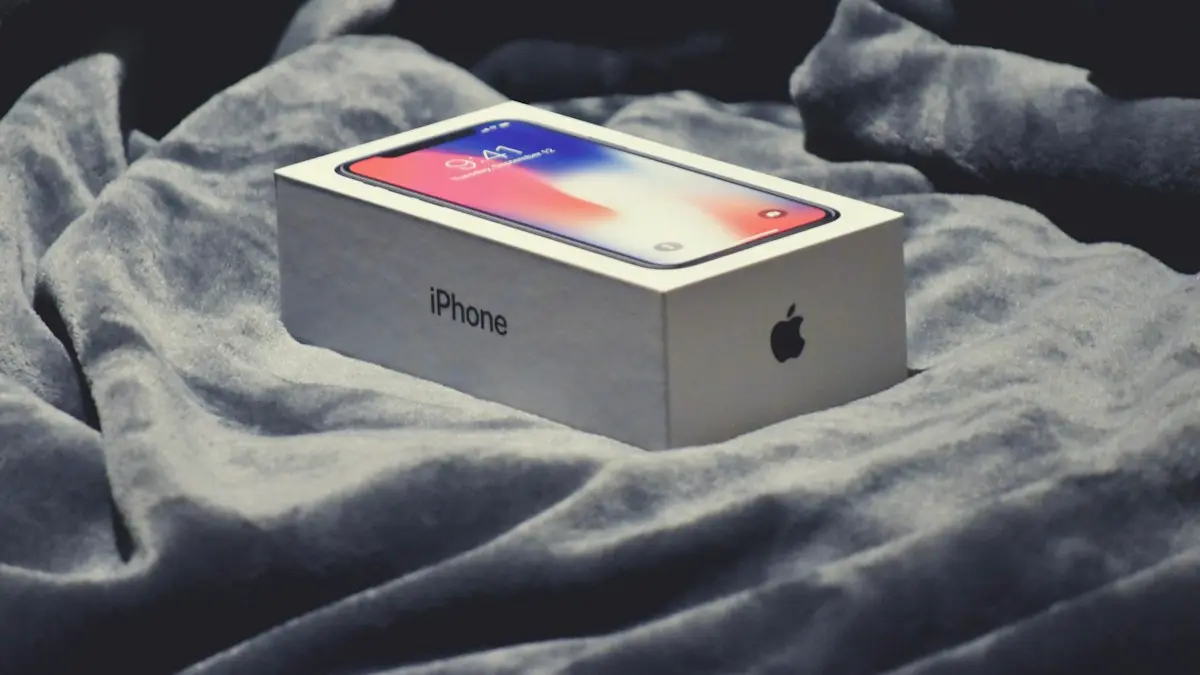
Photo by Franck on Unsplash
Knowing your warranty status before something breaks saves money. It tells you whether a battery fault, a dead speaker or a screen that flickers on its own will be fixed for free, or whether you should shop around. It also matters when you buy a used phone, since some of the original coverage may remain. This guide shows the quickest check for each brand, explains what a warranty does and does not cover and lists what to do if the coverage has ended.
Step 1: find the serial number or IMEI
- iPhone: Settings › General › About shows the Serial Number and IMEI.
- Samsung and Pixel: Settings › About phone shows the serial number and IMEI, sometimes under Status information.
- Without the phone: use the box, the receipt, your online order or the account on the maker's site.
Dial *#06# to see the IMEI on any phone. There are more ways in how to find an IMEI number.
How to check iPhone warranty status
The fix
On the iPhone
- 1
Open Settings › General › About.
- 2
Tap Coverage.
On recent iOS versions, Coverage shows whether the phone is covered by the Limited Warranty, AppleCare+ or neither, and the end date.
- 3
Tap the coverage name for details.
You can see what is covered and how to start a claim.
The fix
On the web, without the phone
- 1
Go to checkcoverage.apple.com.
Apple's Check Coverage page asks for the serial number.
- 2
Enter the serial number and the security code.
Apple then shows the model, the purchase date status and the coverage.
- 3
Or sign in at account.apple.com.
Open Devices, tap your iPhone and look for the coverage line.
How to check Samsung warranty
Samsung's US support site has a warranty lookup where you enter your product's serial number or IMEI, and the Samsung Members app can show coverage for phones registered to your account. Samsung also gives Care+ plans through its own and partner channels, and those have separate terms. Menu and page names change, so search for warranty on Samsung's US support page if you do not see a link. If you bought the phone from a carrier, the carrier may handle the first-year claims. Keep the receipt, because proof of purchase date is often needed.
How to check Google Pixel warranty
Google's Store support pages let you check a Pixel's warranty status by IMEI or serial number. You can also sign in to your Google Account and open the device details, where the warranty or Preferred Care status appears for phones bought from Google. Pixels bought from a carrier or a retailer usually need the original receipt to prove the date. A Pixel may also show repair options and Google-approved providers in Settings, depending on the version.
What a phone warranty covers
- Covered: manufacturing defects such as a dead pixel line, a faulty battery that fails early, a speaker or microphone that stops working, or a camera that fails without damage.
- Usually not covered: drops, cracks, liquid damage, unauthorized repairs, theft, loss and normal wear.
- Battery: most warranties cover a battery that falls below a set capacity, such as 80 percent for Apple, within the warranty period.
Extended coverage and other ways to be covered
Other places coverage can come from
AppleCare+ and Samsung Care+
Add accident coverage and often extend the time. See the AppleCare+ cost and coverage.
Carrier protection plans
Bill monthly and cover damage, loss and theft, usually with a deductible.
Credit card benefits
Some cards extend a manufacturer's warranty or cover damage if you bought the phone with the card. Check the card's guide for details.
Consumer protections
Your state or the store's return policy may give you rights if the phone has a defect. A seller's own warranty on used phones is another source.
For a wider comparison, see whether phone insurance is worth it.
Checking warranty when you buy a used or refurbished phone
Ask the seller for the serial number and run the check yourself. A used phone may still have part of the original warranty left, and a manufacturer-refurbished one often has its own new warranty. Check that the phone's status is not marked as replaced, and compare the date with what the seller says. Be careful if the lookup says the serial number is invalid or shows a different model, since that can mean the phone is fake or has been tampered with. For the whole checklist, read how to buy a used phone.
How to make a warranty claim
- 1
Confirm the problem is a defect.
Restart the phone, update the software and try the usual fixes first. A claim goes faster when you can say what you already tried.
- 2
Gather your details.
Have the serial number or IMEI, the purchase date and your receipt or order number. Take a short video of the fault if it comes and goes.
- 3
Back up and turn off tracking.
Repairs can erase a phone. Make a backup, then turn off Find My iPhone or Find My Mobile if the repair center asks you to. Never share your password.
- 4
Start the claim with the right party.
Apple and Google handle their own phones. For Samsung, use Samsung's support or the carrier or store you bought from. Carrier-sold phones may need the carrier to start the claim.
- 5
Keep the paperwork.
Save the case number and every email. If the repair fails, you will need them to ask for a replacement.
What can void a phone warranty?
A warranty does not disappear because you used a third-party case or changed a setting. It can be limited by damage that the maker says caused the fault: liquid damage, a cracked frame, signs of an unauthorized repair or opening, and use of non-genuine parts that damaged the phone. In the US, a store or maker generally has to show that your action caused the problem before refusing a claim for something unrelated. If a claim is denied, ask for the reason in writing and the part of the terms that applies.
Liquid contact indicators inside the phone are one thing makers use to judge water damage. Even phones that are rated for water resistance are not covered for liquid damage under most standard warranties, because the rating fades as seals age. If your phone got wet, see what to do if your phone gets wet before you contact the maker.
Does the warranty depend on where you bought the phone?
Mostly no. The maker's limited warranty applies to a new phone no matter where it was bought, but you may need the retailer or carrier's proof of purchase to show the start date. Phones bought from a carrier on a payment plan can have the same maker warranty, and the carrier may also offer its own return window. Gray-market phones, those imported from another country, can have a limited or no warranty in the US, and the lookup may show a different region. Check this before you buy a phone that is much cheaper than the same model at a US store.
If you bought your phone from a carrier and want to switch networks, remember that warranty and carrier lock are separate things. A phone can be under warranty and still locked, see how to tell if a phone is unlocked.
What to do if your warranty has ended
- 1
Get repair quotes.
Compare the maker, an authorized provider and a trusted local shop. See what an iPhone screen repair costs for an example.
- 2
Check other coverage.
Your carrier plan, credit card or home insurance may still help.
- 3
Ask about goodwill repairs.
For widespread known faults, a maker may fix a phone outside the warranty. It is worth asking politely and showing the issue.
- 4
Decide whether to repair or replace.
Weigh the repair cost against the phone's age and value.
Frequently asked questions
How long is a phone warranty?
Major brands typically offer a one-year limited warranty on new phones in the US, which covers defects but not accidental damage. Extended plans such as AppleCare+ or Samsung Care+ add more time and cover accidents.
Does a warranty cover a cracked screen?
Not by itself. The standard warranty covers manufacturing defects. A cracked screen from a drop is accidental damage, which needs a plan such as AppleCare+, Samsung Care+ or insurance.
Can I check the warranty without the phone?
Yes, if you have the serial number or IMEI. Look at the box, the receipt or your account on the maker's website to find it.
Does a warranty transfer to a new owner?
Usually yes. The limited warranty follows the phone, not the owner, but a plan like AppleCare+ may have its own transfer rules, so check before you buy.
What to try next
People also ask
Why does my new iPhone say coverage expired?
A new iPhone can show it if the purchase has not registered yet, if it was bought used or refurbished, or if the plan was bought from a third party. Check the serial number at checkcoverage.apple.com and contact Apple if the record is wrong.
Read the full guide: iPhone coverage expiredIs a phone bought from Apple, Samsung or Google unlocked?
Phones bought at full price directly from Apple, Samsung or the Google Store are normally unlocked. A phone bought with a carrier deal or carrier financing is usually locked to that carrier, even if you bought it in an Apple Store.
Read the full guide: Is my phone unlocked?Can I buy AppleCare+ after I buy my iPhone?
Yes, within 60 days of buying the iPhone. Go to Settings › General › AppleCare & Warranty on the iPhone, or buy it at an Apple Store after the phone is checked.
Read the full guide: Is AppleCare+ worth itWhat does IMEI stand for?
IMEI means International Mobile Equipment Identity. It is a unique 15-digit number that identifies one phone on mobile networks.
Read the full guide: Find your IMEI numberRelated guides
iPhone coverage expired
iPhone says coverage expired in Settings? Learn what it means, how to check the real dates, when you can still renew AppleCare and what to do if it is wrong.
Is my phone unlocked?
How do I know if my phone is unlocked? Check in Settings on iPhone, Samsung or Pixel, test a SIM or eSIM, and see the 2026 Verizon, AT&T and T-Mobile rules.
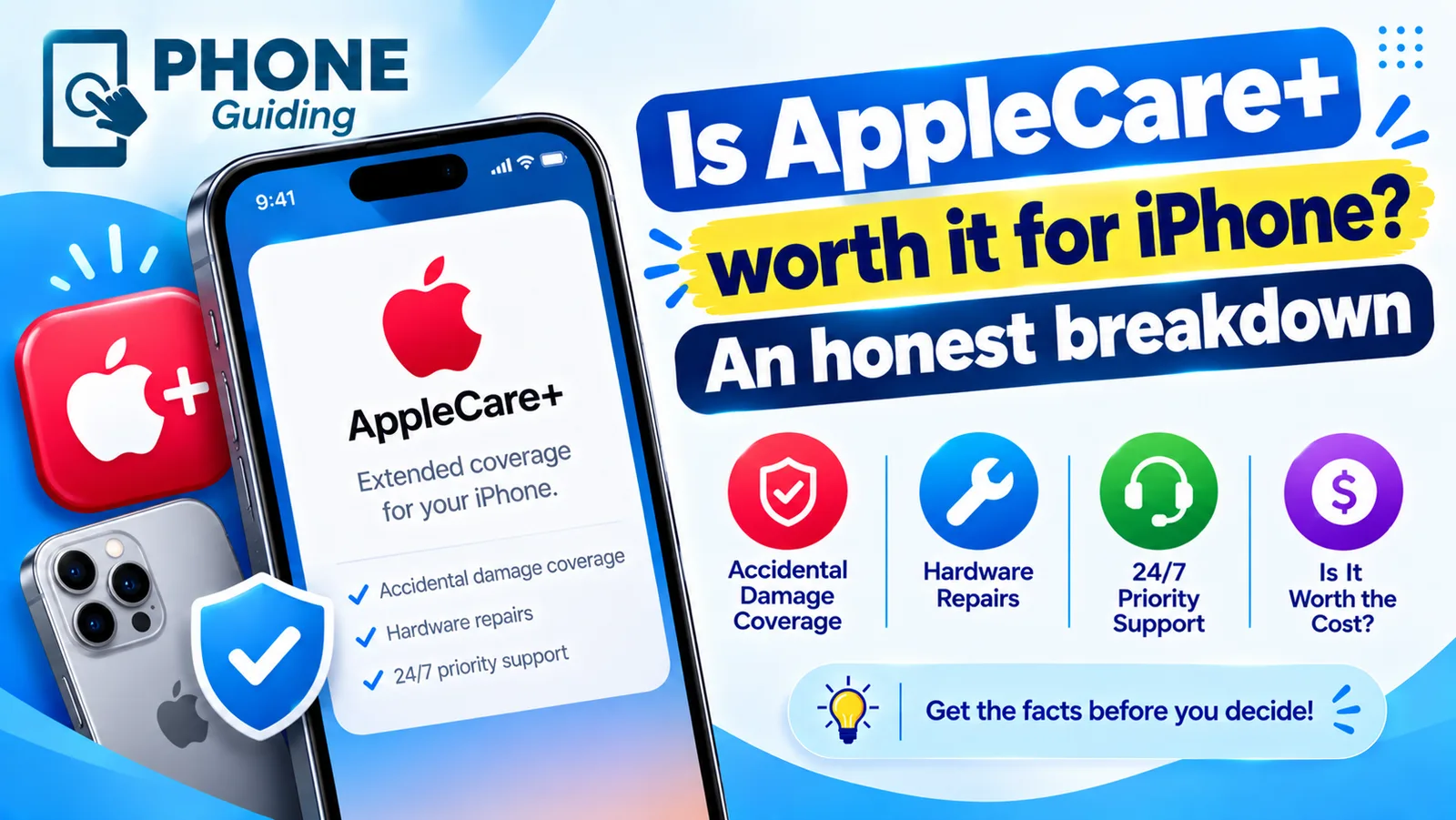
Is AppleCare+ worth it
Is AppleCare+ worth it for your iPhone? Compare its fees with real repair costs, see who should buy it, and how AppleCare One and carrier insurance compare.
Find your IMEI number
How to find IMEI number on any phone: dial *#06#, check Settings, the SIM tray, the box or your account. Includes dual SIM, eSIM and dead phone methods.
More guides you may need
Recover deleted texts on Android
Recover deleted texts on Android from the Trash in Google Messages or Samsung Messages, the Archived and Spam folders, or a Google or Samsung Cloud backup.

Schedule a text on iPhone
Schedule a text on iPhone with Send Later in Messages, up to 14 days ahead. Plus how to edit or cancel it, and a Shortcuts trick for regular SMS texts.