

How to find my iPhone when it is lost, off or dead
If Find My was on, you can see where your iPhone is from any browser, even an Android phone or a friend’s laptop.
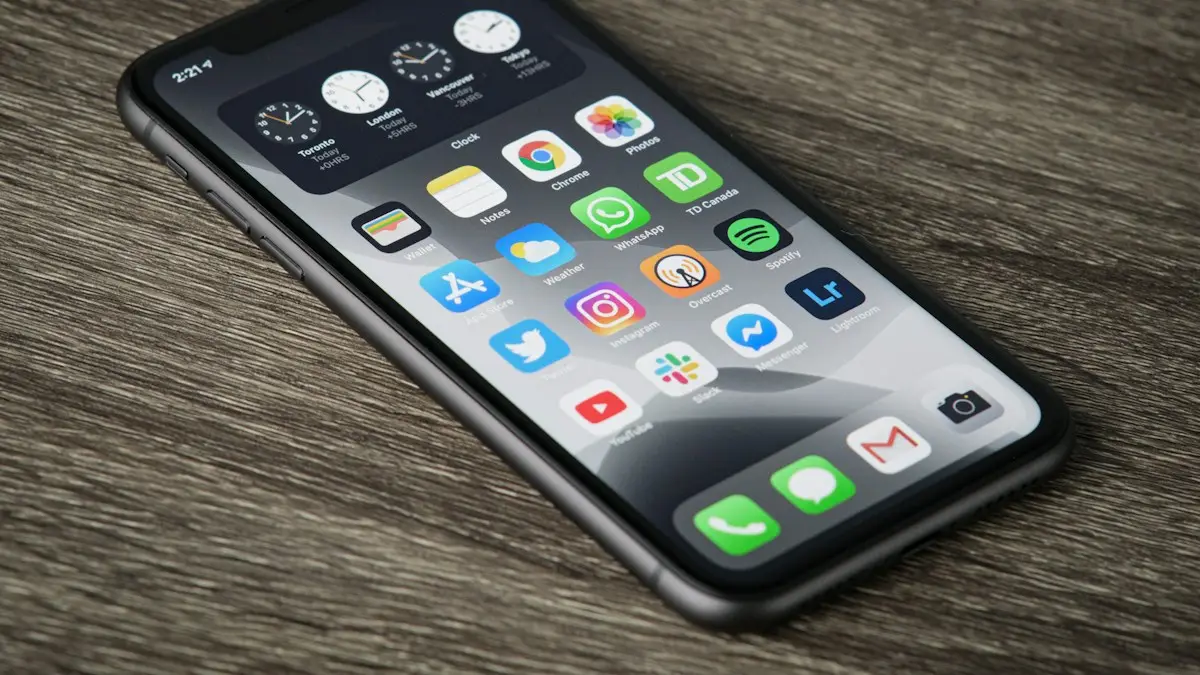
Photo by Thom Bradley on Unsplash
Act quickly but calmly. If Find My was turned on, and it is on by default when you sign in to iCloud, you have a very good chance of seeing where your iPhone is. The steps below work from a friend’s iPhone, a computer, or even an Android phone. Start with the map, and only move on to locking or erasing if the phone is not somewhere safe.
How to find my iPhone from any browser
The fix
Use icloud.com/find
- 1
Go to icloud.com/find on a computer or any phone.
Use a private browsing window on a borrowed device.
- 2
Sign in with your Apple Account.
You can locate devices without entering a two-factor verification code, which matters when the lost iPhone is the one that would receive it.
- 3
Select your iPhone under All Devices.
The map shows where it is now, or where it was last seen, with the time.
- 4
Choose Play Sound, Mark As Lost or Erase This Device.
Start with Play Sound if the map shows it nearby, such as in your home or car.
The fix
Find it from another Apple device
- 1
Open Find My and tap Devices.
On a family member’s device, your iPhone appears here if you share locations in Family Sharing.
- 2
Choose your iPhone to see where it is.
The battery level and the time of the last update are shown under its name.
- 3
Tap Directions to go to it, or Notify When Found if it is offline.
Notify When Found sends you an alert with its location as soon as the iPhone connects again.
Signing in to a friend’s iPhone? Use the Find My app’s Help a Friend option at the bottom of the Me tab, which signs you in only for this and does not add your account to their phone.
Lost somewhere at home?
- Apple Watch: open Control Center on the watch and tap the Ping iPhone button. The iPhone plays a sound even in Silent mode. Touch and hold the button to also flash the iPhone’s flashlight in the dark.
- Play Sound: from Find My on any device or icloud.com. It plays at full volume and gets louder, even if the iPhone is on silent.
- Siri on another device: on an iPad, Mac or HomePod signed in to your account, say “Find my iPhone” and it plays the sound.
- Call it: if it is not on silent, a call from another phone is the quickest check.
What Mark As Lost does
- Locks the iPhone with its passcode, so nobody can use it.
- Shows a message and a phone number on the Lock Screen, so an honest finder can call you.
- Suspends Apple Pay cards and passes in Wallet.
- Keeps tracking the location, and emails you when it changes.
Use a phone number you can answer from another phone, such as a family member’s or your work number, and keep the message short and polite. When you get the iPhone back, unlock it with your passcode and Lost Mode turns off.
If the iPhone is off or the battery is dead
Find My can still help. Nearby Apple devices anonymously pick up signals from lost iPhones and report their location through the Find My network, and iPhone 11 and later can often be located this way for a while after they power off or the battery runs low. If that does not work, Find My shows the last known location for up to seven days in the app, and for up to 24 hours on icloud.com. Go to that place first. Turn on Notify When Found so you hear the moment it comes back online.
If you think it was stolen
- 1
Mark it as lost straight away.
This locks it, suspends Apple Pay and keeps reporting its location to you by email.
- 2
Report it to the police.
Give them the location from Find My and the serial number or IMEI, which you can find at account.apple.com under Devices, or on the original box. Do not try to recover it from a stranger yourself.
- 3
Call your carrier.
Ask Verizon, AT&T or T-Mobile to suspend your line so nobody runs up charges, and to block the phone’s IMEI. Blocked phones are flagged in databases that buyers check, which makes a stolen iPhone hard to sell. See how stolen phones are checked and blocked.
- 4
Change your Apple Account password.
Do it from another device, and check that no unknown devices are signed in.
- 5
Claim on your insurance.
AppleCare+ with Theft and Loss, carrier insurance and some credit card phone protection plans cover theft. Keep the police report number; most claims need it. Do not remove the iPhone from your account until the claim is approved.
Should you erase it?
Only when you are sure it is not coming back. Erase This Device wipes your data, but on iOS 15 and later you can still see the iPhone in Find My afterward, and Activation Lock stays on, so nobody else can set it up. On older versions, erasing ends tracking. Do not choose Remove This Device, which turns off Activation Lock and lets someone else use the phone.
Lost AirPods, an iPad or a Mac?
The same Find My app and icloud.com/find list every Apple device on your account. AirPods can play a sound from each earbud separately, and an Apple Watch, iPad or Mac can be marked as lost in the same way as an iPhone. Items with an AirTag appear under the Items tab in the app.
Can’t find it on the map?
- Find My was off on the iPhone. Without it, Apple cannot locate the phone, and your only options are the police, your carrier and insurance.
- You are signed in with a different Apple Account. Check the email address you use on your other devices.
- The location is out of date because the phone has been off for a long time. See our guide to Find My not updating location.
Got it back? Do this
- Unlock it with your passcode, which turns off Lost Mode, and check Apple Pay cards are working again in Wallet.
- Look through Settings for anything unfamiliar, such as new accounts, profiles in VPN & Device Management, or apps you did not install.
- If it was out of your hands for a long time, change your Apple Account password and passcode as a precaution.
- Tell your carrier and the police, if you reported it, so the line and IMEI are unblocked.
Set this up now, before you need it
- Check Find My is on: Settings › your name › Find My › Find My iPhone. Turn on Find My network and Send Last Location too.
- Turn on Stolen Device Protection in Settings › Face ID & Passcode, which makes it much harder for a thief who knows your passcode to take over your account.
- Share your location with a family member in Family Sharing, so they can find your phone for you from their own iPhone, even if you cannot get to a computer.
- Save your iPhone’s serial number and IMEI somewhere other than the phone, such as a note on your computer or a photo of the original box.
Frequently asked questions
Can I find my iPhone if it is off or dead?
Often, yes. iPhone 11 and later can usually still be located through the Find My network for a while after they turn off or the battery runs low. Otherwise, Find My shows the last known location for up to seven days.
What should I do if it was stolen?
Mark it as lost, report it to the police with the serial number or IMEI, and call your carrier to suspend the line. Do not try to get it back from a stranger yourself.
Can I find my iPhone without another Apple device?
Yes. Go to icloud.com/find in any web browser, including on an Android phone or a Windows PC, and sign in with your Apple Account. You do not need a verification code just to locate your devices.
Can a thief turn off Find My?
Not without your Apple Account password. Activation Lock keeps the iPhone tied to your account, and with Stolen Device Protection on, changing security settings away from familiar places also needs Face ID.
What to try next
Sources
Official pages these steps are based on. Menus can differ by software version.
People also ask
Can I turn off Find My without the password?
No. The Apple Account password is required, which is what stops thieves. Reset the password at iforgot.apple.com if you forgot it.
Read the full guide: Turn off Find My iPhoneCan I find my phone if it is off?
Pixel 8, Pixel 9 and Pixel 10 phones can be located for several hours after they power off or the battery dies, through the Find Hub network. Other phones show their last known location.
Read the full guide: Find a lost Android phoneCan I share my location with an Android phone?
Find My only works between Apple devices. For an Android user, open Google Maps on your iPhone, tap your profile picture, then Location sharing, and send them a link.
Read the full guide: Share your location on iPhoneWhy does Find My say No location found for a person?
They may have stopped sharing, their phone may be off or offline, or Location Services is off. People are not notified when you check, and you are not notified when they stop sharing.
Read the full guide: Find My not updating locationRelated guides
Turn off Find My iPhone
Turn off Find My iPhone in Settings with your Apple Account password, or remove the phone from iCloud.com if you no longer have it. Needed before selling.
Find a lost Android phone
Find a lost Android phone with Google Find Hub at android.com/find, or Samsung SmartThings Find. Ring it, see it on a map, lock it or erase it from any device.
Share your location on iPhone
Share your location on iPhone for an hour, a day or forever using Messages, Find My or Maps. Also how to share with an Android user and how to stop sharing.
Find My not updating location
Find My not updating location or showing No location found? Check the other iPhone is online, Share My Location, Precise Location and try 6 more fixes.
More guides you may need
Change album cover
Change any album cover in the iPhone Photos app with Make Key Photo, plus which albums cannot be changed and what to do if the cover will not update.
Archive to Trash in Mail
Make iPhone Mail delete emails instead of archiving them for Gmail and other accounts, with one account setting. Plus the same fix in the Gmail app.