

How to change shutter speed on iPhone
You cannot set a shutter speed in Apple's Camera app. You can still get a longer exposure, and here are the three ways.
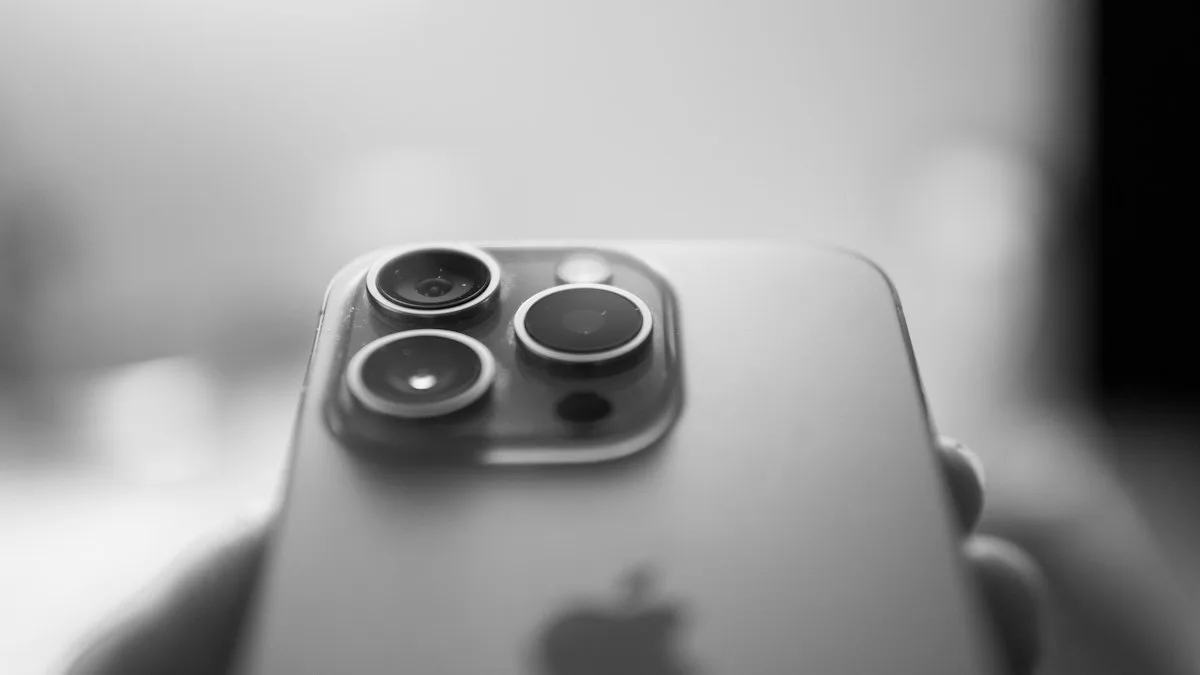
Photo by Daniele Fotia on Unsplash
On a camera, shutter speed is how long the sensor collects light. A fast shutter freezes movement, and a slow one blurs it or brightens a dark scene. Apple's Camera app picks this for you and hides the number. That keeps shooting simple, but it is why you cannot find a shutter speed dial. Here are the ways to get what you wanted.
Method 1: Night mode for a longer exposure
In dim light, a Night mode icon appears at the top of the Camera screen with a number of seconds. Night mode is the closest you get to a slow shutter in the Camera app.
The fix
Set a longer Night mode exposure
- 1
Open Camera in a dark place.
- 2
Tap the Night mode icon at the top of the screen.
- 3
Drag the slider under the viewfinder to a longer time, or to Max.
The iPhone suggests a time. Longer times need the iPhone to stay still.
- 4
Hold still, or rest the iPhone on a tripod or a wall, and tap the shutter button.
Method 2: Long Exposure on a Live Photo
For flowing water, car lights or crowds, take a Live Photo and add the blur afterward. It works best with the iPhone held still.
- 1
In Camera, turn Live Photo on (the circle icon at the top) and take a photo of the moving scene.
- 2
Open the photo in Photos and swipe up.
- 3
Choose Long Exposure in the Effects list.
Photos blends the frames into one photo with smooth motion.
Method 3: A manual camera app
If you want to set the shutter speed yourself, you need a camera app made for it. Apps such as Halide and ProCamera show a shutter speed control along with ISO and focus. Many are paid or subscription apps, so look at the price and the free trial before you download one. Use the app's shutter speed control in low light and the iPhone on a tripod.
Tips for sharper long exposures
- Use a tripod or lean the iPhone against something solid. Even a small shake blurs a slow exposure.
- Use the timer in the Camera app so your finger does not shake the phone.
- Clean the lens with a soft cloth. A smudge makes night photos hazy.
- Lower the exposure slider (tap the screen and drag the sun icon) if bright lights blow out.
Blurry photos when you did not want slow shutter
In dim light, the iPhone itself uses a longer exposure, so anything that moves blurs. If you did not mean to get blur, read our guide to fixing blurry iPhone photos. If the camera does not open or shows a black screen, see a phone camera that is not working.
Looking for the photo shape, not the shutter?
Searches for this topic sometimes mean the shape of the photo. That is the aspect ratio, not the shutter speed. See how to change the aspect ratio on iPhone.
Shutter speed, exposure and ISO on an iPhone
On a camera you set shutter speed, aperture and ISO separately. An iPhone has a fixed lens, so the Camera app handles most of it automatically, and it chooses the shutter speed to match the light. The exposure slider next to the focus box changes brightness, not shutter speed directly. To control shutter speed yourself you need Night mode, a Live Photo with Long Exposure, or a manual camera app.
Which iPhones have Night mode
Night mode arrived on the iPhone 11 and is on later models. It turns on by itself in dim light, shows a moon icon, and lets you set a longer capture time with the slider. Hold the phone still or use a tripod for a sharper result. Older iPhones do not have it, and for them a manual app is the only way to slow the shutter.
Manual camera apps
Camera apps such as Halide or ProCamera give you a shutter speed control, along with ISO and focus. They may charge a one time fee or a subscription, so check the current price in the App Store. Use a tripod, turn off the flash and set a low ISO for long exposures of lights, water or stars.
Action shots need a fast shutter
If your problem is blur from motion, you want the opposite. Tap to focus on the subject, keep the phone steady, use Burst by holding the shutter button, and shoot in good light. Newer iPhones also have Action mode for video. Our guide to changing the aspect ratio on iPhone covers the other camera controls.
Get a sharper long exposure
A long exposure picks up every shake. Rest the iPhone on a tripod or a solid surface, use the timer or a volume button on wired earbuds to avoid touching the screen, and keep the subject still. Wipe the lens first, because a smudge turns into a glow around lights at night. If you are shooting moving water or traffic, the Live Photo Long Exposure effect works best when the phone is perfectly steady for the full capture.
Frequently asked questions
Can you change the shutter speed on iPhone?
Not in Apple's Camera app, which chooses the shutter speed itself. You can get a longer exposure with Night mode or a Live Photo Long Exposure, or set the shutter speed by hand in a manual camera app.
How do I enable a longer shutter speed on iPhone?
In low light, tap the Night mode icon and drag the time slider to the longest setting, or choose Max, and keep the iPhone still on a tripod. For motion blur, use Live Photo, then Long Exposure in Photos.
Which iPhone app sets shutter speed?
Manual camera apps such as Halide and ProCamera let you choose the shutter speed. Many offer a free trial or a paid plan. Check what an app costs before you download it.
Why are my iPhone photos blurry in the dark?
The iPhone uses a longer exposure in the dark, so any movement blurs the photo. Hold still, rest the phone on something, or use a tripod.
What to try next
People also ask
Is JPG worse than HEIC?
Quality looks the same, but JPG files are about twice as large, so they use more storage.
Read the full guide: Change HEIC to JPG on iPhoneWhy does my iPhone camera go back to 4:3?
The Camera app resets to its default each time unless Preserve Settings is on. Go to Settings › Camera › Preserve Settings and turn on Creative Controls.
Read the full guide: Change aspect ratio on iPhoneWhy is my iPhone slow after an update?
After a major update, iOS re-indexes photos, messages and files in the background for a day or two. The phone can feel slow and warm during that time. Keep it charging overnight on Wi-Fi and it usually settles down.
Read the full guide: Speed up a slow iPhoneDo cleaner or task killer apps speed up Android?
Usually not. Android manages memory on its own, and apps that constantly close others can make the phone slower and drain the battery. Use the built-in tools instead.
Read the full guide: Speed up a slow Android phoneRelated guides
Change HEIC to JPG on iPhone
Make your iPhone take JPG photos instead of HEIC with one setting, and convert photos you already have to JPG for free with the Files app. No extra app needed.
Change aspect ratio on iPhone
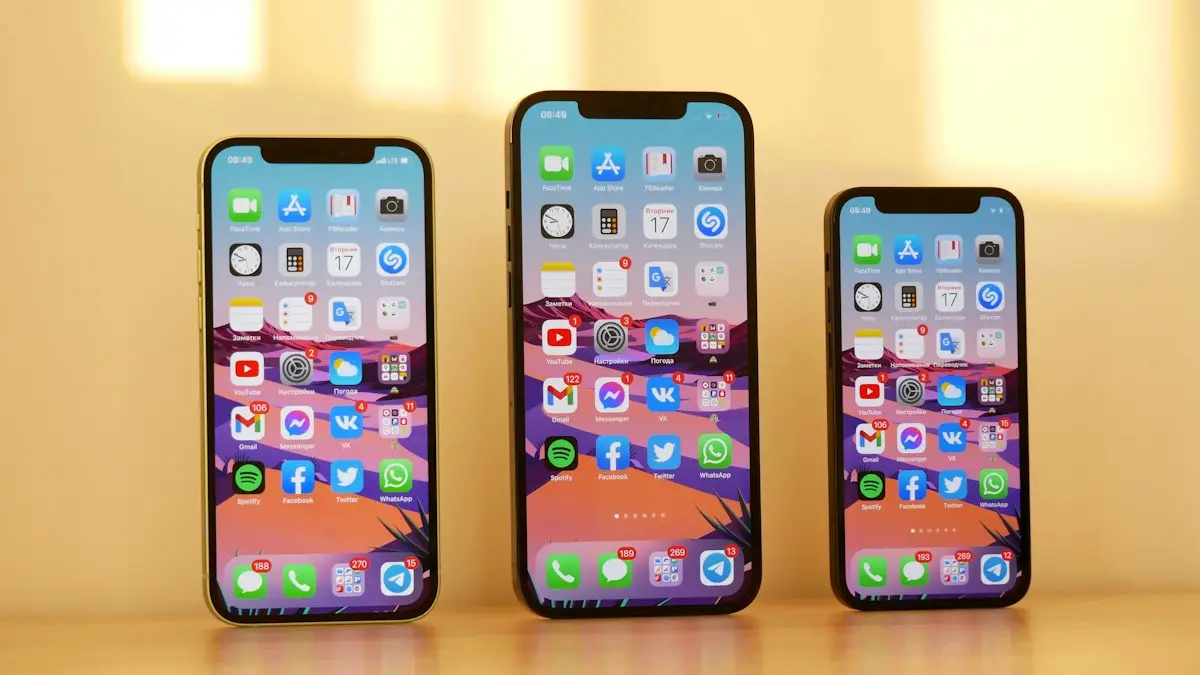
Change your iPhone camera aspect ratio to 16:9, 4:3 or square, pin the control to the top bar in iOS 27, keep it as default, and reshape photos you took.
Speed up a slow iPhone
Is your iPhone slow? Find out why, then speed it up with 10 fixes, from freeing storage and updating iOS to checking battery health and turning off extras.
Speed up a slow Android phone
Why is your Android phone so slow? Find the cause, then speed it up with 10 fixes for Samsung, Pixel and other phones, from storage to animation settings.
More guides you may need
Change HEIC to JPG on iPhone
Make your iPhone take JPG photos instead of HEIC with one setting, and convert photos you already have to JPG for free with the Files app. No extra app needed.
Delete hidden apps on iPhone
Delete hidden apps on your iPhone from the Hidden folder in App Library, Search or iPhone Storage. Also how to find apps hidden by Screen Time restrictions.