

How to change the aspect ratio on iPhone camera (16:9, 4:3, square)
iPhone photos default to 4:3. You can switch to 16:9 or square before you shoot, or crop to any shape afterward.
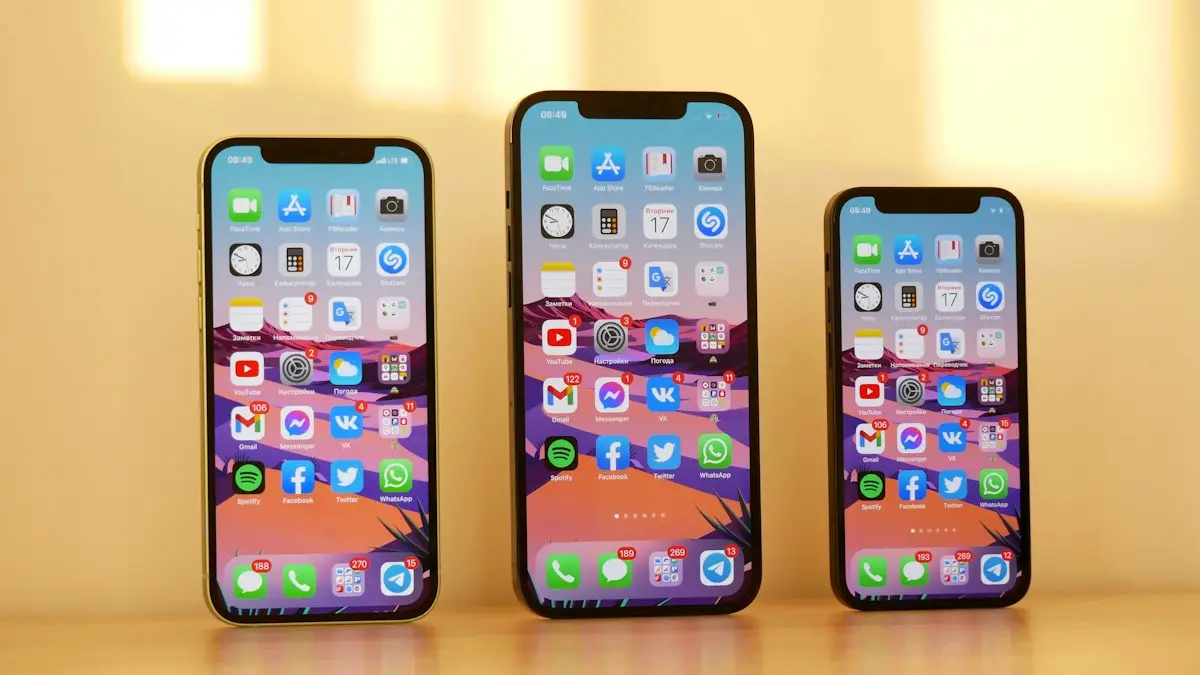
Photo by Denis Cherkashin on Unsplash
Aspect ratio is the shape of a photo: its width compared with its height. The iPhone camera shoots 4:3 by default, the same shape as the sensor. You can switch to the wider 16:9, which matches phone and TV screens, or to a 1:1 square. The steps depend a little on your iOS version, so they are covered for iOS 26, iOS 27 and older phones below.
How to change aspect ratio on iPhone camera
The fix
Change the aspect ratio before you shoot
- 1
Open the Camera app and choose Photo mode.
Swipe along the mode names at the bottom until Photo is highlighted in yellow. The aspect ratio option does not appear in Video, Slo-mo or Time-lapse.
- 2
Open the camera controls.
On iOS 26 and 27, tap the controls button (six small circles) or swipe up on the camera modes. On older versions, tap the arrow at the top.
- 3
Tap Aspect (or the 4:3 button).
The button shows the current ratio, so it reads 4:3, 16:9 or 1:1 depending on your last choice.
- 4
Choose 1:1, 4:3 or 16:9 and take your photo.
The viewfinder changes shape straight away, so you can see exactly what will be in the picture before you press the shutter.
The fix
iOS 27: pin Aspect Ratio to the top of the camera
iOS 27 lets you choose which controls sit in the Camera app’s top bar, so the aspect ratio is always one tap away. It works on every iPhone that runs iOS 27.
- 1
Open the Camera and tap the controls button in the bottom-right corner.
- 2
Tap Edit in the top-left corner.
- 3
Add Aspect Ratio from the Add Photo Controls tray.
Drag it to the top bar, or tap it. You can add others too, such as Timer, Exposure or File Format. Available controls vary by iPhone model.
- 4
Tap Done.
The aspect ratio now shows at the top of the viewfinder. Tap Reset to Essentials in the same screen to go back to the default layout.
The fix
Keep your aspect ratio as the default
- 1
Open Settings › Camera › Preserve Settings.
This screen lists camera choices the iPhone can remember between uses, such as the last mode, filter and exposure.
- 2
Turn on Creative Controls. The camera now remembers your last aspect ratio.
The fix
Change the shape of a photo you already took
- 1
Open the photo in Photos and tap Edit.
This works on any photo in your library, including screenshots and pictures saved from messages.
- 2
Tap Crop, then the aspect ratio button at the top.
It looks like a stack of rectangles. A strip of ratios appears below the photo.
- 3
Choose a ratio such as Square, 16:9 or 5:7, adjust the frame and tap Done.
In the Crop screen you can also choose Freeform to drag any shape, and flip between portrait and landscape versions of a ratio with the buttons below the photo. The crop is not permanent: tap Edit and then Revert at any time to get the full original back.
Ratios in other camera modes
- Portrait mode: supports 4:3, 16:9 and square, set the same way as Photo mode.
- Pano: always makes a long, thin image. Crop it in Photos afterward if you want a standard shape for printing or sharing.
- Night mode and Live Photos: keep whatever ratio you chose in Photo mode, so set it before you switch them on.
- Front camera selfies: use the same aspect ratio button. Tap the arrows to zoom out for group selfies and fit more people in.
- Older iPhones: on iPhone 8 and earlier, swipe along the mode names to find Square instead of using an aspect ratio button.
Landscape selfies without turning the phone
iPhone 17 models and later have a square front camera sensor with Center Stage. You can hold the iPhone upright and still take a horizontal selfie: tap the rotate button in the front camera view to switch between portrait and landscape framing. Center Stage can also widen the frame automatically when more people step into a group selfie. On older iPhones, you have to turn the phone sideways for a landscape selfie.
Does 16:9 lower the quality?
Yes, a little. Every iPhone camera sensor is 4:3, so 16:9 and square photos are cropped from it. On 48 megapixel iPhones, a 16:9 photo keeps fewer pixels than a 4:3 one. If you might want the widest options later, shoot in 4:3 and crop in Photos, since you can always undo a crop but you cannot get back pixels that were never saved.
In practice, the difference only matters if you print large or crop tightly later. For photos you share on social media or view on a phone, 16:9 looks just as sharp. If you shoot in 48 megapixel HEIF Max or ProRAW, you get the most detail in 4:3, which leaves plenty of room to crop to any shape afterward.
Aspect button missing?
- Check you are in Photo or Portrait mode. Video modes have no aspect ratio setting.
- Look in the controls tray rather than the top bar. On iOS 26 and 27 it moved inside the controls button unless you pinned it.
- On iPhone 8 and earlier, the option is the Square mode in the list of modes, not a button.
- Some third-party camera apps have their own ratio settings. The steps here are for Apple’s Camera app.
Why your photos show black bars
A 4:3 photo on a 16:9 TV or laptop screen leaves black bars at the sides, because the shapes do not match. A 16:9 photo on an iPad, which is closer to 4:3, leaves bars at the top and bottom. Nothing is wrong with the photo. If you mostly show pictures on a TV, shoot in 16:9 or crop to it; for iPad slideshows and prints, 4:3 fits better.
Aspect ratio for prints
Standard US print sizes do not match the iPhone’s 4:3 shape exactly. A 4x6 print is 3:2, so the lab trims a little from the long edges. An 8x10 print is 4:5 and trims more. To control exactly what gets cut, crop the photo yourself before ordering: in Photos, tap Edit, then Crop, and pick 4:6 or 8:10. See our guide to printing photos from iPhone at the right size for home printers.
Wallpapers and screenshots
- Screenshots always match your screen’s shape, which on Face ID iPhones is roughly 19.5:9. You cannot change that, but you can crop them in Photos afterward.
- For a Lock Screen wallpaper, a tall photo works best. 16:9 photos shot upright fill most of the screen; 4:3 photos get zoomed in when you set them.
- When you set a wallpaper, pinch to zoom and drag to reposition. The Lock Screen may also add a depth effect so the subject overlaps the clock.
What about video?
The camera records video in 16:9 when you hold the iPhone sideways, and 9:16 when you hold it upright, which suits Reels, TikTok and Stories. Decide how the video will be watched before you start recording, since turning it later means cropping away much of the picture. There is no aspect ratio button for video. To change a video’s shape, open it in Photos, tap Edit, then Crop, and choose a preset such as Square or 4:5.
- Instagram feed: 4:5 or square.
- Stories, Reels and TikTok: 9:16, shot upright.
- TV and YouTube: 16:9, shot sideways.
- Prints: crop to 4:6, 5:7 or 8:10 to match the paper.
Frequently asked questions
Why does my iPhone camera go back to 4:3?
The Camera app resets to its default each time unless Preserve Settings is on. Go to Settings › Camera › Preserve Settings and turn on Creative Controls.
Can I change the aspect ratio of a video?
iPhone videos record in 16:9. To change the shape afterward, open the video in Photos, tap Edit, then Crop, and choose a ratio.
Can I undo a crop later?
Yes. Open the photo, tap Edit, then Revert. Photos keeps the original, even after cropping.
Why does my 16:9 photo look zoomed in?
Because 16:9 trims the top and bottom of the 4:3 sensor. Step back a little or switch to 0.5x to fit more in.
People also ask
Is JPG worse than HEIC?
Quality looks the same, but JPG files are about twice as large, so they use more storage.
Read the full guide: Change HEIC to JPG on iPhoneIs a screenshot of a video lower quality?
Yes. A screenshot is saved at your screen’s resolution and can include black bars, while a 4K video frame has more detail. On iOS 27, Save Video Frame as Photo keeps the full video resolution instead.
Read the full guide: Take a photo from a video on iPhoneCan you change the shutter speed on iPhone?
Not in Apple's Camera app, which chooses the shutter speed itself. You can get a longer exposure with Night mode or a Live Photo Long Exposure, or set the shutter speed by hand in a manual camera app.
Read the full guide: Change shutter speed on iPhoneWhy is my iPhone camera blurry all of a sudden?
A smudged lens is the usual cause, followed by a case or film covering part of the lens, low light and a shot that is too close. A drop or heavy vibration can also damage the focus system.
Read the full guide: iPhone camera blurryRelated guides
Change HEIC to JPG on iPhone
Make your iPhone take JPG photos instead of HEIC with one setting, and convert photos you already have to JPG for free with the Files app. No extra app needed.
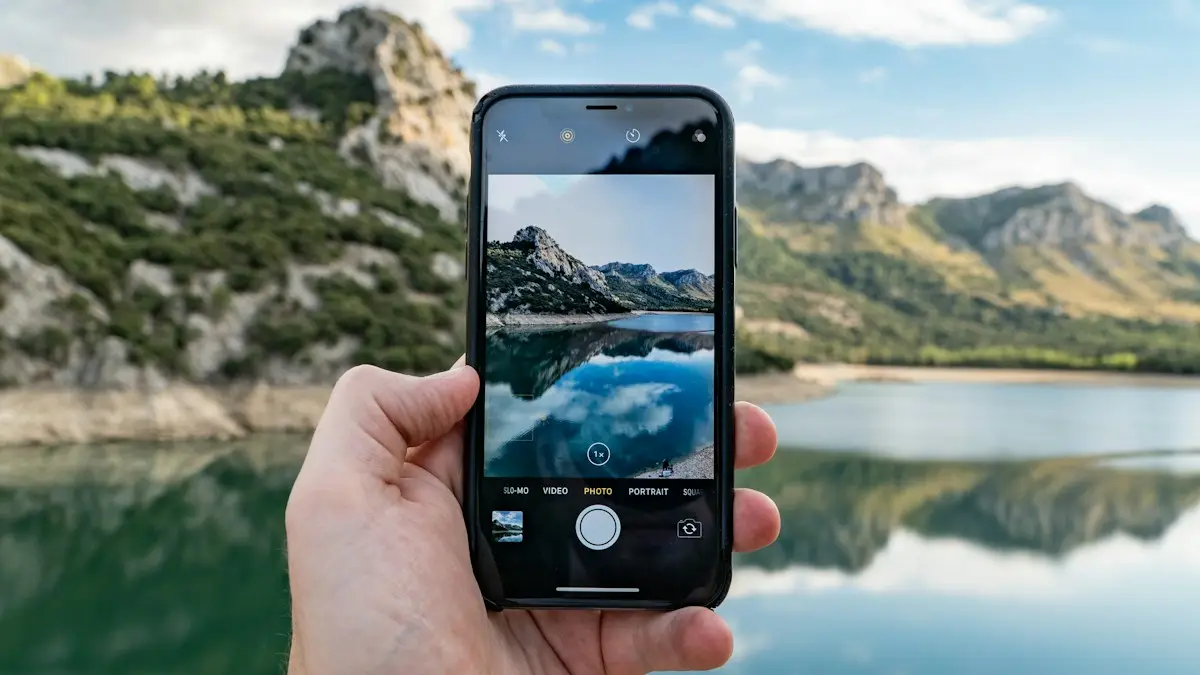
Take a photo from a video on iPhone
Get a still photo from a video on iPhone: use Save Video Frame as Photo in iOS 27, take a clean screenshot, pick a Live Photo frame, or export it on a Mac.
Change shutter speed on iPhone
The iPhone Camera app has no shutter speed dial. Learn how to get a longer exposure with Night mode, Live Photo Long Exposure or a manual camera app.
iPhone camera blurry
Fix a blurry iPhone camera. Clean the lens, remove film, check close focus, zoom and low light, rule out vibration damage and learn when a repair is needed.
More guides you may need
Use your phone in Canada
How to use your phone in Canada without surprise charges. Check if your US plan includes Canada, set up roaming and avoid border tower traps.
Send a voice message on iPhone
Send a voice message on iPhone from the plus menu in Messages, review it before sending, and stop audio messages from disappearing after 2 minutes.