

Why is my Android phone so slow? 10 ways to speed it up
Android phones slow down for a handful of reasons, and most of them can be fixed in a few minutes without buying a new phone.
Photo by Mohamed Nohassi on Unsplash
A new Android phone feels fast, and a year or two later the same phone lags when you open the camera or switch apps. That rarely means the phone is worn out. Storage fills up, apps pile up background tasks, settings drift, and updates change what the phone has to do. Most of this can be reversed in an afternoon. Here is how to find the cause, fix it, and tell when the phone really has reached its limit.
Is it the phone or the internet?
If apps open quickly but feeds, videos and web pages crawl, the connection is the problem, not the phone. Run a speed test on Wi-Fi and on mobile data. If one is fine, restart the router or move closer to it. If the phone lags when typing, opening the camera or scrolling settings, even in airplane mode, the slowdown is in the phone, and the steps below apply.
Find what is slowing it down
- Storage: open Settings › Storage (Samsung: Settings › Device care › Storage). If it is more than 90% full, fix that first.
- Heavy apps: open Settings › Battery and look at which apps use the most battery. The same apps are usually using the most processor time.
- Age: a phone with 3 or 4 GB of memory will struggle with today’s apps no matter what you do.
How to speed up your Android phone
The fix
10 fixes that make a real difference
- 1
Restart the phone.
A restart clears memory and stops apps stuck in the background. Many phones feel faster straight away.
- 2
Free up storage.
Keep at least 10% free. Our guide to a full Android phone shows the fastest ways to clear space.
- 3
Update Android.
Go to Settings › System › Software updates, or on Samsung Settings › Software update.
- 4
Update all apps.
In the Play Store, tap your profile picture, then Manage apps & device › Update all.
- 5
Uninstall apps you do not use.
Every app can run background tasks. Remove the ones you have not opened in months.
- 6
Remove home screen widgets you do not need.
Live widgets for news, weather and social apps refresh constantly and slow the launcher down.
- 7
Clear the cache of apps that feel slow.
Go to Settings › Apps, pick the app, tap Storage and then Clear cache. It does not delete your data.
- 8
Use Samsung Device care.
On Samsung, open Settings › Device care and tap Optimize now. It closes background apps and clears unneeded files.
- 9
Reduce animations.
Turn on Developer options by tapping Build number seven times in Settings › About phone › Software information (Pixel: About phone). Then in Developer options set Window, Transition and Animator animation scale to 0.5x.
- 10
Factory reset if nothing else works.
A reset removes years of leftover files and settings. Back up first, because it erases everything.
Settings that quietly slow a phone
- Power saving mode: limits the processor and background activity. Handy on a long day, but turn it off when you need speed. It is in Settings › Battery on most phones.
- Performance profile: some Galaxy models offer a Light profile that trades speed for battery life and lower heat. If the phone feels sluggish, check whether Light is selected in the battery or Device care settings.
- Live wallpapers: animated wallpapers use processing power. A still image is lighter.
- Too many widgets and launchers: a third-party launcher with lots of effects can make the home screen lag. Switch back to the built-in one to compare.
Keyboard or Chrome lagging?
If typing lags, clear the keyboard app’s cache: go to Settings › Apps, find Samsung Keyboard or Gboard, tap Storage and Clear cache. Turning off features you do not use, such as predictive text in several languages, can help too. If Chrome is slow, close old tabs, which many people let build into the hundreds, and clear browsing data in Chrome › Settings › Privacy and security. See how to clear app cache on Android.
Heat, battery and microSD cards
- Heat: a hot phone slows its processor to cool down. Gaming while charging and sun on a car dashboard are the usual triggers. Let it cool and speed returns.
- Battery wear: an old battery can struggle to deliver peak power, which can show as stutters and restarts. Samsung Members diagnostics can test it.
- microSD cards: apps or large folders stored on a slow or cheap card open slowly. Move apps back to internal storage, and use a card rated for app performance (A1 or A2) if you rely on one.
Pixel and Motorola tips
On a Pixel, check for both a system update in Settings › System › Software updates and a Google Play system update in Settings › Security & privacy › System & updates, since they are separate. Pixel’s Adaptive Battery learns which apps you use and limits the others, so give it a few days after a reset before judging speed. On Motorola, the Moto app’s gestures and display features are light, but third-party launchers and live wallpapers are common culprits on older models.
Skip “booster” and “cleaner” apps
The Play Store is full of apps that promise to boost, clean or cool your phone. Android already manages memory, and apps that keep closing others force them to restart, which uses more power and makes things slower. Many of these apps also show heavy ads or ask for broad permissions. Uninstall them. Samsung’s Device care and Google’s Files app do the useful parts, such as finding junk files and duplicates, for free and without ads.
Remove or disable bloatware
Carrier and brand apps you never use can still run in the background. Many can be uninstalled normally. System apps that cannot be removed can often be disabled: go to Settings › Apps, open the app and tap Disable. Only disable apps you recognize and do not use, and skip anything that looks like a core system service.
Keep it fast: a monthly routine
- Restart the phone once a week, or let Samsung’s Auto restart do it overnight.
- Install system and app updates when they arrive.
- Keep at least 10% of storage free, and clear downloads and old videos.
- Delete apps you have not opened in a couple of months.
- Close Chrome tabs you no longer need.
Ten minutes a month keeps most phones feeling close to new for years. It also means you notice problems early, such as an app that suddenly uses a lot of battery or storage that fills up faster than usual, before they turn into a slow, frustrating phone. If you share the phone with a child or an older relative, set up the same routine on theirs.
When is it time for a new phone?
Check how long your phone gets updates. Recent Galaxy S and Pixel models are promised up to seven years of Android and security updates, while many budget phones get far fewer. A phone that no longer receives security updates is both slower with new apps and less safe. If yours is there, and it is still slow after a factory reset, putting money toward a new phone makes more sense than repairs. Trade in the old one; even a slow phone that works has value. Back it up first with our Android backup guide.
Frequently asked questions
Do cleaner or task killer apps speed up Android?
Usually not. Android manages memory on its own, and apps that constantly close others can make the phone slower and drain the battery. Use the built-in tools instead.
Does clearing cache make Android faster?
It can help a single app that has become slow or buggy, and it frees space. It will not make the whole phone faster on its own.
Why did my phone get slow after an update?
Right after an update, Android optimizes apps in the background, which can make the phone feel slow for a day or two. If it stays slow, restart it and update all your apps.
Does a factory reset speed up an Android phone?
Often, yes, on a phone that has been used for years, because it clears leftover files and settings. Try the other fixes first and back up before you reset, since it erases everything.
What to try next
People also ask
Why is my iPhone slow after an update?
After a major update, iOS re-indexes photos, messages and files in the background for a day or two. The phone can feel slow and warm during that time. Keep it charging overnight on Wi-Fi and it usually settles down.
Read the full guide: Speed up a slow iPhoneHow do I unfreeze my phone right now?
Hold the Power and Volume Down buttons together for 10 to 20 seconds until the phone restarts. On some Samsung models, keep holding past the power menu.
Read the full guide: Android phone keeps freezingWill clearing cache delete my photos or messages?
No. Cache is temporary data the app can rebuild, such as thumbnails and downloaded images. Your account, messages and saved files are untouched.
Read the full guide: Clear app cache on AndroidIs a phone bought from Apple, Samsung or Google unlocked?
Phones bought at full price directly from Apple, Samsung or the Google Store are normally unlocked. A phone bought with a carrier deal or carrier financing is usually locked to that carrier, even if you bought it in an Apple Store.
Read the full guide: Is my phone unlocked?Related guides
Speed up a slow iPhone
Is your iPhone slow? Find out why, then speed it up with 10 fixes, from freeing storage and updating iOS to checking battery health and turning off extras.
Android phone keeps freezing
Android phone keeps freezing or not responding? Force restart it, free up storage, find the bad app in safe mode, update and try 5 more fixes, step by step.
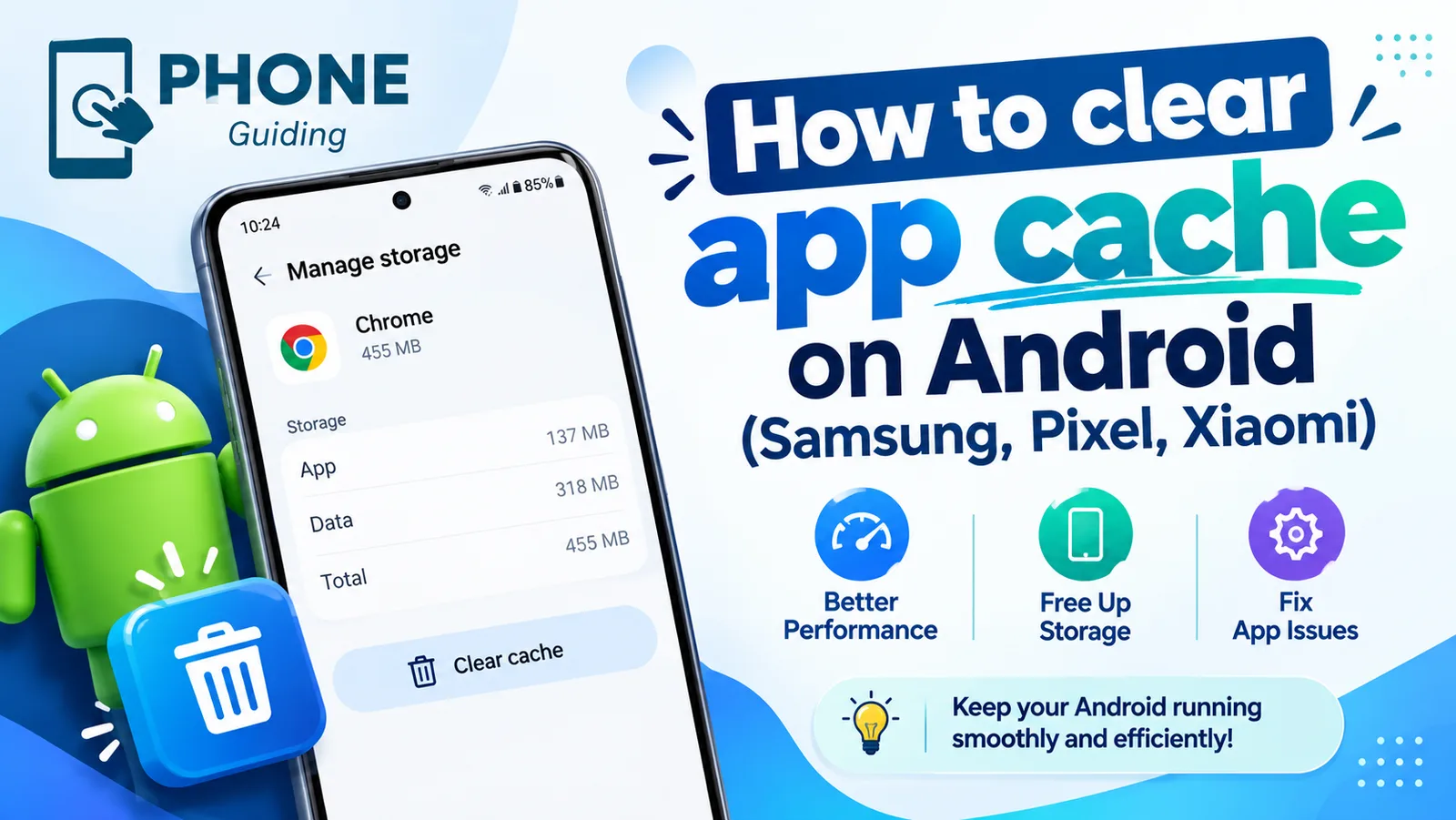
Clear app cache on Android
Clear an app's cache on Android to fix crashes and free up space. Step-by-step instructions for Samsung, Google Pixel, Xiaomi and other phones.
Is my phone unlocked?
How do I know if my phone is unlocked? Check in Settings on iPhone, Samsung or Pixel, test a SIM or eSIM, and see the 2026 Verizon, AT&T and T-Mobile rules.
More guides you may need

Android 17 bubbles
Android 17 bubbles let you float almost any app over what you are doing. Learn how to start a bubble, move and close it, and fix a missing Bubble option.
Android 17 update not showing
Android 17 update not showing on your Pixel or Samsung? See 8 reasons, from staged rollouts to beta enrollment, and how to check for the update the right way.